


Rocket VPN -Security&Smart
Jouez sur PC avec BlueStacks - la plate-forme de jeu Android, approuvée par + 500M de joueurs.

Page Modifiée le: Dec 12, 2025
Play Rocket VPN -Security&Smart on PC
Features:
☆ Choose an application that uses VPN (requires Android 5.0+)
☆ High-speed bandwidth servers
☆ Smart selection server
☆ No registration or configuration required
☆ No other permissions required
Why trust and choose Rocket VPN?
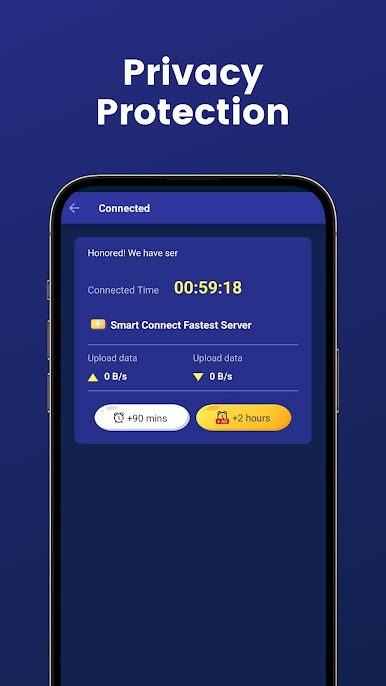
1.Provide safest protection for privacy and security
- Military-grade AES 128-bit encryption to secure WiFi hotspot.
- IPsec protocols and OpenVPN protocols(UDP / TCP) to accelerate network.
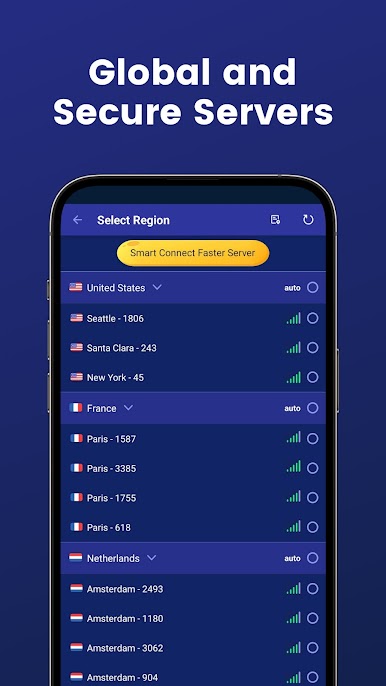
2.Possess global proxy servers with fast speed
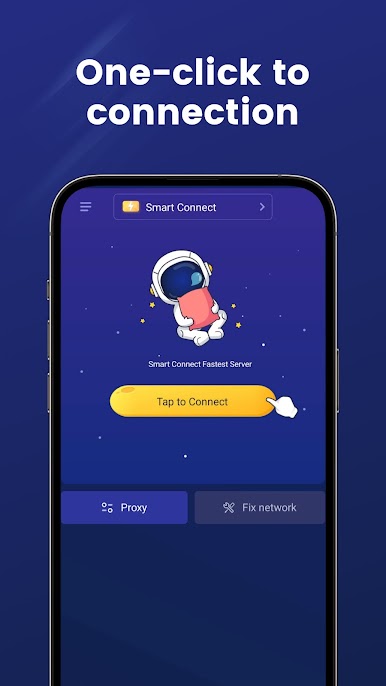
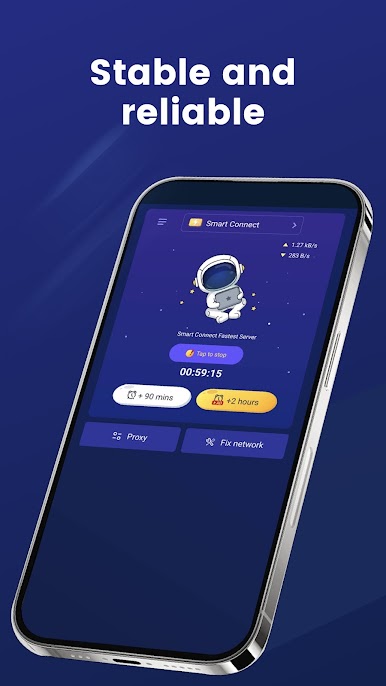
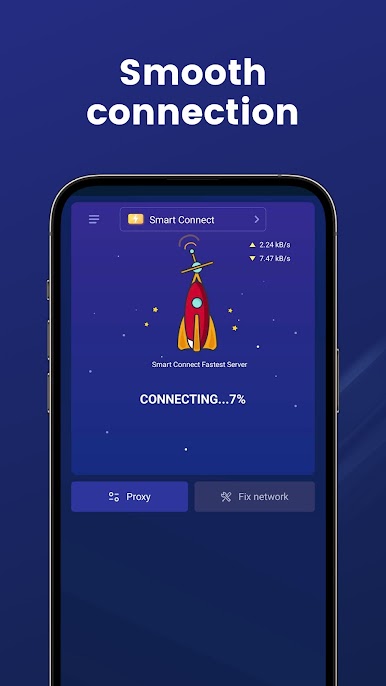
- One tap to set up fast & stable connection for you.
- Enjoy ultra-fast online browsing experience.
3.User-friendly & Professional
- Enjoy free proxy global servers.
- Intelligent selection for the optimal server.
- Compatible with WiFi, LTE, 3G, and all mobile data carriers.
Free VPN geo locations
With dozens of servers and half a dozen locations, it's highly suitable as a VPN for Asia, a VPN for Europe and a VPN for America.
The VPN works excellent everywhere!
► Support
💖 Don't forget to give us a ⭐⭐⭐⭐⭐ rating and share with your friends if you like us.
👉 Please email us if you have any questions. (fifavpn.app@gmail.com)
► Legal Notices
We do not provide BitTorrent and any P2P (pier to pier) service.
In accordance with the laws, policies and regulations of each country and region, the VPN service will not be provided in Russia & China.
Jouez à Rocket VPN -Security&Smart sur PC. C'est facile de commencer.
-
Téléchargez et installez BlueStacks sur votre PC
-
Connectez-vous à Google pour accéder au Play Store ou faites-le plus tard
-
Recherchez Rocket VPN -Security&Smart dans la barre de recherche dans le coin supérieur droit
-
Cliquez pour installer Rocket VPN -Security&Smart à partir des résultats de la recherche
-
Connectez-vous à Google (si vous avez ignoré l'étape 2) pour installer Rocket VPN -Security&Smart
-
Cliquez sur l'icône Rocket VPN -Security&Smart sur l'écran d'accueil pour commencer à jouer

