


HITZ 92 FM
Jouez sur PC avec BlueStacks - la plate-forme de jeu Android, approuvée par + 500M de joueurs.

Page Modifiée le: Oct 21, 2025
Play HITZ 92 FM on PC or Mac
From the innovators and creators at Multimedia Jamaica Ltd, HITZ 92 FM is another fun addition to the World of Sports games. Go beyond your mobile screen and play it bigger and better on your PC or Mac. An immersive experience awaits you.
About the Game
Ever wanted a little reggae rhythm with your sports banter? HITZ 92 FM pulls together Jamaica’s passion for music and all things sports, giving you a radio experience that feels custom-made for fans. Whether you’re in the mood to catch the latest match highlights or just want some easy vibes, this app from Multimedia Jamaica Ltd keeps you tuned in and involved, pretty much whenever you want.
Game Features
-
Live & On-Demand Listening
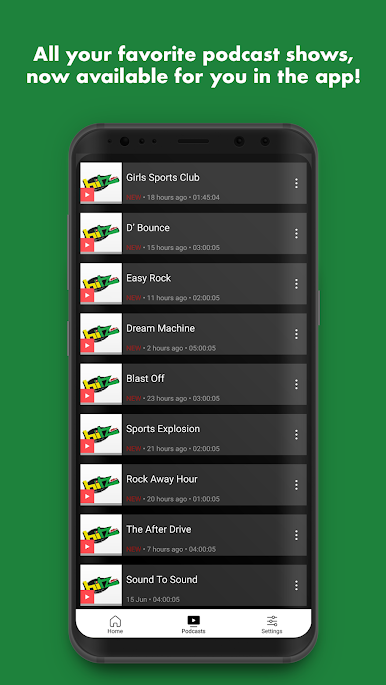
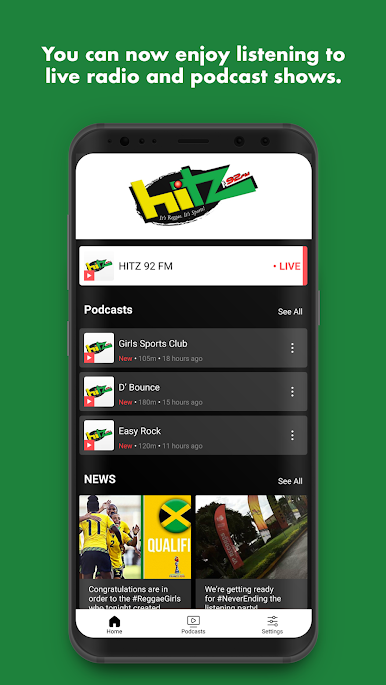
Jump right into audio livestreams or pick your favorite show from the archives. Forgot to catch that podcast? Download it and enjoy offline, no data worries when you’re out and about. -
Stay Connected with the Community
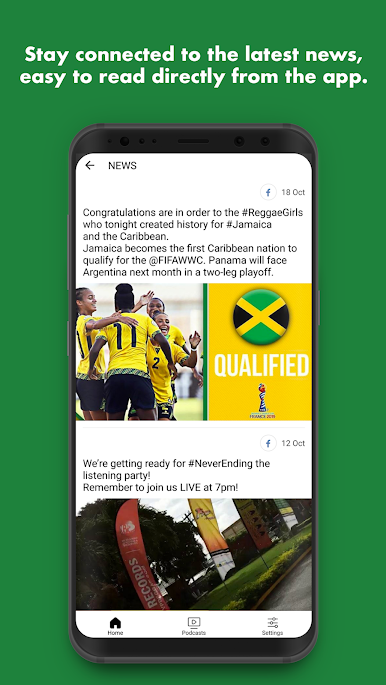
It’s not just about listening; you’re part of the action. Get quick access to Facebook and Twitter posts, all from inside the app. A couple taps and you’ll see what’s trending or join the chatter. -
Interactive Reporter Tools
Got something to share? Shoot off pictures, clips, or messages straight to HITZ 92 FM without any fuss. You never know, your thoughts could end up on-air! -
No-Fuss Notifications
Be the first to know when there’s breaking news or a contest you don’t want to miss. The app drops updates right to your device, so you’re always in the loop on broadcasts, game scores, and special events. -
Get in on Flash Polls
Love sharing your opinion? Answer quick polls on hot topics and see where you stack up with the rest of the HITZ 92 FM crowd.
For anyone who likes their sports with a reggae beat and wants to stay close to the community, this is a handy way to take it all with you. Running it through BlueStacks makes the experience even smoother for those using PC.
Slay your opponents with your epic moves. Play it your way on BlueStacks and dominate the battlefield.
Jouez à HITZ 92 FM sur PC. C'est facile de commencer.
-
Téléchargez et installez BlueStacks sur votre PC
-
Connectez-vous à Google pour accéder au Play Store ou faites-le plus tard
-
Recherchez HITZ 92 FM dans la barre de recherche dans le coin supérieur droit
-
Cliquez pour installer HITZ 92 FM à partir des résultats de la recherche
-
Connectez-vous à Google (si vous avez ignoré l'étape 2) pour installer HITZ 92 FM
-
Cliquez sur l'icône HITZ 92 FM sur l'écran d'accueil pour commencer à jouer

