


Spider Solitaire
เล่นบน PC ผ่าน BlueStacks - Android Gaming Platform ที่ได้รับความไว้วางใจจากเกมเมอร์ 500 ล้านคนทั่วโลก

Page Modified on: Dec 15, 2025
Play Spider Solitaire on PC or Mac
Step into the World of Spider Solitaire, a thrilling Card game from the house of PubRev+. Play this Android game on BlueStacks App Player and experience immersive gaming on PC or Mac.
About the Game
Spider Solitaire from PubRev+ brings the classic Card challenge to your screen with a clean look and a mellow vibe. It’s great for quick clears or slow, thoughtful sessions, and it scales nicely whether you’re brand-new or seriously competitive. Prefer a bigger screen? It also plays smoothly on BlueStacks if you like using your PC.
Game Features
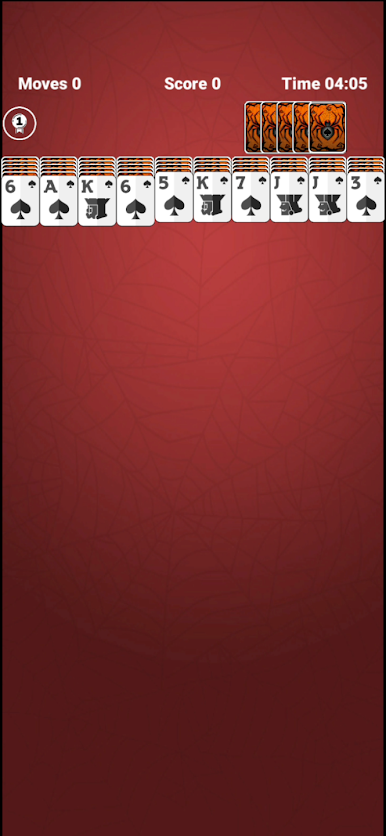
- Classic Spider, your way: Pick 1-, 2-, or 4-suit setups and build tidy runs to clear every column.
- Pick your challenge: Switch between Easy, Hard, or Extreme whenever you want—warm-up rounds or full-on brain burners.
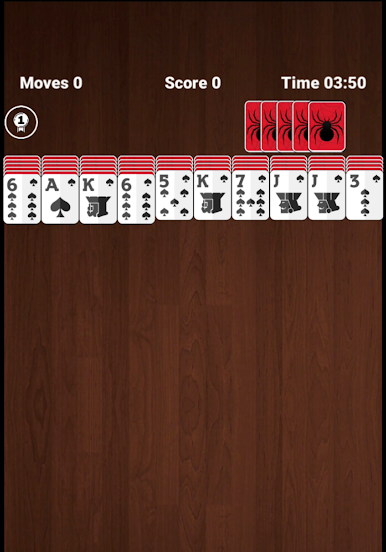
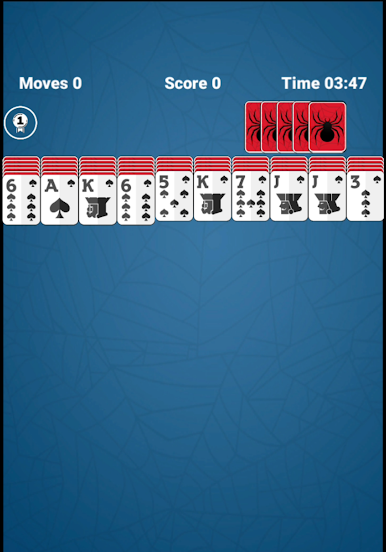
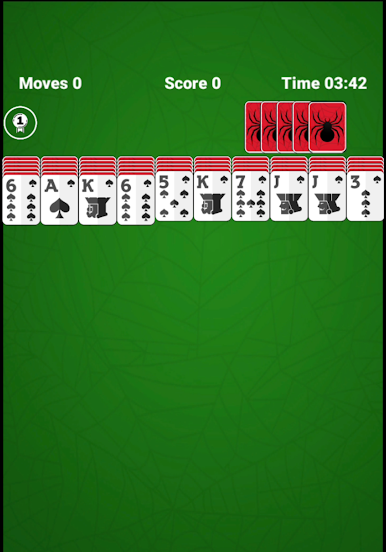
- Chill sights and sounds: Gentle music, subtle effects, and a handful of background styles keep the mood relaxed.
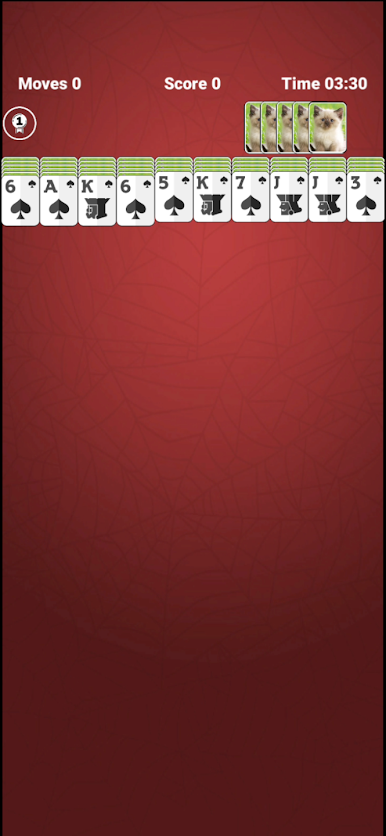
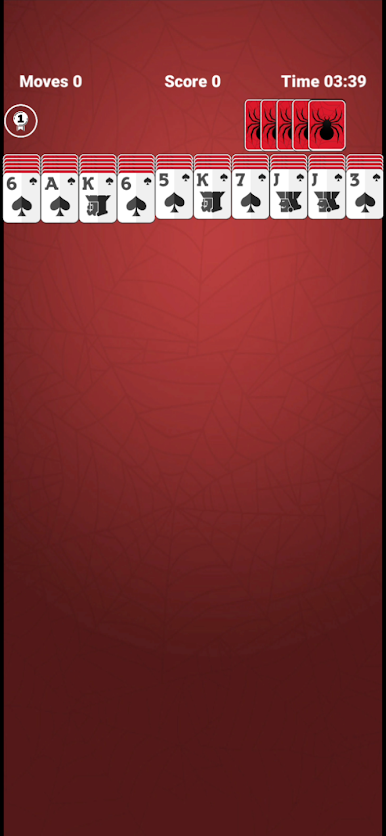
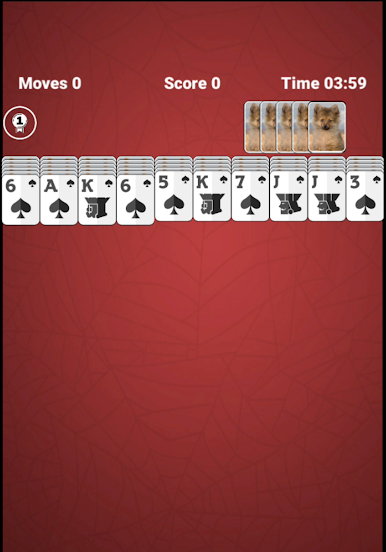
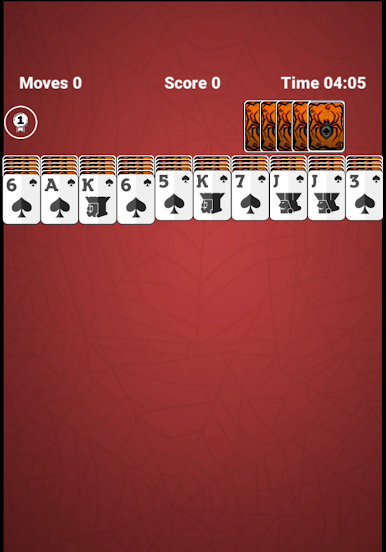
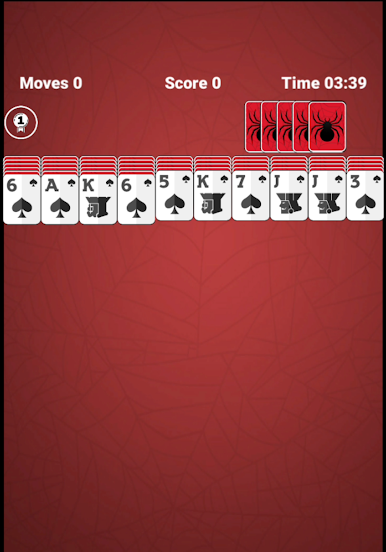
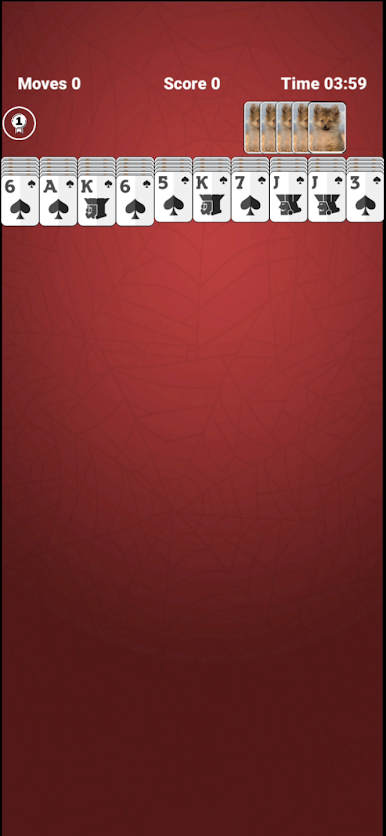
- Decks with personality: Swap card looks with themes like Classic, Cat, Mountain, Puppy, Spider, and more.
- Helpful tools, not hand-holding: Use Hints when you’re stuck and Undo to rethink a tricky chain.
- Global boards and stats: Track your times, watch your streaks, and see where you land on the leaderboards.
- Fluid controls: Tap for quick moves or drag cards if that’s your style—both feel snappy.
- Plays how you hold it: Go portrait or landscape, and flip on left-handed support when you need it.
- Crisp and clear: Smooth HD visuals make cards easy to read and animations pleasing without distractions.
- Always ready: Works offline, so it’s perfect for commutes, flights, or any no-signal moments.
Make your gaming sessions memorable with precise controls that give you an edge in close combats and visuals that pop up, bringing every character to life.
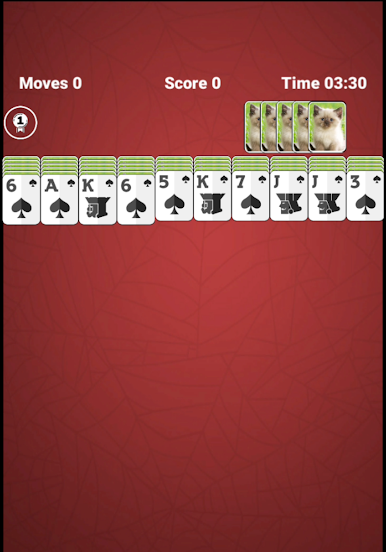
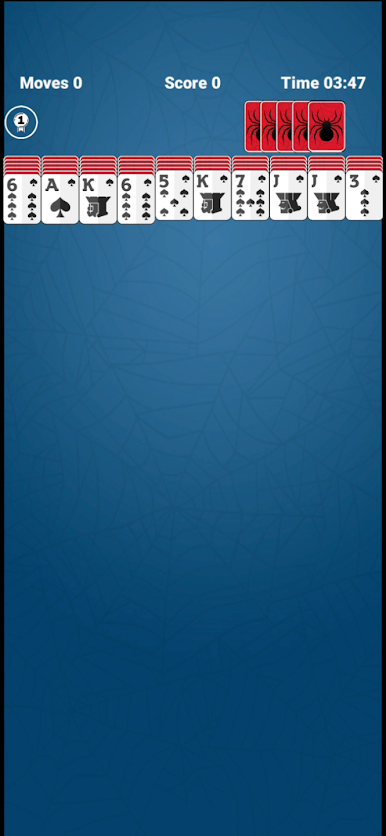
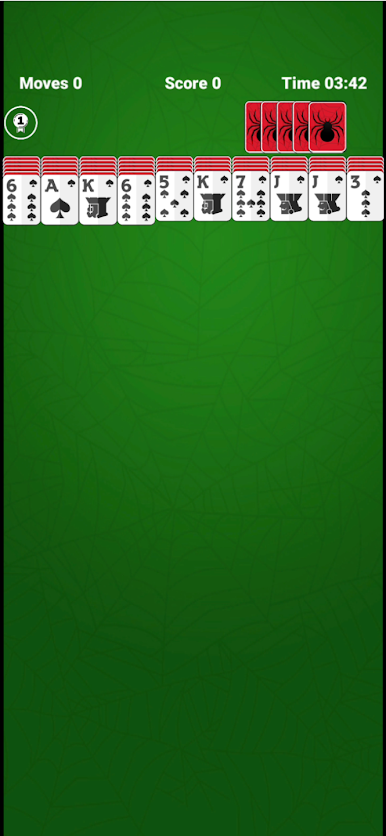
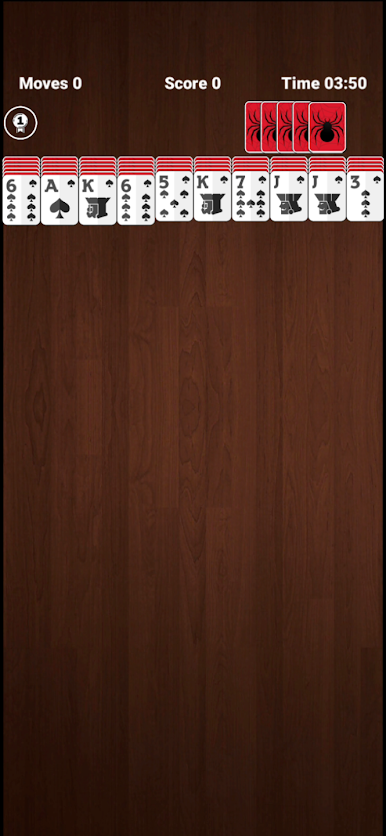
เล่น Spider Solitaire บน PC ได้ง่ายกว่า
-
ดาวน์โหลดและติดตั้ง BlueStacks บน PC ของคุณ
-
ลงชื่อเข้าใช้แอคเคาท์ Google เพื่อเข้าสู่ Play Store หรือทำในภายหลัง
-
ค้นหา Spider Solitaire ในช่องค้นหาด้านขวาบนของโปรแกรม
-
คลิกเพื่อติดตั้ง Spider Solitaire จากผลการค้นหา
-
ลงชื่อเข้าใช้บัญชี Google Account (หากยังไม่ได้ทำในขั้นที่ 2) เพื่อติดตั้ง Spider Solitaire
-
คลิกที่ไอคอน Spider Solitaire ในหน้าจอเพื่อเริ่มเล่น

