

M-AIR Q
เล่นบน PC ผ่าน BlueStacks - Android Gaming Platform ที่ได้รับความไว้วางใจจากเกมเมอร์ 500 ล้านคนทั่วโลก

Page Modified on: Jan 2, 2025
Run M-AIR Q on PC or Mac
Upgrade your experience. Try M-AIR Q, the fantastic Music & Audio app from MUSIC Tribe Brands DE GmbH, from the comfort of your laptop, PC, or Mac, only on BlueStacks.
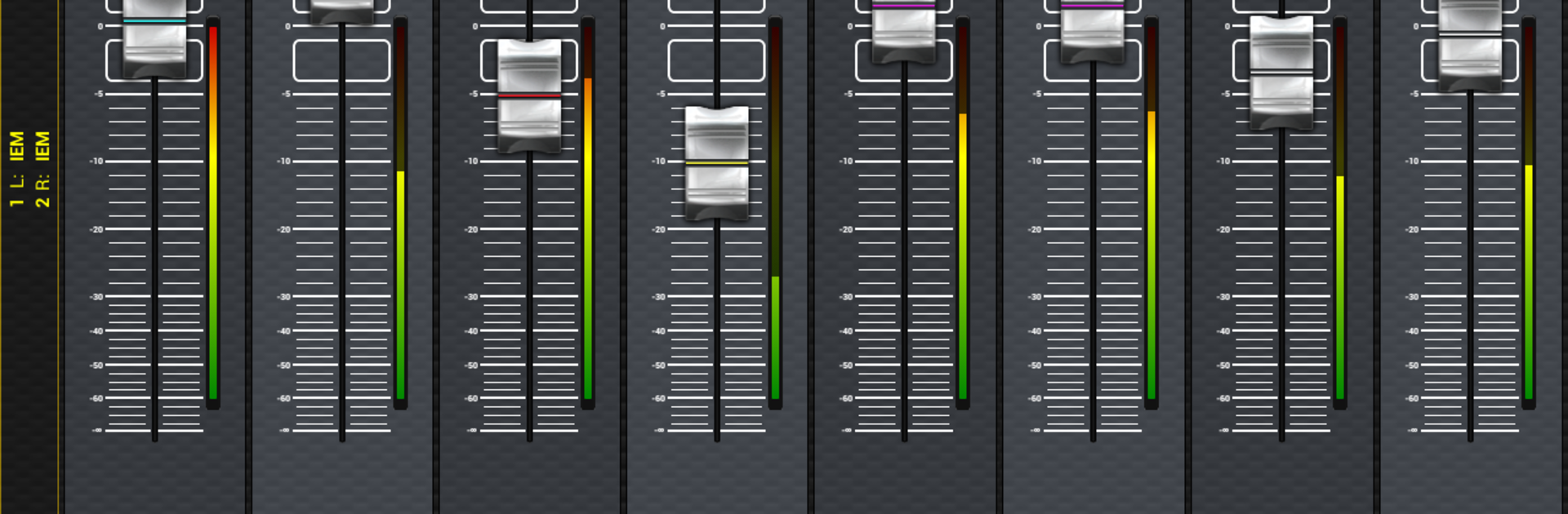
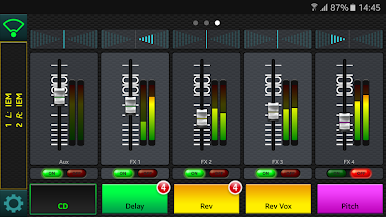
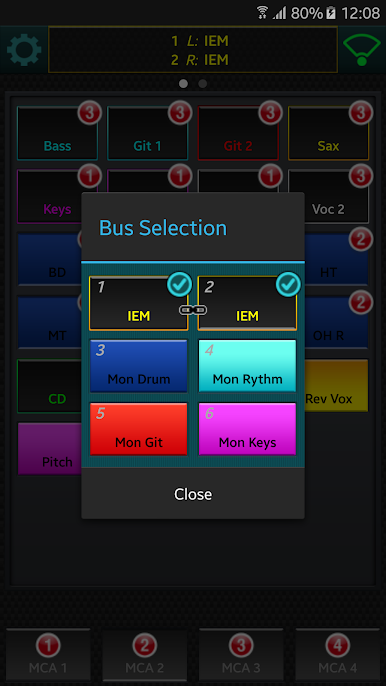
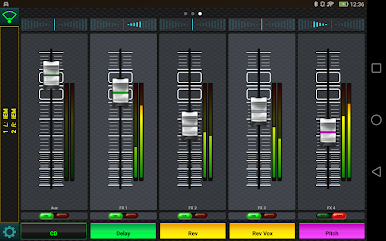
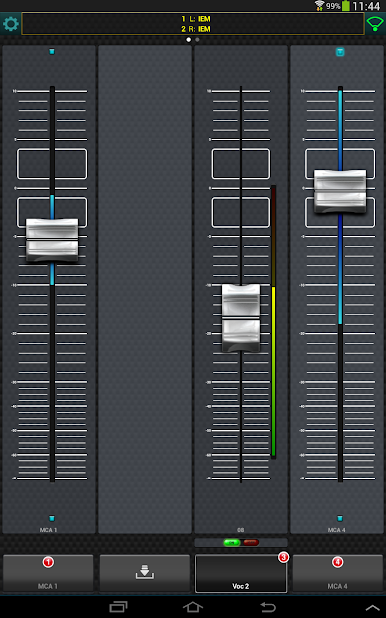
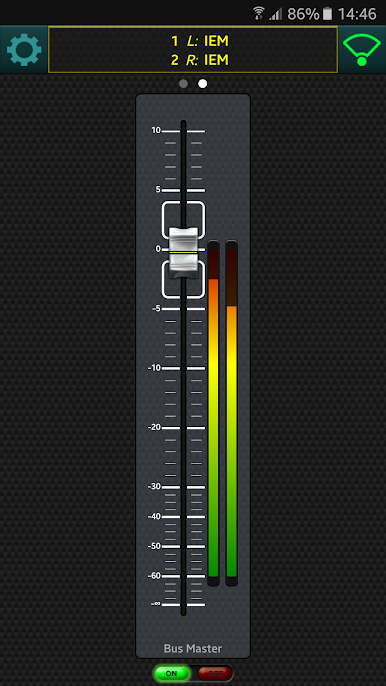
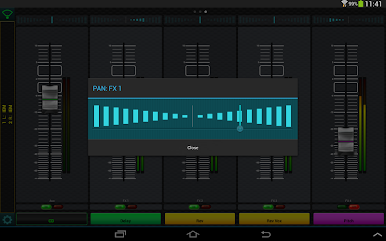
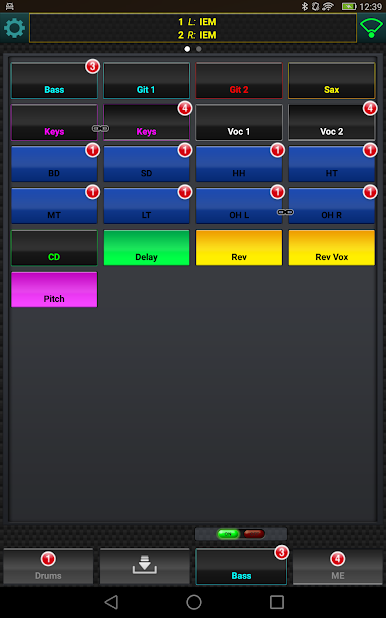
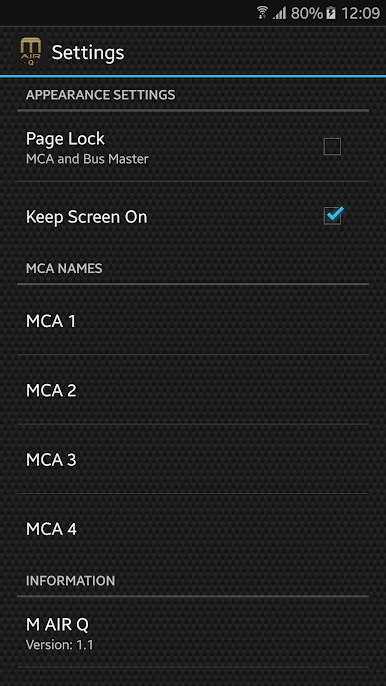
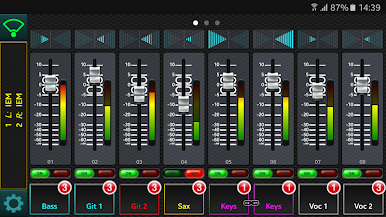
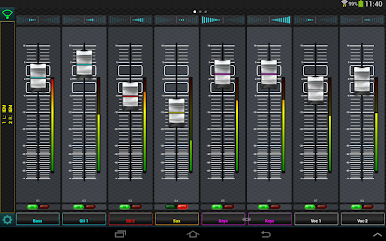
M-AIR Q feels like having a personal monitor mixer on the screen, made for anyone using an M AIR digital console. It gives a player full control of their own aux mix without chasing the engineer between songs. All the inputs are there, with clear meters and send levels, and there is a simple pan slider when the aux is stereo. The standout bit is the MCA groups. A user can bundle channels into up to four groups, then ride a single fader for quick moves like more vocal, less drums, or bump the click without touching every channel. Groups can be nicknamed, which makes things far less confusing on a dark stage. It is practical, direct, and does not bury anything in menus.
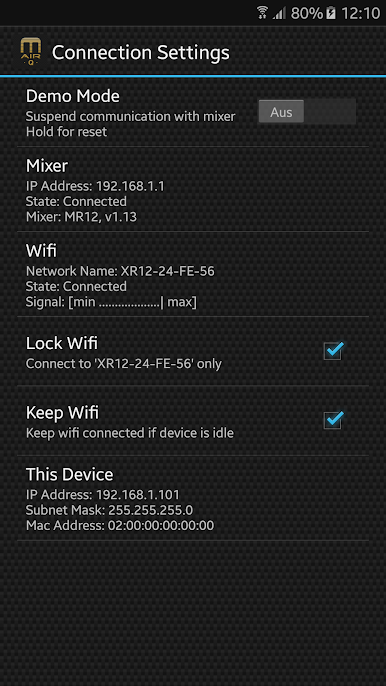
Set up is straightforward. The device joins the mixer’s wireless, picks an aux bus, and it is ready. Multiple phones or tablets can connect at once, so each musician can run their own mix at the same time. It only works with M AIR mixers and matching firmware, so it is not a general audio app. Running it on a PC with BlueStacks is handy when bigger faders matter. The extra screen space makes panning and trimming groups easier, and typing names for MCAs on a keyboard is faster. There is also control for stereo effects returns inside the aux, which is great for adding or trimming space without leaving the mix view.
Eager to take your app experience to the next level? Start right away by downloading BlueStacks on your PC or Mac.
เล่น M-AIR Q บน PC ได้ง่ายกว่า
-
ดาวน์โหลดและติดตั้ง BlueStacks บน PC ของคุณ
-
ลงชื่อเข้าใช้แอคเคาท์ Google เพื่อเข้าสู่ Play Store หรือทำในภายหลัง
-
ค้นหา M-AIR Q ในช่องค้นหาด้านขวาบนของโปรแกรม
-
คลิกเพื่อติดตั้ง M-AIR Q จากผลการค้นหา
-
ลงชื่อเข้าใช้บัญชี Google Account (หากยังไม่ได้ทำในขั้นที่ 2) เพื่อติดตั้ง M-AIR Q
-
คลิกที่ไอคอน M-AIR Q ในหน้าจอเพื่อเริ่มเล่น

