


Fusion de blocs
Jouez sur PC avec BlueStacks - la plate-forme de jeu Android, approuvée par + 500M de joueurs.

Page Modifiée le: Nov 13, 2025
Play Merge Puzzle on PC or Mac
Bring your A-game to Merge Puzzle, the Puzzle game sensation from Big Cake. Give your gameplay the much-needed boost with precise game controls, high FPS graphics, and top-tier features on your PC or Mac with BlueStacks.
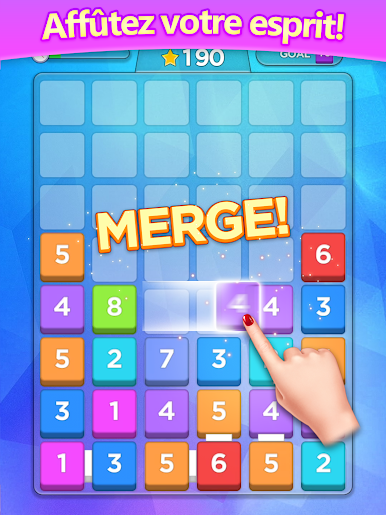
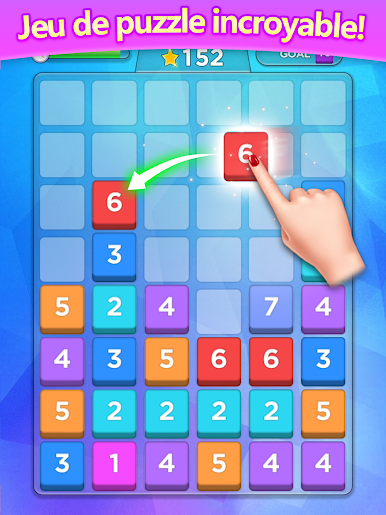
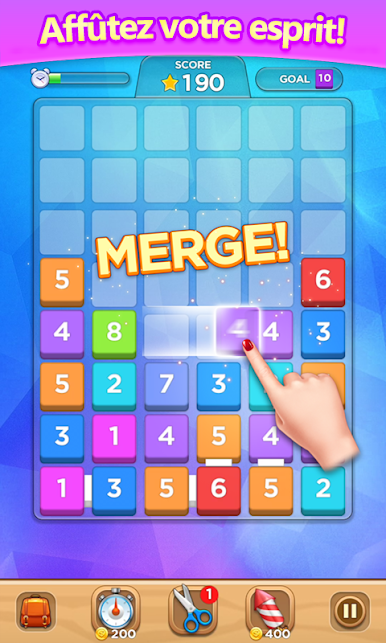
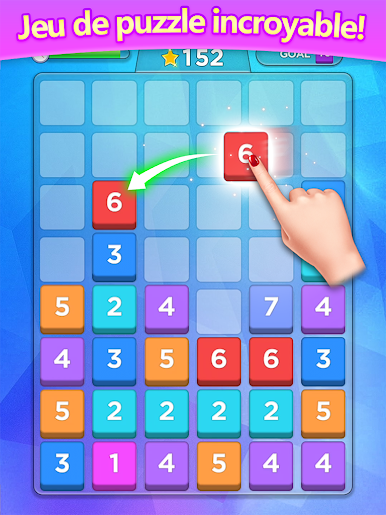
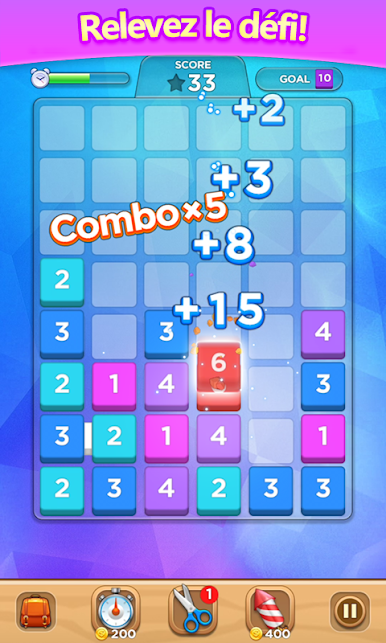
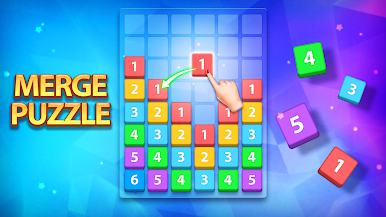
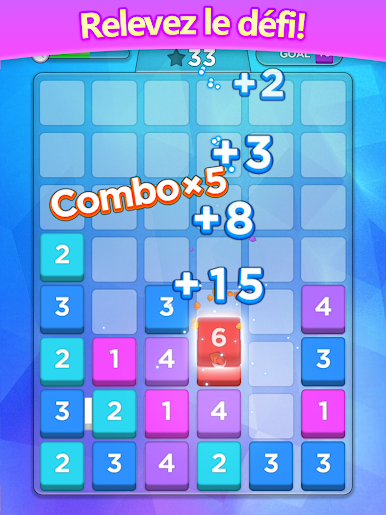
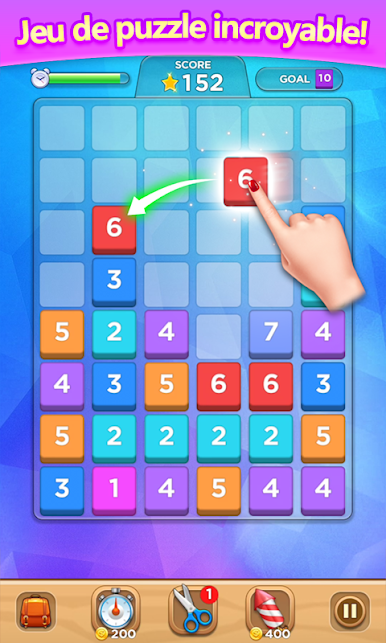
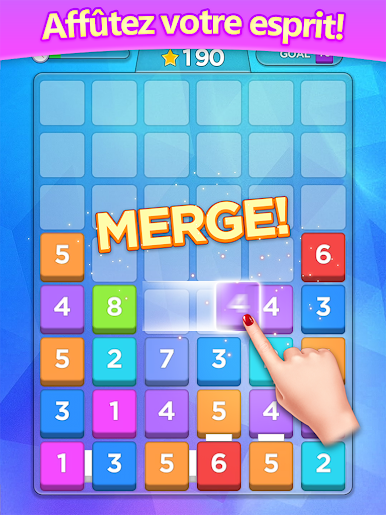
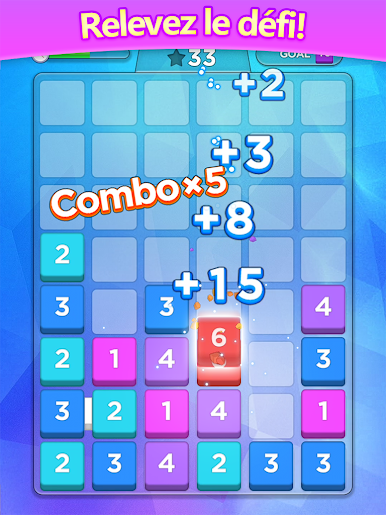
Merge Puzzle is a chill numbers game that sneaks up on the brain. Blocks drop in with numbers, and the whole trick is to drag them around and merge matching numbers into bigger ones. Simple rules, quick turns, and then suddenly the board is fuller than expected and a smart merge chain saves the run. It plays at an easy pace, so it works for quick breaks or a longer sit if someone gets hooked on chasing a better score.
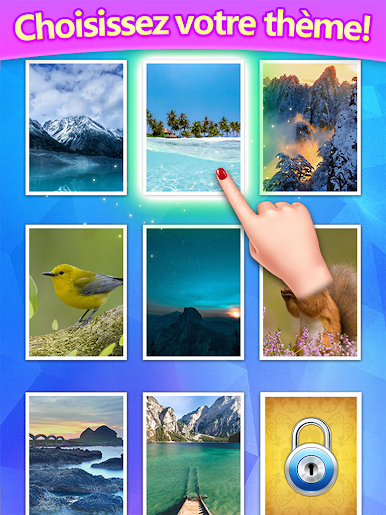
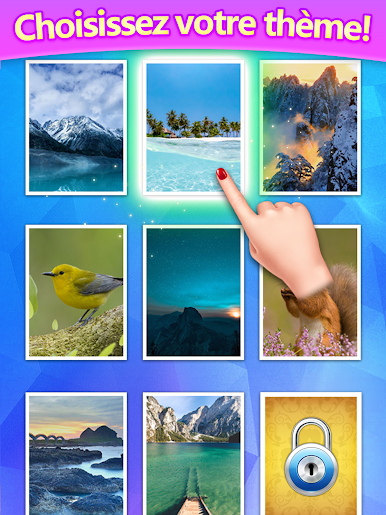
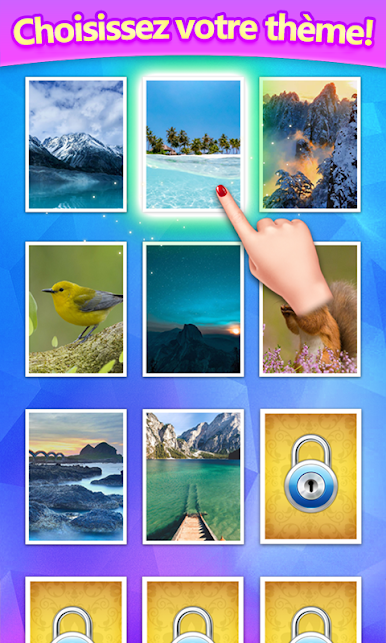
What stands out is how clean it feels. The blocks come in different styles like wood, iron, jewel, and brick, and there are a few backgrounds to swap in if the eyes need a change. Tools are there to bail out a messy board or push a combo a bit farther, but they are best used carefully. The score chase is the main loop, and planning two moves ahead pays off. It is familiar if someone has played 2048-like stuff, but the drag-and-drop vibe gives it a smoother flow.
On PC with BlueStacks, the mouse drag is neat and precise, and full screen makes the numbers easy to read. It is the kind of puzzle that lets the brain relax without feeling dull. Easy to learn, hard to stop trying for a cleaner board and a new personal best, and it suits any age without a lot of fuss.
Get ready for a buttery smooth, high-performance gaming action only on BlueStacks.
Jouez à Fusion de blocs sur PC. C'est facile de commencer.
-
Téléchargez et installez BlueStacks sur votre PC
-
Connectez-vous à Google pour accéder au Play Store ou faites-le plus tard
-
Recherchez Fusion de blocs dans la barre de recherche dans le coin supérieur droit
-
Cliquez pour installer Fusion de blocs à partir des résultats de la recherche
-
Connectez-vous à Google (si vous avez ignoré l'étape 2) pour installer Fusion de blocs
-
Cliquez sur l'icône Fusion de blocs sur l'écran d'accueil pour commencer à jouer

