


Slingo Blast
เล่นบน PC ผ่าน BlueStacks - Android Gaming Platform ที่ได้รับความไว้วางใจจากเกมเมอร์ 500 ล้านคนทั่วโลก

Page Modified on: Oct 17, 2025
Play Slingo Blast on PC or Mac
From the innovators and creators at Blastworks Inc., Slingo Blast is another fun addition to the World of Puzzle games. Go beyond your mobile screen and play it bigger and better on your PC or Mac. An immersive experience awaits you.
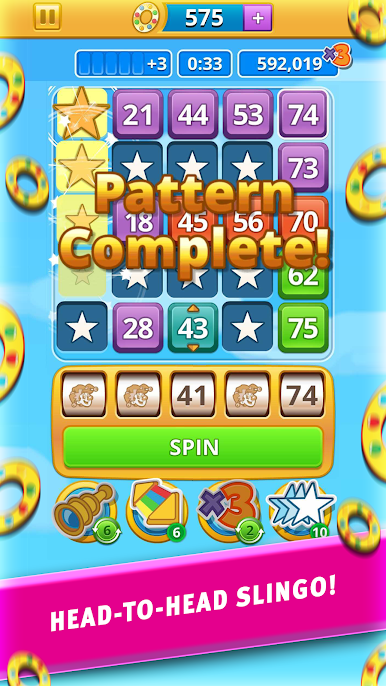
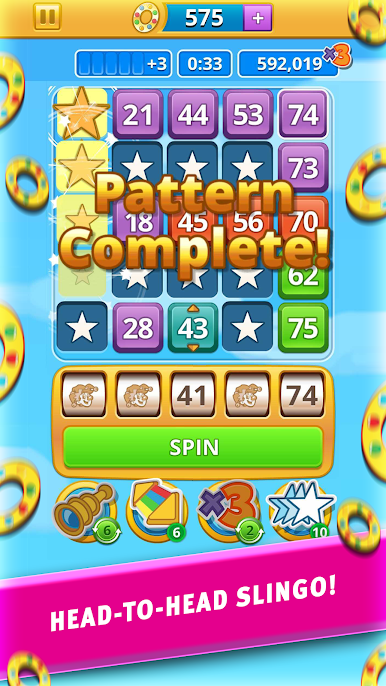
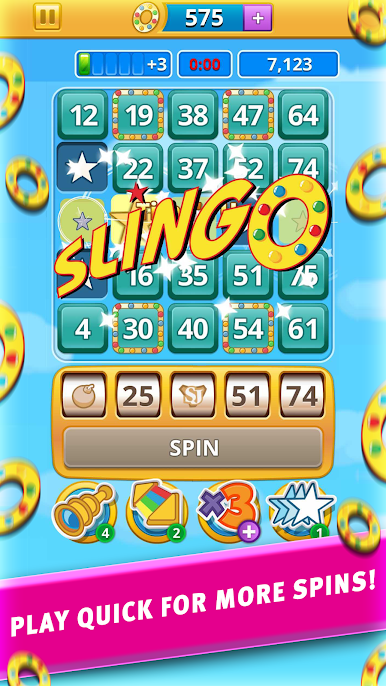
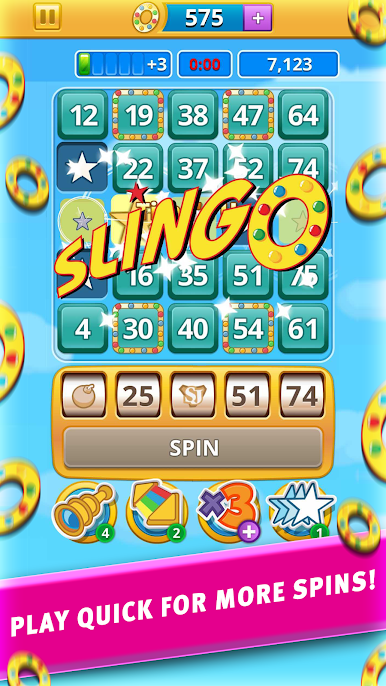
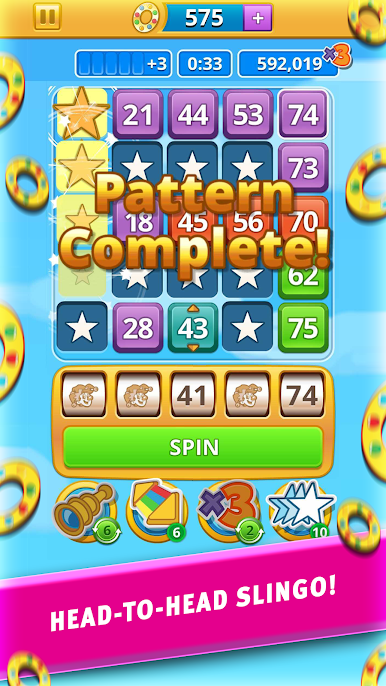
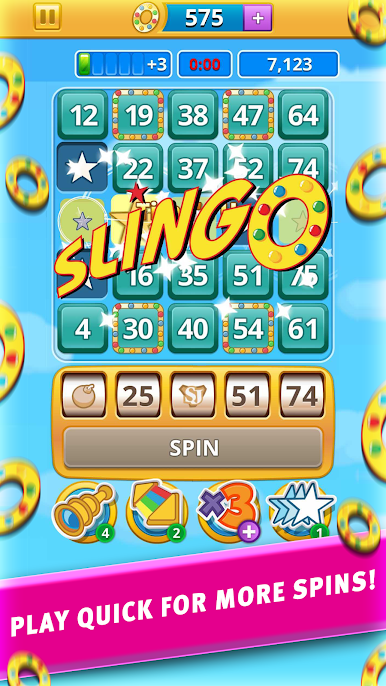
Slingo Blast is one of those games that really grabs attention by mixing bingo and slots, but throws in some head-to-head competition that makes it feel fresh. Matches put two players against each other, and everything happens fast — there’s not much time to just sit and think. You’re looking to knock out numbers on a 5×5 board by making lines, and every time you clear one, new numbers drop in, so there’s always something else to match. It’s the kind of puzzle where you’ve got to keep moving and pay attention if you want to keep up.
Stuff gets more interesting with power-ups, which can bump your score up big time or fill in a couple tricky spots when you really need it. There’s always this little bit of strategy about when to use them — go for the big move now, or wait for a chance at an even bigger combo. It’s also pretty easy to play a quick match or two with a friend (or just get matched up with a random player), which keeps things lively. Checking the leaderboards is fun, since it shows who’s actually rising past their buddies or inching up worldwide. Playing on PC with BlueStacks works well too — bigger screen, smoother clicking — and it’s just easy to lose track of time jumping from round to round. If you’re into score chasing, outsmarting other people, or games that don’t take forever to play, Slingo Blast lands in a good spot.
Get ready for a buttery smooth, high-performance gaming action only on BlueStacks.










เล่น Slingo Blast บน PC ได้ง่ายกว่า
-
ดาวน์โหลดและติดตั้ง BlueStacks บน PC ของคุณ
-
ลงชื่อเข้าใช้แอคเคาท์ Google เพื่อเข้าสู่ Play Store หรือทำในภายหลัง
-
ค้นหา Slingo Blast ในช่องค้นหาด้านขวาบนของโปรแกรม
-
คลิกเพื่อติดตั้ง Slingo Blast จากผลการค้นหา
-
ลงชื่อเข้าใช้บัญชี Google Account (หากยังไม่ได้ทำในขั้นที่ 2) เพื่อติดตั้ง Slingo Blast
-
คลิกที่ไอคอน Slingo Blast ในหน้าจอเพื่อเริ่มเล่น

