

Fotoo - Photo Frame Slideshow
เล่นบน PC ผ่าน BlueStacks - Android Gaming Platform ที่ได้รับความไว้วางใจจากเกมเมอร์ 500 ล้านคนทั่วโลก

Page Modified on: Dec 6, 2023
Run Fotoo - Photo Frame Slideshow on PC or Mac
Get freedom from your phone’s obvious limitations. Use Fotoo – Photo Frame Slideshow, made by Bopp Studio, a Photography app on your PC or Mac with BlueStacks, and level up your experience.
About the App
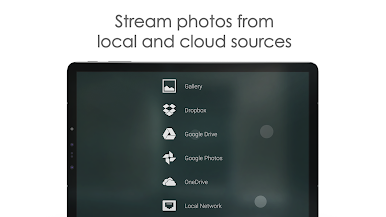
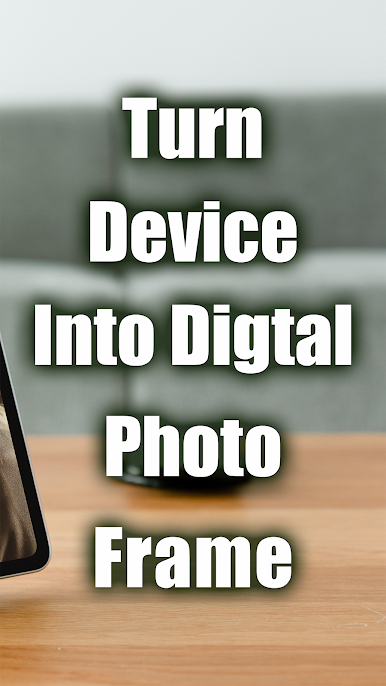
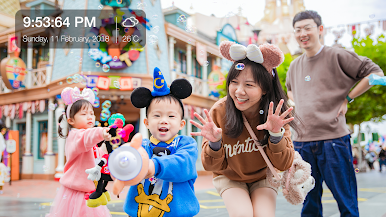
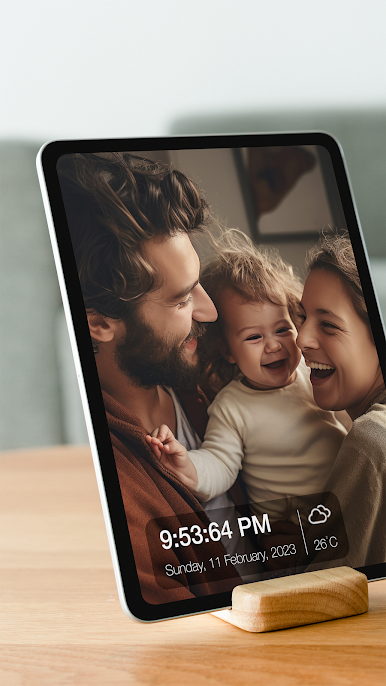
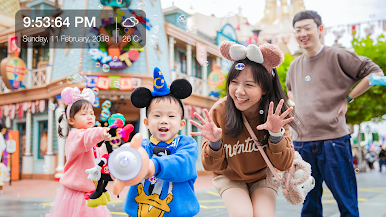
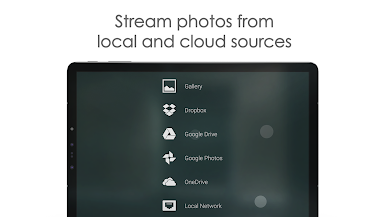
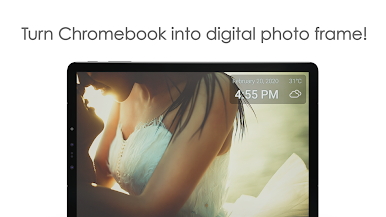
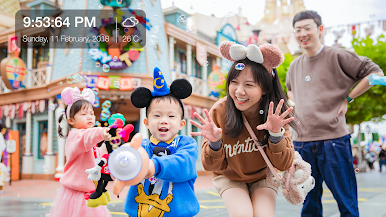
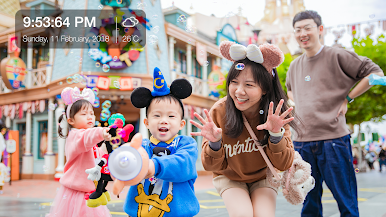
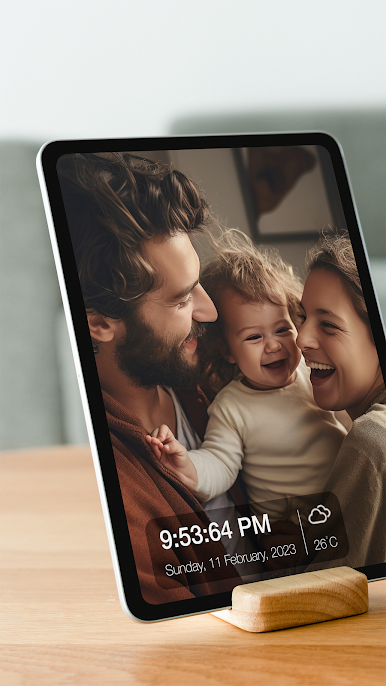
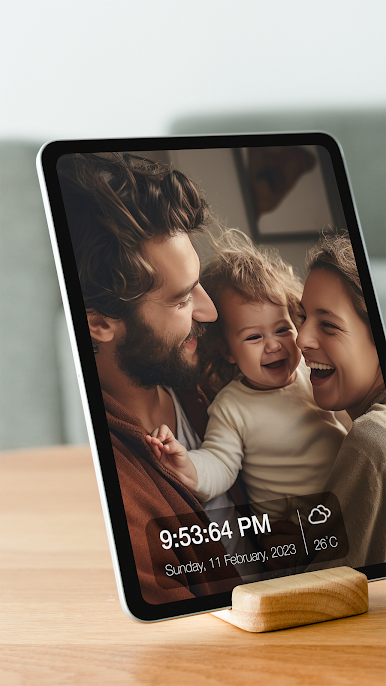
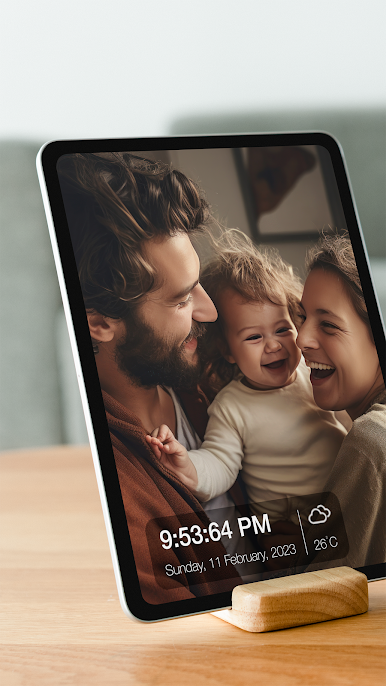
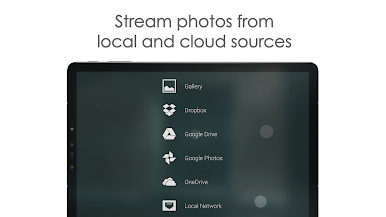
Transform your device into a stylish digital photo frame with Fotoo – Photo Frame Slideshow by Bopp Studio. This fantastic Photography app lets you stream photos effortlessly from your local gallery or cloud services right onto your tablet, TV, or phone. Expect a seamless photo display with delightful effects that makes your memories shine brightly.
App Features
-
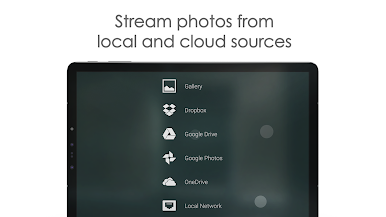
Cloud and Local Integration
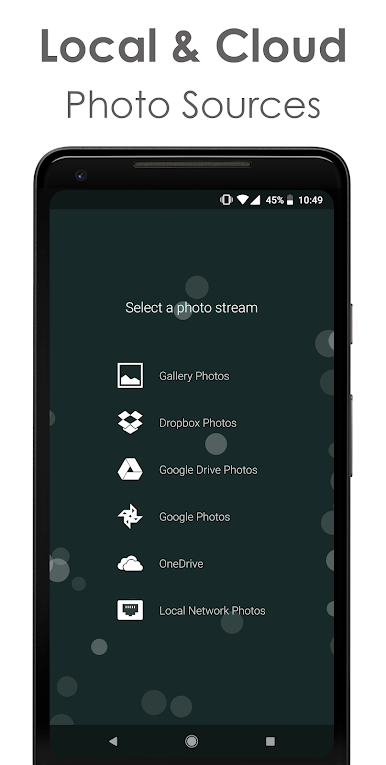
Access photos from Google Photos, Dropbox, Google Drive, Microsoft OneDrive, and your local network (Samba/SMB). Streamline your experience by pulling from wherever you store your images. -
Customizable Display Effects
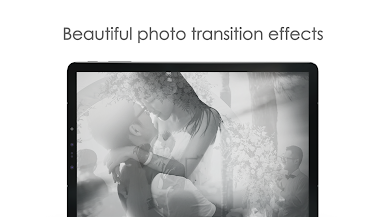
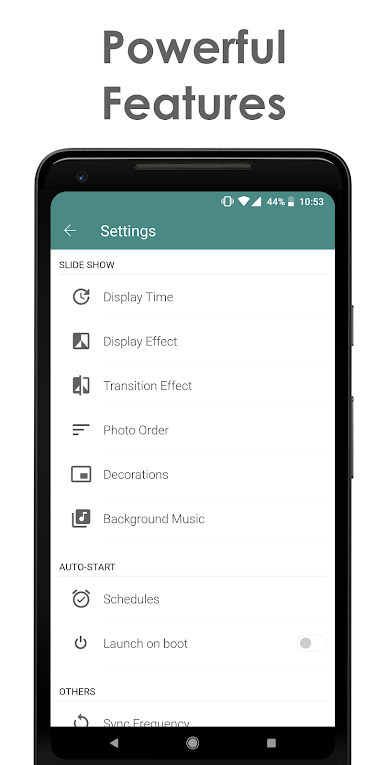
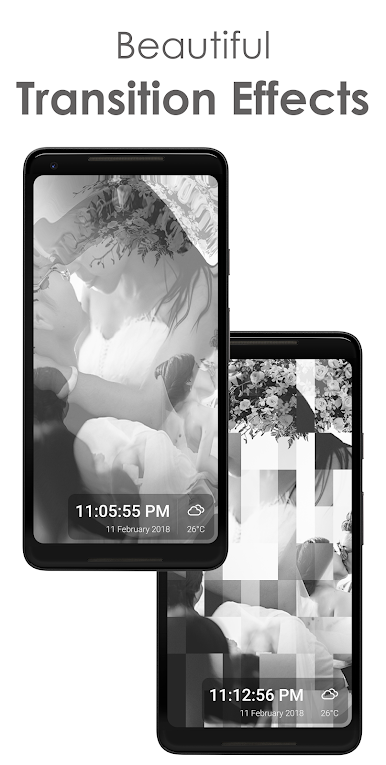
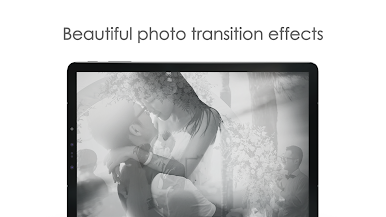
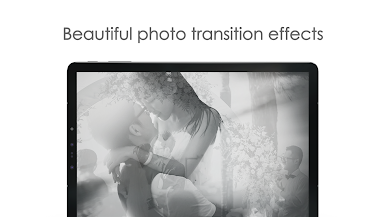
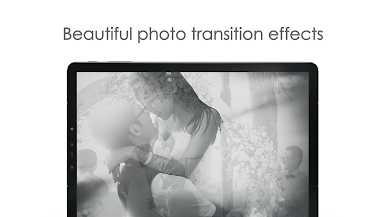
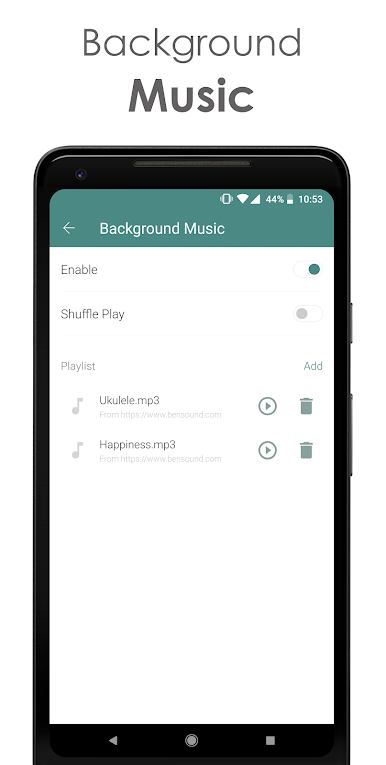
Elevate your slideshows with various photo and transition effects. Add background music for that extra touch. -
Informative Display
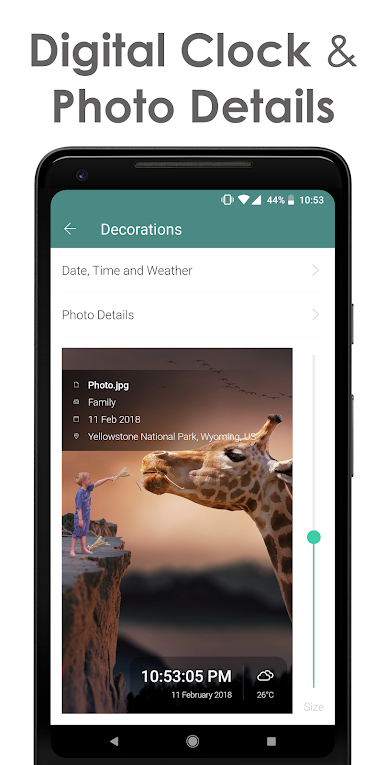
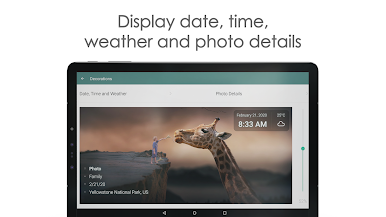
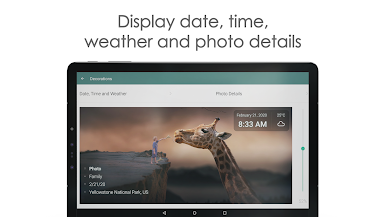
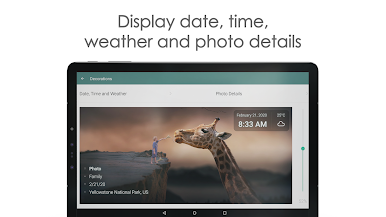
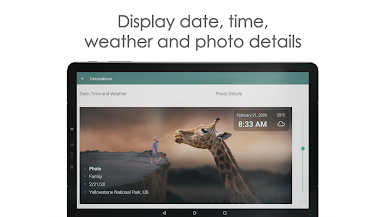
Display vital information like weather, time, and photo details such as date and location to add context to your images. -
Smart Scheduling and Automation
Schedule your slideshows to auto-play at specific times or set them as screensavers, keeping your device alive with cherished moments.
For PC or Mac users, Fotoo can be enjoyed even more with the subtle integration of BlueStacks, enhancing your viewing experience.
Eager to take your app experience to the next level? Start right away by downloading BlueStacks on your PC or Mac.









เล่น Fotoo - Photo Frame Slideshow บน PC ได้ง่ายกว่า
-
ดาวน์โหลดและติดตั้ง BlueStacks บน PC ของคุณ
-
ลงชื่อเข้าใช้แอคเคาท์ Google เพื่อเข้าสู่ Play Store หรือทำในภายหลัง
-
ค้นหา Fotoo - Photo Frame Slideshow ในช่องค้นหาด้านขวาบนของโปรแกรม
-
คลิกเพื่อติดตั้ง Fotoo - Photo Frame Slideshow จากผลการค้นหา
-
ลงชื่อเข้าใช้บัญชี Google Account (หากยังไม่ได้ทำในขั้นที่ 2) เพื่อติดตั้ง Fotoo - Photo Frame Slideshow
-
คลิกที่ไอคอน Fotoo - Photo Frame Slideshow ในหน้าจอเพื่อเริ่มเล่น