

Dream House Craft
Jouez sur PC avec BlueStacks - la plate-forme de jeu Android, approuvée par + 500M de joueurs.

Page Modifiée le: Jun 18, 2022
Play Dream House Craft: Design & Block Building Games on PC or Mac
From the innovators and creators at Crafting And Building Games For Girls Adventure, Dream House Craft: Design & Block Building Games is another fun addition to the World of Casual games. Go beyond your mobile screen and play it bigger and better on your PC or Mac. An immersive experience awaits you.
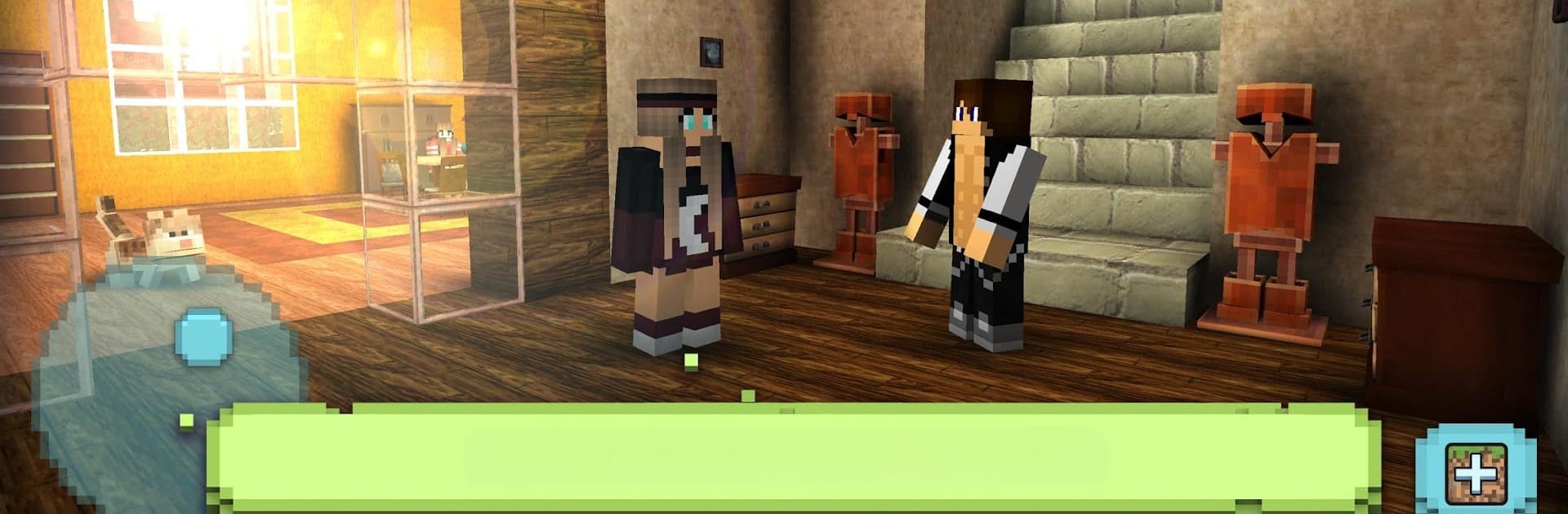
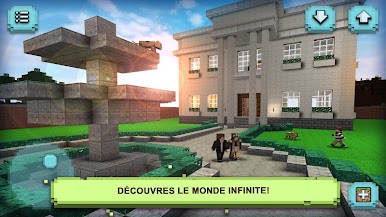
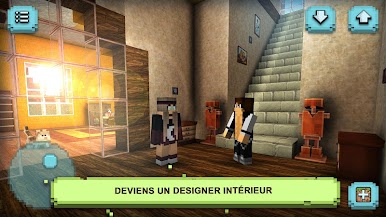
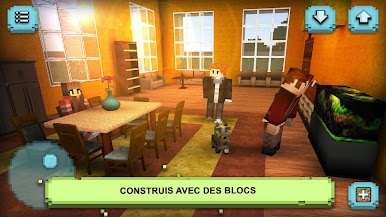
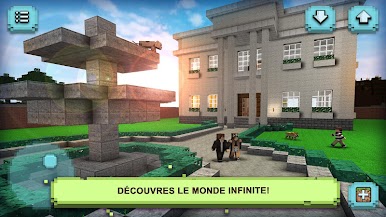
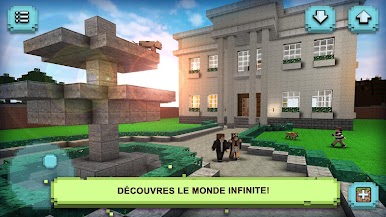
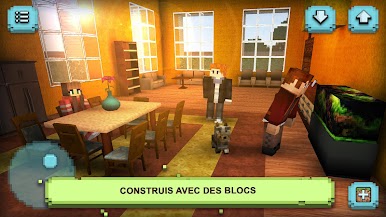
Dream House Craft plays like a chill sandbox where the main goal is making cool spaces to live in. It drops players into a big blocky world, then lets them collect materials, craft pieces, and build anything from a small cottage to a flashy palace. Rooms are the star. Players place furniture, pick wallpapers and carpets, arrange kitchens, bathrooms, living rooms, even a baby room or a glam doll house. The outside matters too, since gardens can be planned out with trees and bright flowers, and there is room for a pet corner if a dog or cat is on the wish list.
There is more than decorating, though. It runs in first person, so exploring the world for resources feels simple, and there are NPCs to chat with, even a light dating feature for those who want that little social twist. Fashion and roleplay stuff is everywhere. Build a nail salon or hair studio, set up a pet shop, throw together a stage for a popstar, or lean into a castle theme. Cooking a strawberry pie in a carefully laid out kitchen is a thing, and riding animals like a horse, sometimes a tiger, is in here too. The scope stretches all the way up to city building if someone wants a full town. On PC with BlueStacks, mouse aiming makes placing blocks and rotating furniture easier, and the bigger screen helps plan room layouts without squinting. It is very freeform, no timers on every corner, so it suits players who like to tinker and see a space slowly come to life.
Make your gaming sessions memorable with precise controls that give you an edge in close combats and visuals that pop up, bringing every character to life.
Jouez à Dream House Craft sur PC. C'est facile de commencer.
-
Téléchargez et installez BlueStacks sur votre PC
-
Connectez-vous à Google pour accéder au Play Store ou faites-le plus tard
-
Recherchez Dream House Craft dans la barre de recherche dans le coin supérieur droit
-
Cliquez pour installer Dream House Craft à partir des résultats de la recherche
-
Connectez-vous à Google (si vous avez ignoré l'étape 2) pour installer Dream House Craft
-
Cliquez sur l'icône Dream House Craft sur l'écran d'accueil pour commencer à jouer

