


Hotune Body Editor บหน้าแ slim
เล่นบน PC ผ่าน BlueStacks - Android Gaming Platform ที่ได้รับความไว้วางใจจากเกมเมอร์ 500 ล้านคนทั่วโลก

Page Modified on: Aug 12, 2024
Run Hotune Body Editor & Face Slim on PC or Mac
Get freedom from your phone’s obvious limitations. Use Hotune Body Editor & Face Slim, made by cerdillac, a Entertainment app on your PC or Mac with BlueStacks, and level up your experience.
About the App
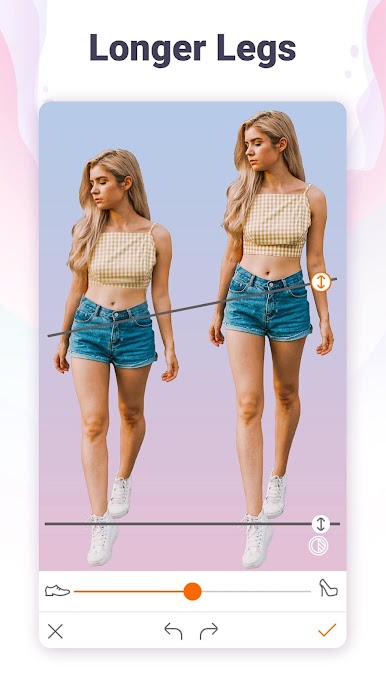
Ever wished your selfies looked just a bit more polished, or maybe you’ve wondered what you’d look like with a slightly different jawline or a longer set of legs? Hotune Body Editor & Face Slim by cerdillac brings those ideas to life—with zero editing experience required. Whether you want to smooth out some skin, tweak a few features, or totally revamp your look, this Entertainment app keeps things fun and super simple. All those retouching tools you see influencers use? You can experiment with them right from your couch.
App Features
-
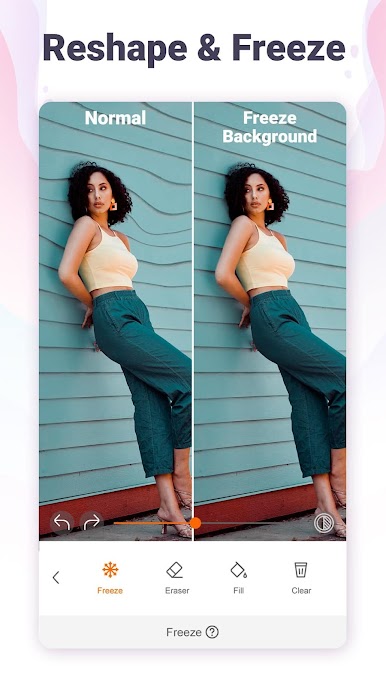
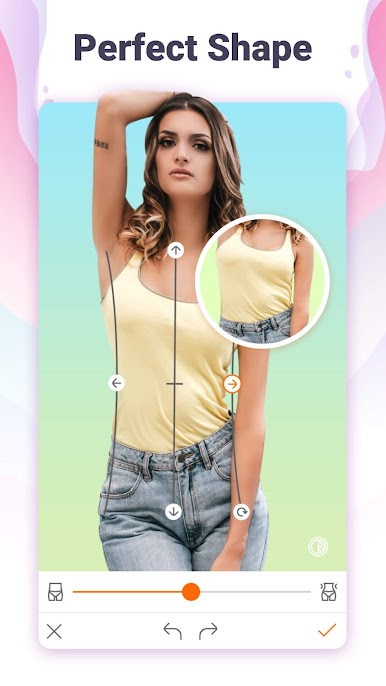
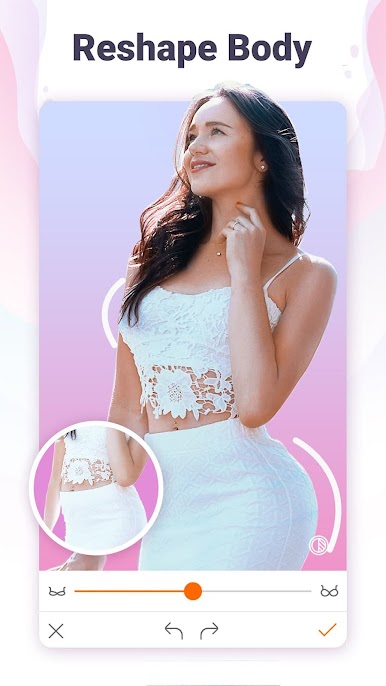
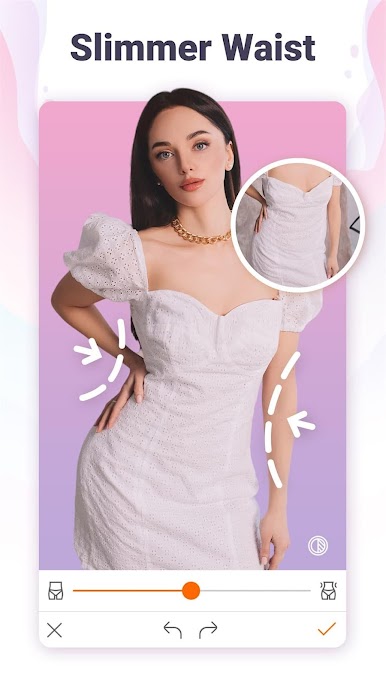
Body Reshaping Tools
Adjust any part of your shape with easy sliders—make your waist a little slimmer, lengthen your legs, or add a bit more muscle if you’re feeling bold. It’s all about seeing yourself the way you want. -
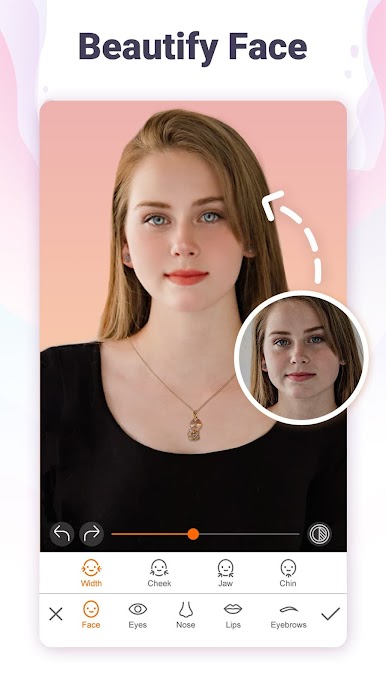
Face Tuning Made Easy
Mess around with face details like contouring your jaw, smoothing skin, or tweaking your nose and lips. If you want to brighten your eyes or get rid of some texture, it’s a breeze with Hotune Body Editor & Face Slim. -
Quick Retouch Options
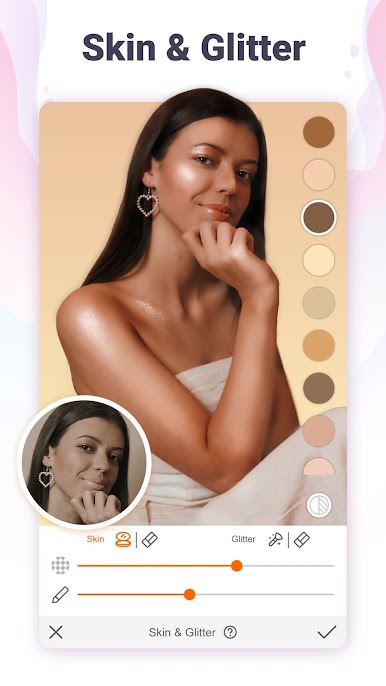
Get rid of blemishes, smooth out wrinkles, or use one-tap tools to highlight or mattify your skin. Just tap, swipe, and go—no fussing with complicated menus. -
Makeover Magic
Add a touch of foundation, airbrush a little glitter, or try out new eyebrow shapes. You can even give yourself a brighter smile or mess around with different makeup ideas. -
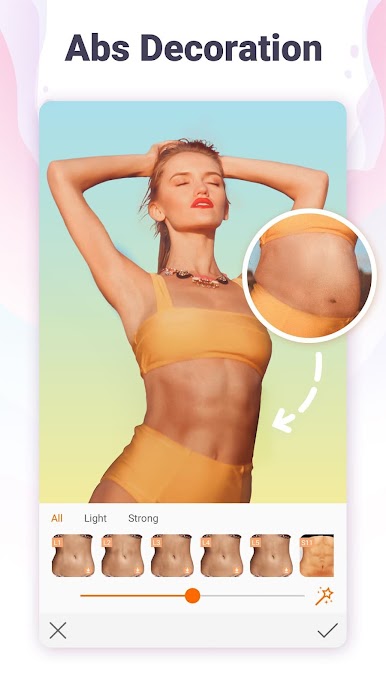
Fun with Effects & Stickers
Interested in adding tattoos, giving yourself six-pack abs, or playing with different blurring styles for a unique shot? Have at it. There are plenty of creative effects to experiment with. -
Natural Results
The edits are designed to blend in so your selfies still feel like you—but maybe with a dash more confidence. Gradients and subtle transitions help keep things looking believable. -
No Photo Editing Know-How Needed
The app is built so anyone can use it, not just the pros. If you can tap and swipe, you can totally master these tools.
You can try all these features on a bigger screen if you’re using BlueStacks—it could make editing feel a lot more comfortable.
Switch to BlueStacks and make the most of your apps on your PC or Mac.
เล่น Hotune Body Editor บหน้าแ slim บน PC ได้ง่ายกว่า
-
ดาวน์โหลดและติดตั้ง BlueStacks บน PC ของคุณ
-
ลงชื่อเข้าใช้แอคเคาท์ Google เพื่อเข้าสู่ Play Store หรือทำในภายหลัง
-
ค้นหา Hotune Body Editor บหน้าแ slim ในช่องค้นหาด้านขวาบนของโปรแกรม
-
คลิกเพื่อติดตั้ง Hotune Body Editor บหน้าแ slim จากผลการค้นหา
-
ลงชื่อเข้าใช้บัญชี Google Account (หากยังไม่ได้ทำในขั้นที่ 2) เพื่อติดตั้ง Hotune Body Editor บหน้าแ slim
-
คลิกที่ไอคอน Hotune Body Editor บหน้าแ slim ในหน้าจอเพื่อเริ่มเล่น

