


CLZ Games: video game database
เล่นบน PC ผ่าน BlueStacks - Android Gaming Platform ที่ได้รับความไว้วางใจจากเกมเมอร์ 500 ล้านคนทั่วโลก

Page Modified on: Dec 16, 2025
Run CLZ Games: video game database on PC or Mac
Why limit yourself to your small screen on the phone? Run CLZ Games: video game database, an app by CLZ, best experienced on your PC or Mac with BlueStacks, the world’s #1 Android emulator.
About the App
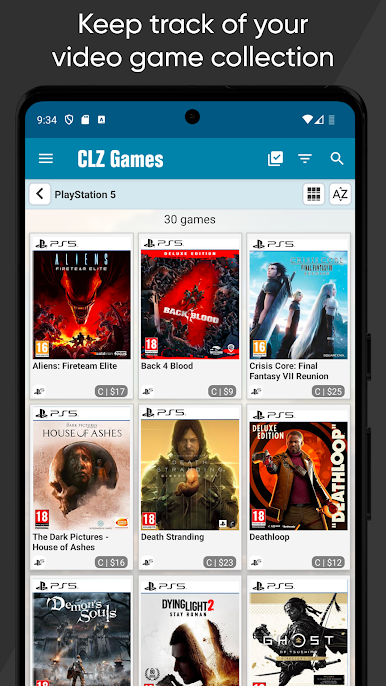
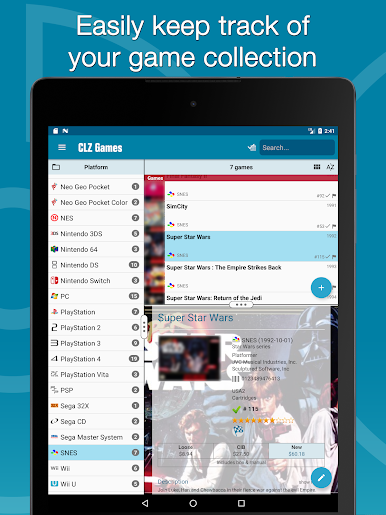
CLZ Games: video game database is all about making your game collection super easy to organize, whether you own shelves of classics or just picked up some new releases. It’s designed for anyone who wants to keep track of every title they own—no more forgetting what’s on the shelf or buying the same game twice. The experience is smooth and pretty customizable, offering a clear, up-to-date record of your gaming stash right at your fingertips.
App Features
-
Barcode Scanner Magic
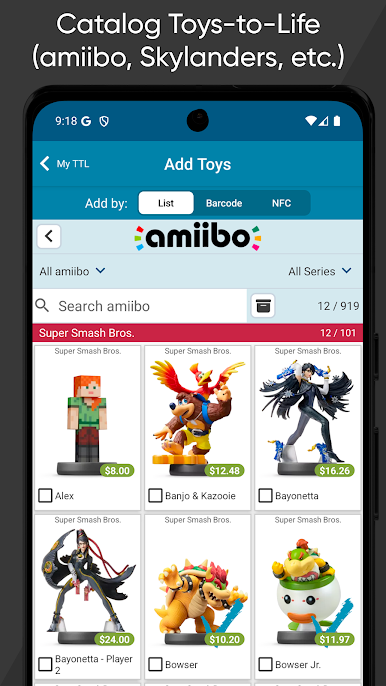
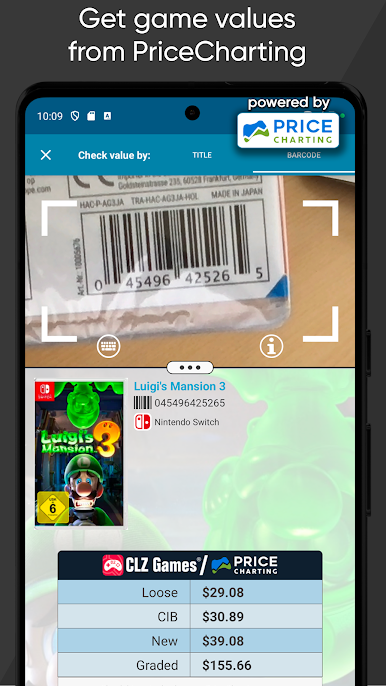
Grab your phone and scan game barcodes with the built-in camera feature—just point and zap. The app matches your code in seconds, pulling up the right details almost every time. It’s a massive time-saver if you’ve got stacks to add. -
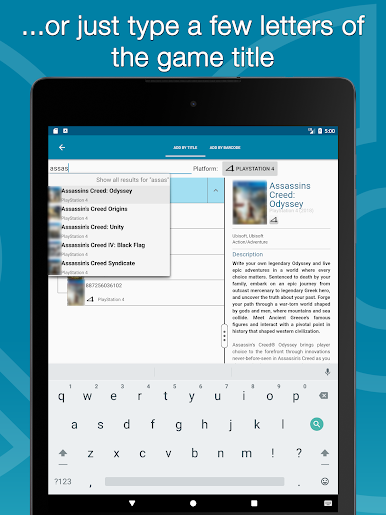
Quick Search by Title & Platform
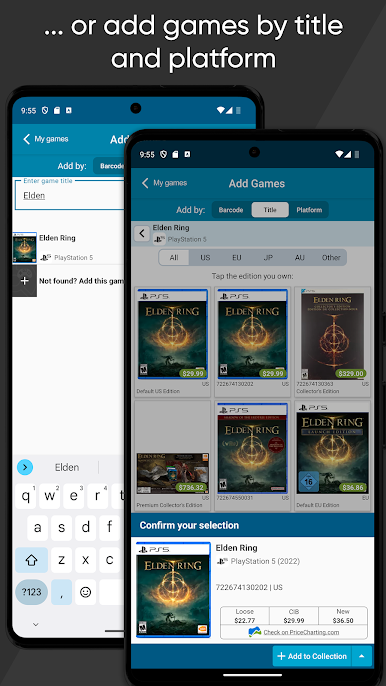
Not every game has a barcode sitting around. Search for games using their title and platform, then pick the precise edition you’ve got. That way, even rare finds or digital-only releases will show up in your database. -
Automatic Details and Artwork
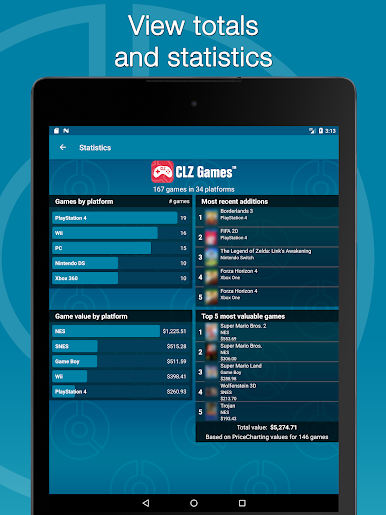
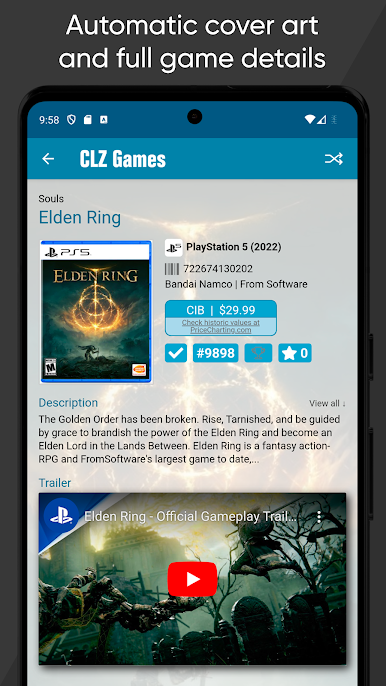
Once your game is found, CLZ Games: video game database fills in the blanks for you. You’ll instantly see publisher info, description, release date, cover art, even YouTube trailers and current market values straight from PriceCharting—all in one place. -
Full Customization
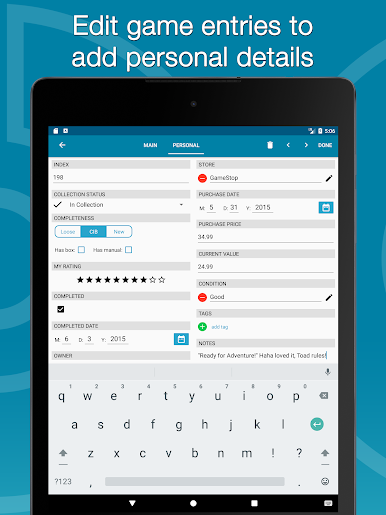
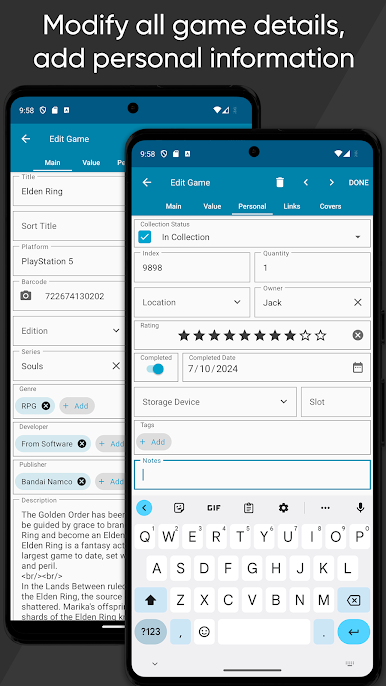
Want to tweak some info or use your own box cover? You can edit any field—title, developer, date, or upload custom artwork. Jot down notes, record where you bought it, track condition, price, or even if the manual’s missing. -
Organize Multiple Collections
Got games scattered across folks or formats? Make different tabs for each kind of collection—maybe separate by who owns what, digital vs. physical, or even a list for games you’ve traded or sold. -
Flexible Views & Sorting
Flip through your games in a list or card-style view, whether you love neat rows or big cover images. Sort and group by genre, platform, completeness (loose, CIB, or sealed), or whatever makes most sense for you. -
Cloud Sync and Backup
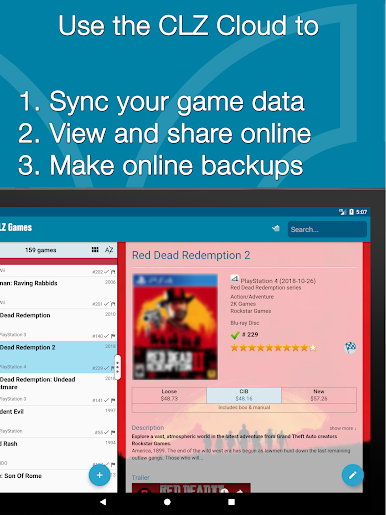
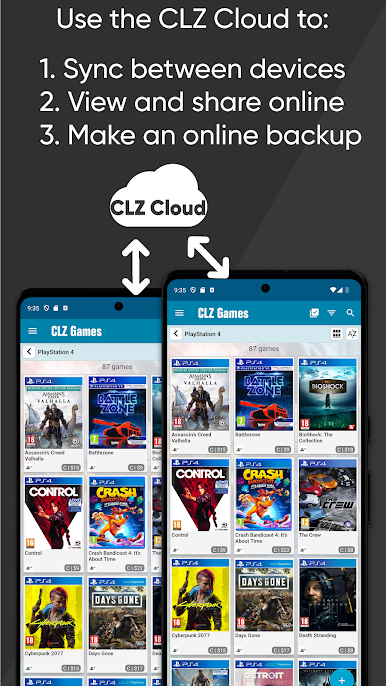
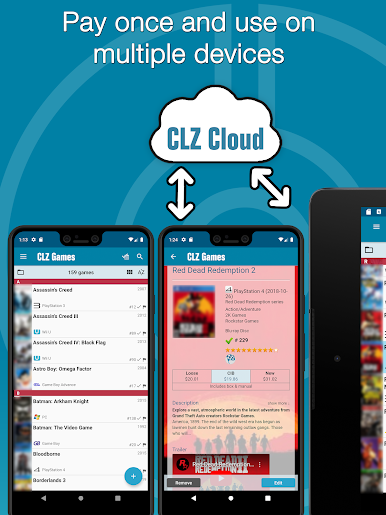
All your collection info is safely stored thanks to CLZ Cloud. This means you can move between devices, or switch things up—like playing around on BlueStacks—and your game database will always stay in sync and backed up. -
Ongoing Support
There’s help if you need it—use the handy support and forum options in the menu whenever you have questions or hit a snag.
CLZ Games: video game database is a subscription-based app with a handy 7-day free trial, brought to you by CLZ, making it a breeze for entertainment fans to keep track of their ever-expanding game library.
Eager to take your app experience to the next level? Start right away by downloading BlueStacks on your PC or Mac.




เล่น CLZ Games: video game database บน PC ได้ง่ายกว่า
-
ดาวน์โหลดและติดตั้ง BlueStacks บน PC ของคุณ
-
ลงชื่อเข้าใช้แอคเคาท์ Google เพื่อเข้าสู่ Play Store หรือทำในภายหลัง
-
ค้นหา CLZ Games: video game database ในช่องค้นหาด้านขวาบนของโปรแกรม
-
คลิกเพื่อติดตั้ง CLZ Games: video game database จากผลการค้นหา
-
ลงชื่อเข้าใช้บัญชี Google Account (หากยังไม่ได้ทำในขั้นที่ 2) เพื่อติดตั้ง CLZ Games: video game database
-
คลิกที่ไอคอน CLZ Games: video game database ในหน้าจอเพื่อเริ่มเล่น

