


Text — add text to photo app. Collage maker
เล่นบน PC ผ่าน BlueStacks - Android Gaming Platform ที่ได้รับความไว้วางใจจากเกมเมอร์ 500 ล้านคนทั่วโลก

Page Modified on: Sep 20, 2025
Overview
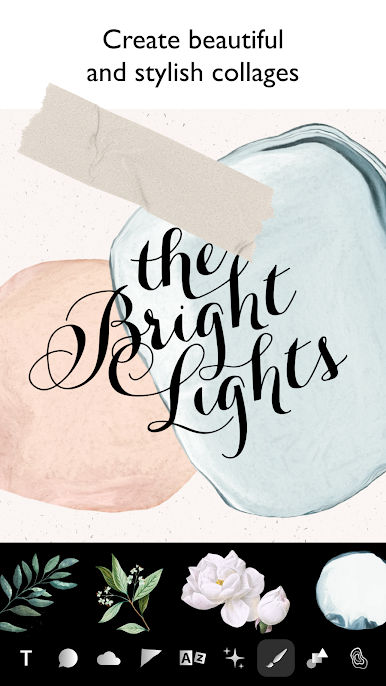
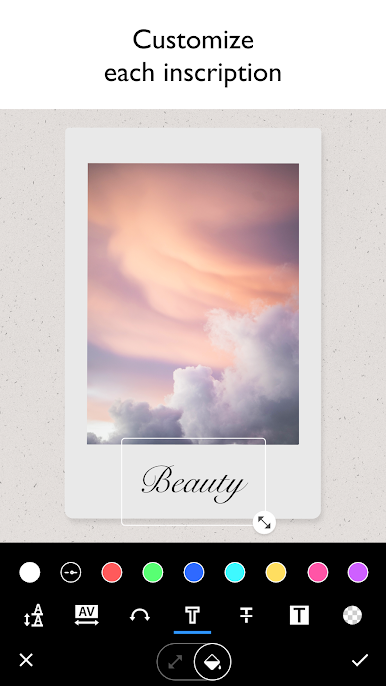
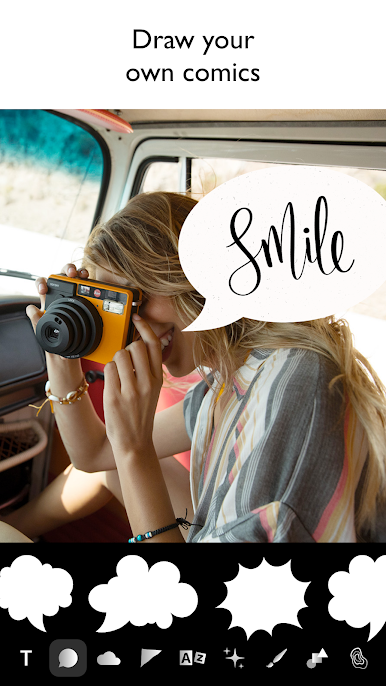
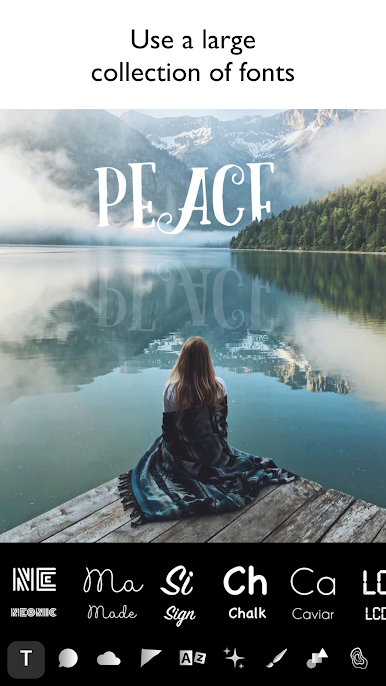
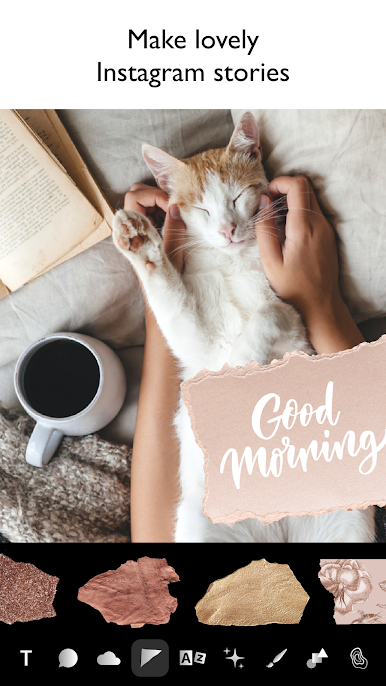
Add captions to any image, use dozens of beautiful fonts and stickers on different topics. Flexible settings for any part of your text: from colors and distances between letters, to strokes and shadows.
You can create cool collages, postcards, posts, Instagram stories and share with friends!
เล่น Text — add text to photo app. Collage maker บน PC ได้ง่ายกว่า
-
ดาวน์โหลดและติดตั้ง BlueStacks บน PC ของคุณ
-
ลงชื่อเข้าใช้แอคเคาท์ Google เพื่อเข้าสู่ Play Store หรือทำในภายหลัง
-
ค้นหา Text — add text to photo app. Collage maker ในช่องค้นหาด้านขวาบนของโปรแกรม
-
คลิกเพื่อติดตั้ง Text — add text to photo app. Collage maker จากผลการค้นหา
-
ลงชื่อเข้าใช้บัญชี Google Account (หากยังไม่ได้ทำในขั้นที่ 2) เพื่อติดตั้ง Text — add text to photo app. Collage maker
-
คลิกที่ไอคอน Text — add text to photo app. Collage maker ในหน้าจอเพื่อเริ่มเล่น

