


Course Hero: AI Homework Help
Jouez sur PC avec BlueStacks - la plate-forme de jeu Android, approuvée par + 500M de joueurs.

Page Modifiée le: Dec 10, 2025
Run Course Hero: AI Homework Help on PC or Mac
What’s better than using Course Hero: AI Homework Help by Course Hero? Well, try it on a big screen, on your PC or Mac, with BlueStacks to see the difference.
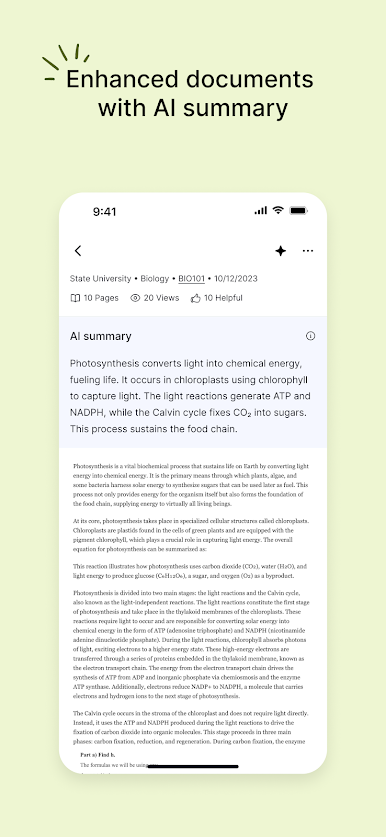
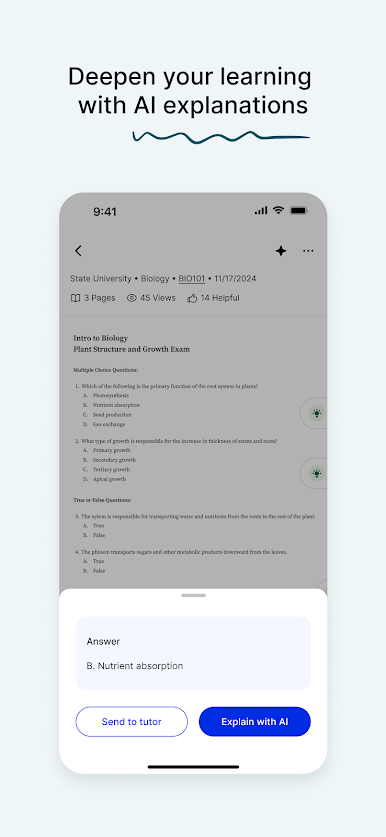
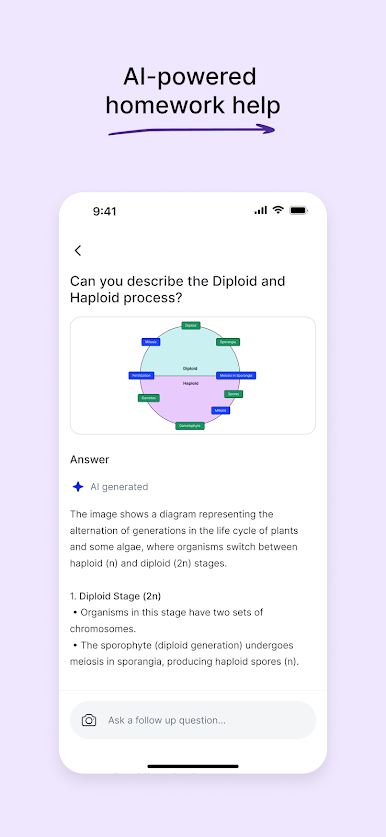
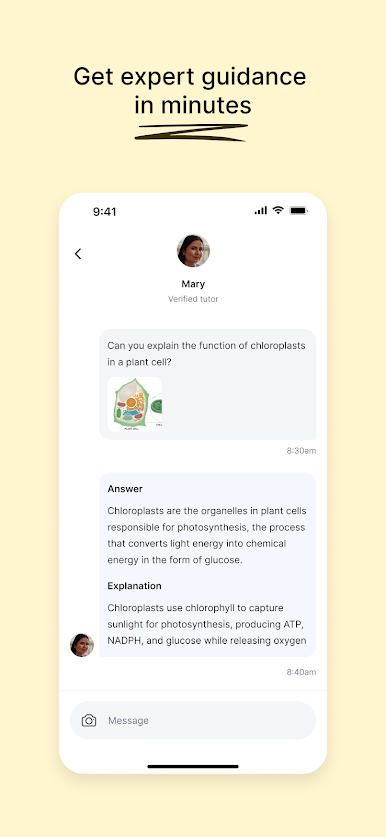
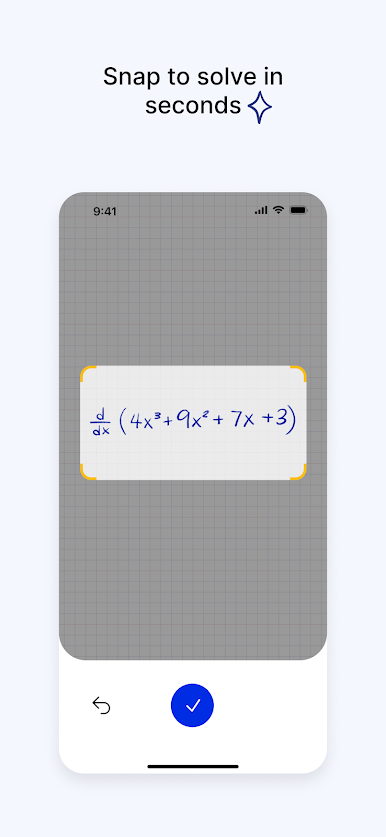
Course Hero: AI Homework Help feels like a study buddy that can switch between quick hints and full-on explanations without making a big fuss. On a PC with BlueStacks, the bigger screen makes long solutions and PDFs way easier to read, and typing longer questions feels natural. The AI chat tries to walk through how to solve things, not just spit an answer, and the explanations usually come in clear steps. For math, someone can snap a photo or upload a screenshot, then the solver breaks down the work from algebra and geometry to calculus and differential equations. It is fast, and if the handwriting is messy it may need a retake, but when it lands, it is useful.
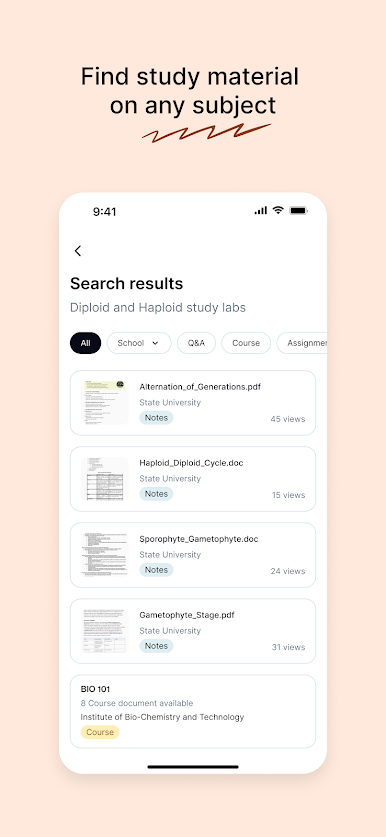
There is a huge library of class notes, study guides, and past materials that people uploaded. You can search by school and course, or just pull from other schools if that helps. It even nudges you when new stuff gets added. If a concept is still stubborn, there are tutors on standby at all hours. Answers vary by tutor, but it is nice having a human when the AI is not clicking. You can save Q&A and documents into a personal library and grab them later, even across the app and the website, which keeps things organized when a deadline is creeping.
The free plan gives a handful of tutor questions and access to the math solver. The paid plan adds AI homework help and monthly document unlocks, which can go quick during midterms. It supports a ton of subjects, not just math, like physics, chemistry, biology, economics, computer science, business, and languages, so it covers most gen-eds and harder major classes too.
Ready to experience Course Hero: AI Homework Help on a bigger screen, in all its glory? Download BlueStacks now.

Jouez à Course Hero: AI Homework Help sur PC. C'est facile de commencer.
-
Téléchargez et installez BlueStacks sur votre PC
-
Connectez-vous à Google pour accéder au Play Store ou faites-le plus tard
-
Recherchez Course Hero: AI Homework Help dans la barre de recherche dans le coin supérieur droit
-
Cliquez pour installer Course Hero: AI Homework Help à partir des résultats de la recherche
-
Connectez-vous à Google (si vous avez ignoré l'étape 2) pour installer Course Hero: AI Homework Help
-
Cliquez sur l'icône Course Hero: AI Homework Help sur l'écran d'accueil pour commencer à jouer

