


Valley of Stars - Nonogram
Jouez sur PC avec BlueStacks - la plate-forme de jeu Android, approuvée par + 500M de joueurs.

Page Modifiée le: Oct 6, 2025
Play Valley of Stars - Nonogram on PC or Mac
From the innovators and creators at COZYGROUND Co., Ltd., Valley of Stars – Nonogram is another fun addition to the World of Puzzle games. Go beyond your mobile screen and play it bigger and better on your PC or Mac. An immersive experience awaits you.
About the Game
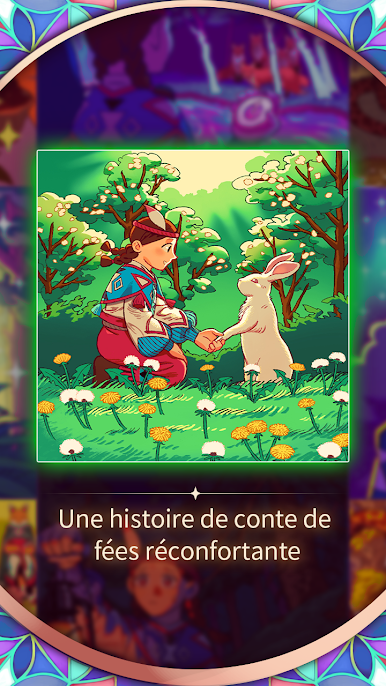
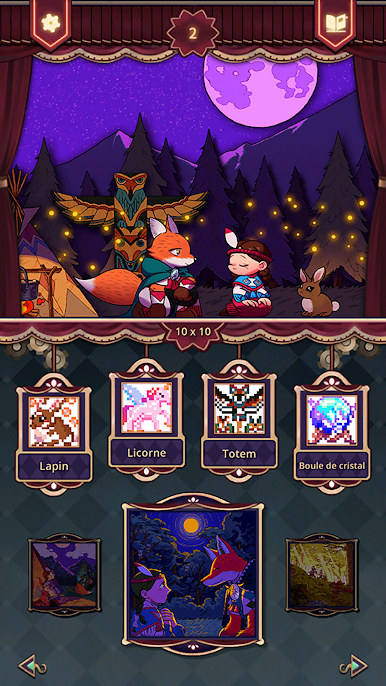
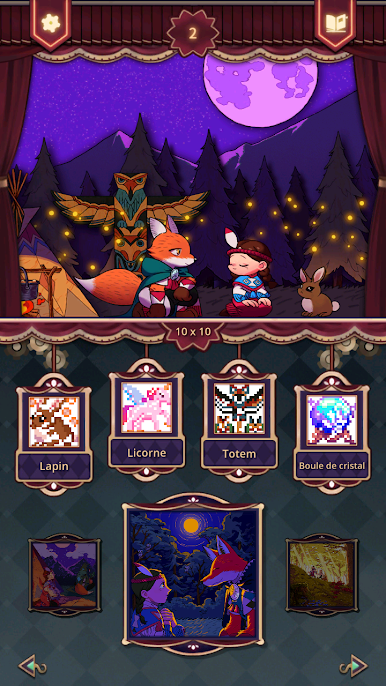
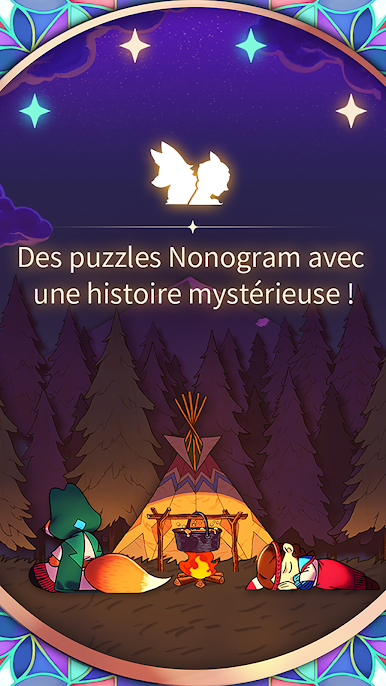
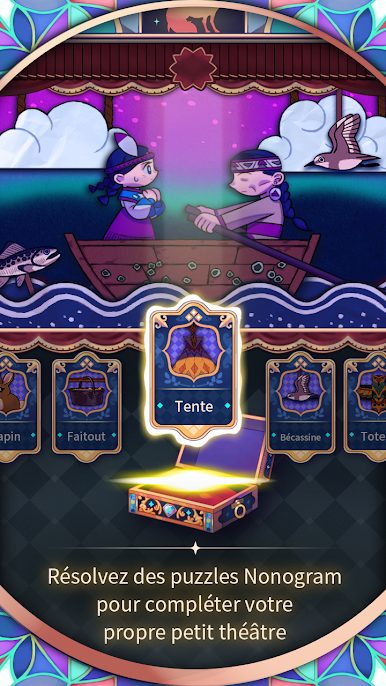
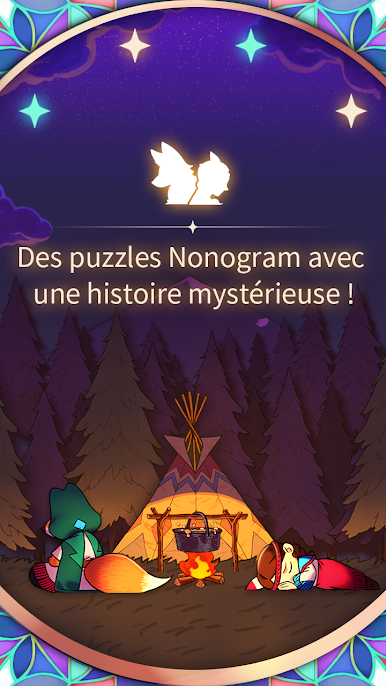
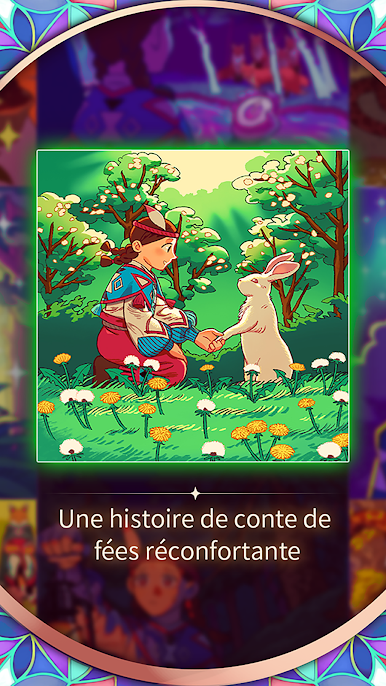
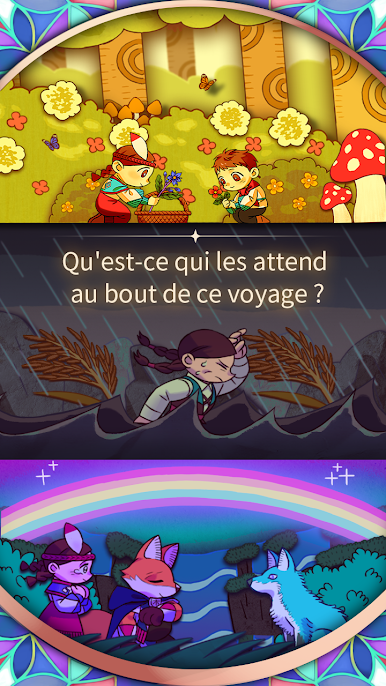
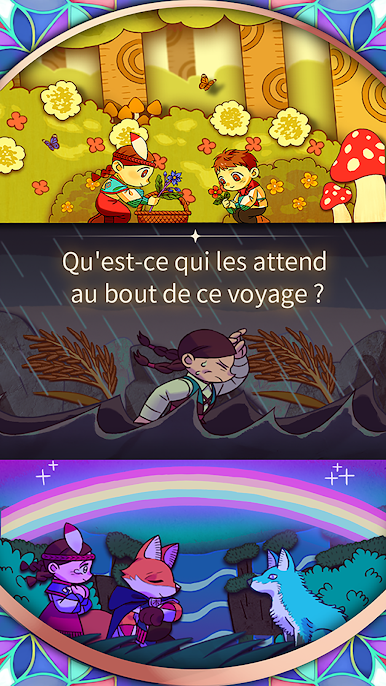
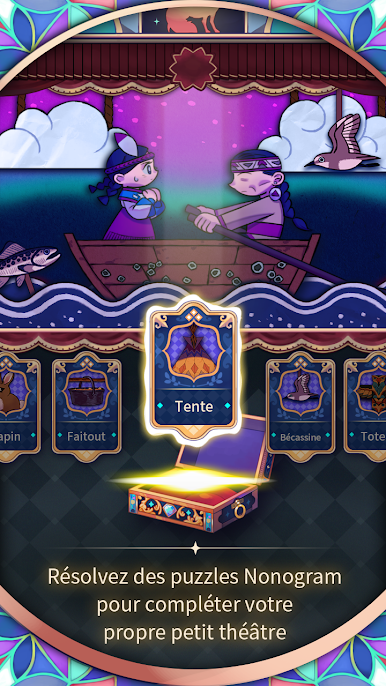
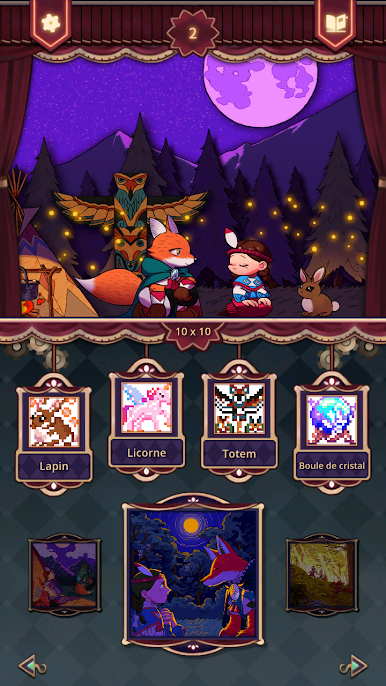
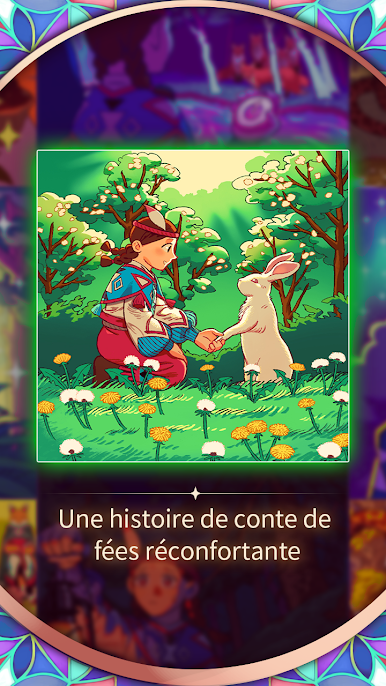
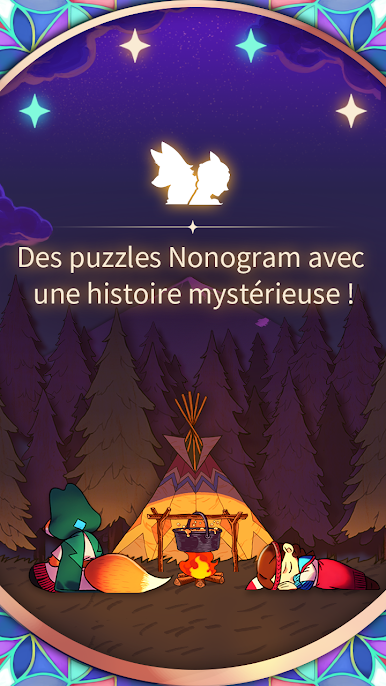
Valley of Stars – Nonogram by COZYGROUND Co., Ltd. is a puzzle adventure with a bit of storybook magic. You’ll join a brave girl and her clever fox companion on a journey that unfolds as you make your way through a variety of nonogram challenges. Curious how their adventure turns out? You’ll need to solve puzzles along the way to see what happens next.
Game Features
-
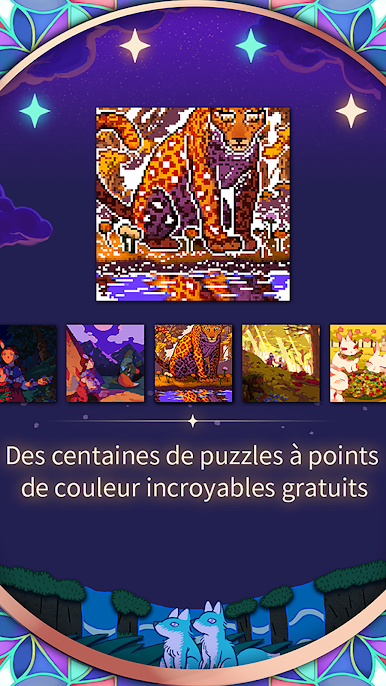
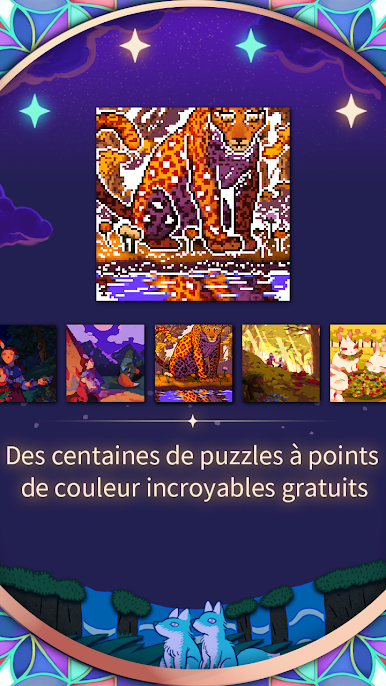
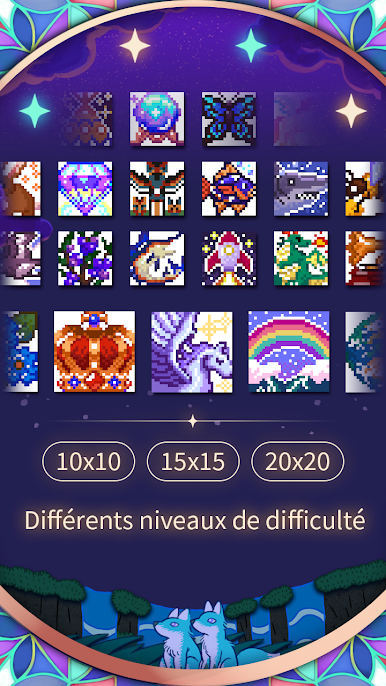
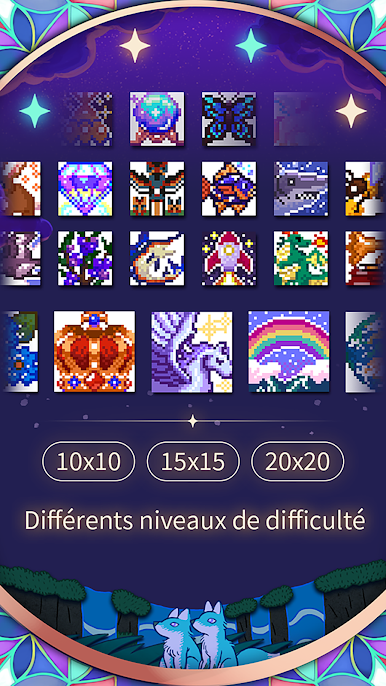
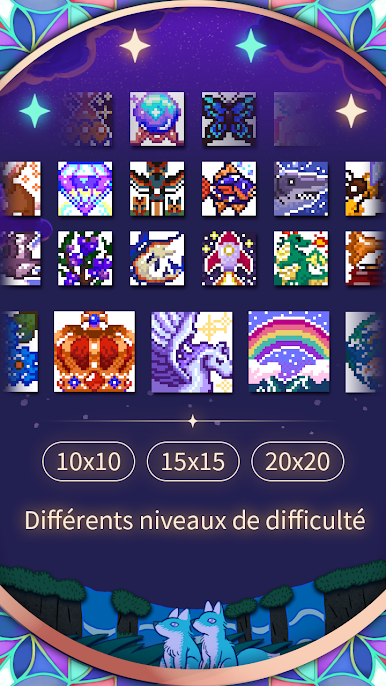
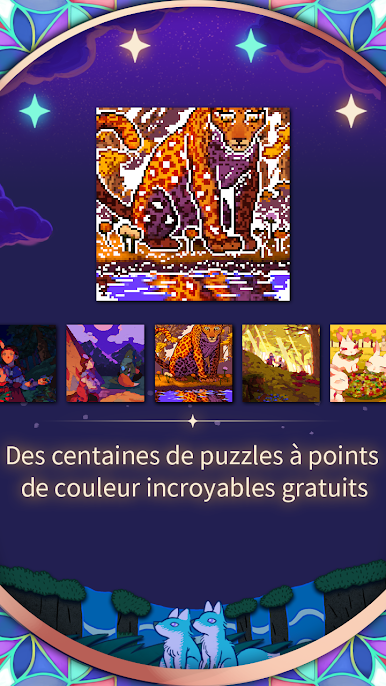
Hundreds of Nonograms
There’s no shortage of brain teasers here—expect hundreds of puzzles to keep you entertained and challenged. -
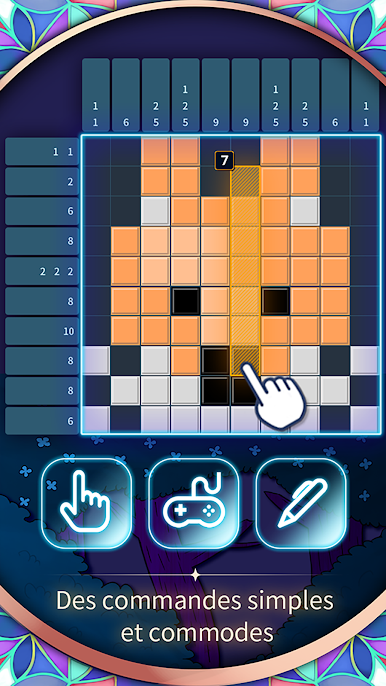
Colorful Dot Designs
Enjoy puzzles that aren’t just number grids; you’ll see bright, cheerful color dot designs that keep things fresh for your eyes and your brain. -
Story Progression
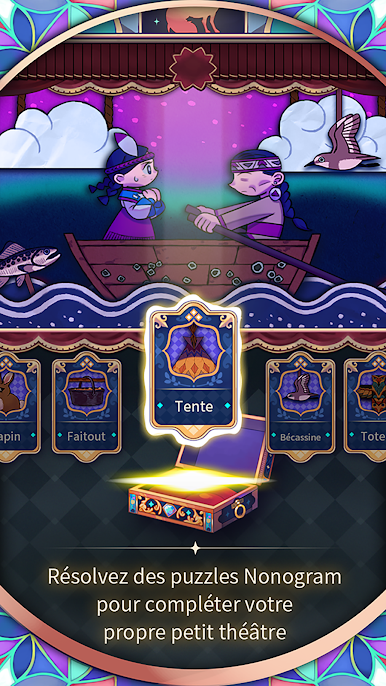
Each puzzle reveals a piece of the story. The more you solve, the more you uncover about the girl, Mr. Fox, and the mysterious Valley of Stars. -
Multiple Modes
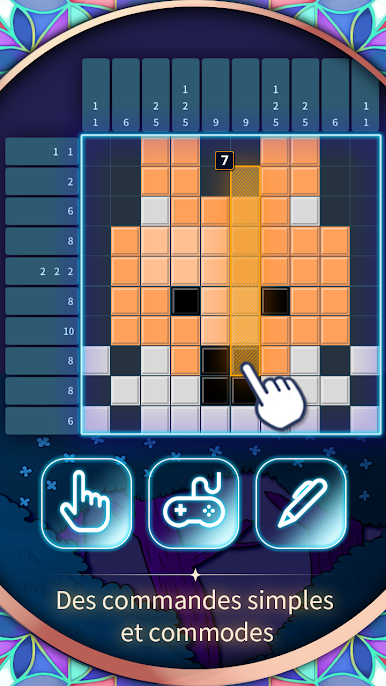
Whether you like sticking to the main tale or exploring extra content, try out normal, history, and even BigMap mode for bigger puzzles after you unlock them. -
Automatic Saving
If you need to step away from your game, don’t worry—your progress saves automatically whenever you finish a puzzle or make a move. -
Adjustable Difficulty
Whether you’re new to nonograms or a seasoned pro, you can pick a difficulty level that suits your mood.
If you want to kick back with the game on a bigger screen, BlueStacks works smoothly with Valley of Stars – Nonogram and gives you more control over your puzzle-solving adventure.
Slay your opponents with your epic moves. Play it your way on BlueStacks and dominate the battlefield.

Jouez à Valley of Stars - Nonogram sur PC. C'est facile de commencer.
-
Téléchargez et installez BlueStacks sur votre PC
-
Connectez-vous à Google pour accéder au Play Store ou faites-le plus tard
-
Recherchez Valley of Stars - Nonogram dans la barre de recherche dans le coin supérieur droit
-
Cliquez pour installer Valley of Stars - Nonogram à partir des résultats de la recherche
-
Connectez-vous à Google (si vous avez ignoré l'étape 2) pour installer Valley of Stars - Nonogram
-
Cliquez sur l'icône Valley of Stars - Nonogram sur l'écran d'accueil pour commencer à jouer

