

Jeux de voitures multi-robots
Jouez sur PC avec BlueStacks - la plate-forme de jeu Android, approuvée par + 500M de joueurs.

Page Modifiée le: Oct 28, 2025
Play Multi Robot Car Transform Game on PC or Mac
Join millions to experience Multi Robot Car Transform Game, an exciting Strategy game from Cradley Creations. With BlueStacks App Player, you are always a step ahead of your opponent, ready to outplay them with faster gameplay and better control with the mouse and keyboard on your PC or Mac.
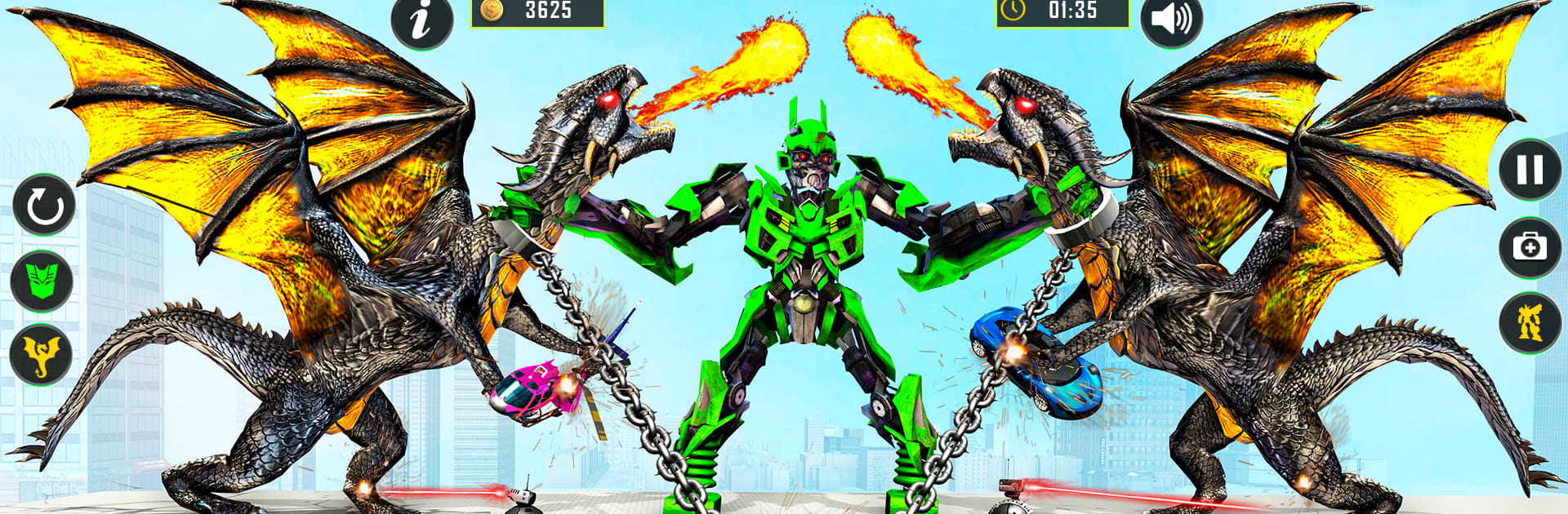
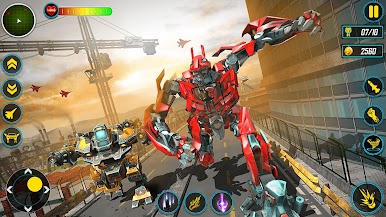
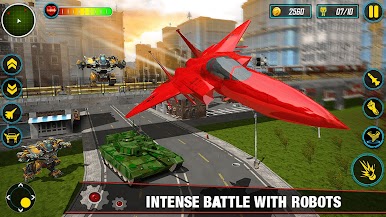
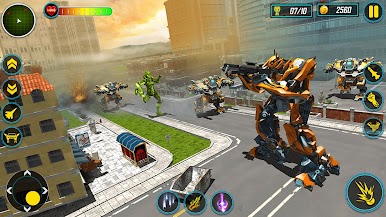
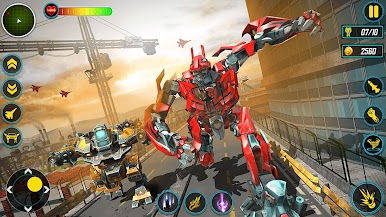
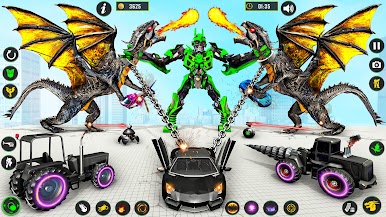
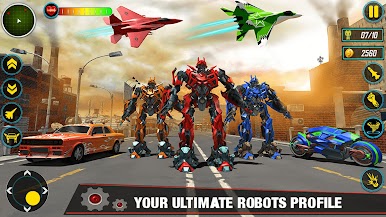
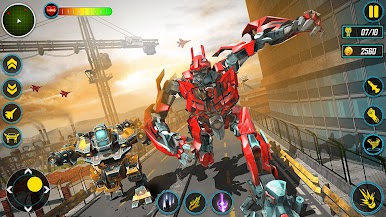
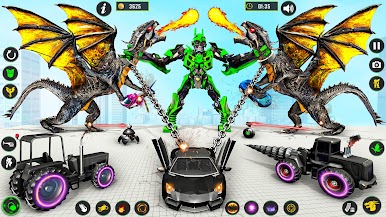
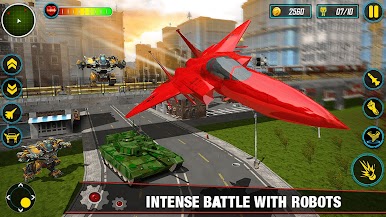
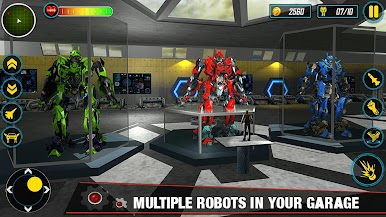
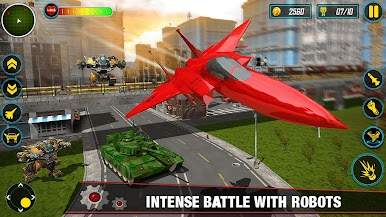
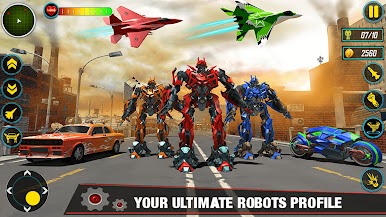
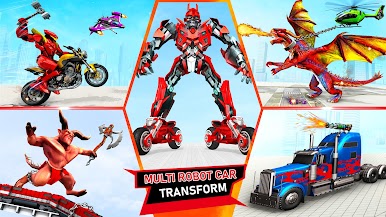
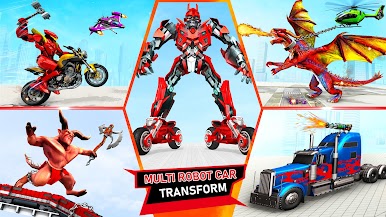
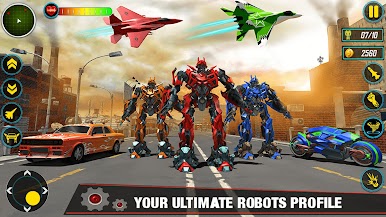
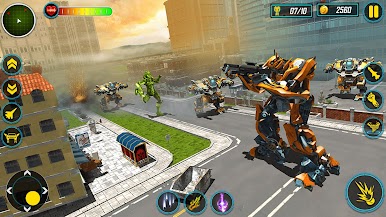
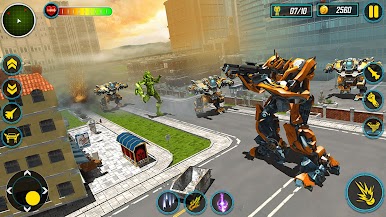
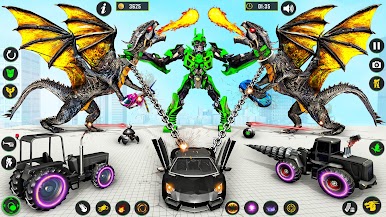
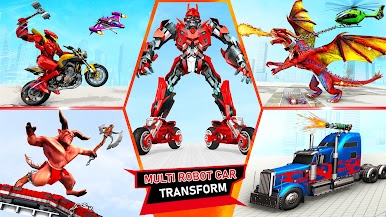
Multi Robot Car Transform Game is all about fast, arcade-style robot battles with a big focus on changing forms on the fly. One moment the player is a car drifting through a flashy city that looks a lot like Vegas, the next they hit a button and turn into a jet or a tiger-bot or a dino mech. The loop is simple and quick. Pick a mission, roll out, zap enemy mechs, and chase robot bikes and flying drones before they wreck the place. Combat feels straightforward with lock-on shots, a few special powers like missiles or energy bursts, and plenty of explosions. The game runs offline and missions are short, so it works well for quick sessions when someone just wants to blast through waves of bots without a lot of setup.
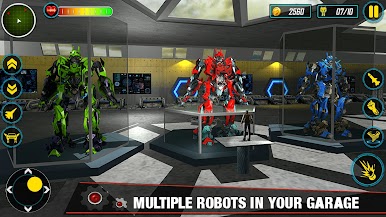
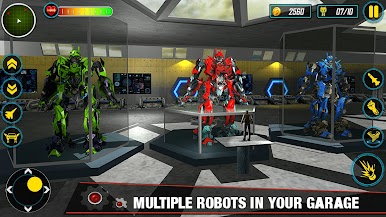
There is a garage to swap robots and skins, plus a steady mix of car, bike, jet, and animal transformations that keeps things fresh when the objectives repeat. The presentation leans bright and loud, with glowing effects and chunky metal sound, more arcade than sim. Controls are simple on touch, and with BlueStacks the keyboard for driving and the mouse for aiming makes it feel tighter. It is not deep story-wise, just quick text prompts and into the action. Good for players who want an easy robot shooter that lets them fly, stomp, and ram through a city full of mech troublemakers.
Make your gaming sessions memorable with precise controls that give you an edge in close combats and visuals that pop up, bringing every character to life.

Jouez à Jeux de voitures multi-robots sur PC. C'est facile de commencer.
-
Téléchargez et installez BlueStacks sur votre PC
-
Connectez-vous à Google pour accéder au Play Store ou faites-le plus tard
-
Recherchez Jeux de voitures multi-robots dans la barre de recherche dans le coin supérieur droit
-
Cliquez pour installer Jeux de voitures multi-robots à partir des résultats de la recherche
-
Connectez-vous à Google (si vous avez ignoré l'étape 2) pour installer Jeux de voitures multi-robots
-
Cliquez sur l'icône Jeux de voitures multi-robots sur l'écran d'accueil pour commencer à jouer

