


MoArt Créer une histoire vidéo
Jouez sur PC avec BlueStacks - la plate-forme de jeu Android, approuvée par + 500M de joueurs.

Page Modifiée le: Aug 20, 2025
Run Mojoo Art: Video Stories Editor on PC or Mac
Multitask effortlessly on your PC or Mac as you try out Mojoo Art: Video Stories Editor, a Photography app by Xinh Flower Studio on BlueStacks.
About the App
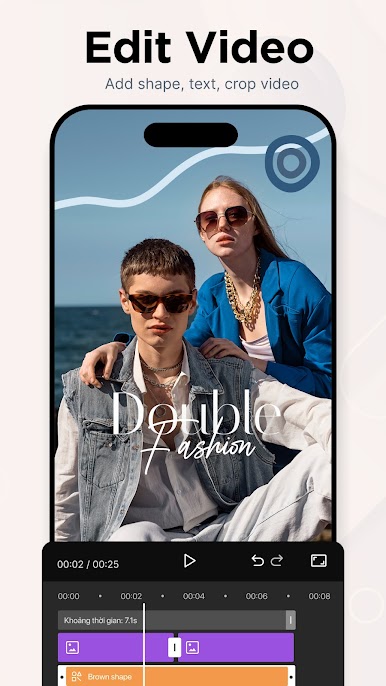
Got a story that deserves a little extra sparkle? Mojoo Art: Video Stories Editor makes crafting eye-catching video stories super simple. Whether you want to jazz up your latest photo or put together an animated clip for social media, you’ll find plenty of tools here to help you get creative, no design experience needed.
App Features
-
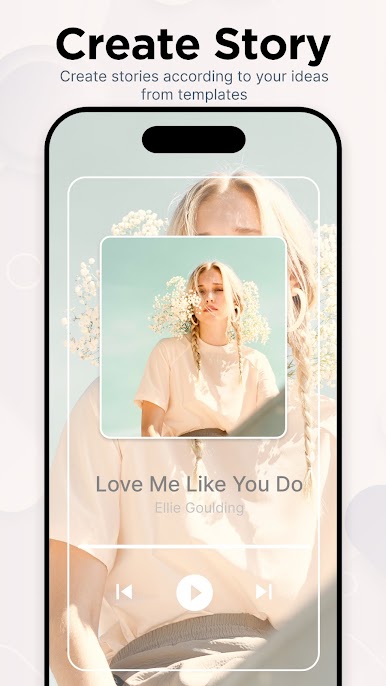
Animated Templates Galore
Pick from a bunch of free, modern templates to kick off your next video story. There’s something for everyone, and it’s all customizable. -
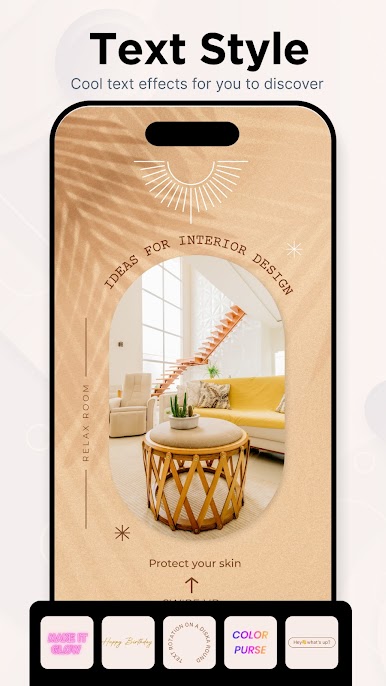
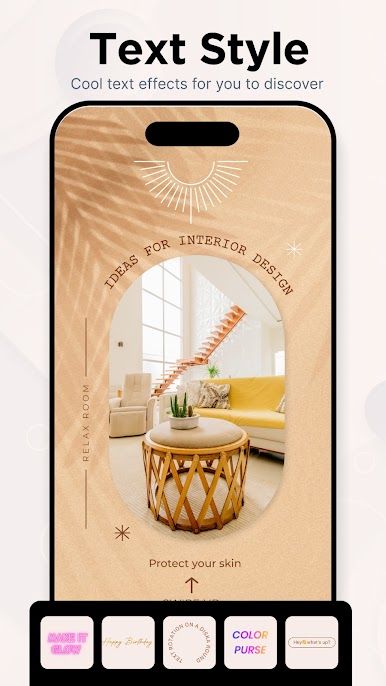
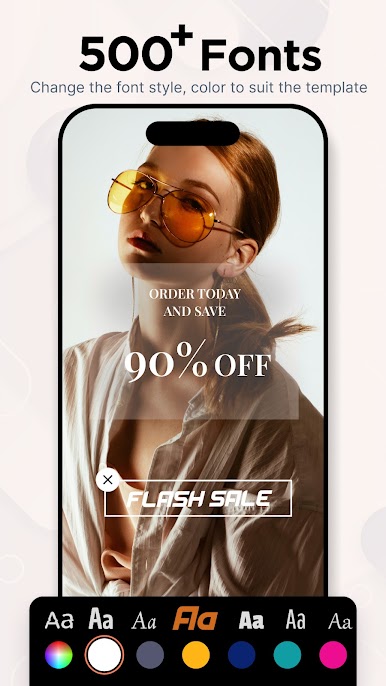
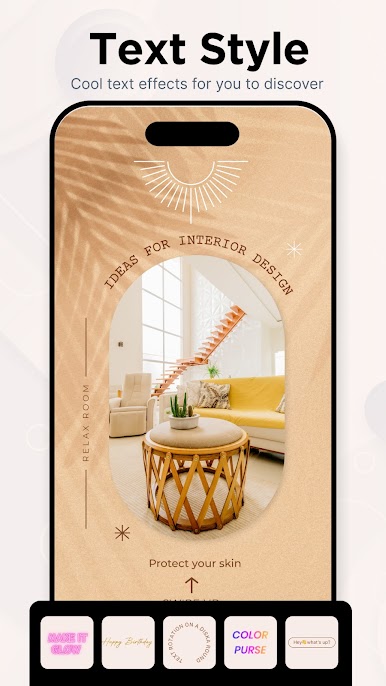
Text Animation Fun
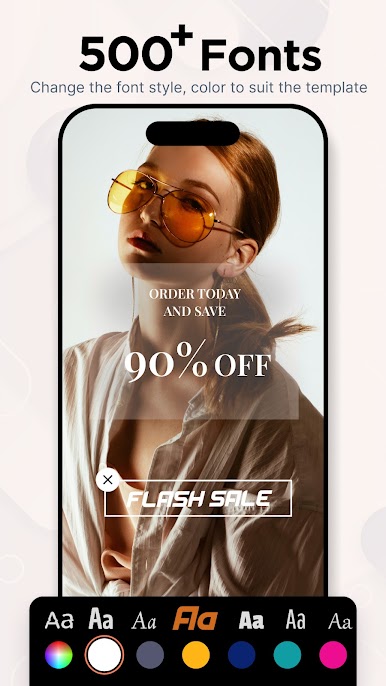
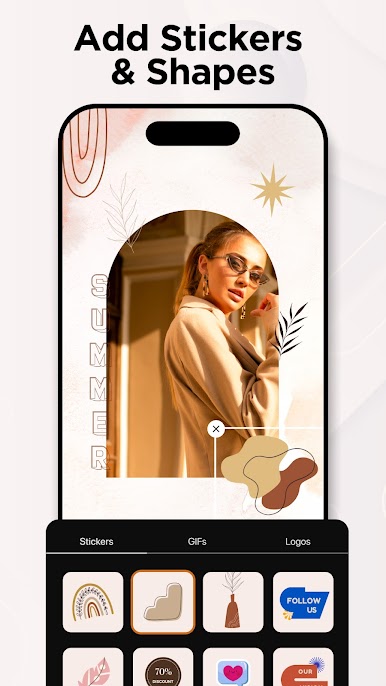
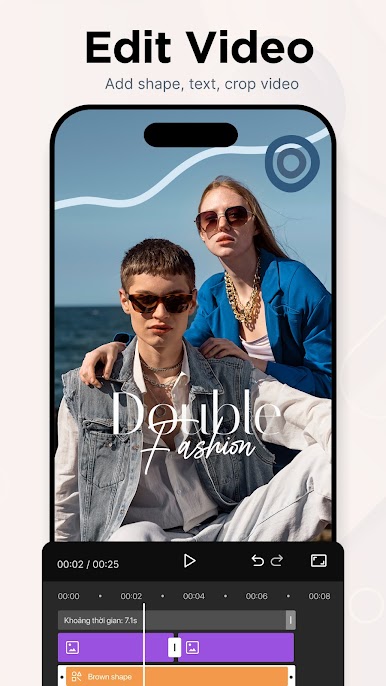
Drop in your words and watch them come alive with cool effects. Change up the font, color, size, position—get it looking just right. -
Add Your Own Music
Want your story to really pop? Slap on your favorite track or song clip for extra impact. -
Bring in Your Media
Use photos straight from your camera or gallery. Mix and match images and videos for a unique style every time. -
Beautiful Filters
From subtle to bold, filters make sure every shot fits the mood you want. -
Easy Sharing
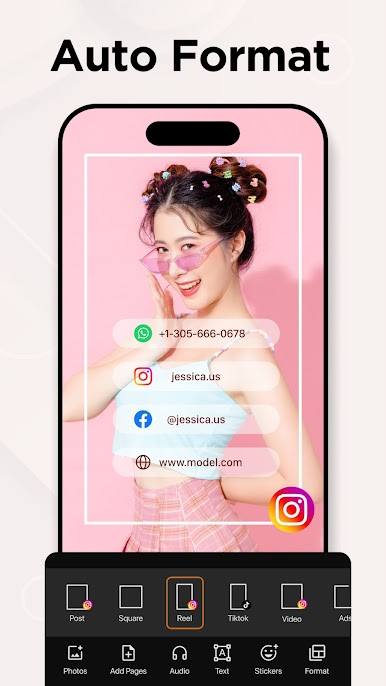
When you’re done, send your masterpiece to Instagram, Facebook, YouTube, or just save it for later. No fuss. -
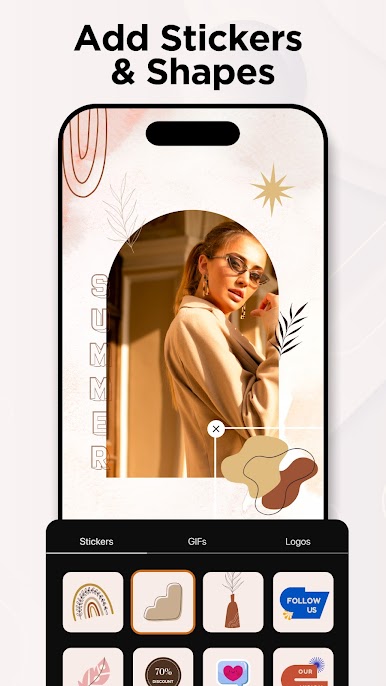
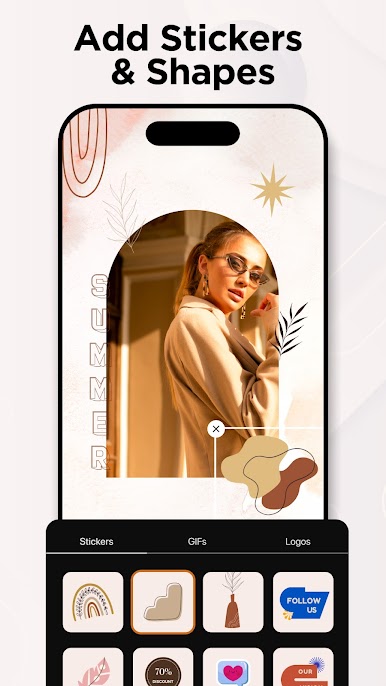
Flexible Design Tools
Make posters, logos, banners, flyers, or even your own story templates—all with the same set of handy editing features. -
Ever-Growing Library
New templates drop weekly, so there’s always fresh stuff to try. Try out Mojoo Art: Video Stories Editor by Xinh Flower Studio on BlueStacks for an easy way to play around with more editing tools right from your computer.
Ready to experience Mojoo Art: Video Stories Editor on a bigger screen, in all its glory? Download BlueStacks now.
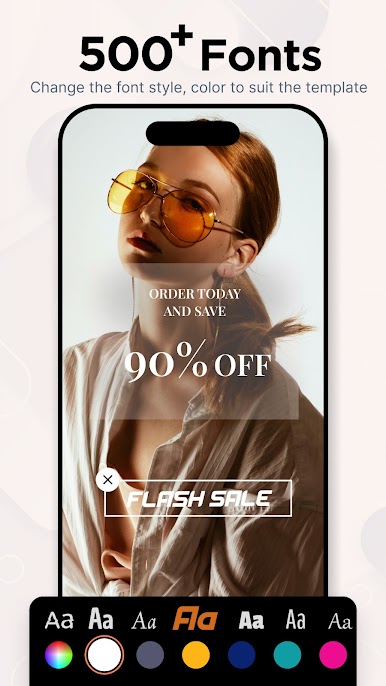
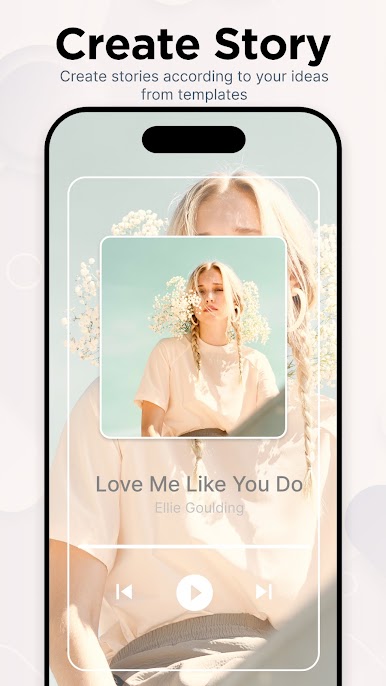
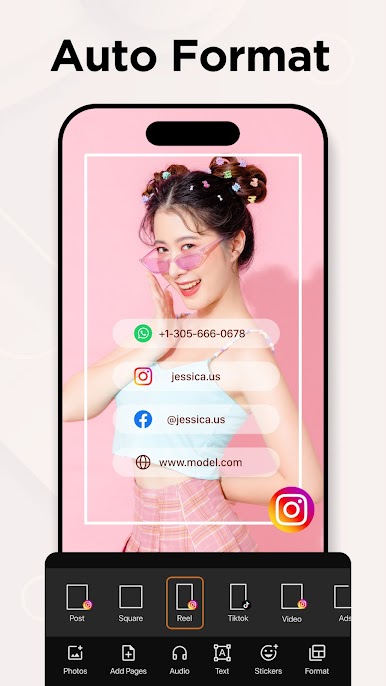
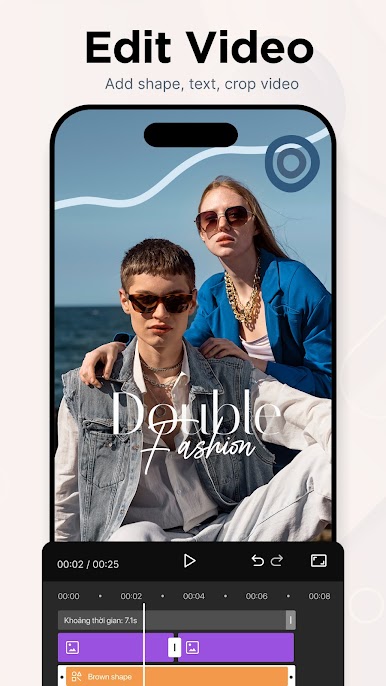






Jouez à MoArt Créer une histoire vidéo sur PC. C'est facile de commencer.
-
Téléchargez et installez BlueStacks sur votre PC
-
Connectez-vous à Google pour accéder au Play Store ou faites-le plus tard
-
Recherchez MoArt Créer une histoire vidéo dans la barre de recherche dans le coin supérieur droit
-
Cliquez pour installer MoArt Créer une histoire vidéo à partir des résultats de la recherche
-
Connectez-vous à Google (si vous avez ignoré l'étape 2) pour installer MoArt Créer une histoire vidéo
-
Cliquez sur l'icône MoArt Créer une histoire vidéo sur l'écran d'accueil pour commencer à jouer

