


Lord of Nazarick
Jouez sur PC avec BlueStacks - la plate-forme de jeu Android, approuvée par + 500M de joueurs.

Page Modifiée le: Nov 15, 2024
Jouez Lord of Nazarick sur PC
Conquérir, commander et contrôler le monde d'OVERLORD !
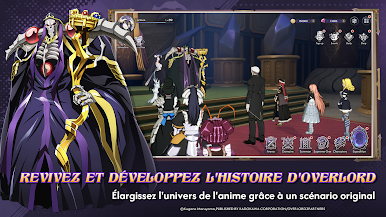
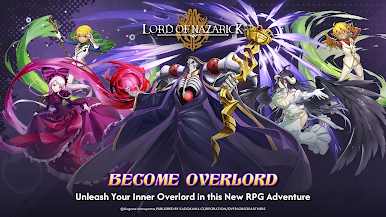
Entrez dans la peau d'Ainz Ooal Gown, Supreme Overlord de Great Tomb of Nazarick, dans ce jeu RPG épique et stratégique ! Plongez dans un monde fantastique immersif où la magie et la puissance s'affrontent, et où seuls les plus forts peuvent remporter la victoire. Basé sur la série d'anime populaire OVERLORD, ce jeu vous permet de vivre l'expérience de commander votre propre armée de puissants gardiens, de méchants et d'autres personnages bien-aimés.
Caractéristiques :
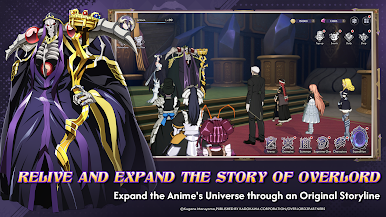
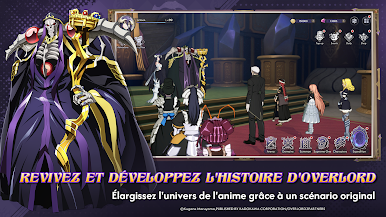
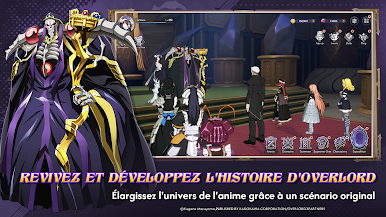
Scénario épique : Suivez une histoire où vous pourrez découvrir le contenu de l'anime qui développe l'univers d'OVERLORD, rempli d'intrigues, de trahisons et d'humour noir.
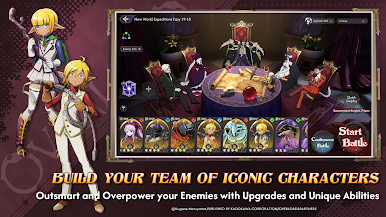
Jeu stratégique : Planifiez vos mouvements avec soin et utilisez les capacités uniques de vos unités pour être plus fort et vaincre vos ennemis.
Personnages emblématiques : Invoquez et améliorez tous vos personnages préférés de la série, y compris Albedo, Shalltear Bloodfallen et Demiurge.
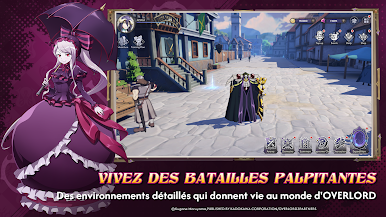
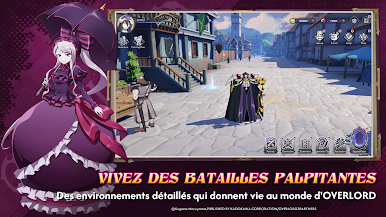
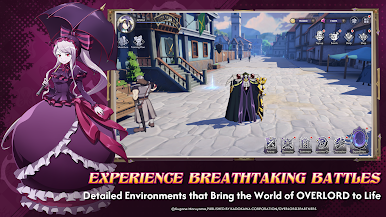
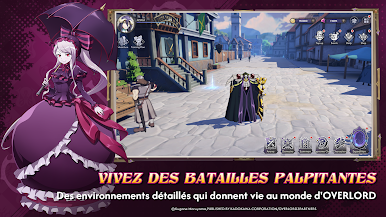
Graphismes extraordinaires : Vivez des combats palpitants grâce à des animations en 3D de haute qualité et des environnements détaillés qui donnent vie au monde d'OVERLORD.
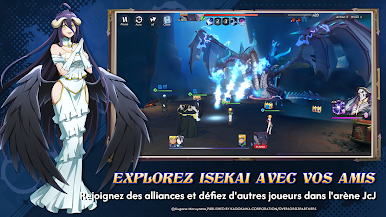
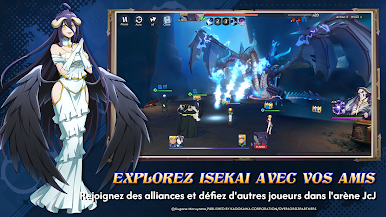
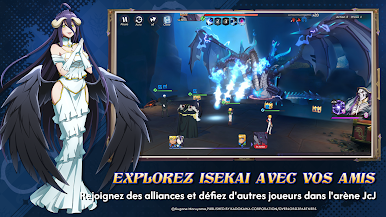
Arène JcJ : Affrontez d'autres joueurs dans l'arène JcJ pour prouver votre suprématie et monter en grade.
Système d'alliance : Joignez vos forces à celles de vos amis et d'autres joueurs pour former de puissantes alliances, participer à des guerres d'alliance et obtenir des récompenses exclusives.
Mises à jour régulières : Profitez des mises à jour régulières du contenu avec de nouveaux personnages, missions et événements, l'aventure est toujours passionnante.
Relèverez-vous le défi et deviendrez-vous le chef ultime de Nazarick ? Téléchargez Lord of Nazarick dès maintenant et libérez overlord qui sommeille en vous !







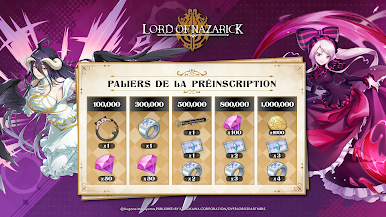
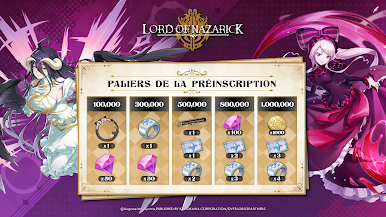

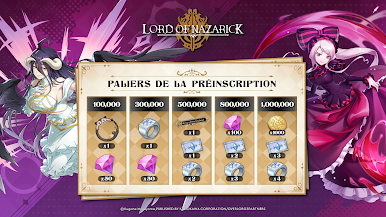
Jouez à Lord of Nazarick sur PC. C'est facile de commencer.
-
Téléchargez et installez BlueStacks sur votre PC
-
Connectez-vous à Google pour accéder au Play Store ou faites-le plus tard
-
Recherchez Lord of Nazarick dans la barre de recherche dans le coin supérieur droit
-
Cliquez pour installer Lord of Nazarick à partir des résultats de la recherche
-
Connectez-vous à Google (si vous avez ignoré l'étape 2) pour installer Lord of Nazarick
-
Cliquez sur l'icône Lord of Nazarick sur l'écran d'accueil pour commencer à jouer

