


Planner for AC: NH
เล่นบน PC ผ่าน BlueStacks - Android Gaming Platform ที่ได้รับความไว้วางใจจากเกมเมอร์ 500 ล้านคนทั่วโลก

Page Modified on: Dec 12, 2025
Run Planner for AC: NH on PC or Mac
Let BlueStacks turn your PC, Mac, or laptop into the perfect home for Planner for AC: NH, a fun Tools app from C Svensson.
About the App
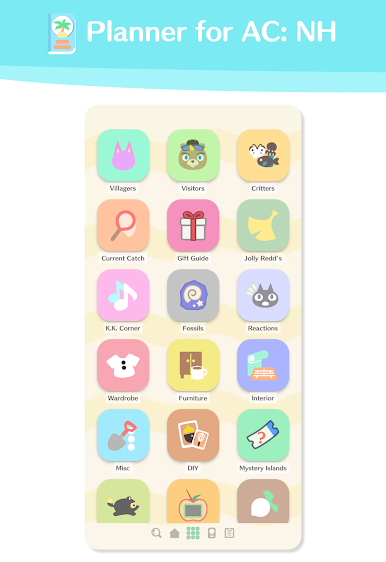
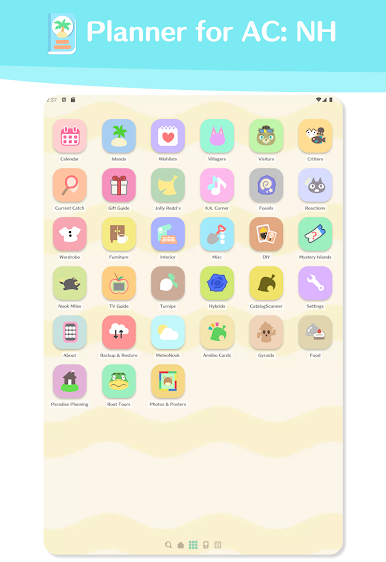
If you love sinking hours into Animal Crossing: New Horizons but sometimes lose track of things to do, Planner for AC: NH is here to help. This handy tool by C Svensson keeps your island life totally organized—no more missing out on special dates or hunting for info online. With an easy-to-use setup and lots of thoughtful features, you’ll find everything you need to manage your island and villagers, all in one spot.
App Features
-
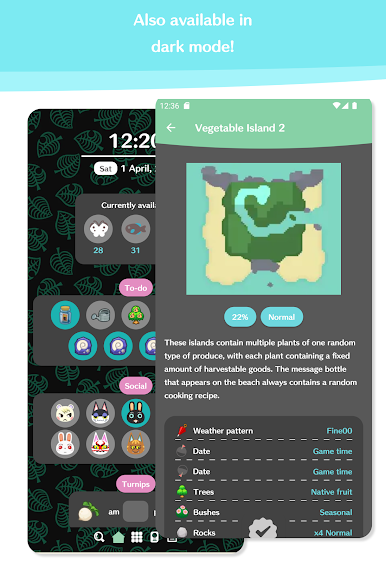
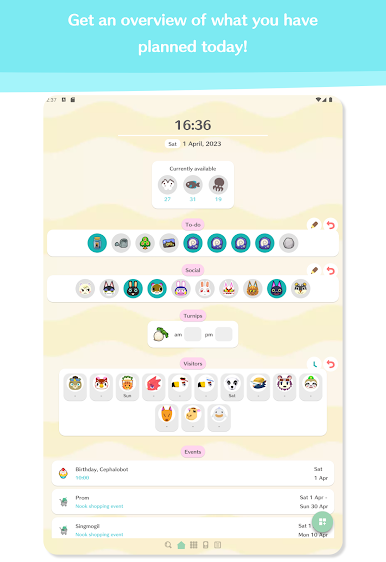
Daily Task List
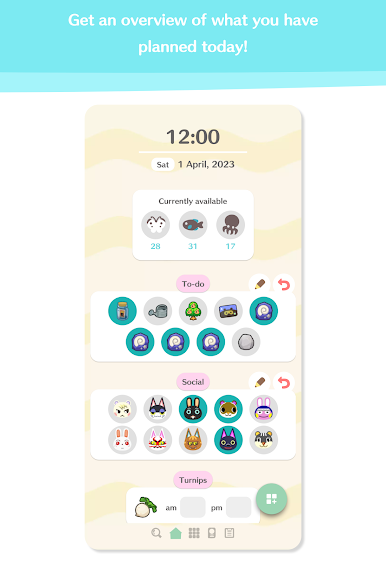
Stay on top of your routine chores, special projects, and whatever else needs doing. Check off each accomplishment as you go—satisfying, right? -
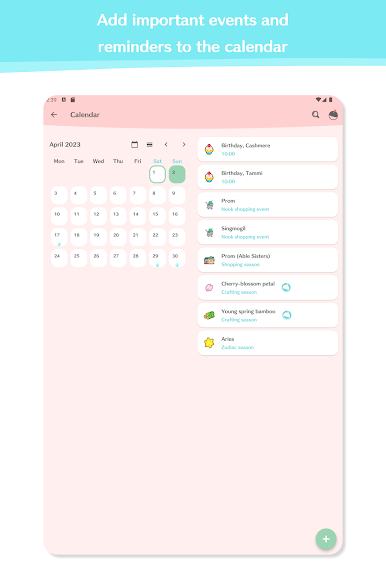
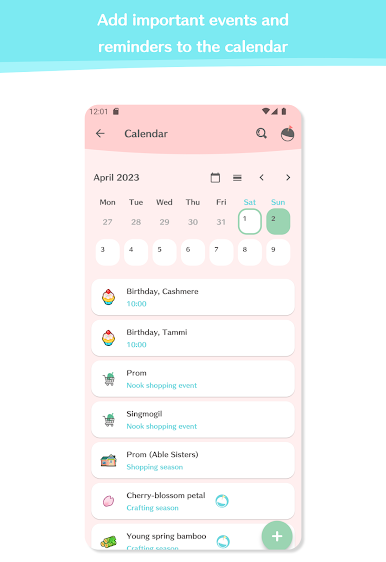
Reminders for Events
Forgot a birthday before? Event and birthday reminders make sure you never miss out on island happenings or the chance to celebrate with your favorite villagers. -
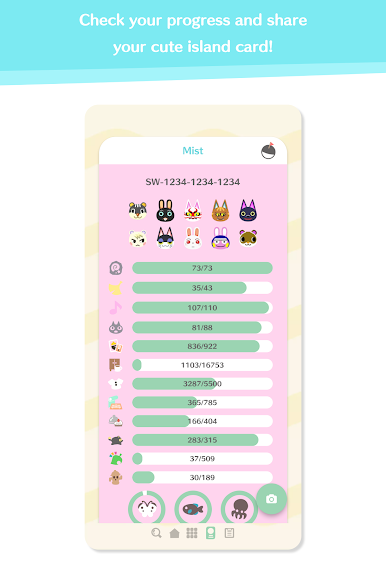
Multiple Profiles
Got more than one island? You can switch between them or manage profiles for different players with zero fuss. -
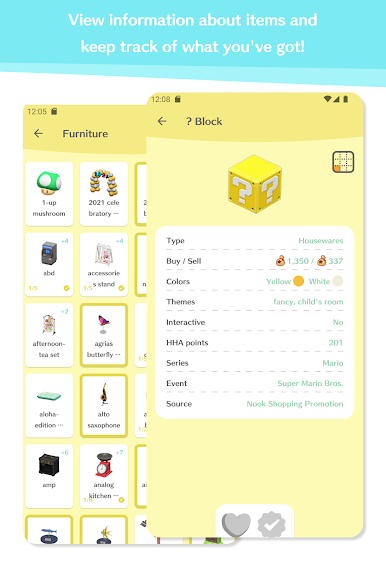
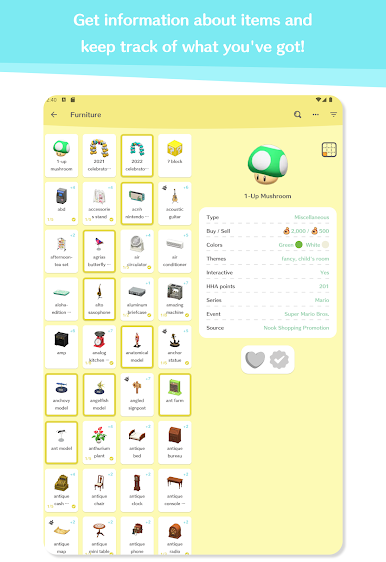
Wishlists & Notes
Jot down in-game goals, keep a running checklist of furniture to hunt for, or save nifty decorating ideas. It’s like your personal AC notebook. -
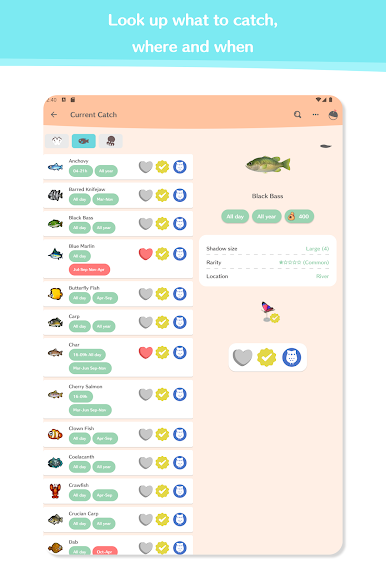
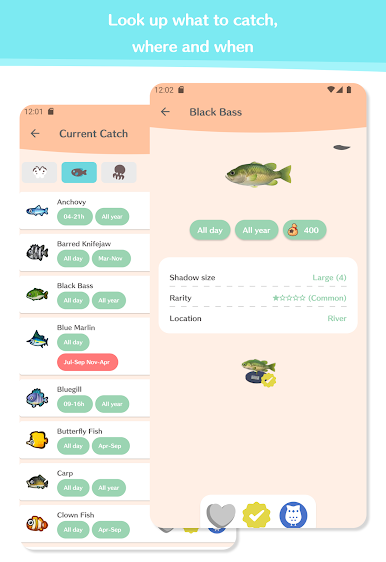
Critter and Fossil Tracking
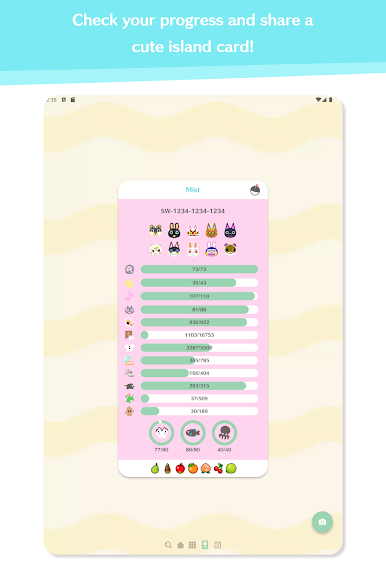
Find out what bugs, fish, and sea creatures are in season, which fossils you’ve collected, and what’s still missing from your museum. -
Turnip Price Tracker
Monitor fluctuating turnip prices to make that big Bell haul, with built-in turnip prediction tools when you’re connected to the internet. -
Guides for Visitors & Shops
Quick access to info about incoming NPCs like Redd, plus tips on snagging rare hybrids or grabbing that elusive painting. -
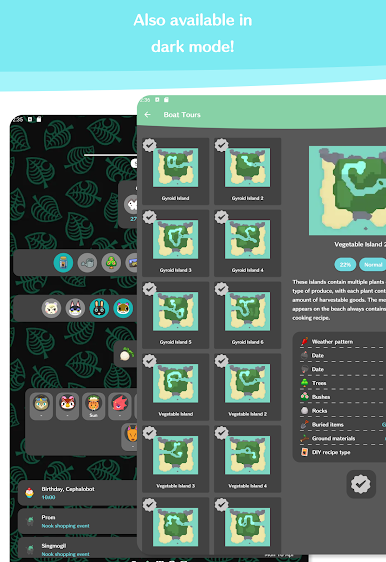
Offline Functionality
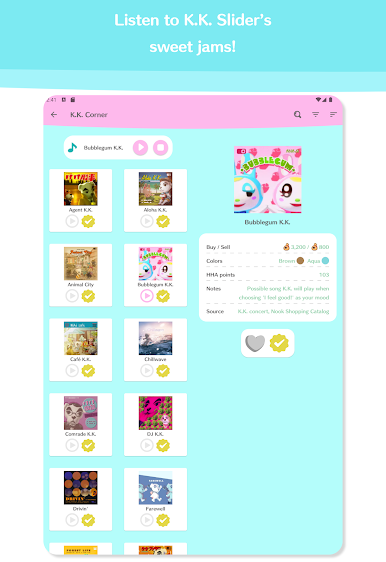
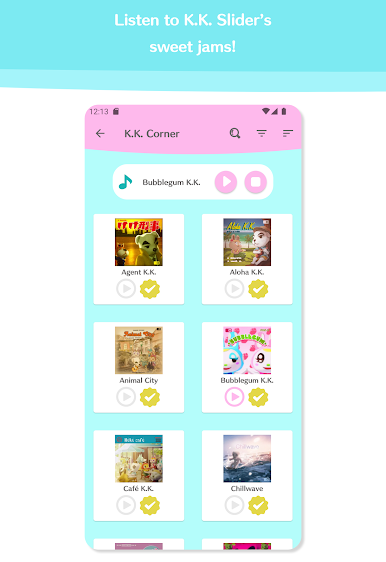
Most features work without an internet connection, handy for planning on the go. You’ll just need to hop online for a couple things like song playback or crunching those turnip predictions.
You can even use Planner for AC: NH with BlueStacks if you prefer managing your game plans from a larger screen.
BlueStacks gives you the much-needed freedom to experience your favorite apps on a bigger screen. Get it now.
เล่น Planner for AC: NH บน PC ได้ง่ายกว่า
-
ดาวน์โหลดและติดตั้ง BlueStacks บน PC ของคุณ
-
ลงชื่อเข้าใช้แอคเคาท์ Google เพื่อเข้าสู่ Play Store หรือทำในภายหลัง
-
ค้นหา Planner for AC: NH ในช่องค้นหาด้านขวาบนของโปรแกรม
-
คลิกเพื่อติดตั้ง Planner for AC: NH จากผลการค้นหา
-
ลงชื่อเข้าใช้บัญชี Google Account (หากยังไม่ได้ทำในขั้นที่ 2) เพื่อติดตั้ง Planner for AC: NH
-
คลิกที่ไอคอน Planner for AC: NH ในหน้าจอเพื่อเริ่มเล่น

