

DanceRail3
Jouez sur PC avec BlueStacks - la plate-forme de jeu Android, approuvée par + 500M de joueurs.

Page Modifiée le: Nov 29, 2025
Play DanceRail3 on PC or Mac
Bring your A-game to DanceRail3, the Music game sensation from SORAGAME. Give your gameplay the much-needed boost with precise game controls, high FPS graphics, and top-tier features on your PC or Mac with BlueStacks.
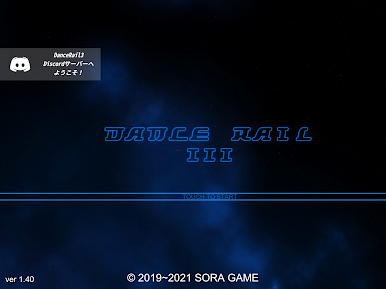
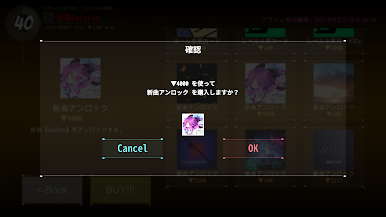
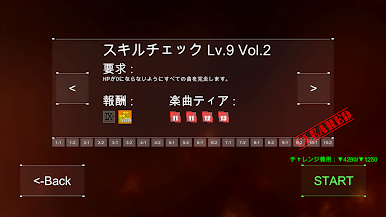
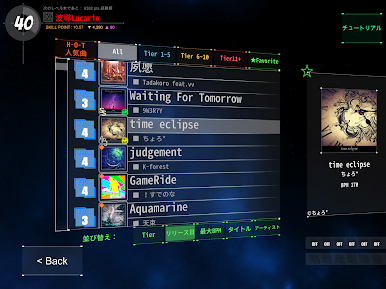
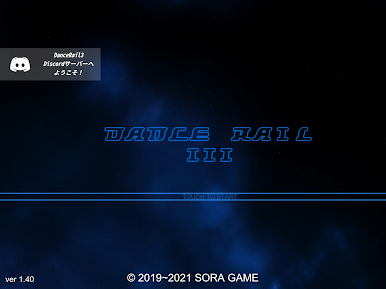
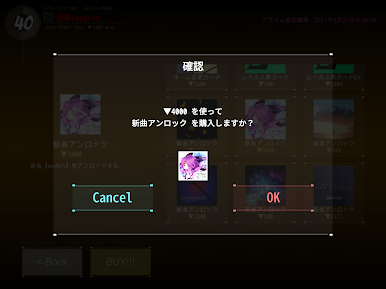
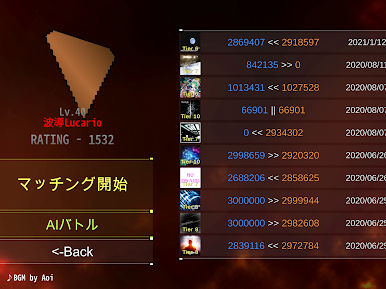
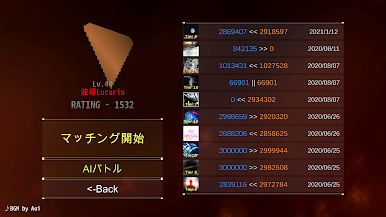
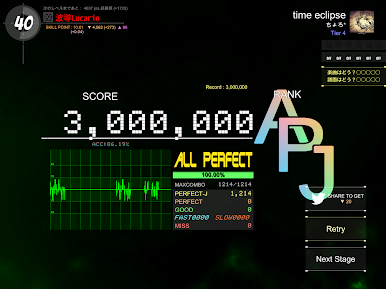
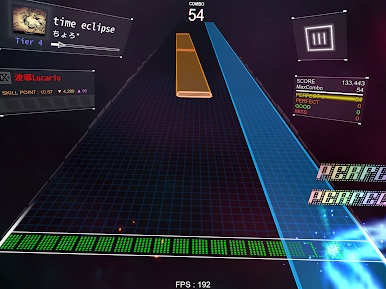
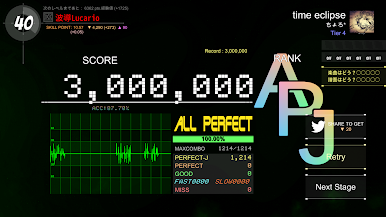
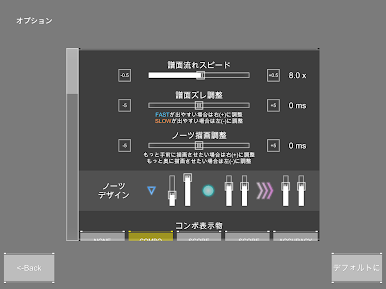
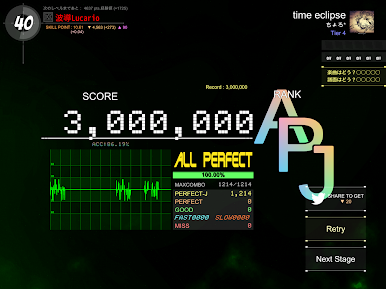
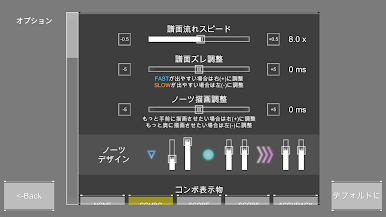
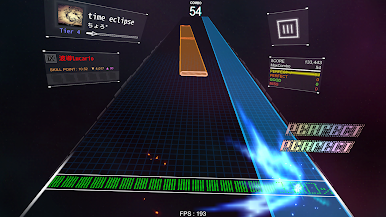
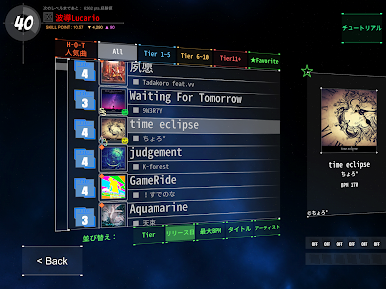
DanceRail3 is a music rhythm game where songs play and colored bars or notes slide down the screen, lining up with the music. The goal’s to tap those notes in time — it looks simple, but it challenges you to keep up as tempo and note patterns change. There are a ton of different tracks, so every stage keeps things interesting, especially since some are fast-paced and really test your reaction speed. The graphics are pretty sharp and smooth, since it’s made with a newer game engine, and everything just feels polished, from the menus to the actual play. The tap timing is really tight, so hitting the right notes is satisfying — and it gets surprisingly hard on higher difficulties. Playing it on PC using BlueStacks gives a bigger screen and easier controls, so it’s easier to follow all the action when things get hectic. For anyone who likes rhythm games or just wants a fun way to listen to music while gaming, it’s got a good mix of challenge and variety. The interface isn’t cluttered, the feedback for hits and misses is clear, and it feels rewarding to finally nail those trickier parts after a few tries. Each song feels like it’s its own little challenge, so there’s always something to improve or master.
Ready to top the leaderboard? We bet you do. Let precise controls and sharp visuals optimized on BlueStacks lead you to victory.

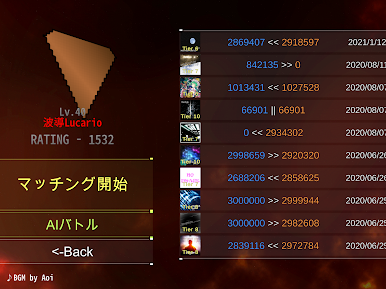
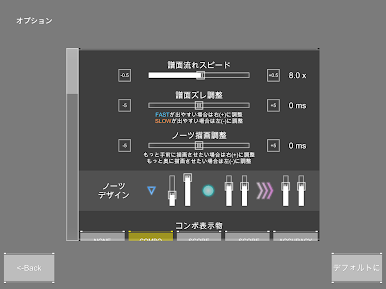
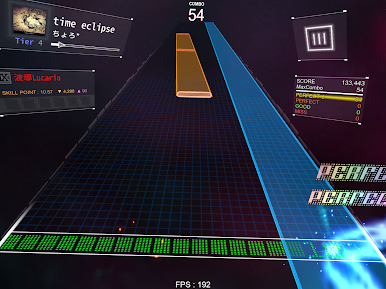
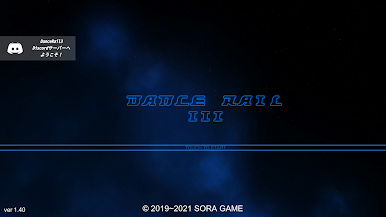
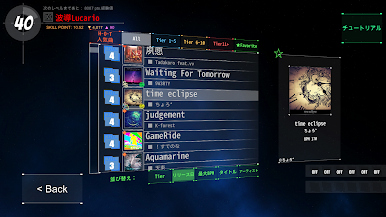
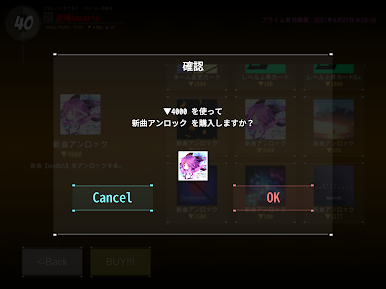
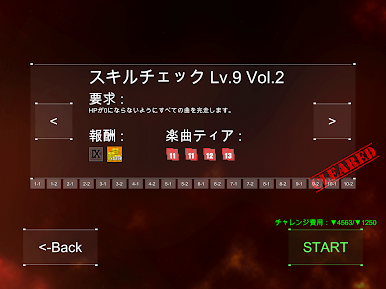
Jouez à DanceRail3 sur PC. C'est facile de commencer.
-
Téléchargez et installez BlueStacks sur votre PC
-
Connectez-vous à Google pour accéder au Play Store ou faites-le plus tard
-
Recherchez DanceRail3 dans la barre de recherche dans le coin supérieur droit
-
Cliquez pour installer DanceRail3 à partir des résultats de la recherche
-
Connectez-vous à Google (si vous avez ignoré l'étape 2) pour installer DanceRail3
-
Cliquez sur l'icône DanceRail3 sur l'écran d'accueil pour commencer à jouer

