


DeckEleven's Railroads
Jouez sur PC avec BlueStacks - la plate-forme de jeu Android, approuvée par + 500M de joueurs.

Page Modifiée le: Aug 23, 2023
Play DeckEleven's Railroads on PC or Mac
Bring your A-game to DeckEleven’s Railroads, the Strategy game sensation from DeckEleven Entertainment. Give your gameplay the much-needed boost with precise game controls, high FPS graphics, and top-tier features on your PC or Mac with BlueStacks.
About the Game
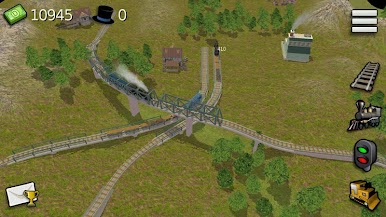
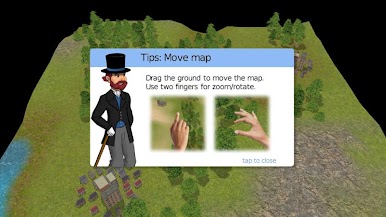
Fancy yourself an architect of railroads? In DeckEleven’s Railroads, you get to plan, build, and run a sprawling train network from the ground up. Whether you’re a mastermind strategist or just someone who loves the clackety-clack of a locomotive, this game lets you shape railways, control what’s shipped where, and watch your empire grow—across continents, no less. It’s all about clever planning, a bit of trial and error, and some truly sweet engine choices.
Game Features
-
Custom Track Building
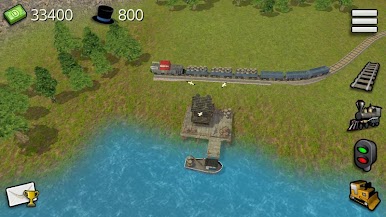
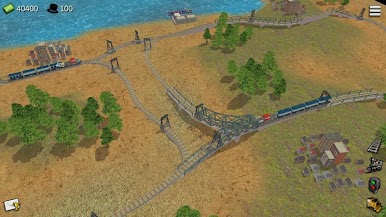
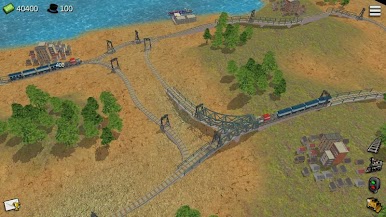
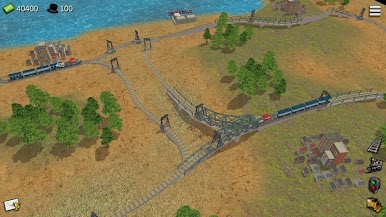
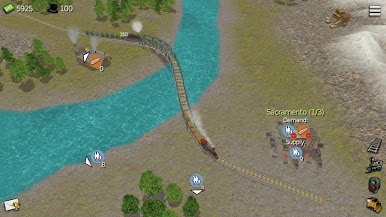
- Design and lay out your own rail networks, navigating tricky terrain and connecting towns, factories, and everything in between. Mess up a section? Just reroute and keep moving.
-
Evolving Train Fleet
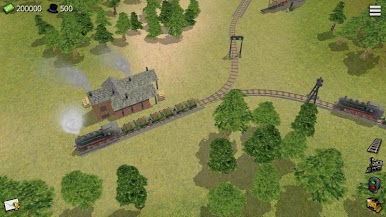
- Unlock and choose from a collection of locomotives, from snorting steam engines to sleek diesels and electrics. Each comes with its own quirks—so pick what fits your style.
-
Global Expansion
- Tackle unique scenarios set in countries like India, the USA, Canada, and France. Different environments keep you on your toes and make sure no two routes feel the same.
-
Smart Strategy Gameplay
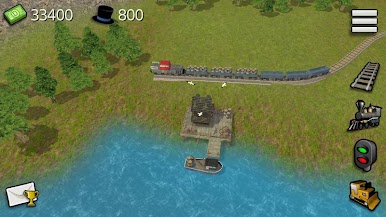
- It’s not just about laying tracks—you’ll have to master cargo management. Decide what to transport, how to time your deliveries, and outsmart challenges as your network scales up.
-
3D Visuals
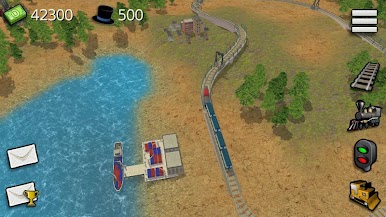
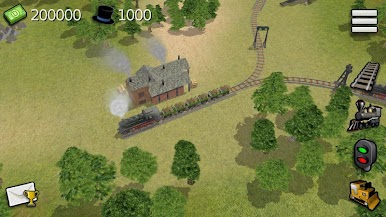
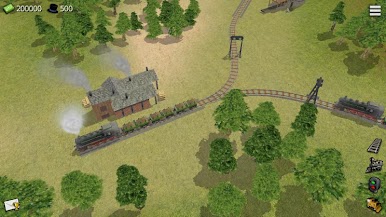
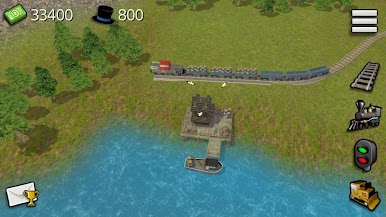
- The tracks, trains, and landscapes are all rendered in full 3D, so you can watch your railroads snake through valleys and cities from every angle.
-
Smooth Play Options
- You can really appreciate those train details (and make bigger, more ambitious routes) especially if you play using BlueStacks—it just feels better on a big screen with smoother controls.
Get ready to experiment, puzzle things out, and see just how far your own train empire can go!
Slay your opponents with your epic moves. Play it your way on BlueStacks and dominate the battlefield.
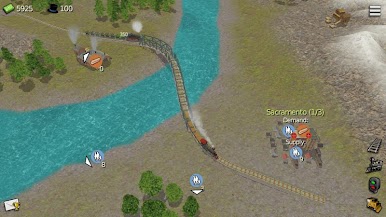
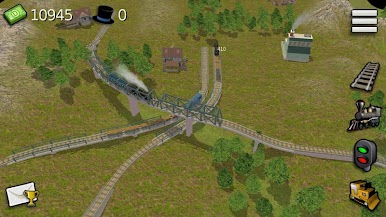
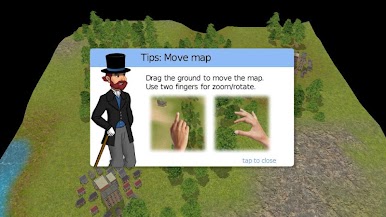
Jouez à DeckEleven's Railroads sur PC. C'est facile de commencer.
-
Téléchargez et installez BlueStacks sur votre PC
-
Connectez-vous à Google pour accéder au Play Store ou faites-le plus tard
-
Recherchez DeckEleven's Railroads dans la barre de recherche dans le coin supérieur droit
-
Cliquez pour installer DeckEleven's Railroads à partir des résultats de la recherche
-
Connectez-vous à Google (si vous avez ignoré l'étape 2) pour installer DeckEleven's Railroads
-
Cliquez sur l'icône DeckEleven's Railroads sur l'écran d'accueil pour commencer à jouer

