


Deliveroo : Faites-vous livrer
Jouez sur PC avec BlueStacks - la plate-forme de jeu Android, approuvée par + 500M de joueurs.

Page Modifiée le: Dec 4, 2025
Play Deliveroo: Food & Shopping on PC
ALL YOUR FAVORITES, DELIVERED:
- Restaurants: Big brands and local gems
- Grocery: Always fresh with our Freshness Promise
- Convenience: Beauty essentials, flowers, gifts, DIY and more in minutes
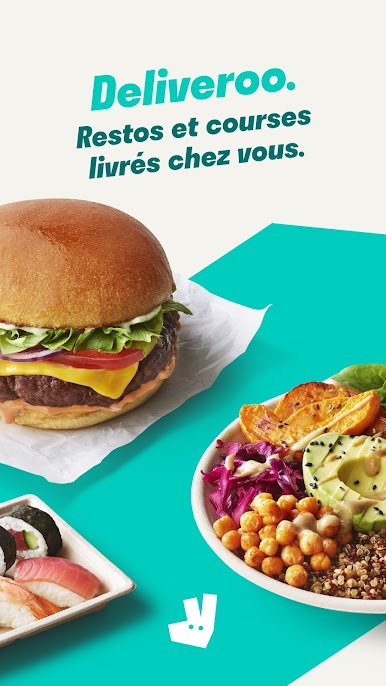
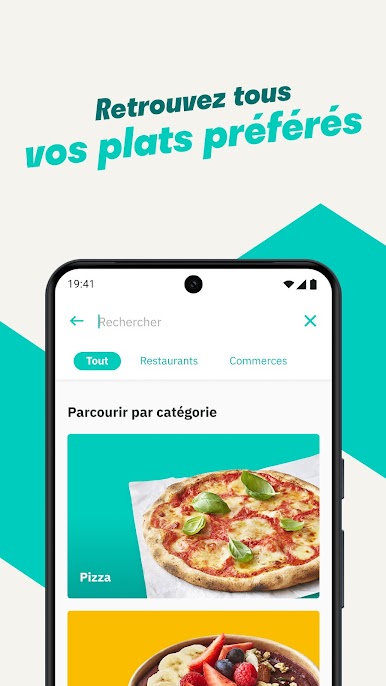
Order from the restaurants you’re craving...
- Sushi or pizza?
- A Chinese or Indian?
- Burgers, pasta, breakfast or something sweet?
All of your favorites are just a tap away from top brands like KFC, McDonald’s, Burger King, Subway, Nando’s, Wagamama, Popeyes, Papa John’s, Wingstop, Giggling Squid, Kokoro, Pizza Express, Five Guys, Franco Manca, Dishoom, Pho, Taco Bell, Starbucks, Gail's Bakery, Joe & the Juice, GBK and more!
Or fancy something different? Discover thousands of local gems that deliver right to your door.
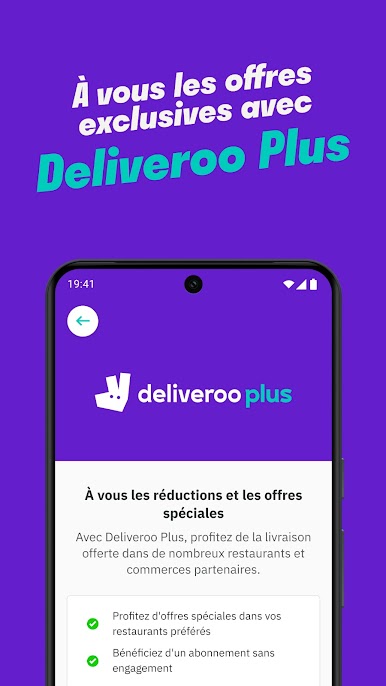
£0 DELIVERY FEE WITH DELIVEROO PLUS
Become a member and you’ll also unlock:
- Exclusive offers and member-only deals
- Monthly rewards that help your money go further
- Discounted service fees*
- Earn 10% back on restaurant orders over £30*
*Plus Gold members only
It’s the simplest way to save while enjoying what you love most.
SUPERMARKETS SORTED
Get groceries delivered fast from top supermarkets, including Waitrose, ASDA, Morrisons, M&S, Sainsbury’s, Co-Op, Amazon Fresh, Whole Foods, Spar, One Stop, Iceland and Majestic Wine.
MORE THAN FOOD
We’re here for the everyday essentials and little treats too. From Boots and Healf to Not On The High Street, B&Q, Screwfix, Accessorize and The Perfume Shop, we've got you covered.
WHY CHOOSE DELIVEROO?
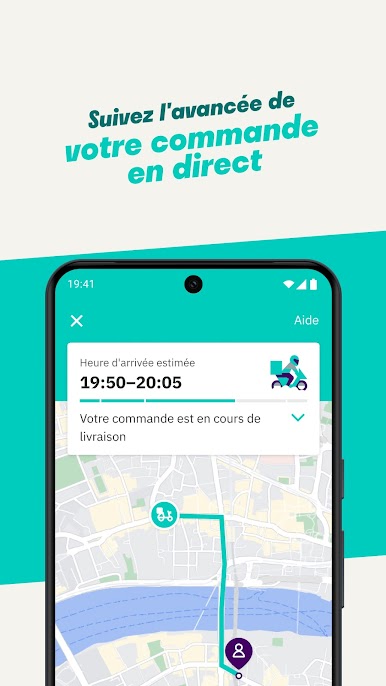
- Track every order live from kitchen to doorstep
- Enjoy fast, reliable delivery when it matters
- Order for right now or schedule for later
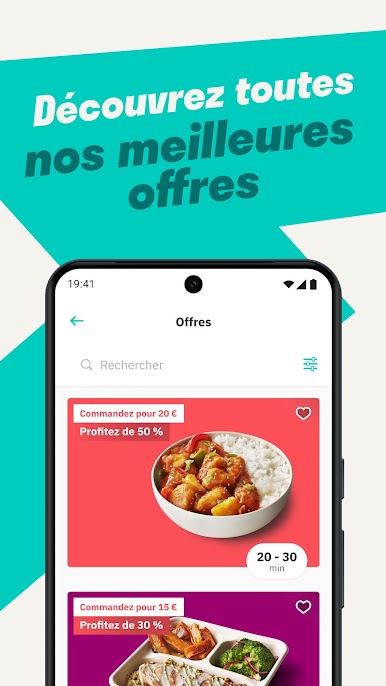
- Pick up deals you won’t find anywhere else
Download the app today and let us bring the best of your neighborhood straight to your door.
T&Cs apply. Visit the website for full details.

Jouez à Deliveroo : Faites-vous livrer sur PC. C'est facile de commencer.
-
Téléchargez et installez BlueStacks sur votre PC
-
Connectez-vous à Google pour accéder au Play Store ou faites-le plus tard
-
Recherchez Deliveroo : Faites-vous livrer dans la barre de recherche dans le coin supérieur droit
-
Cliquez pour installer Deliveroo : Faites-vous livrer à partir des résultats de la recherche
-
Connectez-vous à Google (si vous avez ignoré l'étape 2) pour installer Deliveroo : Faites-vous livrer
-
Cliquez sur l'icône Deliveroo : Faites-vous livrer sur l'écran d'accueil pour commencer à jouer

