


Weather & Clock Widget Plus
เล่นบน PC ผ่าน BlueStacks - Android Gaming Platform ที่ได้รับความไว้วางใจจากเกมเมอร์ 500 ล้านคนทั่วโลก

Page Modified on: Aug 7, 2025
Play Weather & Clock Widget Plus on PC
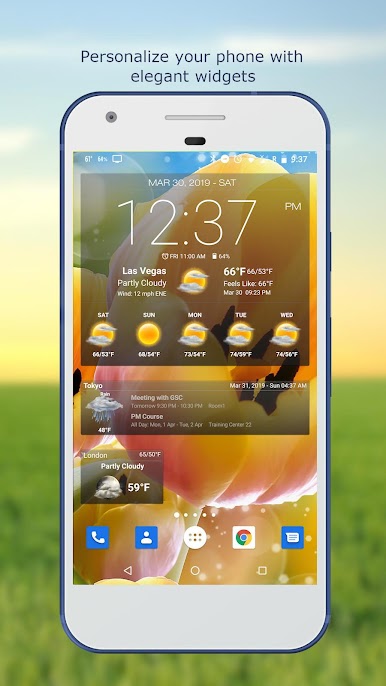
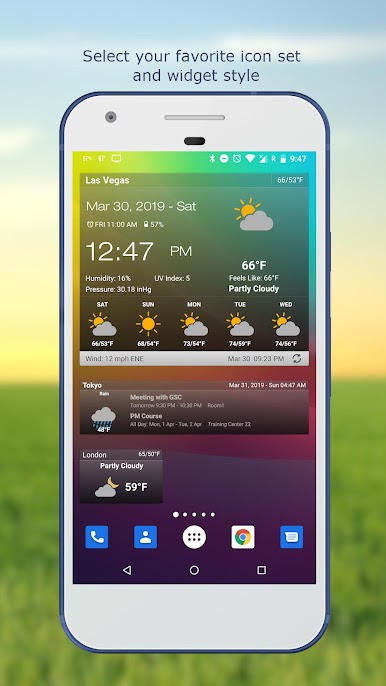
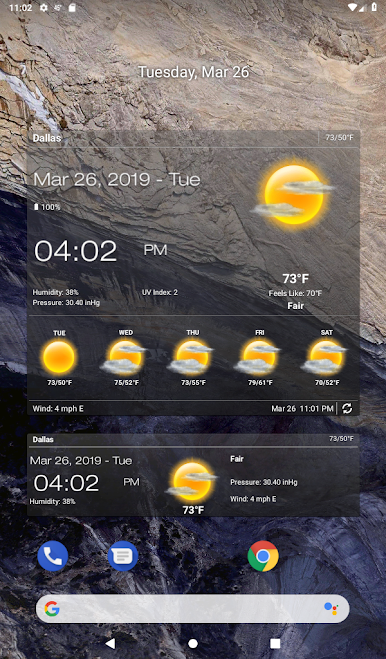
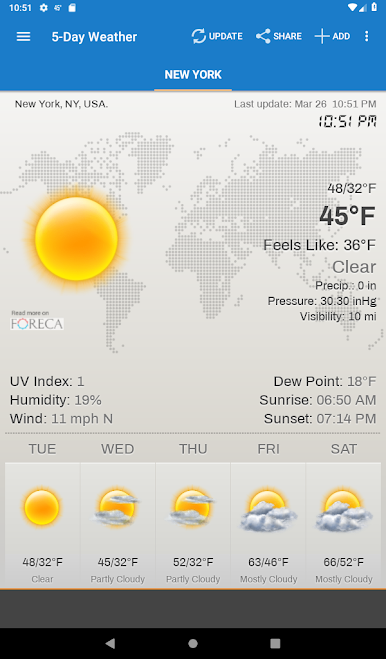
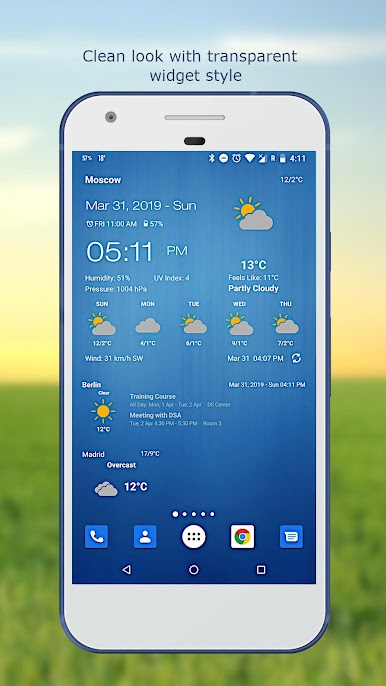
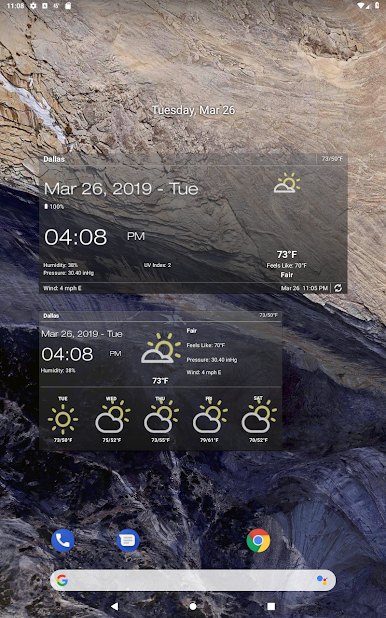
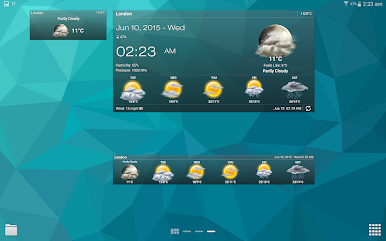
Personalize your phone/tablet with the most elegant and customizable widgets, showing current weather, hourly/daily forecast, moon phase, time and date, your calendar events, next alarm, battery level.
Features:
- Automatic location detection
- Locate by network and GPS (Global Positioning System).
- Manually search for location by name or zip code.
- Weather notification alerts.
- Multiple weather providers.
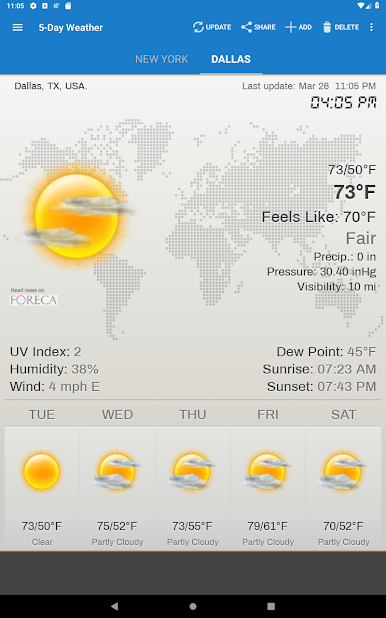
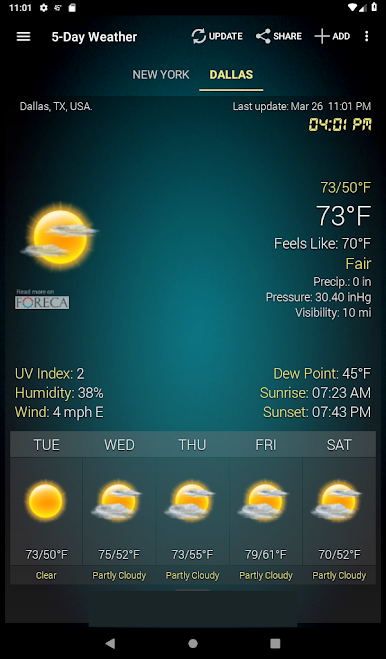
- Current weather condition.
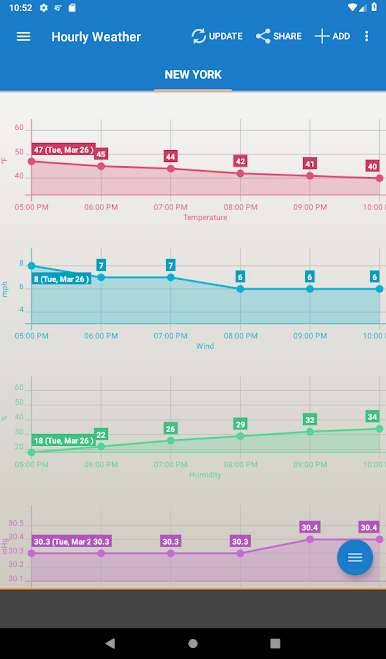
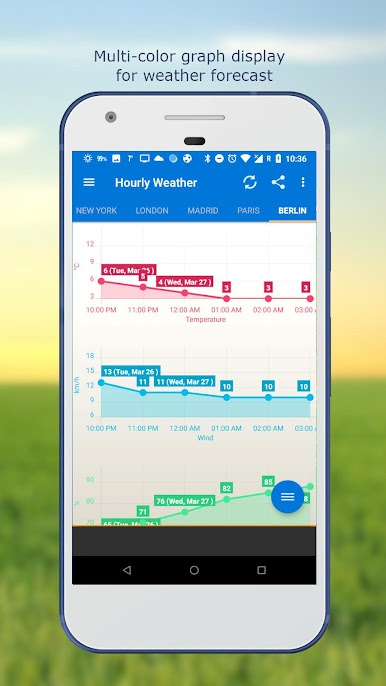
- Hourly weather forecast.
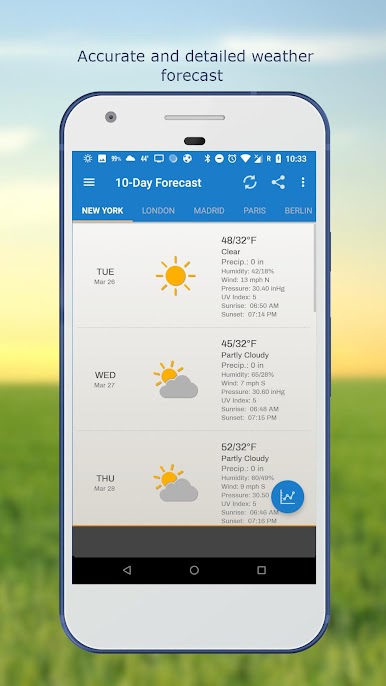
- 10-day weather forecast.
- Temperature.
- Celsius and Fahrenheit temperature unit.
- Relative humidity percentage.
- Atmospheric pressure.
- Visibility distance.
- Precipitation.
- UV-Index.
- Dew point.
- Wind speed and direction with different units.
- Sunrise and Sunset times.
- Display temperature in status bar (Notification bar).
- Share weather and location information with friends.
- Elegant home screen widgets.
- Customize font for clock and date.
- Moon phase.
- Update on WiFi only and stop while roaming.
- Automatic update intervals: 15, 30 min, 1, 3, 6, 9, 12 hours or Manual update.
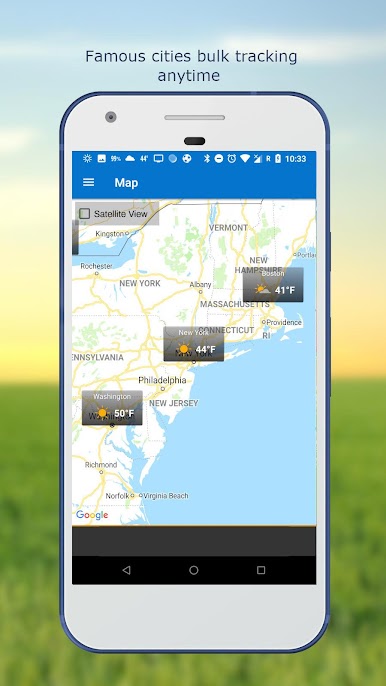
- Follow weather and forecast for multiple locations.
- Weather map.
- Android Wear support.
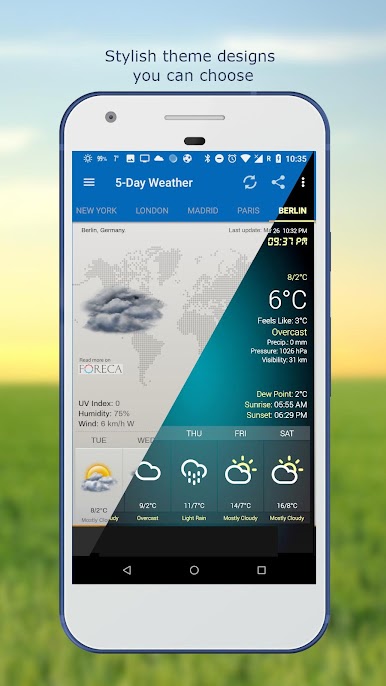
- Themes.
- Chart graphs.
- Localized to many world languages.
FAQ page: http://devexpert.net/weather/FAQ
For more information: http://devexpert.net/weather/
Like us on Facebook: https://www.facebook.com/Weather-Clock-Widget-182414791859010/
เล่น Weather & Clock Widget Plus บน PC ได้ง่ายกว่า
-
ดาวน์โหลดและติดตั้ง BlueStacks บน PC ของคุณ
-
ลงชื่อเข้าใช้แอคเคาท์ Google เพื่อเข้าสู่ Play Store หรือทำในภายหลัง
-
ค้นหา Weather & Clock Widget Plus ในช่องค้นหาด้านขวาบนของโปรแกรม
-
คลิกเพื่อติดตั้ง Weather & Clock Widget Plus จากผลการค้นหา
-
ลงชื่อเข้าใช้บัญชี Google Account (หากยังไม่ได้ทำในขั้นที่ 2) เพื่อติดตั้ง Weather & Clock Widget Plus
-
คลิกที่ไอคอน Weather & Clock Widget Plus ในหน้าจอเพื่อเริ่มเล่น

