


Diligent Icon Pack
เล่นบน PC ผ่าน BlueStacks - Android Gaming Platform ที่ได้รับความไว้วางใจจากเกมเมอร์ 500 ล้านคนทั่วโลก

Page Modified on: Mar 15, 2025
Play Diligent Icon Pack on PC
FEATURES
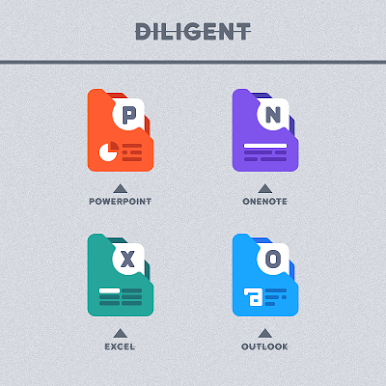
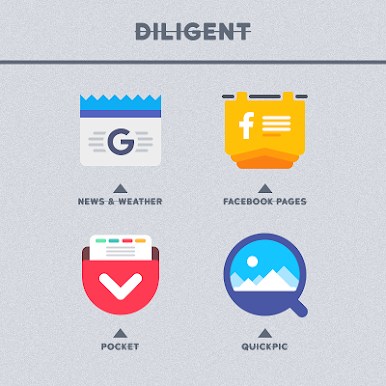
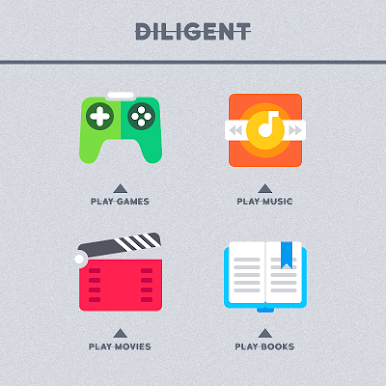
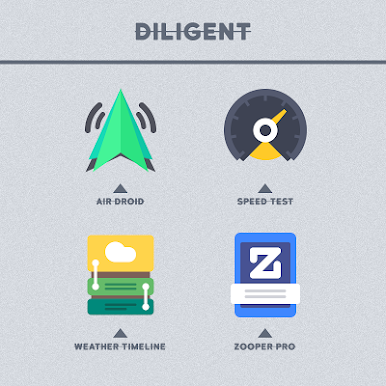
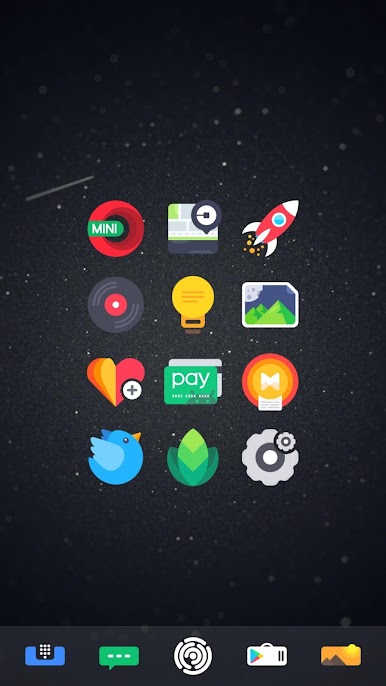
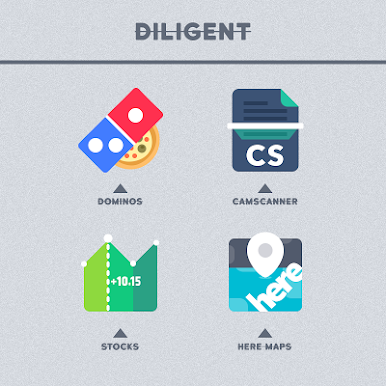
▸ 3400+ unique shapeless icons
▸ Regular Updates
▸ Most unique dock icons
▸ Alternative icons
▸ Custom folders icons
▸ Cloud based wallpapers
▸ Dynamic Calendar support
▸ Icon request tool
▸ Material Dashboard
▸ Premium icon request support
Diligent icon pack with unique shapeless icons gives your android device home screen beautiful look and extra special icons let you add your personal touch to your liking.
How to use this Icon pack?
▸ Install the supported Launcher
▸ Open Diligent Icon Pack app and Go to Apply section and Select Launcher to apply.
If your launcher is not in the list then apply manually from the launcher settings section.
BEFORE YOU GO
• Icon pack requires a supported launcher
• App's help section holds FAQ and answers
RECOMMENDED LAUNCHER AND SETTINGS
▸ Use NOVA Launcher
▸ Set Icon Normalization Off From the Nova Launcher Settings
▸ Set Icon Size to 110% - 130%
SUPPORTED LAUNCHERS
• Nova Launcher(recommended) • Lawnchair Launcher • Microsoft Launcher • Smart Launcher • ADW Launcher • Action Launcher • Apex Launcher • Go Launcher • Poco Launcher • Evie Launcher
• Next Launcher • Solo Launcher • Hyperion Launcher • Niagara Launcher • Total Launcher • CM Theme Engine
This pack may supports other launchers which are not listed in the apply section of the app and supported launchers.
STAY IN TOUCH!
https://twitter.com/FLATEDGE1418
https://mewe.com/i/flatedge
Any Help?
Mail me @ flatedge18@gmail.com
เล่น Diligent Icon Pack บน PC ได้ง่ายกว่า
-
ดาวน์โหลดและติดตั้ง BlueStacks บน PC ของคุณ
-
ลงชื่อเข้าใช้แอคเคาท์ Google เพื่อเข้าสู่ Play Store หรือทำในภายหลัง
-
ค้นหา Diligent Icon Pack ในช่องค้นหาด้านขวาบนของโปรแกรม
-
คลิกเพื่อติดตั้ง Diligent Icon Pack จากผลการค้นหา
-
ลงชื่อเข้าใช้บัญชี Google Account (หากยังไม่ได้ทำในขั้นที่ 2) เพื่อติดตั้ง Diligent Icon Pack
-
คลิกที่ไอคอน Diligent Icon Pack ในหน้าจอเพื่อเริ่มเล่น

