


แสดงรหัสผ่าน wifi - สแกน wifi
เล่นบน PC ผ่าน BlueStacks - Android Gaming Platform ที่ได้รับความไว้วางใจจากเกมเมอร์ 500 ล้านคนทั่วโลก

Page Modified on: Oct 3, 2025
Run Show Wifi Password - Scan Wifi on PC or Mac
Let BlueStacks turn your PC, Mac, or laptop into the perfect home for Show Wifi Password – Scan Wifi, a fun Tools app from JunStudio.
About the App
Ever get stuck trying to remember a WiFi password you connected to weeks ago? Show Wifi Password – Scan Wifi by JunStudio takes the hassle out of managing and sharing your saved WiFi passwords. With just a few taps, you can easily look up and copy any network password you’ve stored on your phone—no more awkwardly checking under your router or texting your roommate for the info. The app keeps things simple and puts control over your WiFi connections right where you want it.
App Features
-
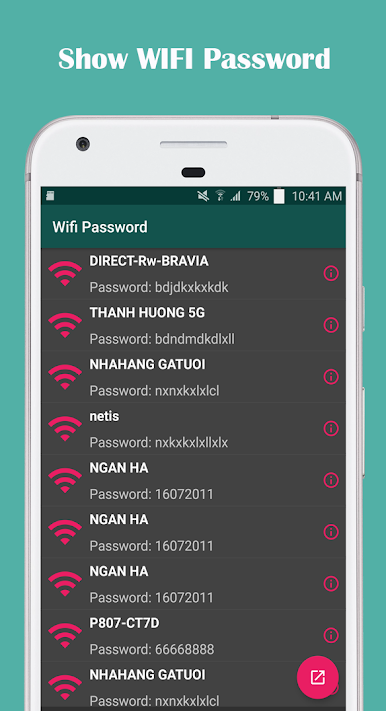
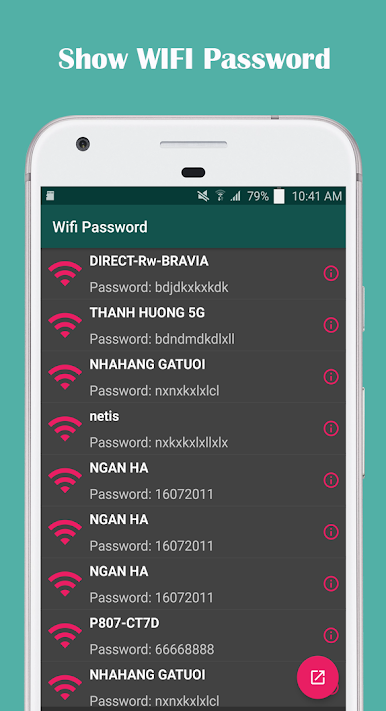
Instant Wifi Password Lookup
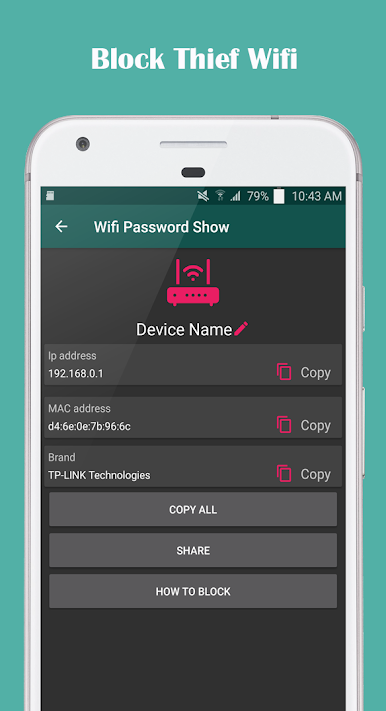
See all the WiFi networks you’ve connected to, with their passwords displayed so you never have to guess or hunt around again. -
One-Tap Password Copying & Sharing
Copy a saved WiFi password to your clipboard and share it directly with friends or family. Send it over SMS, email, or your favorite social apps—no more typing passwords out one character at a time. -
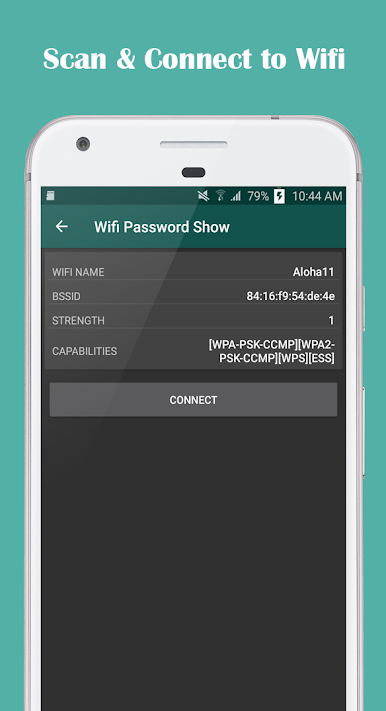
Full Network Scanner
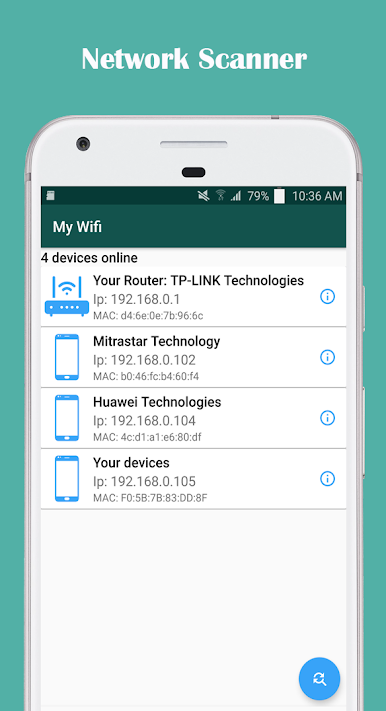
Quickly scan for all WiFi networks nearby, view details, and keep track of your connections. Perfect for checking what’s available when you’re out and about. -
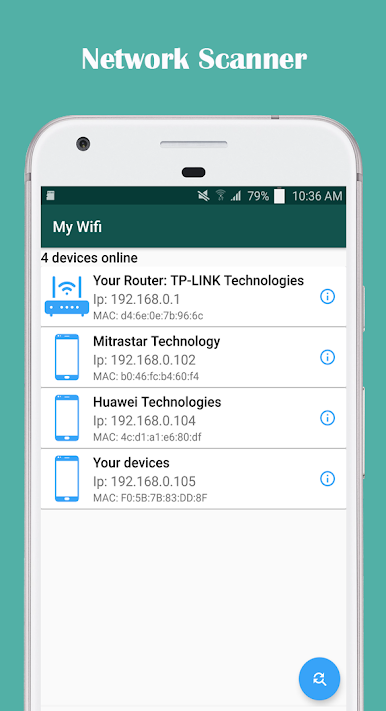
Device Detection Tools
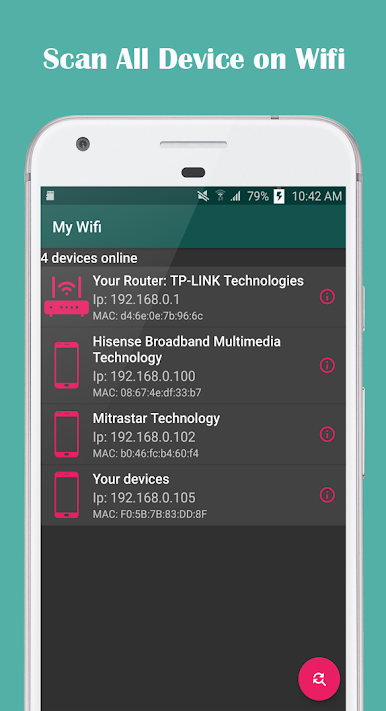
Wondering who else is using your WiFi? The built-in device scanner helps you see exactly which devices are on your network, and spot any unfamiliar guests. -
Works with Various WiFi Standards
Supports a wide range of network types, including free, WPA, and WPA2 WiFis, so you won’t get left out no matter where you connect. -
Password Recovery for Rooted Devices
If your phone is rooted, you can recover all previously connected WiFi passwords without any hassle. -
User-Friendly & Free
The layout’s straightforward—just open, scan, and manage everything from one place. Plus, it doesn’t cost a thing.
For folks who like a big screen, using Show Wifi Password – Scan Wifi on BlueStacks brings these tools right to your PC or Mac—handy for multitaskers.
Eager to take your app experience to the next level? Start right away by downloading BlueStacks on your PC or Mac.
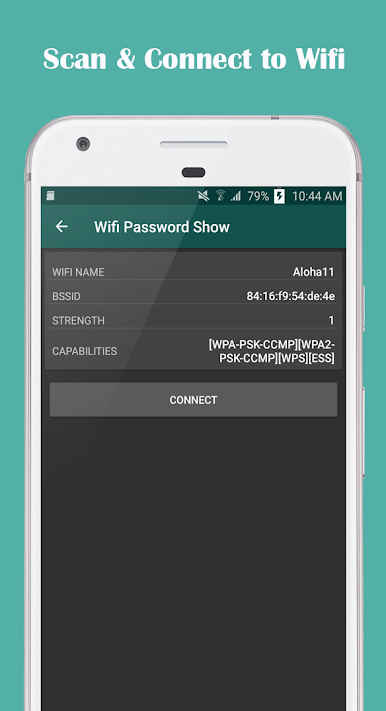
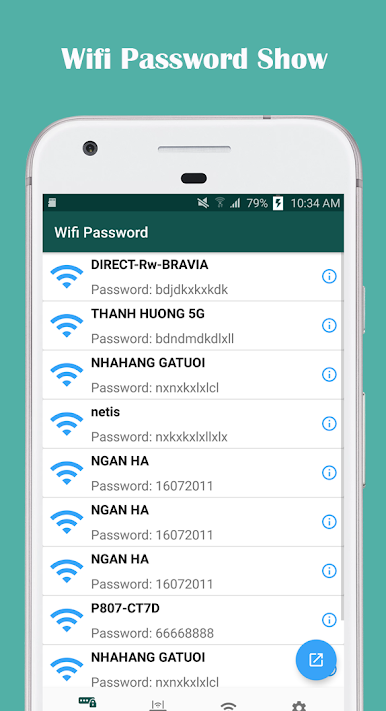
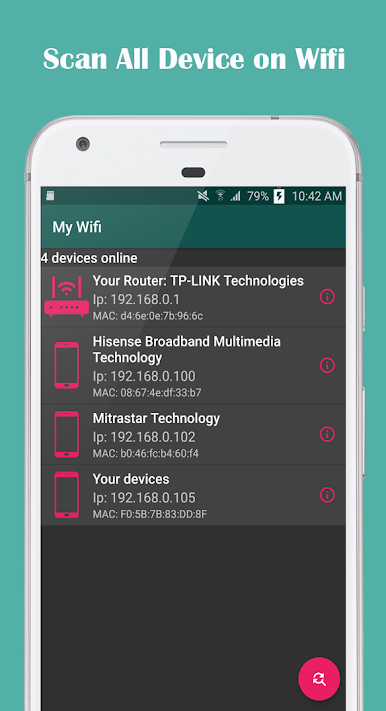
เล่น แสดงรหัสผ่าน wifi - สแกน wifi บน PC ได้ง่ายกว่า
-
ดาวน์โหลดและติดตั้ง BlueStacks บน PC ของคุณ
-
ลงชื่อเข้าใช้แอคเคาท์ Google เพื่อเข้าสู่ Play Store หรือทำในภายหลัง
-
ค้นหา แสดงรหัสผ่าน wifi - สแกน wifi ในช่องค้นหาด้านขวาบนของโปรแกรม
-
คลิกเพื่อติดตั้ง แสดงรหัสผ่าน wifi - สแกน wifi จากผลการค้นหา
-
ลงชื่อเข้าใช้บัญชี Google Account (หากยังไม่ได้ทำในขั้นที่ 2) เพื่อติดตั้ง แสดงรหัสผ่าน wifi - สแกน wifi
-
คลิกที่ไอคอน แสดงรหัสผ่าน wifi - สแกน wifi ในหน้าจอเพื่อเริ่มเล่น

