


DubScript Screenplay Writer
เล่นบน PC ผ่าน BlueStacks - Android Gaming Platform ที่ได้รับความไว้วางใจจากเกมเมอร์ 500 ล้านคนทั่วโลก

Page Modified on: Nov 28, 2025
Run DubScript Screenplay Writer on PC or Mac
Why limit yourself to your small screen on the phone? Run DubScript Screenplay Writer, an app by The Production Company, best experienced on your PC or Mac with BlueStacks, the world’s #1 Android emulator.
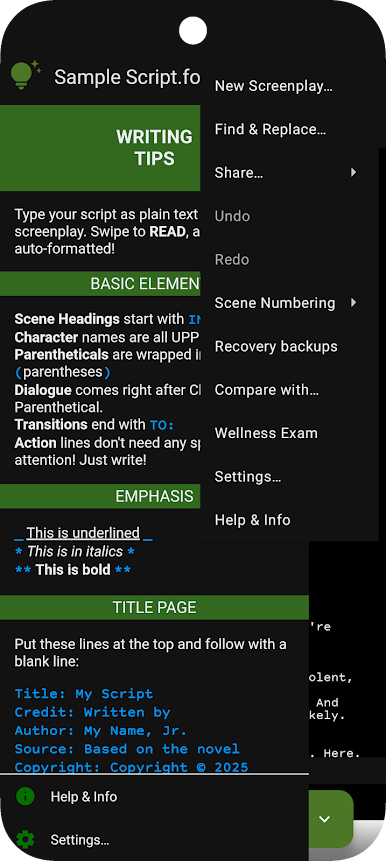
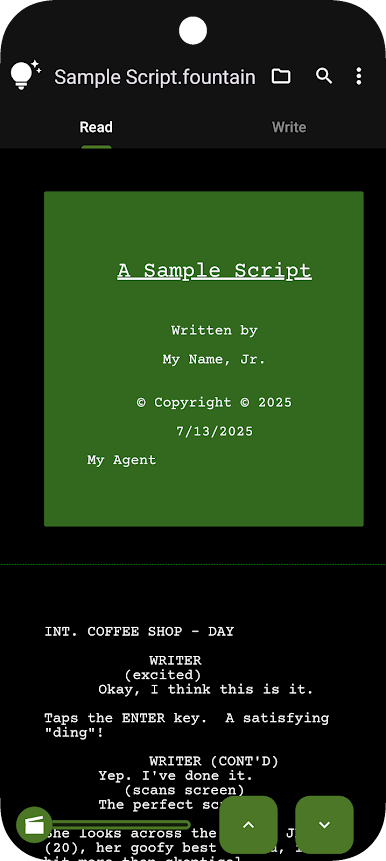
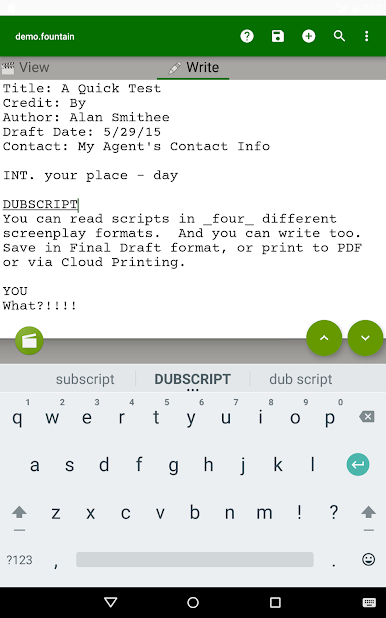
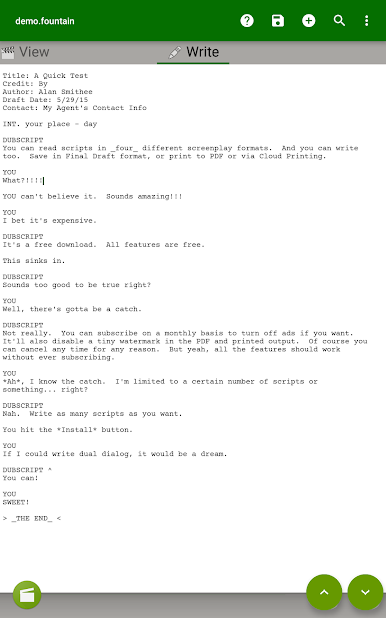
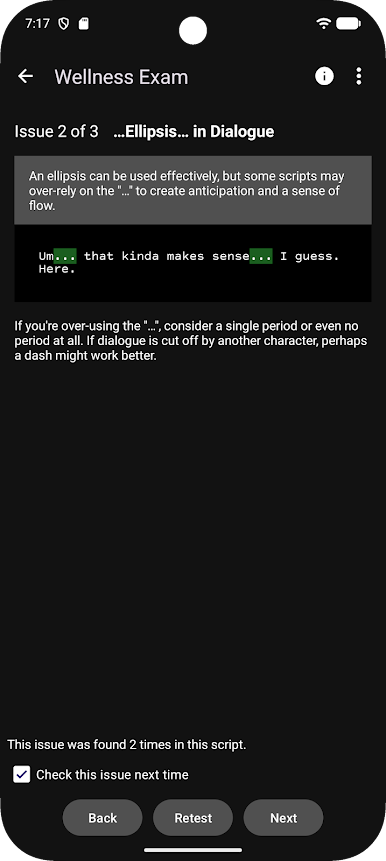
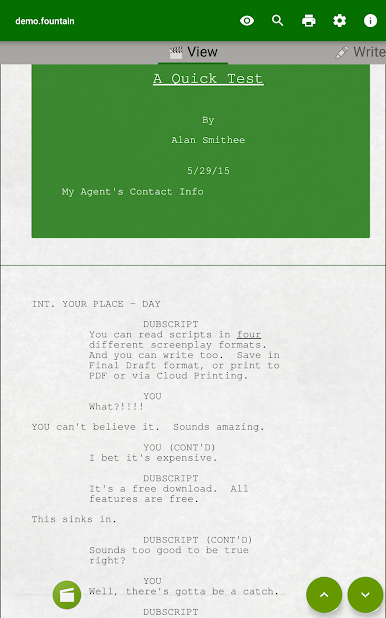
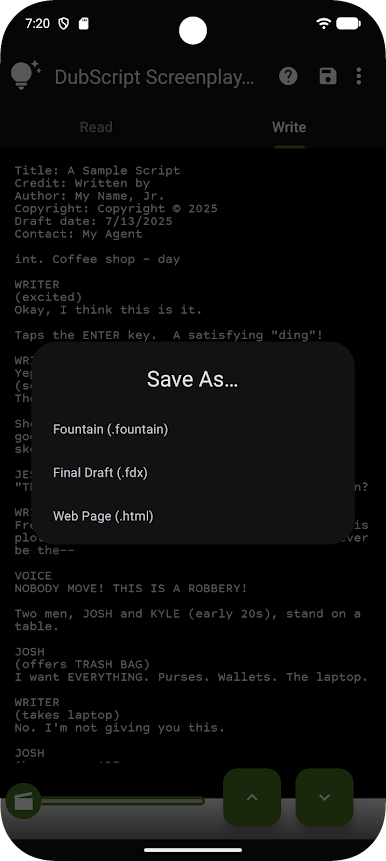
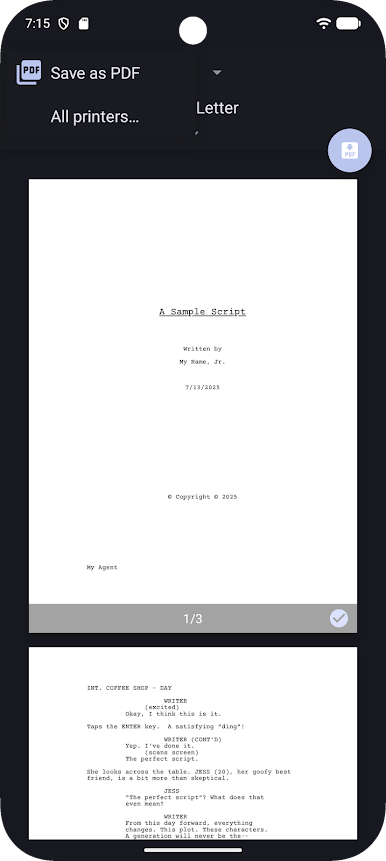
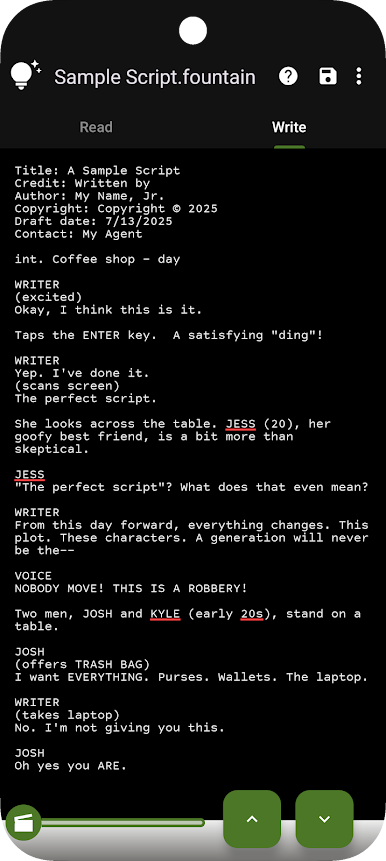
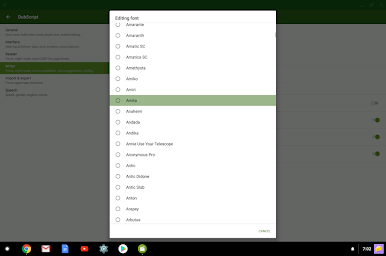
DubScript feels like a no-nonsense screenplay tool that actually lets someone write instead of fussing with menus. It is built for film, TV, and online scripts, and the editor is plain text, so scenes can start with INT. or EXT., character names get capitalized, and dialog spacing comes out right without hand-holding. While typing, it suggests character names and slug lines, does spell check and autocomplete, and supports undo, redo, find, replace, plus handy keyboard shortcuts. There are tons of fonts for drafting, but the finished pages stick to the standard Courier Prime 12 pt, which producers expect. One quick action and the app handles the boring layout work like margins, page breaks, page numbers, CONT’Ds, and all that. Title page, dual dialogue, centered lines, scene numbers, notes, and page breaks are easy to add when needed.
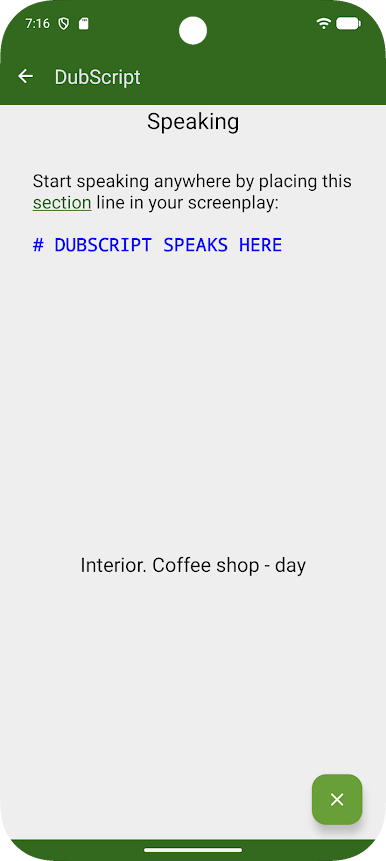
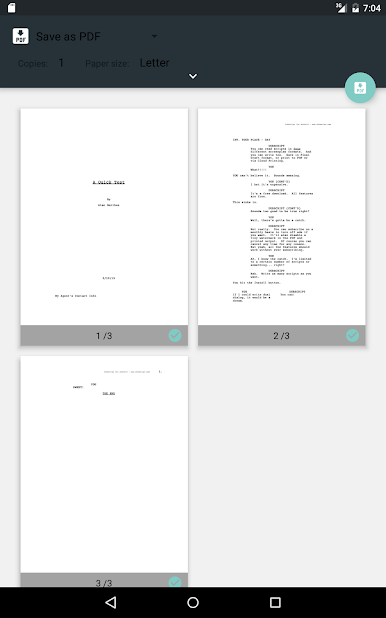
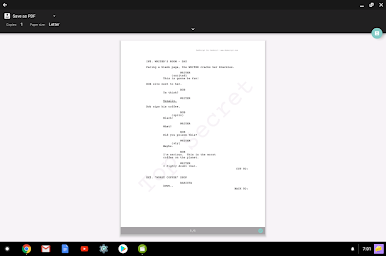
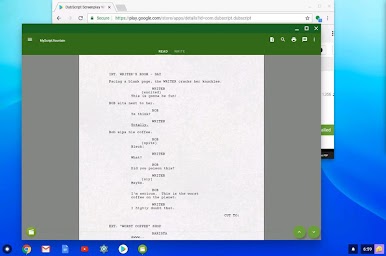
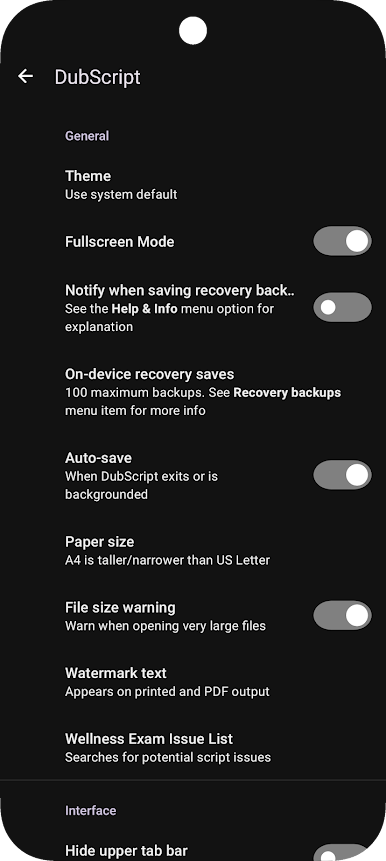
Files can be saved locally with no internet or sent straight to cloud services like Drive or Box, and exports go to PDF, Final Draft FDX, HTML, or even a cloud printer. The big draw is it uses Fountain markup, which keeps scripts open and simple to move between other editors. There are local rescue backups, a draft comparison view, read-aloud, and useful stats like scene and character reports. Dark theme is there for late-night sessions. Running it on a PC with BlueStacks feels natural, since a full keyboard and bigger screen make it behave almost like a desktop script app, and the multi-window support is handy for research on the side. Everything is unlocked with unlimited scripts, reading mode has no ads, and there is an optional sub if someone wants to remove ads and the tiny print note on PDFs. There is even a beta track for anyone who wants to try new features early. Type in plain text, get a clean screenplay out.
Switch to BlueStacks and make the most of your apps on your PC or Mac.
เล่น DubScript Screenplay Writer บน PC ได้ง่ายกว่า
-
ดาวน์โหลดและติดตั้ง BlueStacks บน PC ของคุณ
-
ลงชื่อเข้าใช้แอคเคาท์ Google เพื่อเข้าสู่ Play Store หรือทำในภายหลัง
-
ค้นหา DubScript Screenplay Writer ในช่องค้นหาด้านขวาบนของโปรแกรม
-
คลิกเพื่อติดตั้ง DubScript Screenplay Writer จากผลการค้นหา
-
ลงชื่อเข้าใช้บัญชี Google Account (หากยังไม่ได้ทำในขั้นที่ 2) เพื่อติดตั้ง DubScript Screenplay Writer
-
คลิกที่ไอคอน DubScript Screenplay Writer ในหน้าจอเพื่อเริ่มเล่น

