


Solitaire Zen:Home Design
Jouez sur PC avec BlueStacks - la plate-forme de jeu Android, approuvée par + 500M de joueurs.

Page Modifiée le: Nov 24, 2025
Jouez Solitaire Zen:Home Design sur PC
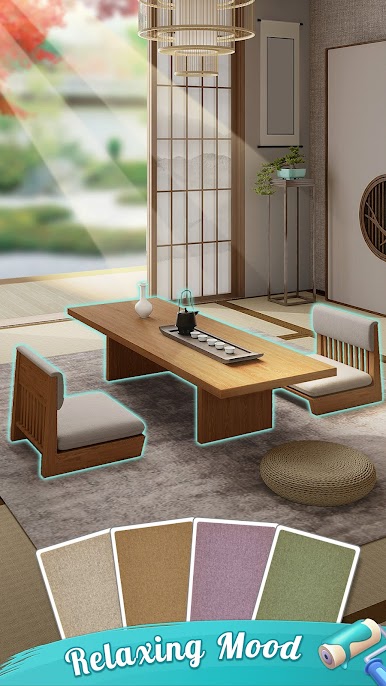
Vous aimez la décoration d'intérieur et les espaces zen ?
Vous êtes au bon endroit !
« Solitaire Zen : Home Design » est un jeu de réflexion combinant décoration d'intérieur et jeu de solitaire.
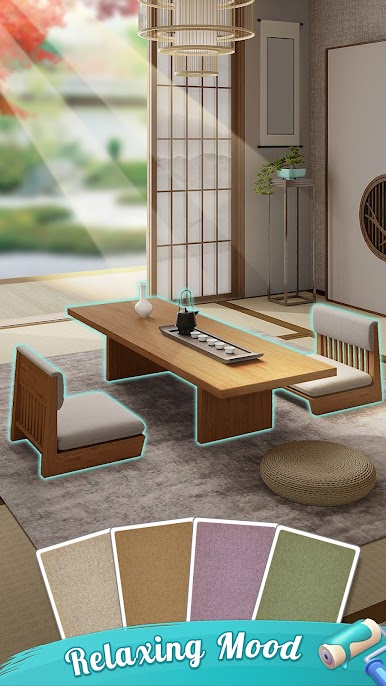
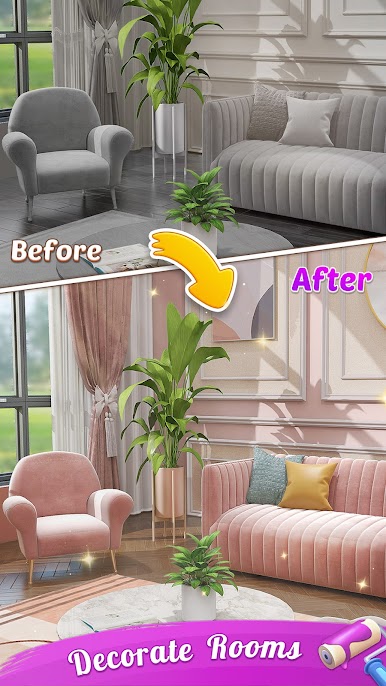
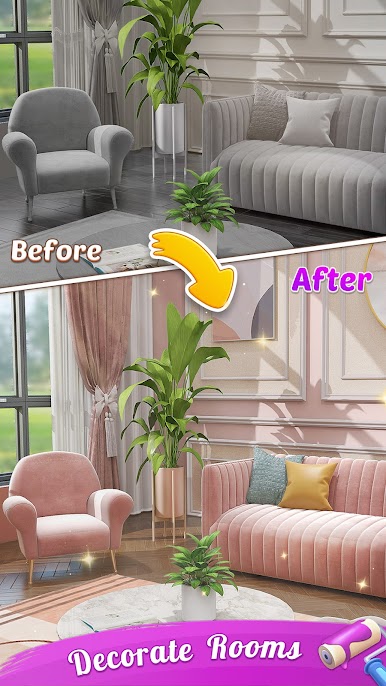
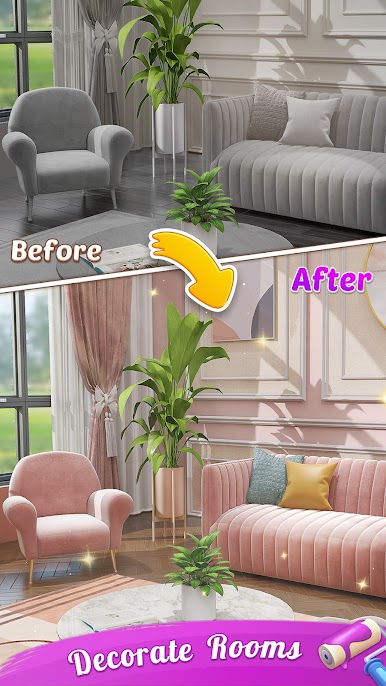
Dans ce jeu, vous décorerez de nombreuses pièces avec des intérieurs variés et étonnants.
Profitez de la décoration d'intérieur avec un jeu de cartes classique, repoussez vos limites et laissez libre cours à votre créativité.
N'oubliez pas de passer du temps à résoudre des énigmes en concevant vos maisons zen chaque jour pour recevoir des merveilles en retour !
Caractéristiques de Solitaire Zen : Home Design :
• Créez votre propre espace zen.
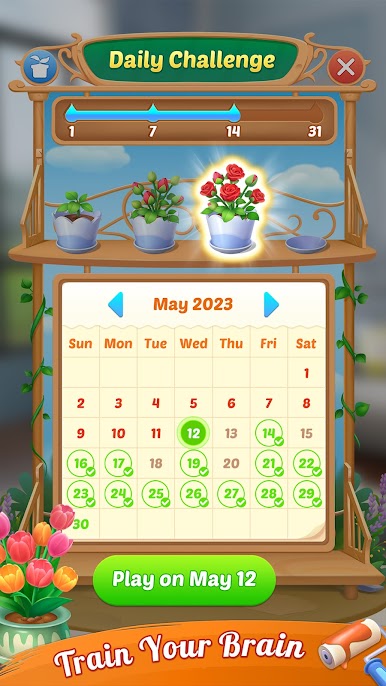
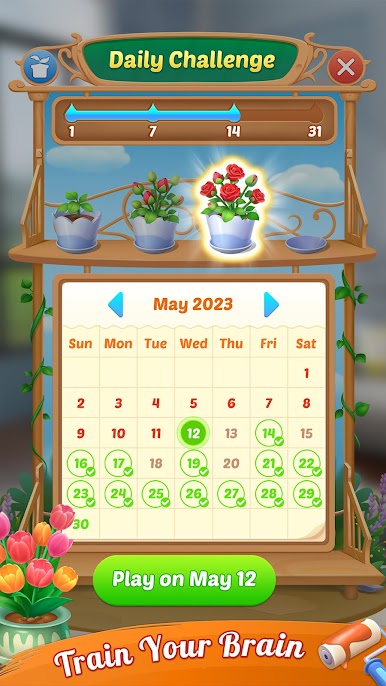
• Relevez des défis quotidiens.
• Privilège VIP
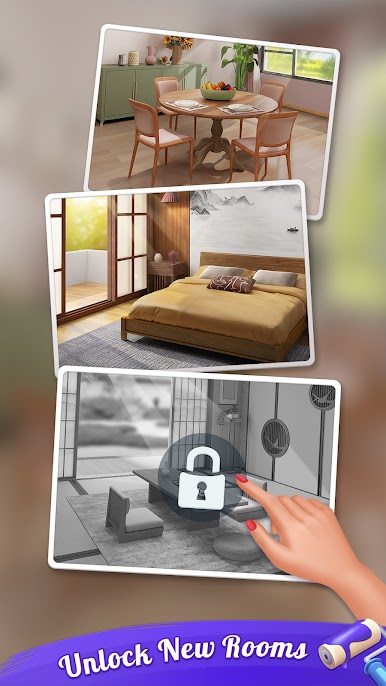
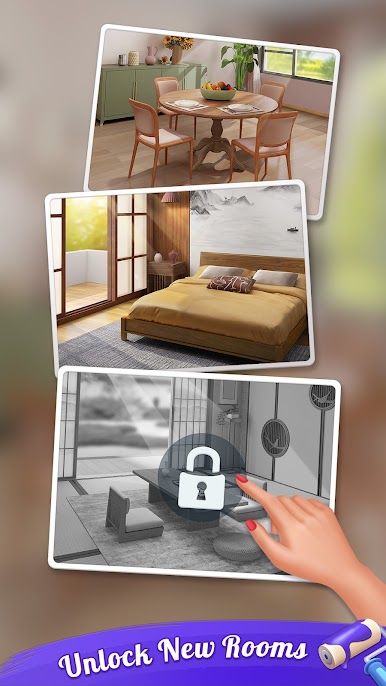
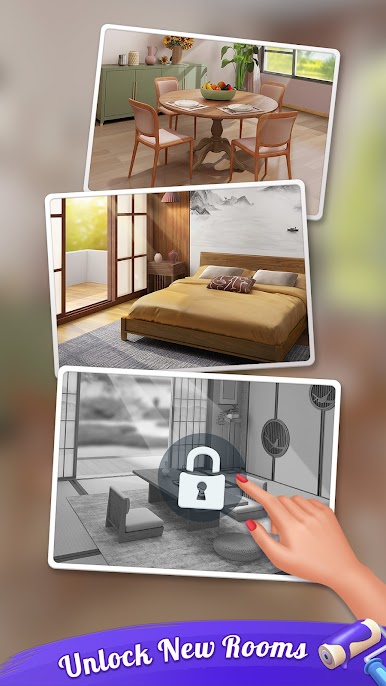
• De nombreuses pièces à débloquer.
• Bonus de tours chanceux.
Nouvelles fonctionnalités :
• Défis quotidiens amusants et addictifs
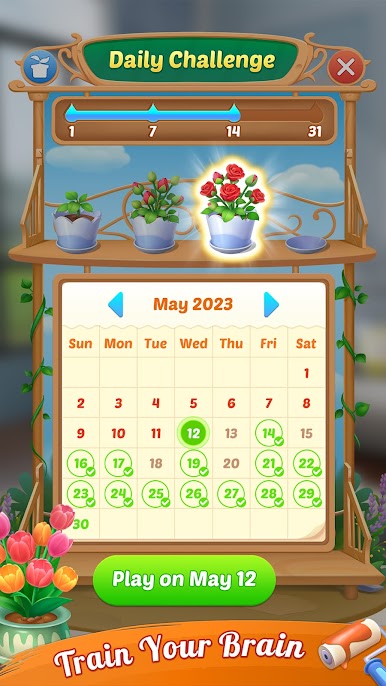
En plus des jeux de solitaire classiques, des défis quotidiens captivants vous attendent. Vous pouvez débloquer et planter vos propres fleurs. Nous mettons à jour de nouvelles fleurs une fois par mois pour un plaisir sans fin.
• Aventure innovante
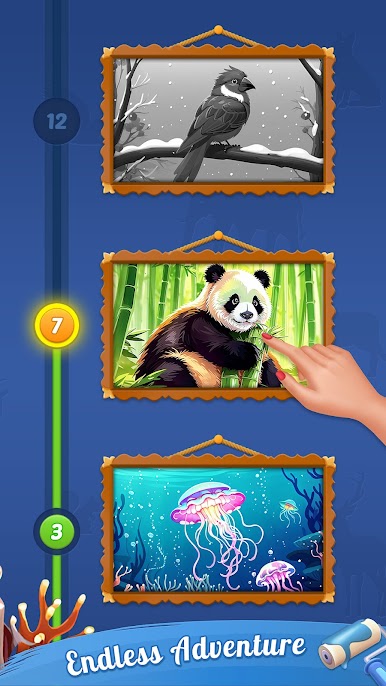
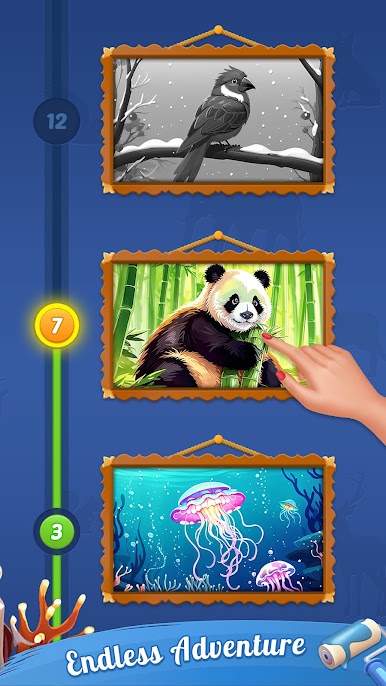
Jouez à des niveaux d'aventure pour débloquer des cartes d'animaux uniques et exquises. Ces cartes ont été conçues par nos meilleurs illustrateurs. Ne manquez pas cette occasion de les collectionner ! Je vous promets que ces cartes vous apporteront du plaisir.
♠ Le Solitaire, aussi connu sous le nom de Patience, est le jeu le plus addictif, apprécié par des millions de joueurs de cartes dans le monde du solitaire grâce à la stratégie du Solitaire à 3 cartes (3 passes) et du Solitaire à 1 carte (1 passe).
♠ Essayez notre meilleure application de solitaire, facile et addictive, tout comme le jeu de souris de Windows Solitaire™. Une expérience de jeu inoubliable ! Jouez à différents modes : Tirage 1 ou Tirage 3, que ce soit au printemps, en été, en automne ou en hiver.
♠ Lassé des applications de solitaire au gameplay toujours aussi complexe et des achats intégrés ? Essayez cette version authentique de l'application gratuite de collection de solitaire. Ce solitaire offre la meilleure jouabilité du marché. Téléchargez le Solitaire Classique Gratuit sur votre téléphone ou votre tablette pour jouer où et quand vous le souhaitez !
== Fonctionnalités de base ==
• Cartes personnalisables et arrière-plans éclatants pour une expérience de solitaire unique.
• Entraînez votre cerveau et votre patience dans les modes de jeu de solitaire 1 et 3 cartes.
• Jeu de Solitaire Classique
• Profitez de commandes tactiles et glissantes faciles.
• Certifié cinq étoiles.
• Mode solo
• Mode hors ligne
• Jeu de Solitaire Classique
• Astuces et annulations gratuites illimitées.
• Mode gaucher disponible.
• Choix entre score classique et Vegas.
• Jeux de cartes et arrière-plans classiques personnalisés.
• Défis quotidiens et superbes graphismes HD.
• Modes de jeu supplémentaires : 100 % de donnes gagnables et score Vegas.
Solitaire Zen : Home Design est un jeu de solitaire gratuit, un jeu de cartes classique qui requiert de la patience. On peut donc l'appeler un jeu de patience gratuit. Téléchargez-le et découvrez-le par vous-même.
🚩Maintenant ! Jouez gratuitement au célèbre jeu de cartes Solitaire CLASSIC sur Google Play, où vous pouvez jouer au jeu de cartes Solitaire sans stress ni distractions — il n'y a pas d'autres jeux de cartes comme celui-ci !
Jouez à Solitaire Zen:Home Design sur PC. C'est facile de commencer.
-
Téléchargez et installez BlueStacks sur votre PC
-
Connectez-vous à Google pour accéder au Play Store ou faites-le plus tard
-
Recherchez Solitaire Zen:Home Design dans la barre de recherche dans le coin supérieur droit
-
Cliquez pour installer Solitaire Zen:Home Design à partir des résultats de la recherche
-
Connectez-vous à Google (si vous avez ignoré l'étape 2) pour installer Solitaire Zen:Home Design
-
Cliquez sur l'icône Solitaire Zen:Home Design sur l'écran d'accueil pour commencer à jouer

