


Granny
เล่นบน PC ผ่าน BlueStacks - Android Gaming Platform ที่ได้รับความไว้วางใจจากเกมเมอร์ 500 ล้านคนทั่วโลก

Page Modified on: Jun 6, 2026
เล่น Granny บน PC และ Mac
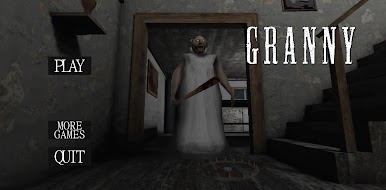
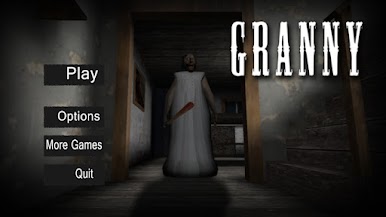
Granny เป็นเกมแนวอาร์เคดที่พัฒนาโดย DVloper BlueStacks แอปเพลเยอร์เป็นแพลตฟอร์มที่ให้คุณสามารถเล่นเกม Android บนเครื่อง PC หรือ MAC เพื่อประสบการณ์การเล่นเกมที่เหนือระดับ คุณยายของคุณเป็นยังไงเราไม่รู้แต่ที่รู้ ๆ คือคุณยายในเกมนี้ไม่อ่อนโยน!
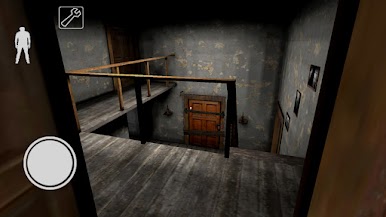
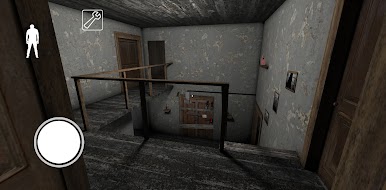
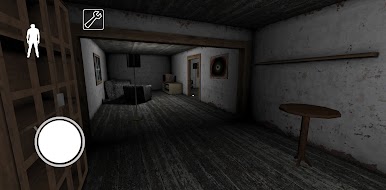
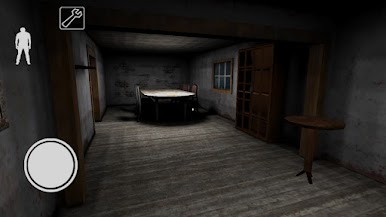
ยินดีต้อนรับสู่ Granny เกมอาร์เคดหาทางหลบหนีออกจากบ้านของคุณยายมหันตภัย เธอพยายามขังเราไว้ในบ้านหลังนี้และคุณจะต้องพยายามหลบซ่อนให้พ้นจากเธอและหาทางออกไปจากบ้านหลังนี้ให้ได้
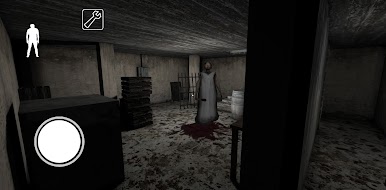
เพียง 5 วัน… นี่คือระยะเวลาที่คุณเหลืออยู่สำหรับการหาทางหนีออกไปจากบ้านของคุณยายมหันตภัยหลังนี้ เธอนั้นเงียบหยั่งกับผีและหูดีหยั่งกับหมา คุณจึงต้องพยายามเต็มที่เพื่อไม่ให้เกิดเสียงอะไรขึ้นไม่อย่างงั้นเธอก็วิ่งมาฆ่าเราดุจดั่งคุณยายสปรีดในเรื่องเล่าที่เราเคยได้ยินกันมา!
จะหลบในตู้จะหลบใต้เตียงก็ได้ขอแค่อย่าให้เธอได้ยินเสียงเราก็พอ ค่อย ๆ หาวิธีที่จะพาเราให้ออกไปจากบ้านนี้ให้ได้ ขอให้โชคดีละ!
ดาวน์โหลดเกม Granny บน PC และ MAC ใน BlueStacks ได้แล้ววันนี้
คุณสามารถ เล่น Granny ผ่าน browser บนเครื่อง PC หรือมือถือได้โดยไม่ต้องดาวน์โหลด คลิกแล้วเล่นเเลย!



เล่น Granny บน PC ได้ง่ายกว่า
-
ดาวน์โหลดและติดตั้ง BlueStacks บน PC ของคุณ
-
ลงชื่อเข้าใช้แอคเคาท์ Google เพื่อเข้าสู่ Play Store หรือทำในภายหลัง
-
ค้นหา Granny ในช่องค้นหาด้านขวาบนของโปรแกรม
-
คลิกเพื่อติดตั้ง Granny จากผลการค้นหา
-
ลงชื่อเข้าใช้บัญชี Google Account (หากยังไม่ได้ทำในขั้นที่ 2) เพื่อติดตั้ง Granny
-
คลิกที่ไอคอน Granny ในหน้าจอเพื่อเริ่มเล่น

