

Smart Note - Bloc-notes | Note
Jouez sur PC avec BlueStacks - la plate-forme de jeu Android, approuvée par + 500M de joueurs.

Page Modifiée le: Aug 15, 2025
Run Smart Note - Notes, Notepad on PC or Mac
Let BlueStacks turn your PC, Mac, or laptop into the perfect home for Smart Note – Notes, Notepad, a fun Productivity app from Superior Mobile Apps.
About the App
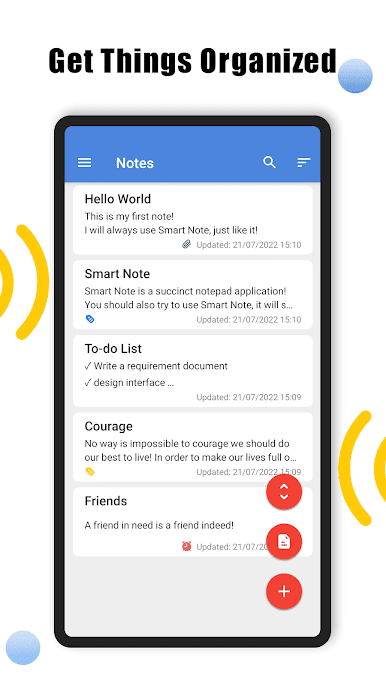
Ever get a spark of genius in the middle of the day—or night—and worry you’ll forget it? Smart Note – Notes, Notepad is here to keep those moments safe and sound. This user-friendly notepad from Superior Mobile Apps is all about helping you capture thoughts, jot down reminders, and stay on top of your daily to-dos, right as they come to you. Whether you’re brainstorming, making lists, or just organizing your ideas, you’ll find all the features you need close at hand.
App Features
-
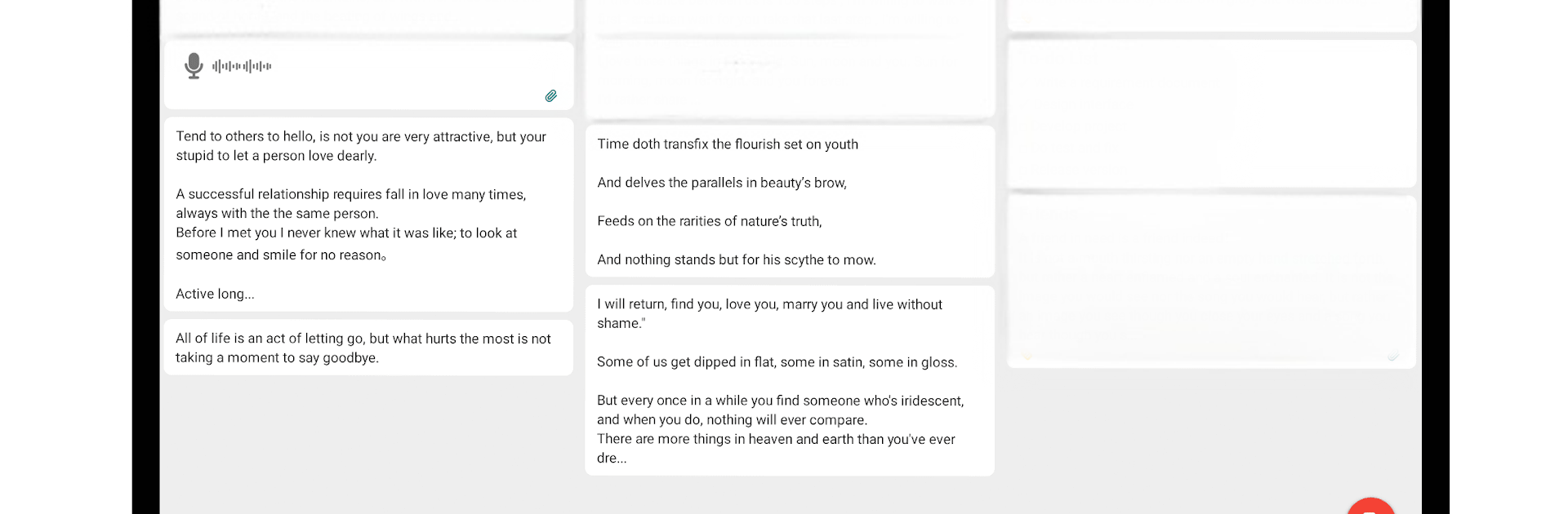
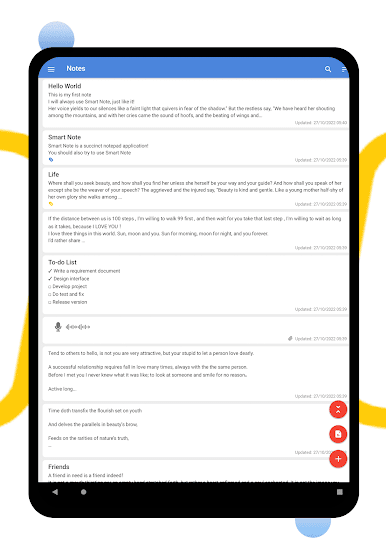
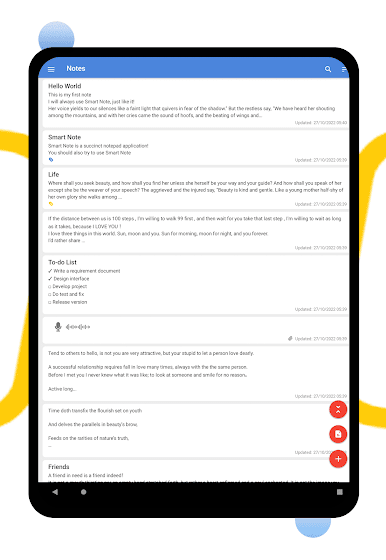
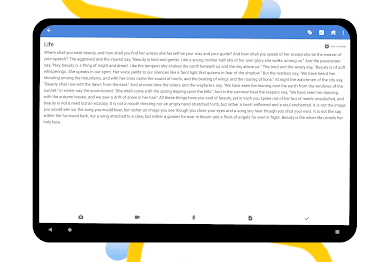
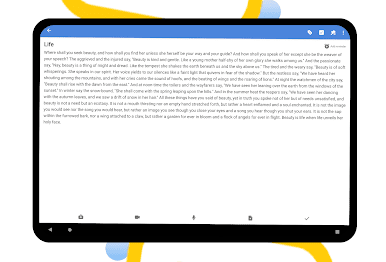
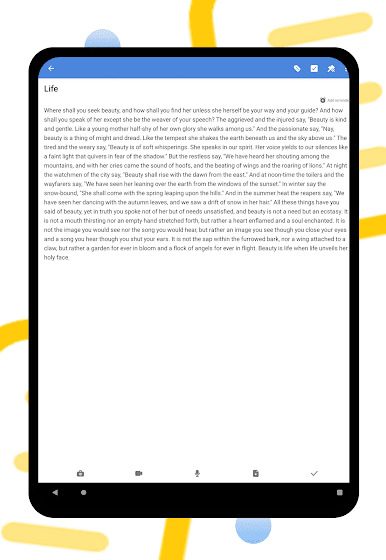
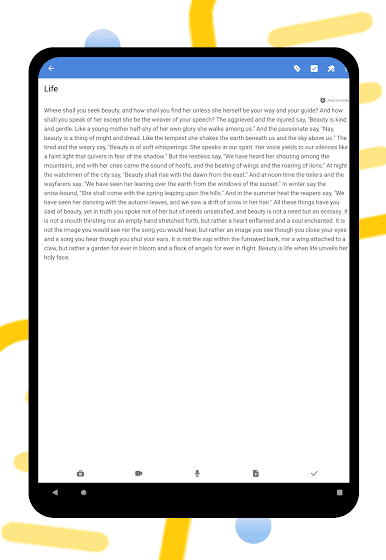
Flexible Note-Taking
Type quick memos, doodle ideas, or even attach photos and files—Smart Note isn’t picky about how you save your thoughts. -
Audio Notes
Got no time to type? Just hit record and speak your mind. Voice notes let you capture ideas, reminders, or even random inspirations—even if your hands are full. -
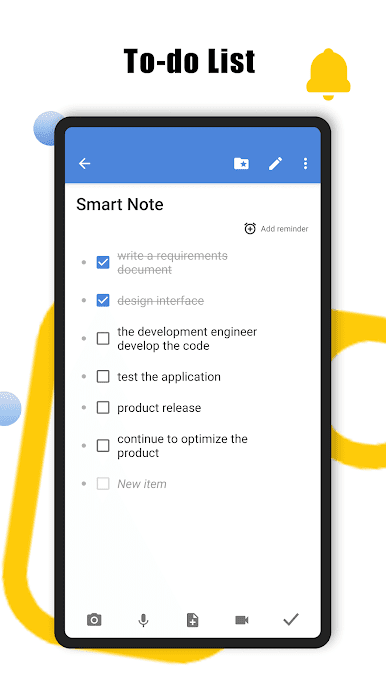
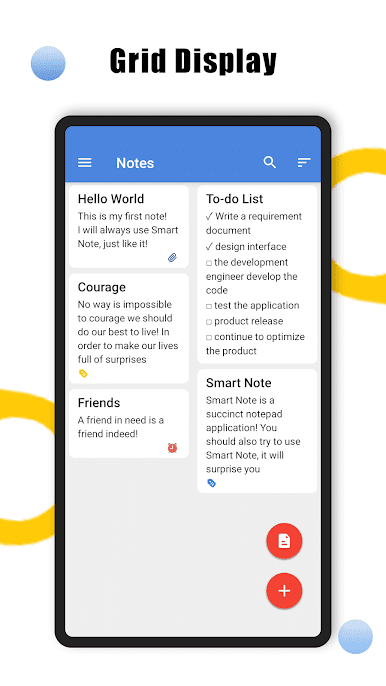
To-Do List Support
Keep your personal life or work projects on track by setting up clear, handy to-dos right inside the app. -
Handy Backup Options
Never worry about losing your notes. Back them up to Google Drive or store them locally so everything important is always safe. -
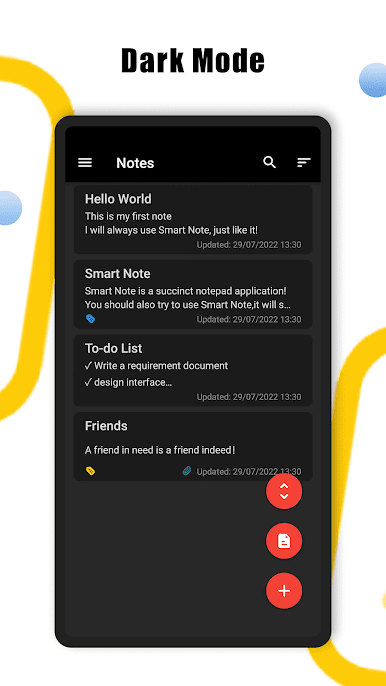
Dark Mode
If you’re a night owl or just like things easy on the eyes, you can switch to dark mode with a tap in the settings. -
Reminders
Never miss another deadline, birthday, or shopping day—set reminders directly within your notes and get nudged when you need it. -
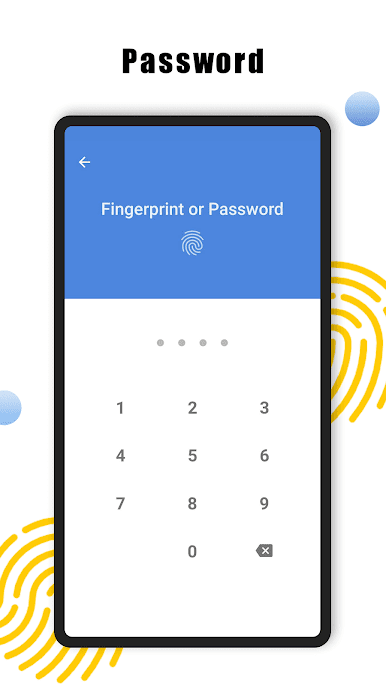
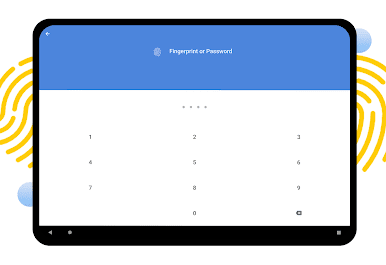
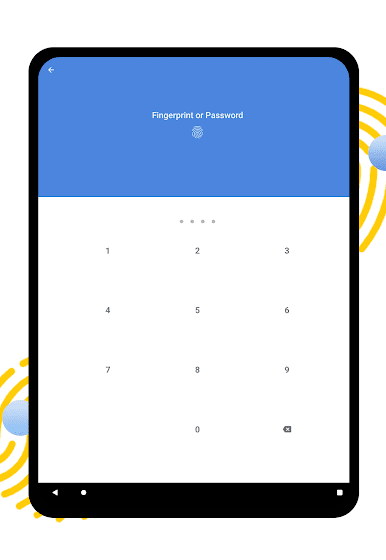
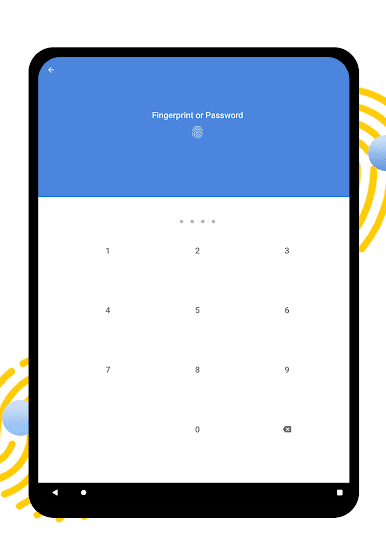
Password Protection
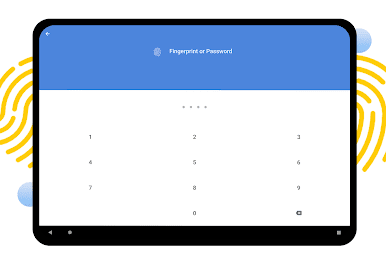
Some notes are just for you. Lock your thoughts behind a password and keep nosy folks out of your business. -
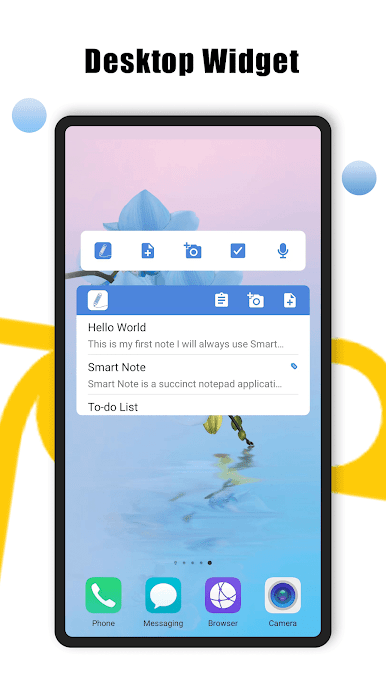
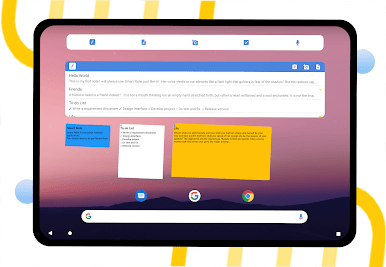
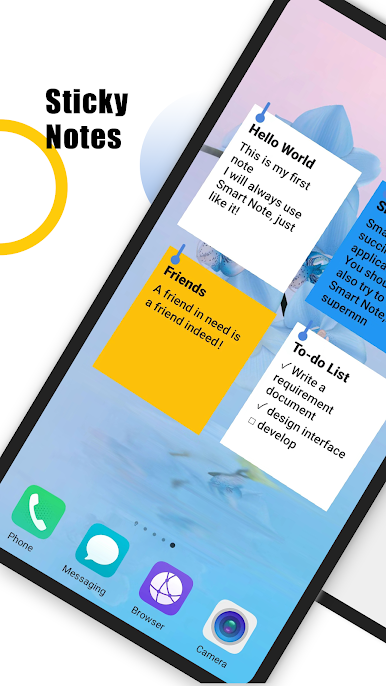
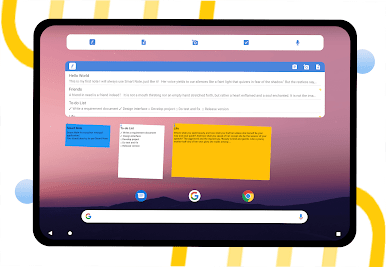
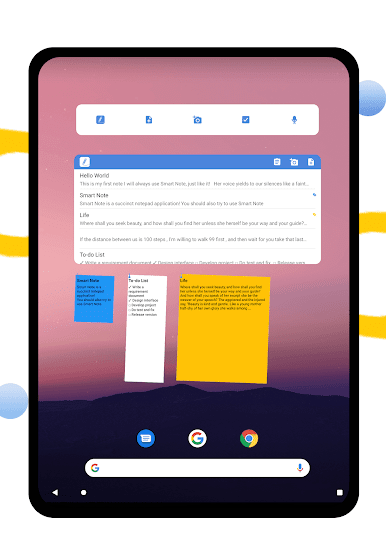
Widgets for Quick Access
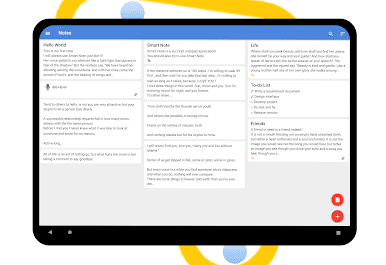
Browse your notes from your home screen with customizable widgets—check lists or ideas at a glance, without jumping into the app every time. -
PDF Conversion
Need to share or save your notes? Instantly transform them into PDFs, perfect for sharing or archiving. -
Print-Friendly
Got something worth putting on paper? You can print your notes straight from the app, using your device’s system printer. -
Personalization
Pick your favorite colors, choose your date style, and tailor the look of your digital notepad. Make it yours.
And if you’re running Smart Note – Notes, Notepad on BlueStacks, you’ll get that same seamless note-taking experience—even on your desktop.
Eager to take your app experience to the next level? Start right away by downloading BlueStacks on your PC or Mac.
Jouez à Smart Note - Bloc-notes | Note sur PC. C'est facile de commencer.
-
Téléchargez et installez BlueStacks sur votre PC
-
Connectez-vous à Google pour accéder au Play Store ou faites-le plus tard
-
Recherchez Smart Note - Bloc-notes | Note dans la barre de recherche dans le coin supérieur droit
-
Cliquez pour installer Smart Note - Bloc-notes | Note à partir des résultats de la recherche
-
Connectez-vous à Google (si vous avez ignoré l'étape 2) pour installer Smart Note - Bloc-notes | Note
-
Cliquez sur l'icône Smart Note - Bloc-notes | Note sur l'écran d'accueil pour commencer à jouer

