


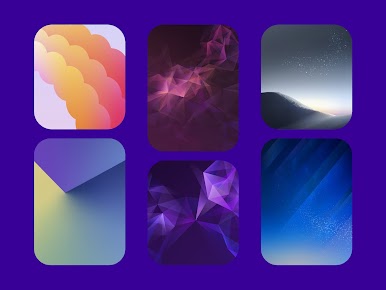
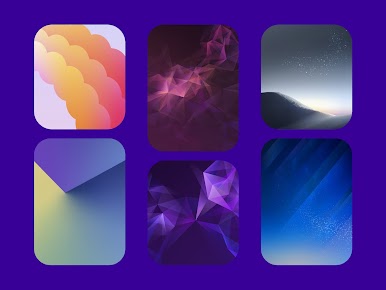
Delux - Icon pack (Round)
Jouez sur PC avec BlueStacks - la plate-forme de jeu Android, approuvée par + 500M de joueurs.

Page Modifiée le: Nov 10, 2025
Play Delux - Icon pack (Round) on PC
To use this app you need to download a launcher that has the option to change the icons like Nova Launcher, Microsoft Launcher, Hyperion Luncher, etc.
If you use OneUI Launcher you can follow these steps: https://bit.ly/OneUIThemePark/OneUIThemePark.
▸ Email: eatos.apps@gmail.com
▸ X: x.com/EatosTwitter

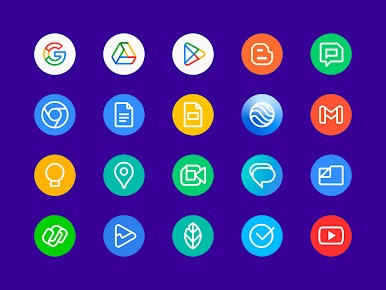

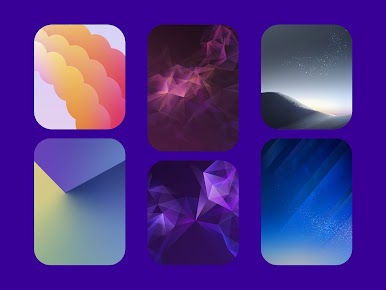
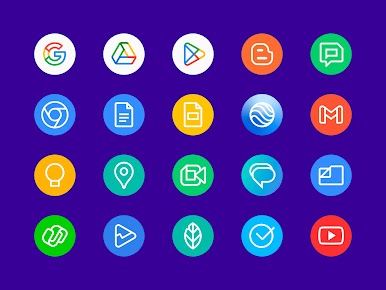




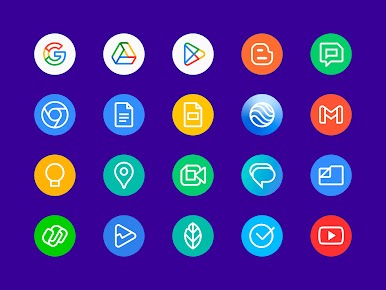



Jouez à Delux - Icon pack (Round) sur PC. C'est facile de commencer.
-
Téléchargez et installez BlueStacks sur votre PC
-
Connectez-vous à Google pour accéder au Play Store ou faites-le plus tard
-
Recherchez Delux - Icon pack (Round) dans la barre de recherche dans le coin supérieur droit
-
Cliquez pour installer Delux - Icon pack (Round) à partir des résultats de la recherche
-
Connectez-vous à Google (si vous avez ignoré l'étape 2) pour installer Delux - Icon pack (Round)
-
Cliquez sur l'icône Delux - Icon pack (Round) sur l'écran d'accueil pour commencer à jouer

