

Educational Games. Spell
เล่นบน PC ผ่าน BlueStacks - Android Gaming Platform ที่ได้รับความไว้วางใจจากเกมเมอร์ 500 ล้านคนทั่วโลก

Page Modified on: Nov 6, 2025
Play Educational Games. Spell on PC or Mac
Educational Games. Spell brings the Educational genre to life, and throws up exciting challenges for gamers. Developed by AppQuiz, this Android game is best experienced on BlueStacks, the World’s #1 app player for PC and Mac users.
About the Game
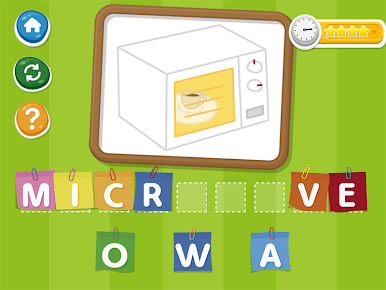
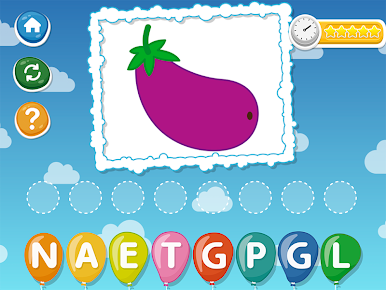
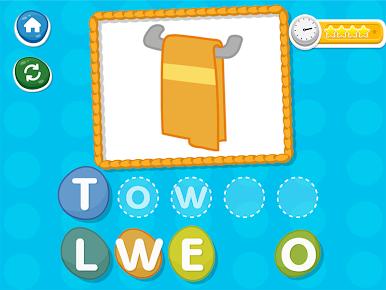
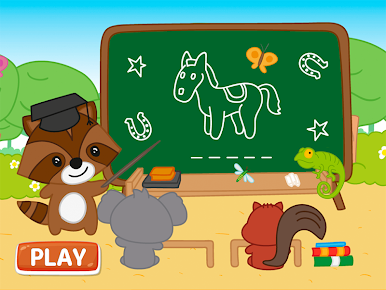
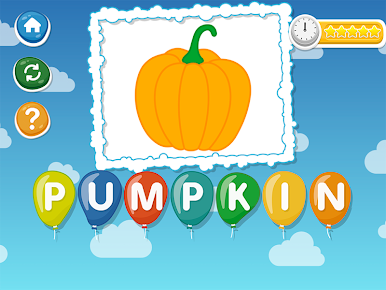
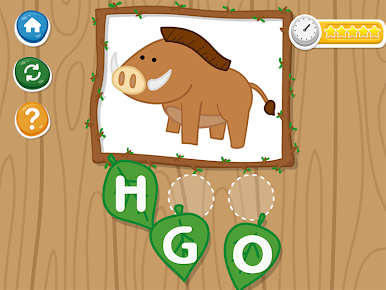
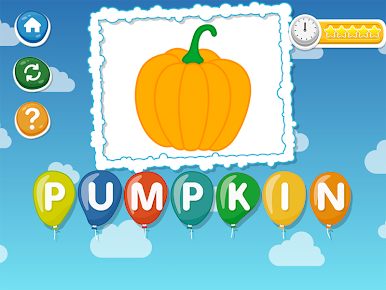
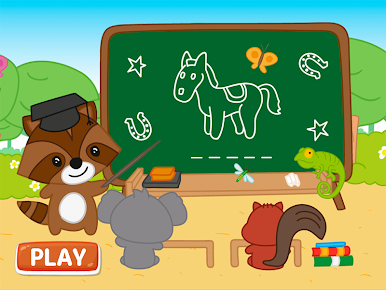
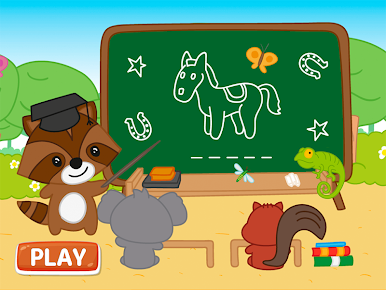
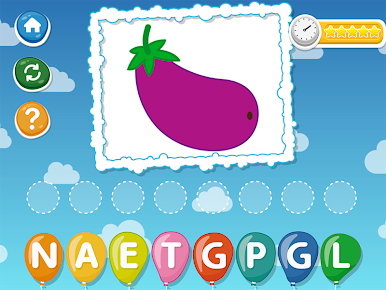
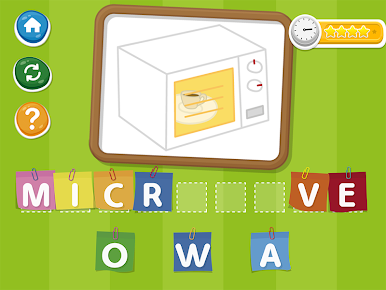
Looking for a playful way to help kids practice their spelling and build up vocab? Educational Games. Spell, from AppQuiz, makes learning feel like a game of discovery. Kids get to match up jumbled letters to fun pictures, slowly piecing together words while enjoying a colorful, hands-on experience. It’s simple enough for the youngest learners but designed to spark curiosity—even if your child’s not a confident speller yet.
Game Features
-
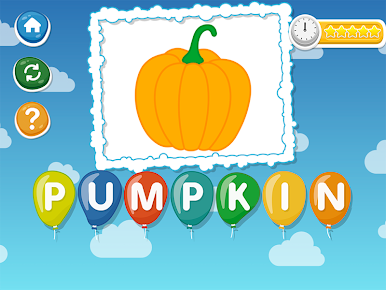
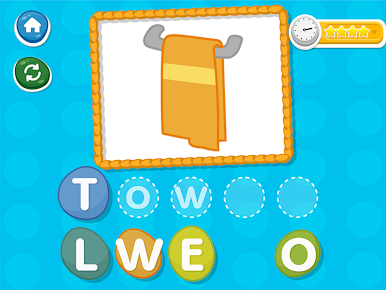
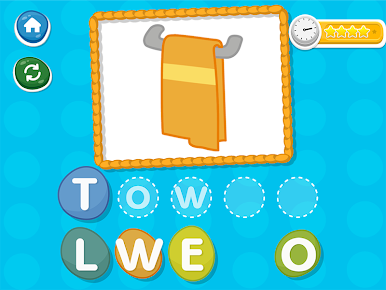
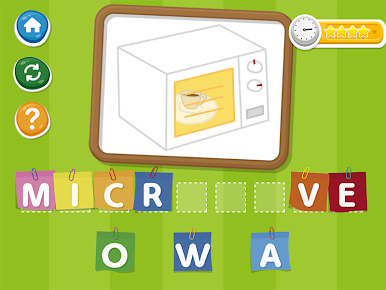
Picture-Based Spelling
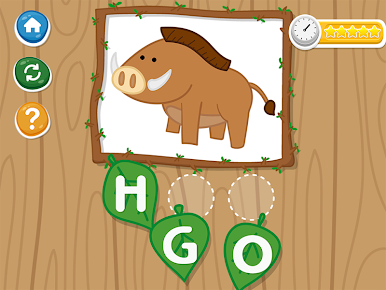
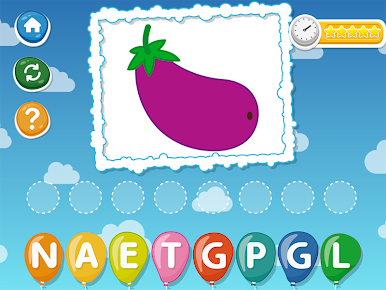
Kids see a familiar image, then pick from mixed-up letters to spell the right word underneath. It’s an easy, friendly setup for early readers. -
Helpful Hints
A little stuck? The game provides gentle nudges so kids never feel frustrated—just enough help to keep them moving forward. -
Multiple Languages
Words can be practiced in English, Spanish, Italian, French, Portuguese, or Russian. It’s perfect for families hoping to introduce new languages or bilingual kids wanting a little extra practice. -
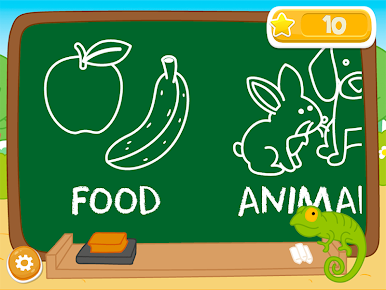
Variety of Topics
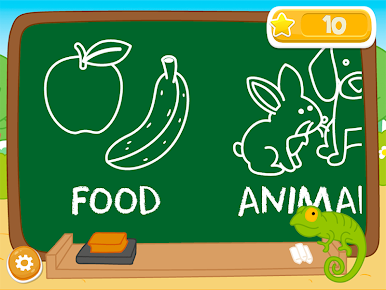
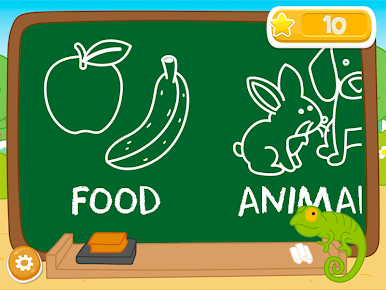
Categories range from animals and colors to sports, food, and household items, so every round feels fresh. There’s a little something for every budding speller’s interest. -
Accessible for All Learners
Designed with kids in mind, including those with dyslexia or other reading challenges, so everyone gets a fair shot at improving their reading confidence. -
Learning Support from Experts
This game is part of a collection built by educators and psychologists, meaning activities match real kid learning styles—without feeling like homework. -
Compatible with BlueStacks
Want a bigger screen and easy point-and-click controls? Try it with BlueStacks to give your child more room to play and spell.
Make your gaming sessions memorable with precise controls that give you an edge in close combats and visuals that pop up, bringing every character to life.

เล่น Educational Games. Spell บน PC ได้ง่ายกว่า
-
ดาวน์โหลดและติดตั้ง BlueStacks บน PC ของคุณ
-
ลงชื่อเข้าใช้แอคเคาท์ Google เพื่อเข้าสู่ Play Store หรือทำในภายหลัง
-
ค้นหา Educational Games. Spell ในช่องค้นหาด้านขวาบนของโปรแกรม
-
คลิกเพื่อติดตั้ง Educational Games. Spell จากผลการค้นหา
-
ลงชื่อเข้าใช้บัญชี Google Account (หากยังไม่ได้ทำในขั้นที่ 2) เพื่อติดตั้ง Educational Games. Spell
-
คลิกที่ไอคอน Educational Games. Spell ในหน้าจอเพื่อเริ่มเล่น

