


Bright — English for beginners
Jouez sur PC avec BlueStacks - la plate-forme de jeu Android, approuvée par + 500M de joueurs.

Page Modifiée le: Nov 11, 2025
Play Bright – English for beginners on PC
Welcome to Bright: a smart and simple application for learning English.
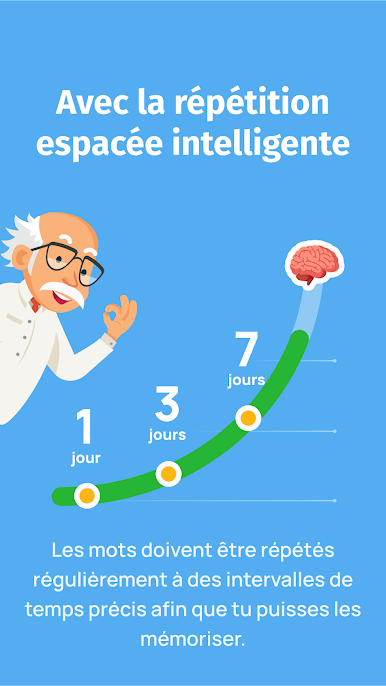
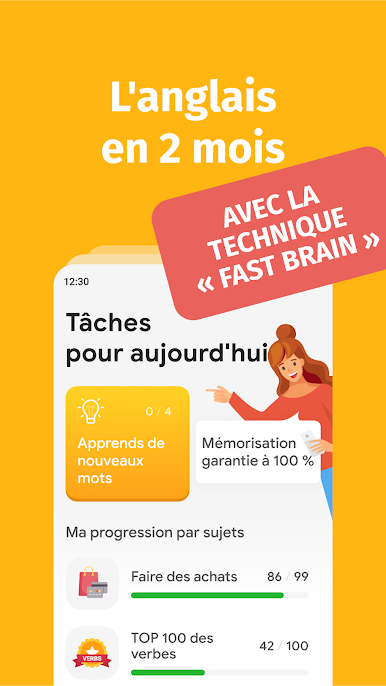
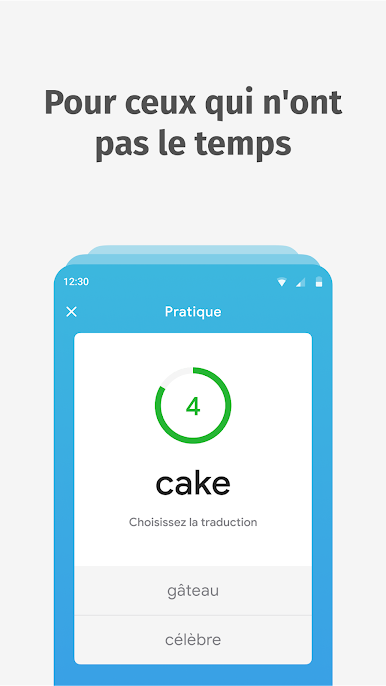
Bright uses the best method of spaced repetition and a special memory training technique Fast Brain. Thanks to the interactive teaching methods, users memorize 90% of the information for good.
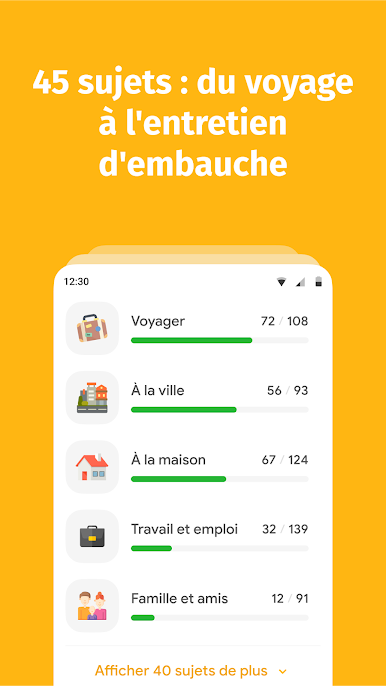
We have prepared 45 sets of English words and phrases with different levels of difficulty: from beginner to pro. Exercises are voiced by native speakers.
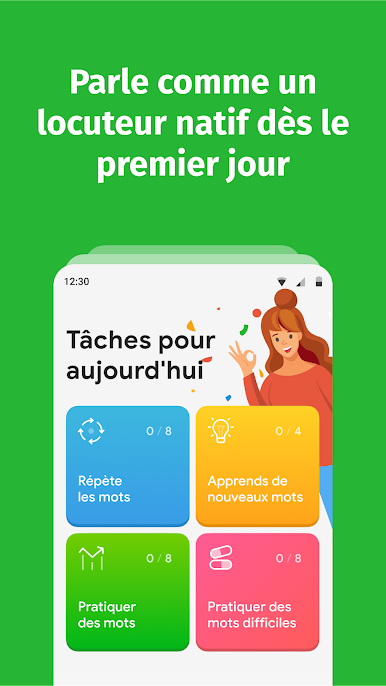
Memorize at least 250 core words every month and speak and translate without the dictionary. Just 10 minutes a day anytime, anywhere.
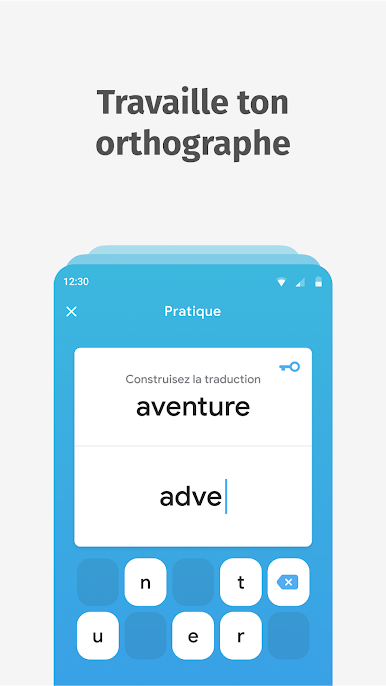
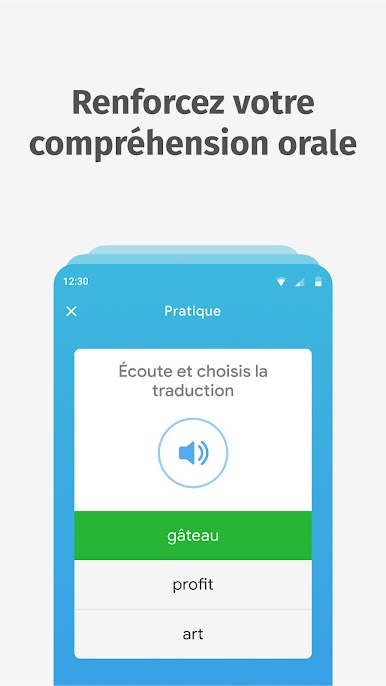
With Bright, you’ll increase your vocabulary and quickly master listening comprehension. You’ll remember the correct spelling and make your pronunciation better.
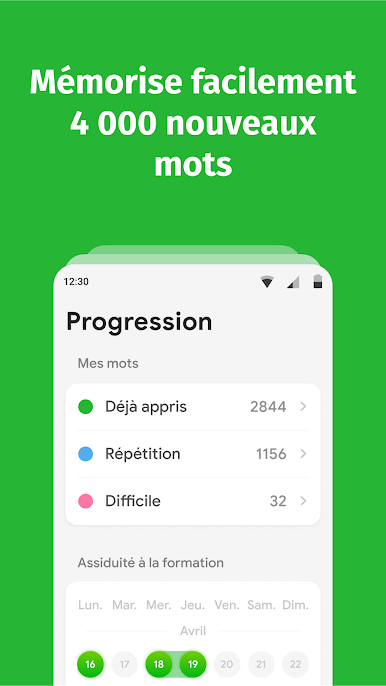
The application adjusts to you. Your results and detailed learning statistics will enhance assessment of your knowledge and give you motivation to move on.
Learn real-life English together with Bright. Download the app and get access to the free trial period.
Jouez à Bright — English for beginners sur PC. C'est facile de commencer.
-
Téléchargez et installez BlueStacks sur votre PC
-
Connectez-vous à Google pour accéder au Play Store ou faites-le plus tard
-
Recherchez Bright — English for beginners dans la barre de recherche dans le coin supérieur droit
-
Cliquez pour installer Bright — English for beginners à partir des résultats de la recherche
-
Connectez-vous à Google (si vous avez ignoré l'étape 2) pour installer Bright — English for beginners
-
Cliquez sur l'icône Bright — English for beginners sur l'écran d'accueil pour commencer à jouer

