


Send Anywhere (ตัวช่วยส่งไฟล์)
เล่นบน PC ผ่าน BlueStacks - Android Gaming Platform ที่ได้รับความไว้วางใจจากเกมเมอร์ 500 ล้านคนทั่วโลก

Page Modified on: Jun 18, 2026
เล่น Send Anywhere (ตัวช่วยส่งไฟล์) on PC
▶ คุณสมบัติ
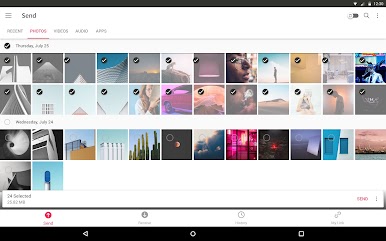
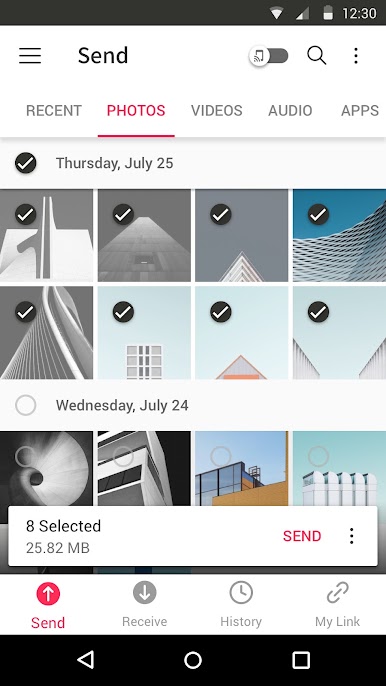
•ส่งไฟล์ได้ทุกประเภทโดยไม่เปลี่ยนแปลงไฟล์ดั้งเดิม
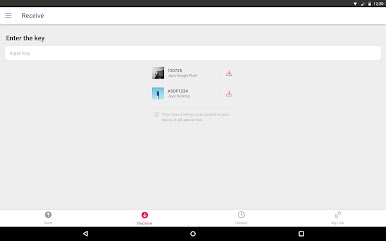
•เพียงมีแค่รหัสผ่าน 6 หลักแบบใช้ครั้งเดียว ก็ส่งไฟล์ได้อย่างง่ายดาย
• Wi-Fi Direct: ส่งได้โดยไม่ต้องใช้ข้อมูลหรืออินเทอร์เน็ต
•แชร์ลิงก์ได้แบบง่ายๆผ่านสื่อโซเชียลมีเดียและแอป Messenger
•สนับสนุนการเข้ารหัสไฟล์ (256 บิต)
▶ ใช้ Send Anywhere ได้ตอนไหนบ้าง!
•เมื่อย้ายภาพถ่าย วิดีโอ และเพลงไปยังพีซีของคุณ!
•เมื่อคุณไม่มีข้อมูลหรือเมื่อการเชื่อมต่ออินเทอร์เน็ตไม่ดี
•เมื่อใดก็ตามที่คุณต้องการส่งไฟล์แบบทันที!
* ขณะใช้แอปพลิเคชัน หากมีปัญหาหรือข้อผิดพลาดเกิดขึ้น โปรดแจ้งให้เราทราบโดยการคลิก "Send Feedback" จากเมนู Settings
-
APK File
• The copyright of applications sent through Send Anywhere belong to the application’s developer. If sharing an APK file conflicts with current copyright laws then all responsibility falls upon the user.
• Typically, you will not be able to share APK files between OS and Android. First check with application’s developer before cross-platform transfers.
Video Files
• Depending on the video type received, the video may not be pushed into the phone’s gallery. In this case, using a file management application will play the video.
• If you can’t play the videos received, download a different video player that is compatible with the video format.
-
To best use Send Anywhere’s convenient file sharing service, we ask user’s permissions listed below
• Write External Storage : To store files that are received through Send Anywhere in external storage (SD Card).
• Read External Storage : To send files stored in external storage through Send Anywhere.
• Record Audio : To recognize a sound wave and receive files.
• Get Accounts : To set default profile name when using Send Anywhere for the first time.
• Read Contacts : To send contacts stored in your phone.
• Camera : For being able to receive files via a QR Code.
For more information about our terms and policies, please visit our site.
https://send-anywhere.com/terms
https://send-anywhere.com/mobile-privacy/privacy.html
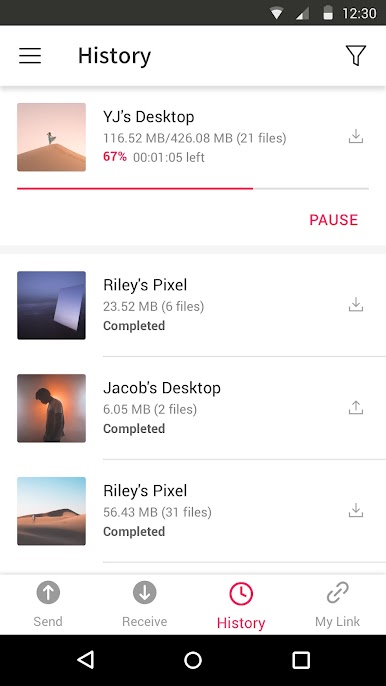
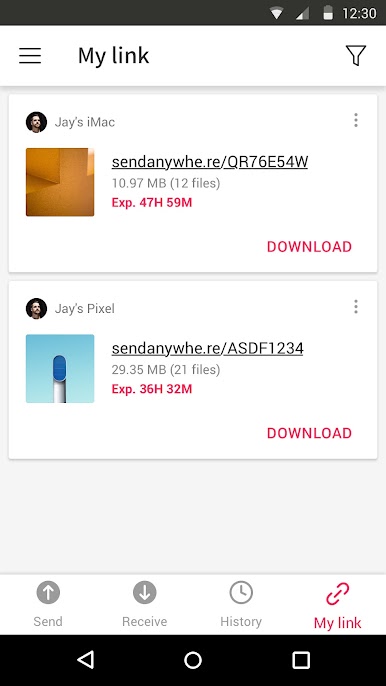
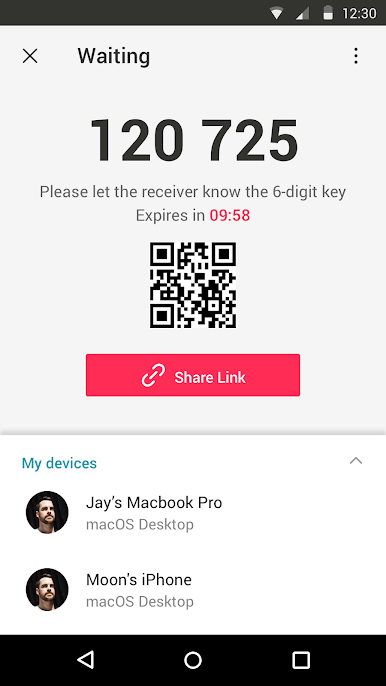
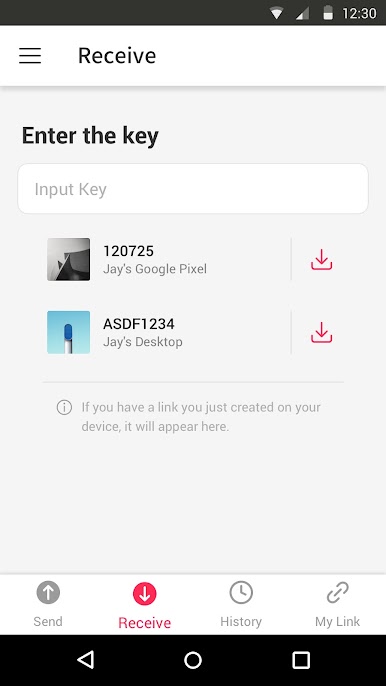
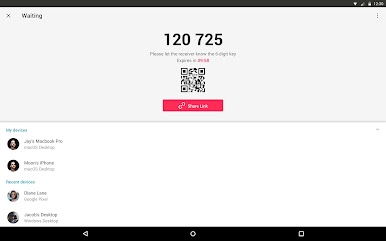
เล่น Send Anywhere (ตัวช่วยส่งไฟล์) บน PC ได้ง่ายกว่า
-
ดาวน์โหลดและติดตั้ง BlueStacks บน PC ของคุณ
-
ลงชื่อเข้าใช้แอคเคาท์ Google เพื่อเข้าสู่ Play Store หรือทำในภายหลัง
-
ค้นหา Send Anywhere (ตัวช่วยส่งไฟล์) ในช่องค้นหาด้านขวาบนของโปรแกรม
-
คลิกเพื่อติดตั้ง Send Anywhere (ตัวช่วยส่งไฟล์) จากผลการค้นหา
-
ลงชื่อเข้าใช้บัญชี Google Account (หากยังไม่ได้ทำในขั้นที่ 2) เพื่อติดตั้ง Send Anywhere (ตัวช่วยส่งไฟล์)
-
คลิกที่ไอคอน Send Anywhere (ตัวช่วยส่งไฟล์) ในหน้าจอเพื่อเริ่มเล่น

