

Ragdoll Dismounting Playground
เล่นบน PC ผ่าน BlueStacks - Android Gaming Platform ที่ได้รับความไว้วางใจจากเกมเมอร์ 500 ล้านคนทั่วโลก

Page Modified on: Aug 31, 2023
Play Ragdoll Dismounting Playground on PC or Mac
Step into the World of Ragdoll Dismounting Playground, a thrilling Action game from the house of Alphabets Games. Play this Android game on BlueStacks App Player and experience immersive gaming on PC or Mac.
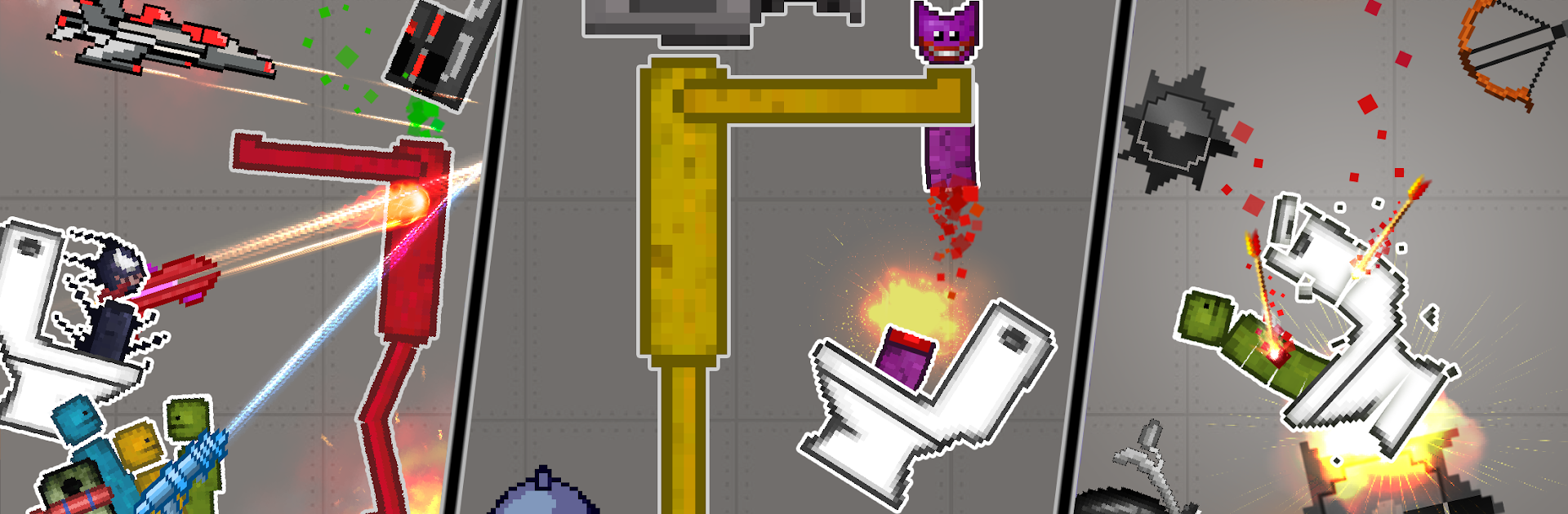
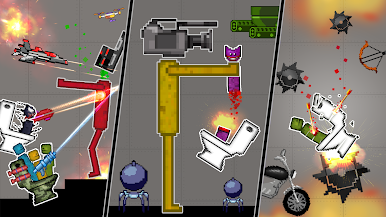
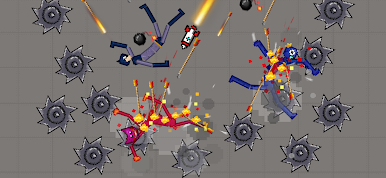
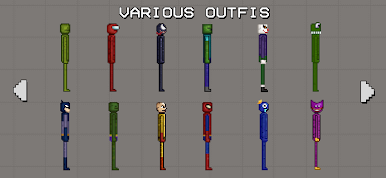
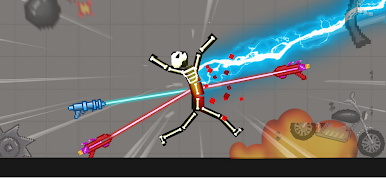
Ragdoll Dismounting Playground is one of those slapstick physics sandboxes where the fun is in setting up chaos and watching it unfold. It drops a floppy dummy into all sorts of setups, then lets the player stack traps, strap on bombs, and send vehicles flying to see what kind of spectacular wipeout happens. The tone stays goofy rather than grim, helped by silly ragdoll skins and the way the character flops around every time a spring or saw catches them. It feels like a toy box more than a mission based game. Build, press go, watch the chain reaction, tweak a piece, try again, repeat.
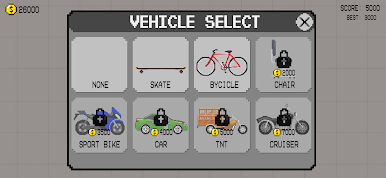
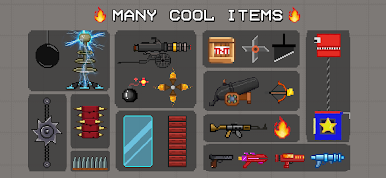
There are over 20 maps to mess with, from stair stacks to ramps and tight corridors, plus 50 plus tools that range from explosives and spikes to launchers and carts. Items can be placed freely, so the player can tile the floor with mines, line a wall with fans, or rig a car to push the dummy into a tunnel of blades. Different characters and kits mix things up, and the game encourages little experiments, like testing which combo throws the body farthest or how many explosions it takes to clear a gap. On PC with BlueStacks, dragging parts with a mouse feels simple, and quick keys make resets and retries fast, which is nice when the whole loop is build, crash, adjust, crash again. It is light, messy physics fun with no plot pressure, great for those who enjoy tinkering until the perfect ridiculous accident happens.
Start your journey now. Download the game on BlueStacks, invite your friends, and march on a new adventure.
เล่น Ragdoll Dismounting Playground บน PC ได้ง่ายกว่า
-
ดาวน์โหลดและติดตั้ง BlueStacks บน PC ของคุณ
-
ลงชื่อเข้าใช้แอคเคาท์ Google เพื่อเข้าสู่ Play Store หรือทำในภายหลัง
-
ค้นหา Ragdoll Dismounting Playground ในช่องค้นหาด้านขวาบนของโปรแกรม
-
คลิกเพื่อติดตั้ง Ragdoll Dismounting Playground จากผลการค้นหา
-
ลงชื่อเข้าใช้บัญชี Google Account (หากยังไม่ได้ทำในขั้นที่ 2) เพื่อติดตั้ง Ragdoll Dismounting Playground
-
คลิกที่ไอคอน Ragdoll Dismounting Playground ในหน้าจอเพื่อเริ่มเล่น

