


F5 Access
เล่นบน PC ผ่าน BlueStacks - Android Gaming Platform ที่ได้รับความไว้วางใจจากเกมเมอร์ 500 ล้านคนทั่วโลก

Page Modified on: Oct 14, 2026
เล่น F5 Access on PC
Use of this application is subject to the End User License Agreement available at https://cdn.f5.com/product/apm/apps/eula.html. By downloading and using the application, you agree to its terms.
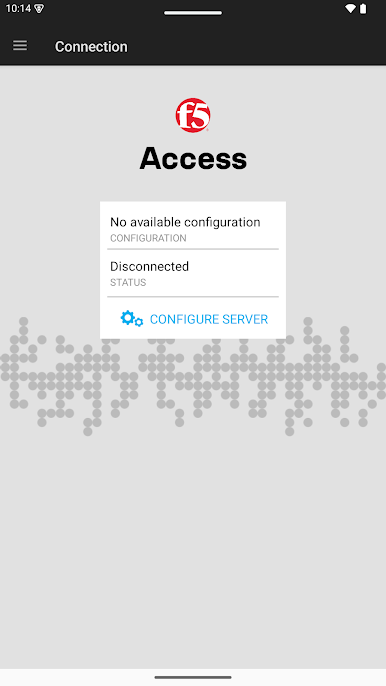
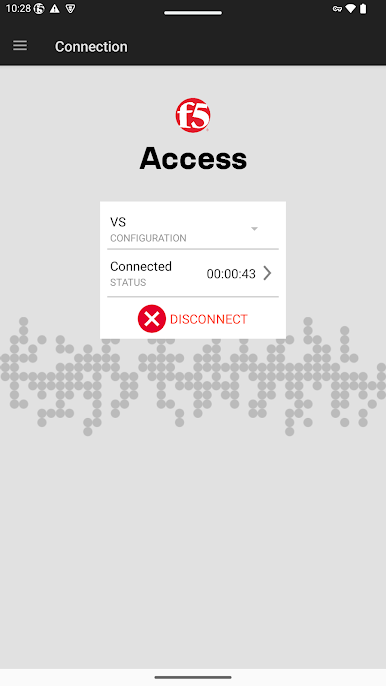
F5 Access for Android™, version 3.2.4, features:
- Network access to enterprise resources allowed by BIG-IP administrator
- Per-app VPN support
- Support for Android for Work, by securing app traffic with F5 BIG-IP APM
- Support for Android on Chrome OS
- Automatic network roaming, to stay connected on the go
- Use of client certificates from Android Credential Storage for authentication
- SAML authentication for initiating seamless VPN connections
- Multi-factor authentication support including SAML
- Biometric and Device Authentication for re-use of cached credentials
- Detection of rooted devices
- Seamless user provisioning through MDM products from AirWatch, MaaS360 and MobileIron Core
- Managed configuration mode for disabling of user edits to connection configurations after user’s IT admin has setup the initial configurations
- Always On VPN Mode for Android for Work
- Supports OIDC authentication
Requirements: (Contact your IT Administrator)
- F5 Zero Trust Access for BIG-IP, formerly F5 BIG-IP® Access Policy Manager
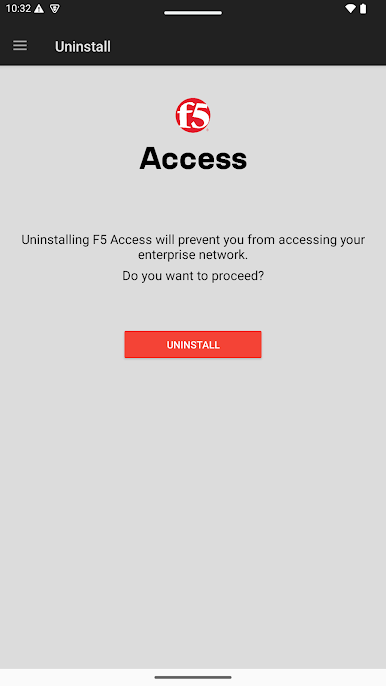
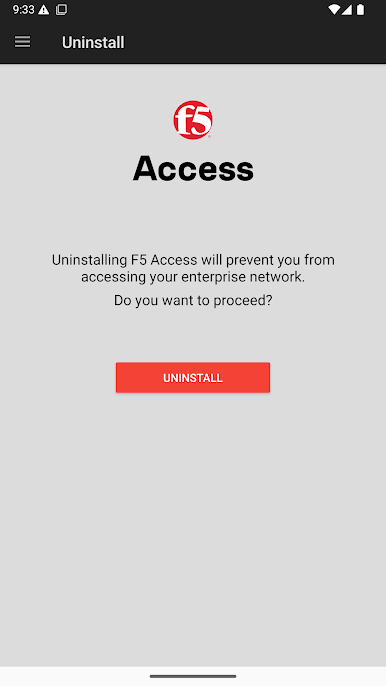
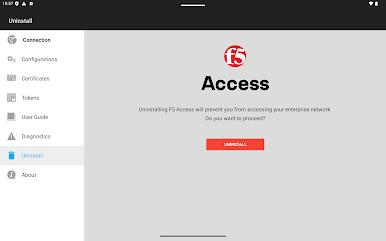
NOTE: This app uses the Device Administrator permission. Please refer to the F5 Access User Guide for instructions on uninstalling the application.
BEFORE YOU CONTACT F5 SUPPORT, PLEASE SEE: https://my.f5.com/manage/s/article/K2633
For supported product versions, please check APM support policy at https://my.f5.com/manage/s/article/K22258530
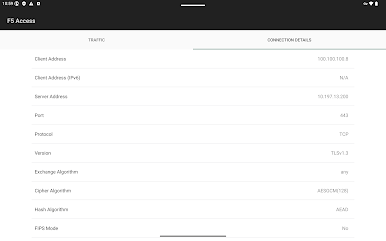
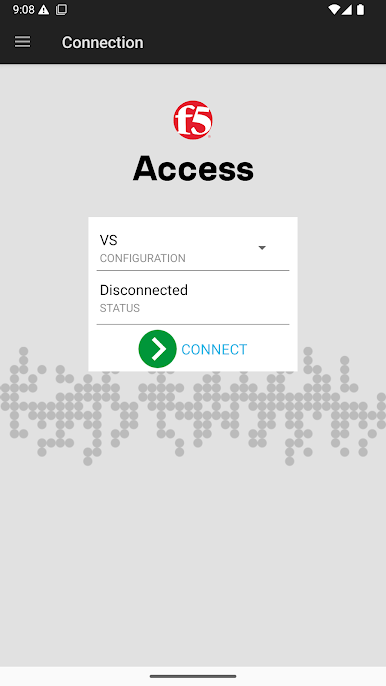
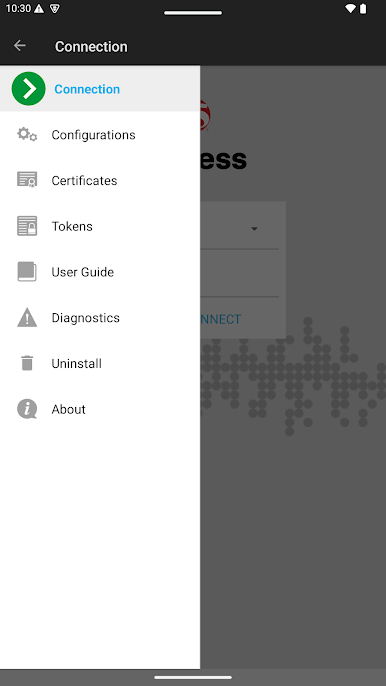
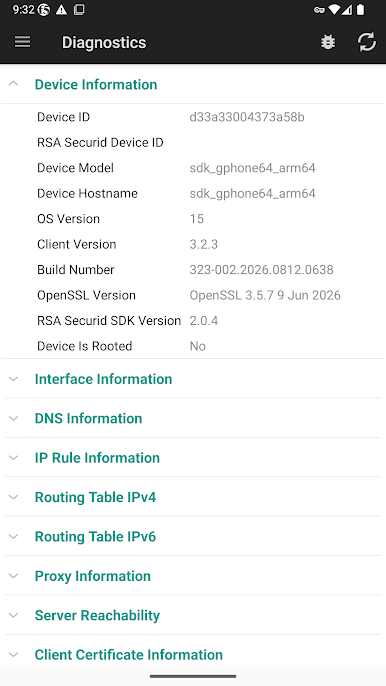
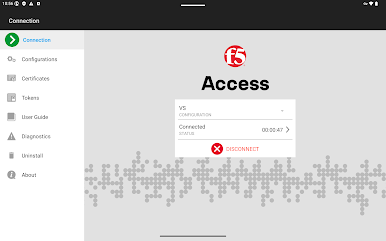
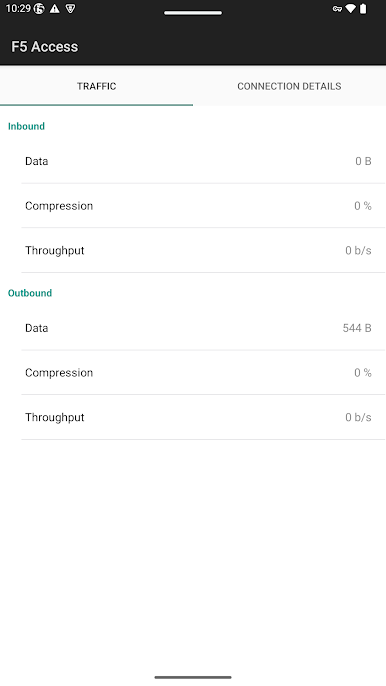
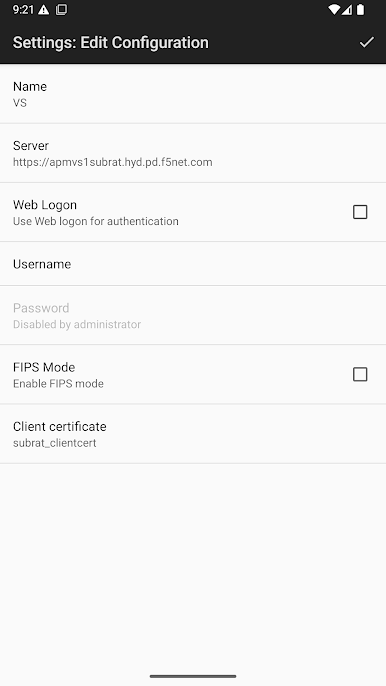
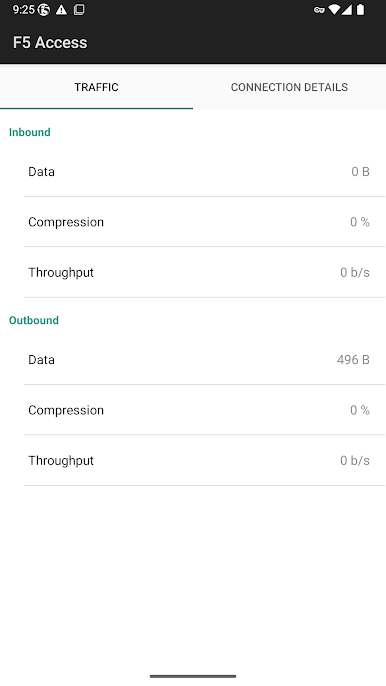
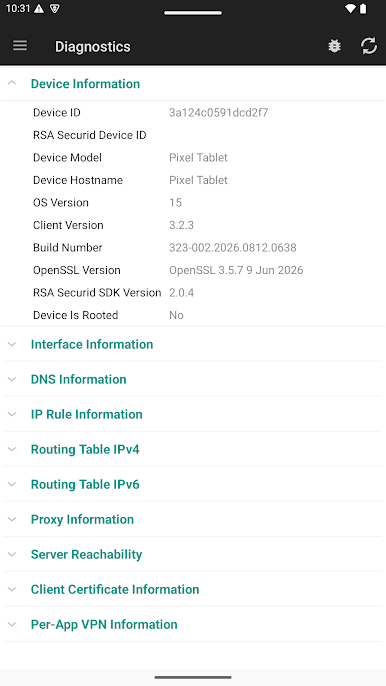
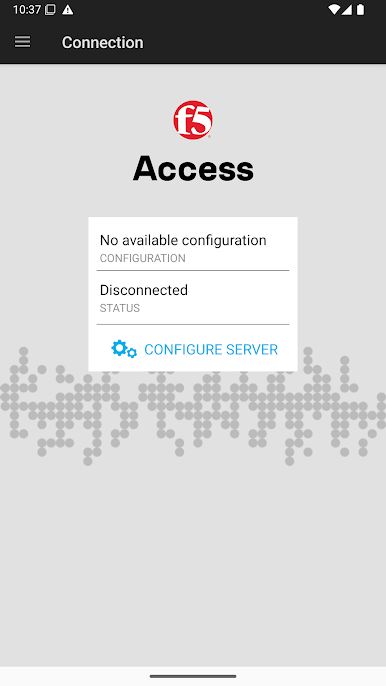
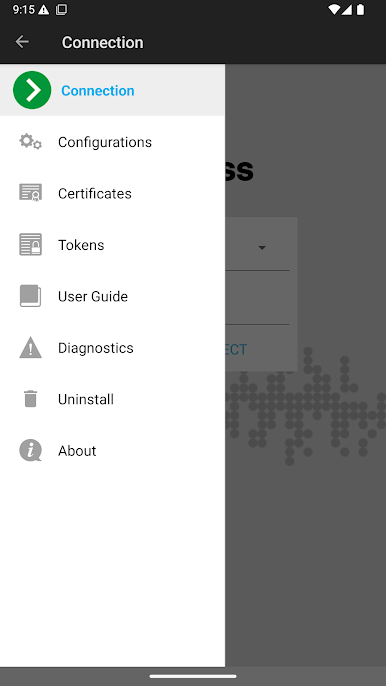
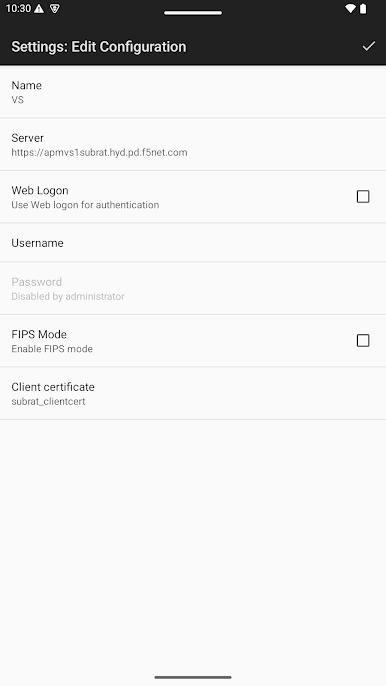
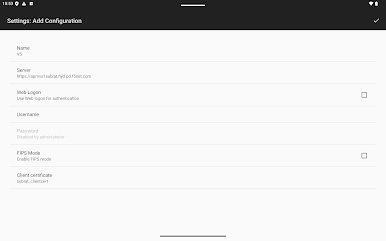
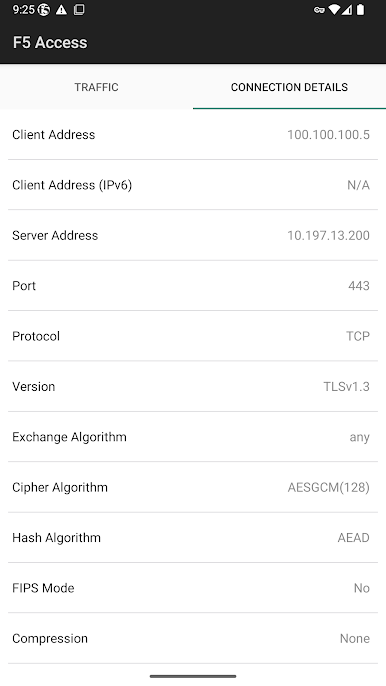
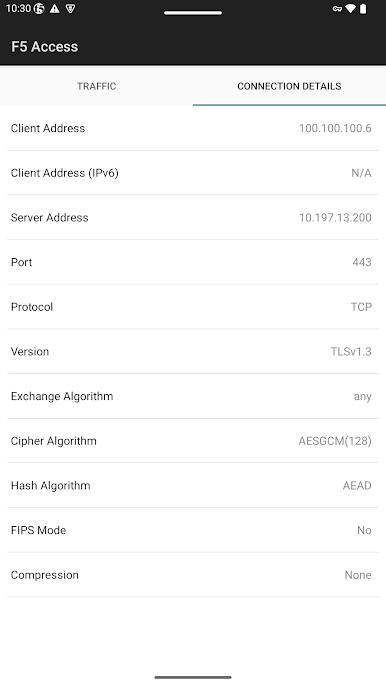
เล่น F5 Access บน PC ได้ง่ายกว่า
-
ดาวน์โหลดและติดตั้ง BlueStacks บน PC ของคุณ
-
ลงชื่อเข้าใช้แอคเคาท์ Google เพื่อเข้าสู่ Play Store หรือทำในภายหลัง
-
ค้นหา F5 Access ในช่องค้นหาด้านขวาบนของโปรแกรม
-
คลิกเพื่อติดตั้ง F5 Access จากผลการค้นหา
-
ลงชื่อเข้าใช้บัญชี Google Account (หากยังไม่ได้ทำในขั้นที่ 2) เพื่อติดตั้ง F5 Access
-
คลิกที่ไอคอน F5 Access ในหน้าจอเพื่อเริ่มเล่น

