SmartTV Client for Twitch
เล่นบน PC ผ่าน BlueStacks - Android Gaming Platform ที่ได้รับความไว้วางใจจากเกมเมอร์ 500 ล้านคนทั่วโลก

Page Modified on: Nov 26, 2024
Run SmartTV Client for Twitch on PC or Mac
Multitask effortlessly on your PC or Mac as you try out SmartTV Client for Twitch, a Entertainment app by Felipe Leon on BlueStacks.
About the App
SmartTV Client for Twitch, developed by Felipe Leon, transforms your Android TV into a dynamic Twitch experience. Dive into countless streams, explore a wealth of content, and enjoy features that go beyond the ordinary Twitch apps. Expect a seamless integration of video, chat, and more—all controllable with just a D-Pad.
App Features
-
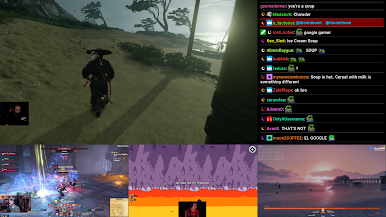
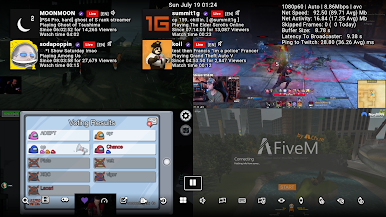
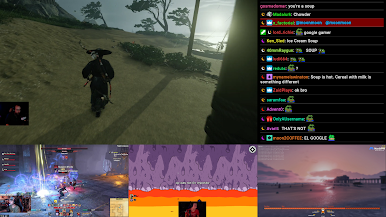
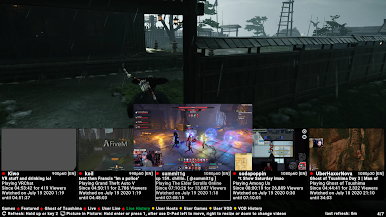
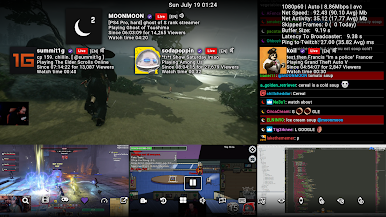
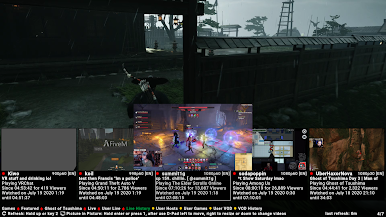
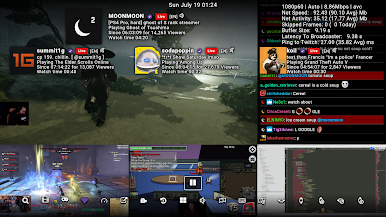
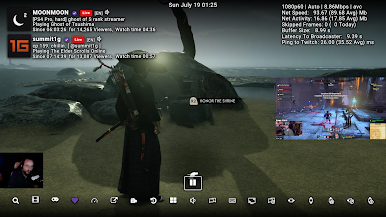
Multiple Viewing Modes: Experience streams in 4-way multistream, picture-in-picture, or side-by-side chat and video. Customize your view by adjusting video size, chat position, and more.
-
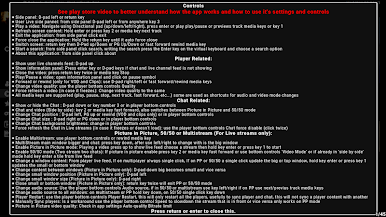
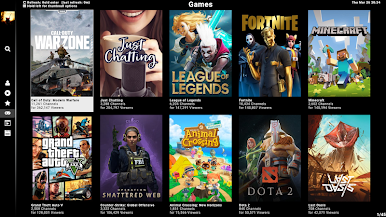
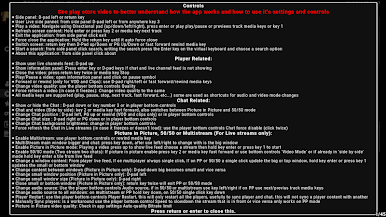
User-Friendly Interface: Designed for TV devices with a simple interface tailored for D-Pad navigation, this app provides an intuitive user experience.
-
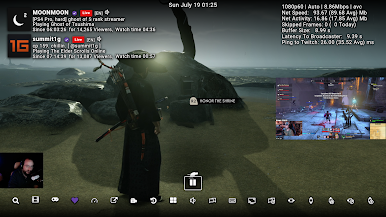
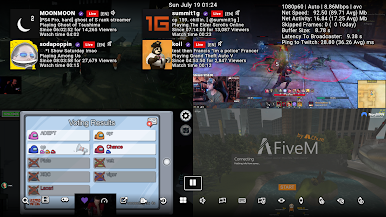
Customizable Player: Enjoy controls like latency settings, resolution adjustments, and chat customization. Access game content directly and manage your following list seamlessly.
-
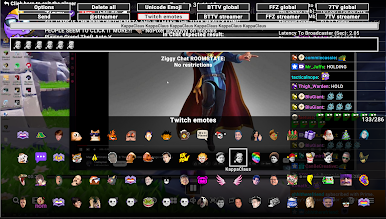
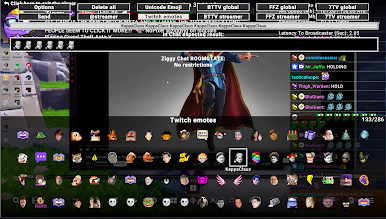
Enhanced Chat and Emojis: Support for BetterTTV, FrankerFaceZ, 7TV emotes, and custom Unicode emojis makes chatting fun and expressive.
-
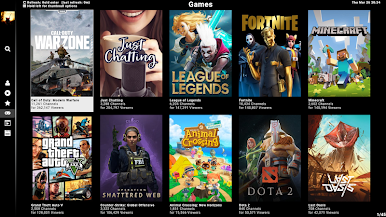
Advanced Search & Notifications: Find live streams, games, and channels effortlessly. Receive notifications for live streams you follow or when game titles change.
-
Efficient Storage: With a small APK size and low data storage usage, manage space effortlessly—automatically self-cleans to maintain performance.
-
Multi-User Support: Easily add and switch between users, ensuring a personalized experience each time.
Elevate your Twitch viewing on BlueStacks, boasting an impressive feature set designed for Android TV.
BlueStacks gives you the much-needed freedom to experience your favorite apps on a bigger screen. Get it now.
เล่น SmartTV Client for Twitch บน PC ได้ง่ายกว่า
-
ดาวน์โหลดและติดตั้ง BlueStacks บน PC ของคุณ
-
ลงชื่อเข้าใช้แอคเคาท์ Google เพื่อเข้าสู่ Play Store หรือทำในภายหลัง
-
ค้นหา SmartTV Client for Twitch ในช่องค้นหาด้านขวาบนของโปรแกรม
-
คลิกเพื่อติดตั้ง SmartTV Client for Twitch จากผลการค้นหา
-
ลงชื่อเข้าใช้บัญชี Google Account (หากยังไม่ได้ทำในขั้นที่ 2) เพื่อติดตั้ง SmartTV Client for Twitch
-
คลิกที่ไอคอน SmartTV Client for Twitch ในหน้าจอเพื่อเริ่มเล่น