

Toilet Monster Battle Game 3D
Jouez sur PC avec BlueStacks - la plate-forme de jeu Android, approuvée par + 500M de joueurs.

Page Modifiée le: Jun 5, 2025
Play Snow Hill Bus Robot Car Game on PC or Mac
Join millions to experience Snow Hill Bus Robot Car Game, an exciting Role Playing game from Fun Games Studioz. With BlueStacks App Player, you are always a step ahead of your opponent, ready to outplay them with faster gameplay and better control with the mouse and keyboard on your PC or Mac.
About the Game
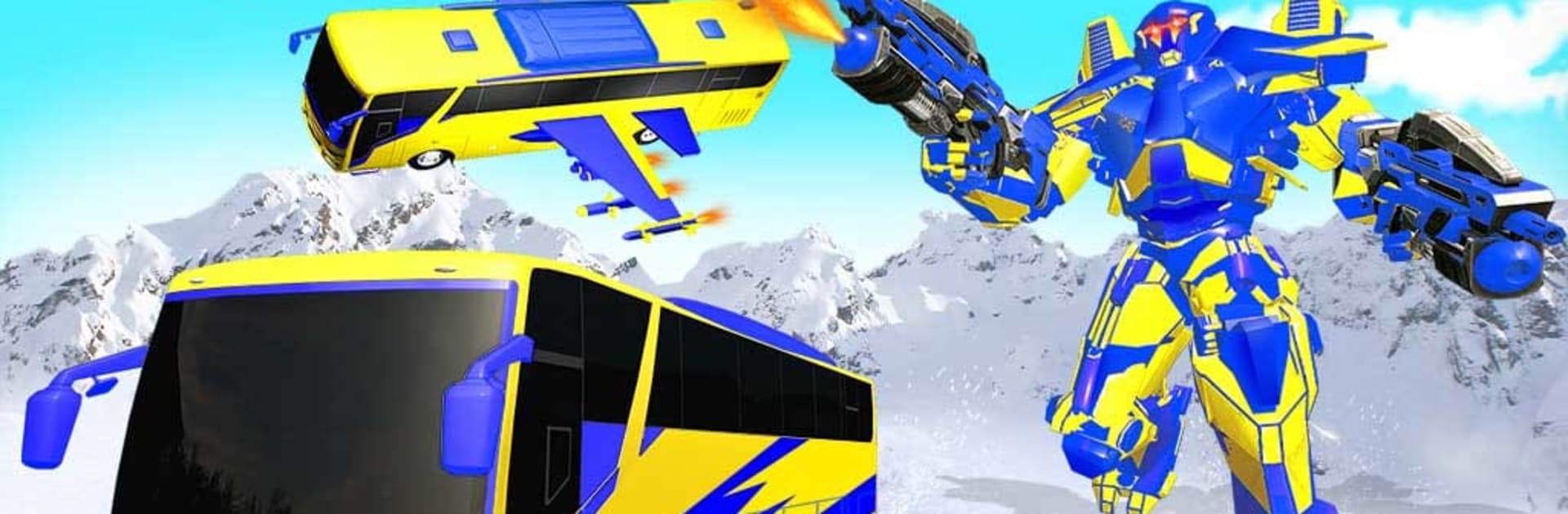
Ever wondered what it’s like to steer a massive robot-bus through swirling snow and wild winter storms? Snow Hill Bus Robot Car Game invites you to hop behind the wheel (or, well, the controls) and take on snowy roads, daring rescues, and epic robot battles—all while trying not to spin out on the ice. This role playing adventure from Fun Games Studioz packs plenty of action into every shift, keeping you on your toes as blizzards rage and robots clash. You’ll be making split-second decisions as the stakes keep rising on these frosty mountain routes.
Game Features
-
Transforming Robot Action
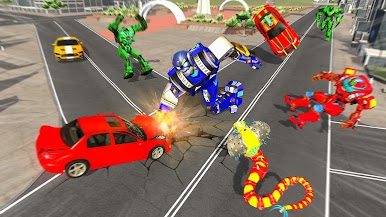
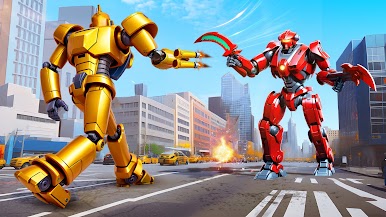
Shift between heavy-duty bus mode and powerful robot form whenever danger’s near. Switching it up is half the fun—sometimes you’re rescuing tourists, sometimes you’re throwing down with rogue mech warriors. -
Challenging Snowy Terrain
These aren’t your average city streets. You’ll be driving and fighting your way through slippery, twisty mountain roads, where one wrong turn could send you sliding. -
Dynamic 3D Winter Settings
The snowy peaks and winter cityscapes aren’t just for show—they make every mission feel fresh, right down to the ice glinting in your headlights. -
Variety of Rigs and Robots
Tired of the same wheels? Swap between different bus and robot designs, finding your favorite setup for each mission. -
Levels That Keep You Guessing
No two missions are quite alike—one minute you’re saving stranded folks, the next you’re up against hostile mechs. Things ramp up as you go, making success feel earned. -
Simple, Responsive Controls
Whether you’re playing on your phone or giving it a run with BlueStacks, the controls are tuned for quick reactions and smooth handling, even in the thickest snowfall.
Get ready for a buttery smooth, high-performance gaming action only on BlueStacks.
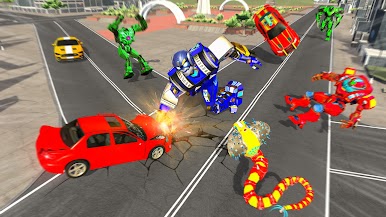

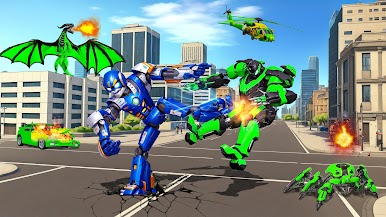
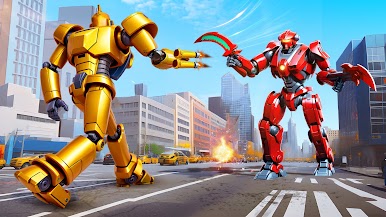
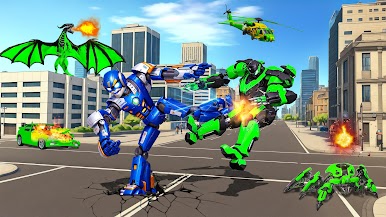
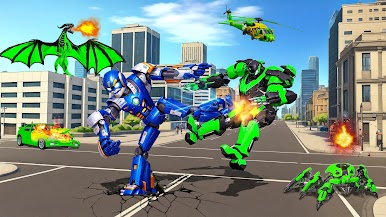
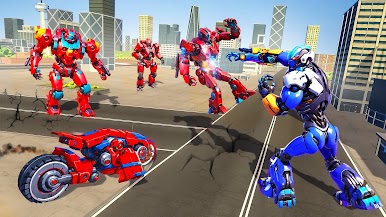
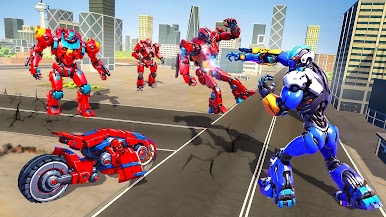


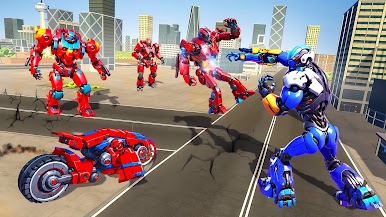
Jouez à Toilet Monster Battle Game 3D sur PC. C'est facile de commencer.
-
Téléchargez et installez BlueStacks sur votre PC
-
Connectez-vous à Google pour accéder au Play Store ou faites-le plus tard
-
Recherchez Toilet Monster Battle Game 3D dans la barre de recherche dans le coin supérieur droit
-
Cliquez pour installer Toilet Monster Battle Game 3D à partir des résultats de la recherche
-
Connectez-vous à Google (si vous avez ignoré l'étape 2) pour installer Toilet Monster Battle Game 3D
-
Cliquez sur l'icône Toilet Monster Battle Game 3D sur l'écran d'accueil pour commencer à jouer

