


FIFA Media App
Jouez sur PC avec BlueStacks - la plate-forme de jeu Android, approuvée par + 500M de joueurs.

Page Modifiée le: Dec 3, 2025
Play FIFA Media App on PC or Mac
From the innovators and creators at FIFA, FIFA Media App is another fun addition to the World of Sports games. Go beyond your mobile screen and play it bigger and better on your PC or Mac. An immersive experience awaits you.
About the Game
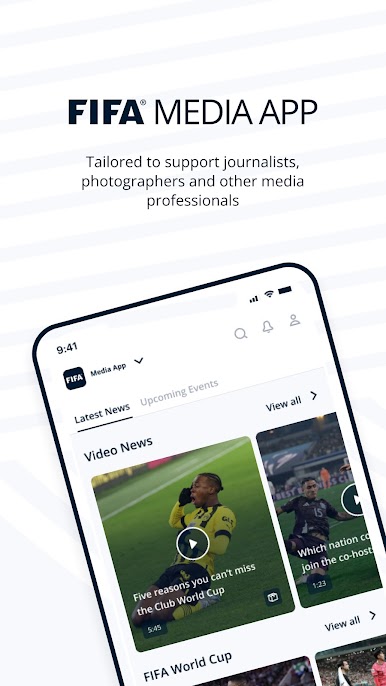
If you’re always chasing the next big sports story and want a smoother way to keep up with everything FIFA-related, the FIFA Media App could be what you’ve been searching for. Built specifically for media folks covering events, this handy tool puts all your tournament essentials in one organized spot. No more digging around for accreditation details or scrambling to find press conference info—the app lines it all up just where you need it. Think of it as your personal assistant for FIFA events, ready to keep you up to speed and in the loop.
Game Features
-
Secure Access for Media
Log in with your approved FIFA Media Hub account, making sure only authorized media representatives get in—peace of mind for you, privacy for everyone. -
All-in-One Event Hub
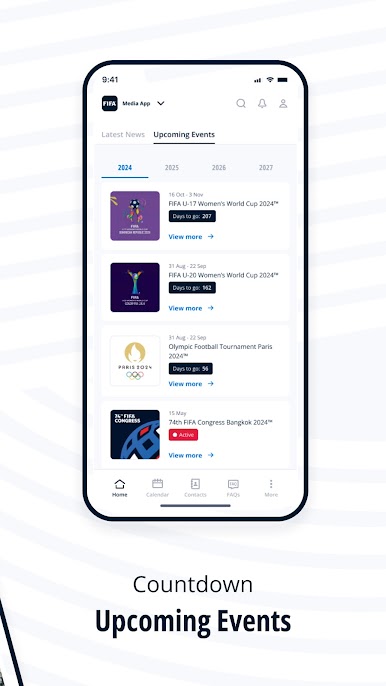
Find all your must-haves for event coverage. Whether it’s getting your media accreditation sorted or securing your ticketing, everything’s covered right inside the app. -
Personalized Alerts & Subscriptions
Never miss a beat with customizable media alerts and subscriptions. Get just the updates you actually care about—delivered straight to your preferred device. -
Live Press Conference Streaming
Can’t attend in person? No problem. Watch team press conferences live wherever you are, so you’re always in on what matters, even when you’re on the move. -
Team Training & Schedules
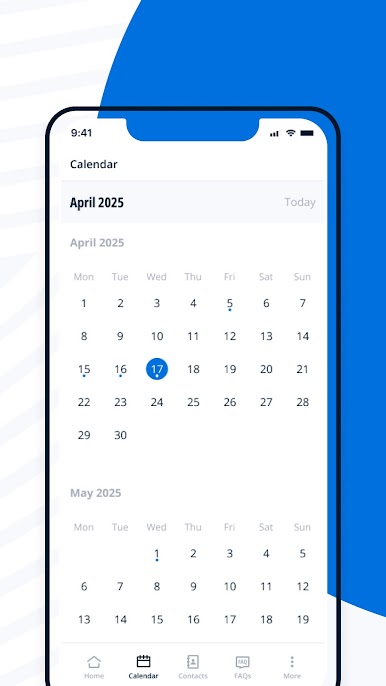
Plan your coverage with zero guesswork using the frequently updated calendar. It lists out team activities, training times, and event details designed for media access. -
Transportation Details
Find up-to-date info on getting to and from venues. Whether it’s schedules or routes, you’ll know the best way to move between locations so you can focus on reporting. -
Direct Contacts
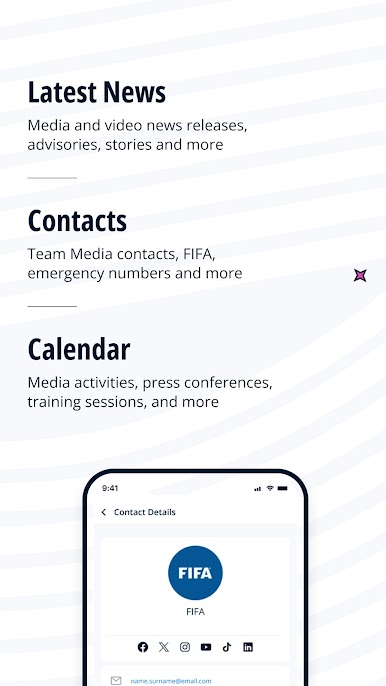
Need to reach someone fast? The app puts essential contact info for event liaisons and officials all in one place—one less thing to worry about during a busy day.
Works seamlessly on your smartphone, or fire it up on BlueStacks for a larger, organized view if you’re handling coverage from your desktop.
Ready to top the leaderboard? We bet you do. Let precise controls and sharp visuals optimized on BlueStacks lead you to victory.
Jouez à FIFA Media App sur PC. C'est facile de commencer.
-
Téléchargez et installez BlueStacks sur votre PC
-
Connectez-vous à Google pour accéder au Play Store ou faites-le plus tard
-
Recherchez FIFA Media App dans la barre de recherche dans le coin supérieur droit
-
Cliquez pour installer FIFA Media App à partir des résultats de la recherche
-
Connectez-vous à Google (si vous avez ignoré l'étape 2) pour installer FIFA Media App
-
Cliquez sur l'icône FIFA Media App sur l'écran d'accueil pour commencer à jouer

