


เกมจับผิดภาพ : เกมหาของ หาของ
เล่นบน PC ผ่าน BlueStacks - Android Gaming Platform ที่ได้รับความไว้วางใจจากเกมเมอร์ 500 ล้านคนทั่วโลก

Page Modified on: Oct 29, 2025
Play Spot the Difference Games on PC or Mac
Bring your A-game to Spot the Difference Games, the Trivia game sensation from Content Arcade Games. Give your gameplay the much-needed boost with precise game controls, high FPS graphics, and top-tier features on your PC or Mac with BlueStacks.
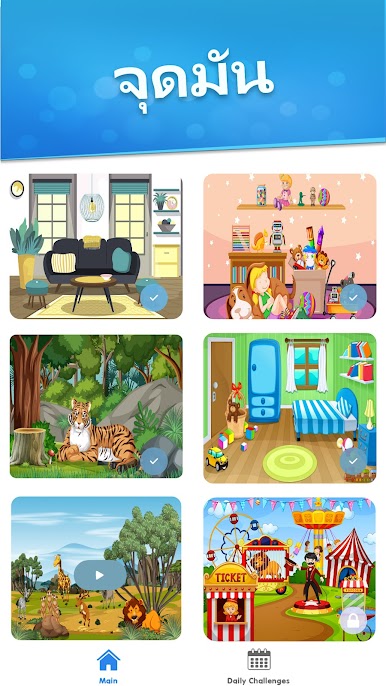
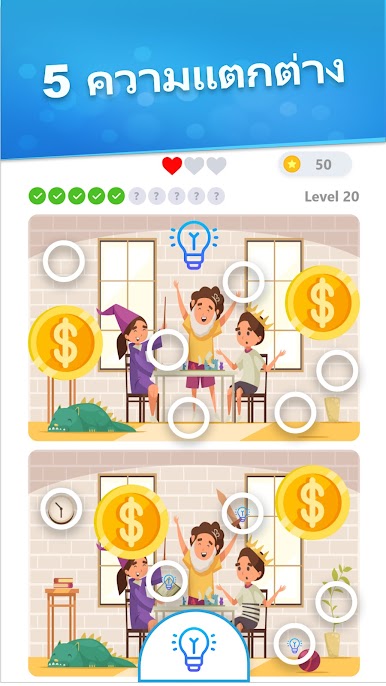
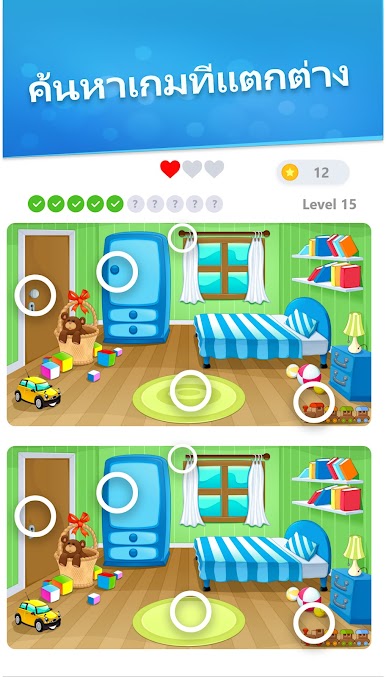
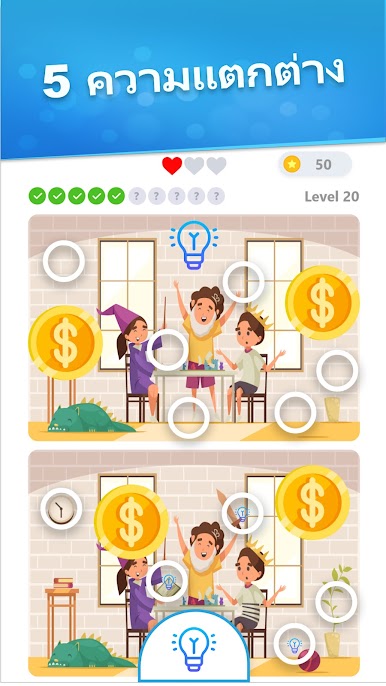
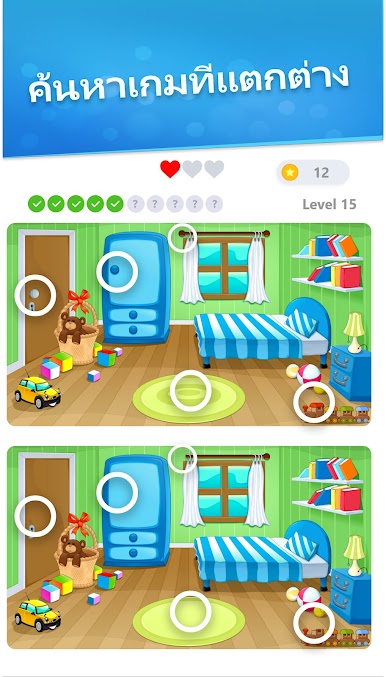
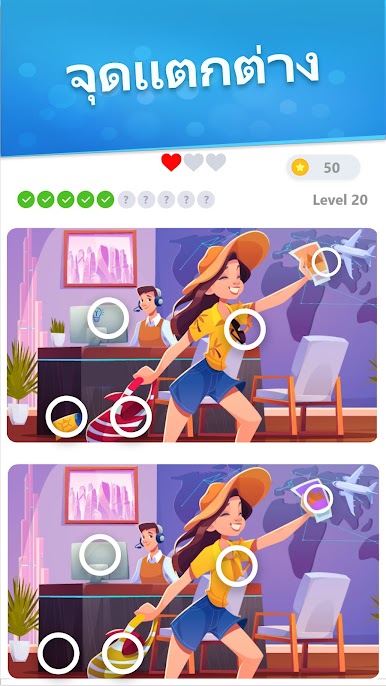
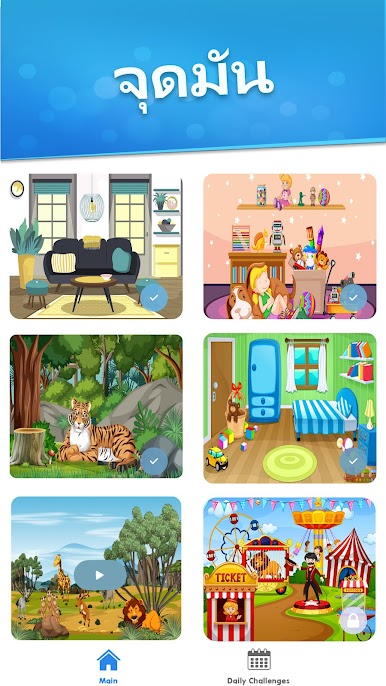
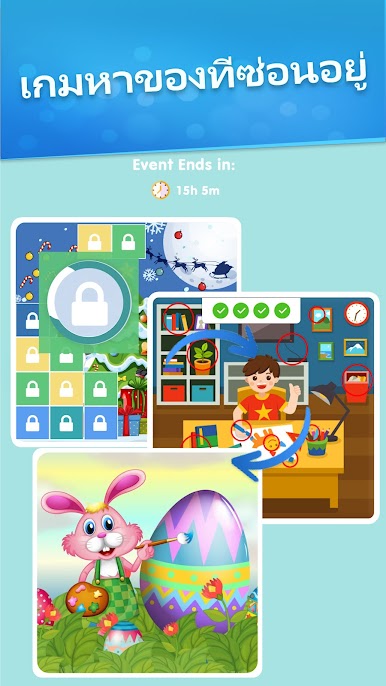
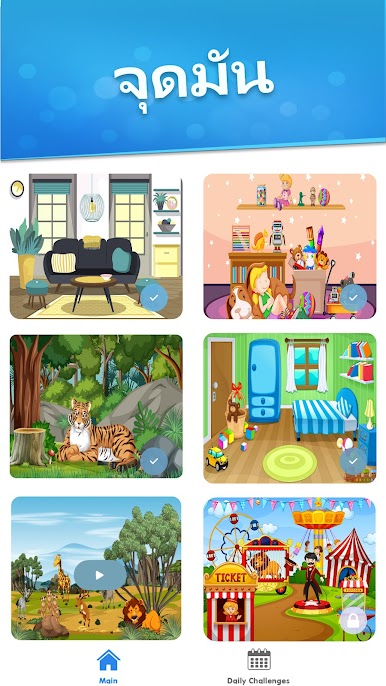
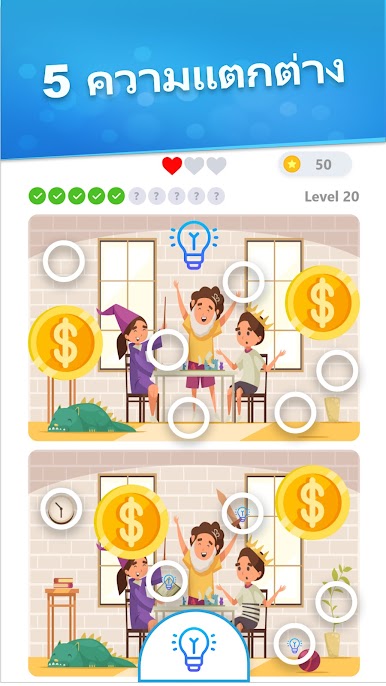
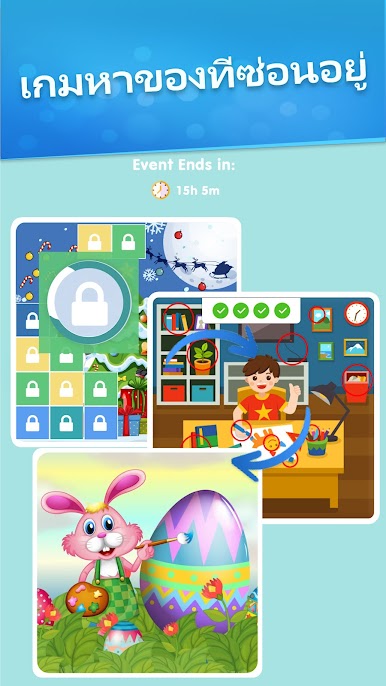
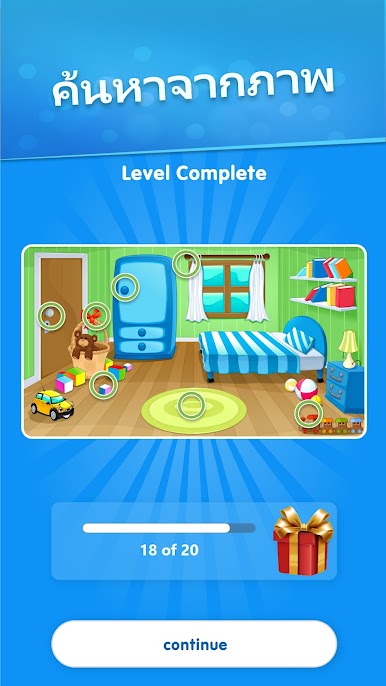
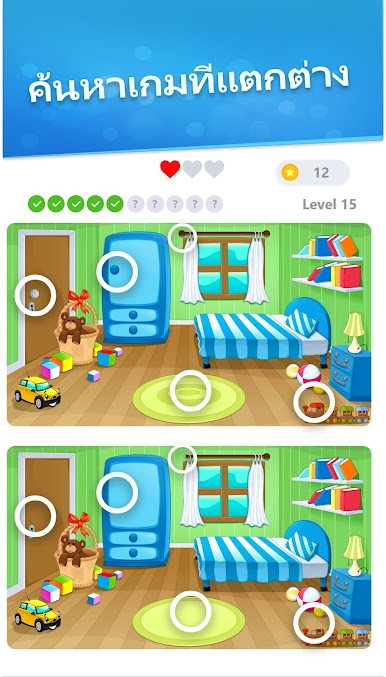
Spot the Difference Games is a laid‑back picture puzzle that still manages to keep the brain awake. Two photos sit side by side, and players hunt for the small tweaks that are not quite right. At first the differences pop out, then the game starts hiding tiny color shifts, small missing parts, little lighting changes that make the last one take a minute. The images are sharp, zoom actually helps find those sneaky details, and hints are there when patience runs thin. There is a timer if someone wants a bit of pressure, but it still feels calm and tidy rather than stressful. Progress saves on its own, so leaving mid round is no big deal. It works offline, throws in lots of sets with varied difficulty, and it focuses on the simple loop of spot, tap, move on.
On PC with BlueStacks, the bigger screen and a mouse click make those micro differences easier to see, especially when the final dot or pattern is almost invisible on a phone. The whole thing is perfect for short breaks or a quiet evening, a light workout for focus and observation more than fast reactions. No story, no fluff, just clean photos, fair hints, and enough content to keep someone scanning for a long while without feeling like homework.
Get ready for a buttery smooth, high-performance gaming action only on BlueStacks.
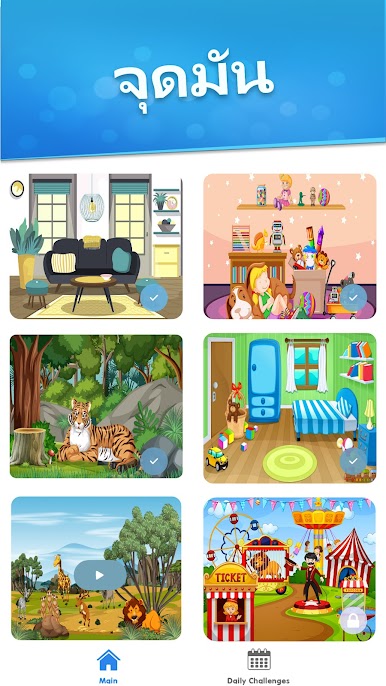
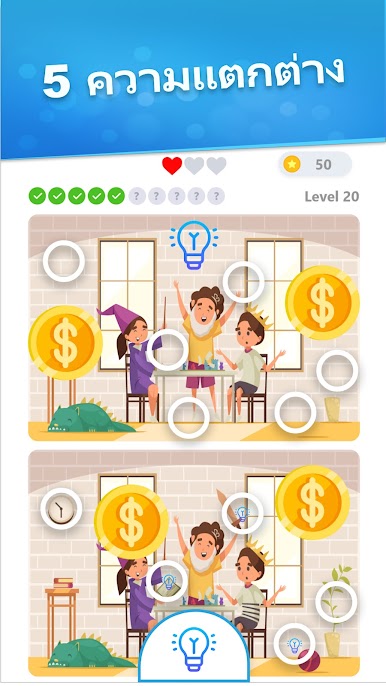
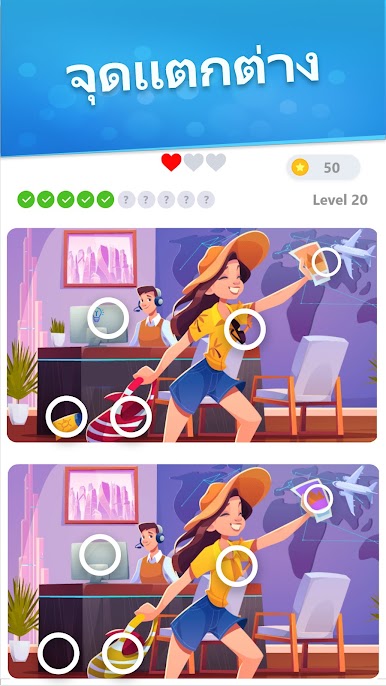
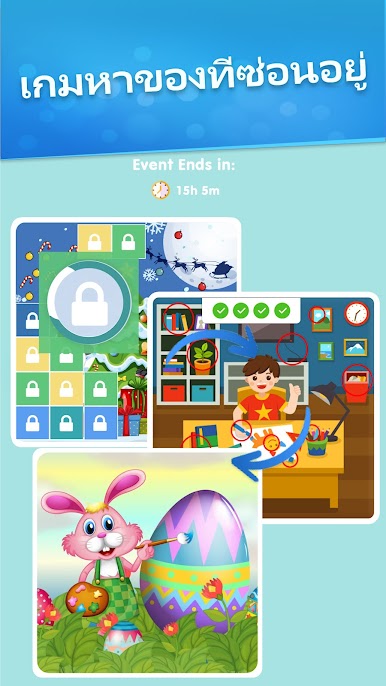




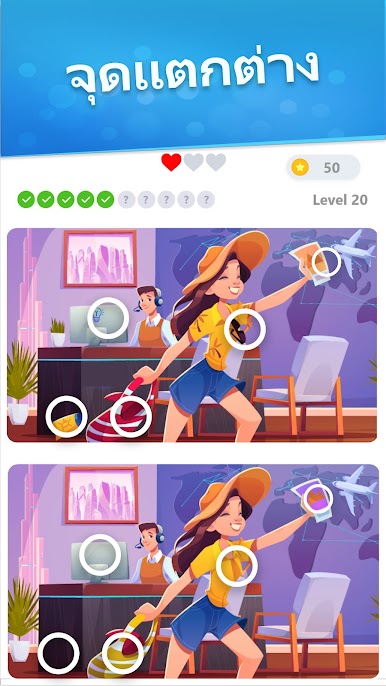

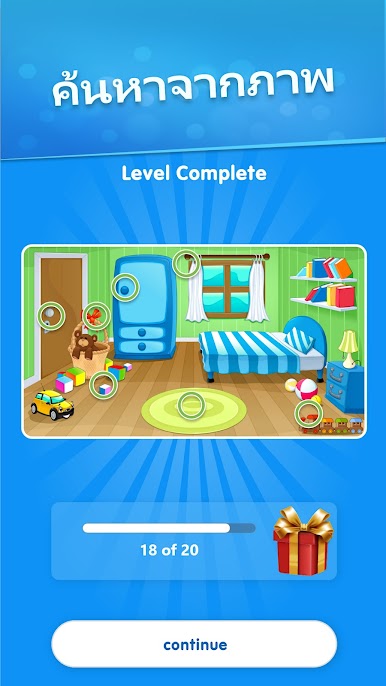
เล่น เกมจับผิดภาพ : เกมหาของ หาของ บน PC ได้ง่ายกว่า
-
ดาวน์โหลดและติดตั้ง BlueStacks บน PC ของคุณ
-
ลงชื่อเข้าใช้แอคเคาท์ Google เพื่อเข้าสู่ Play Store หรือทำในภายหลัง
-
ค้นหา เกมจับผิดภาพ : เกมหาของ หาของ ในช่องค้นหาด้านขวาบนของโปรแกรม
-
คลิกเพื่อติดตั้ง เกมจับผิดภาพ : เกมหาของ หาของ จากผลการค้นหา
-
ลงชื่อเข้าใช้บัญชี Google Account (หากยังไม่ได้ทำในขั้นที่ 2) เพื่อติดตั้ง เกมจับผิดภาพ : เกมหาของ หาของ
-
คลิกที่ไอคอน เกมจับผิดภาพ : เกมหาของ หาของ ในหน้าจอเพื่อเริ่มเล่น

