


Scoot
Jouez sur PC avec BlueStacks - la plate-forme de jeu Android, approuvée par + 500M de joueurs.

Page Modifiée le: Dec 19, 2025
Play Scoot on PC
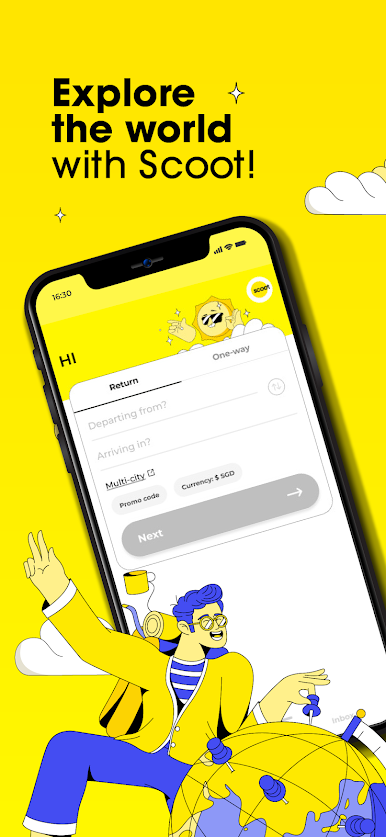
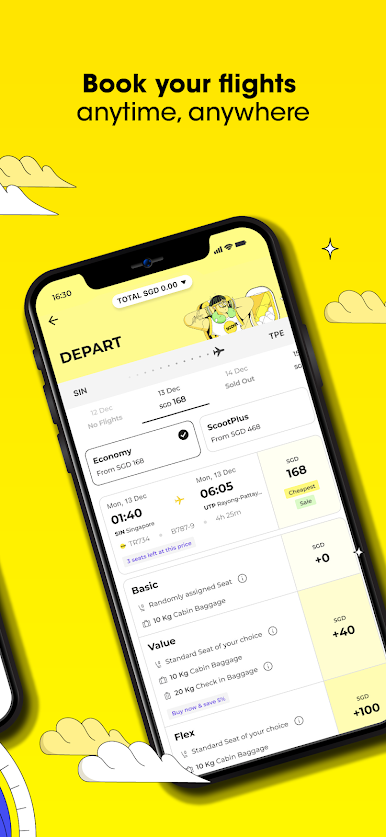
BOOK FLIGHTS ANYTIME, ANYWHERE
• Get notified instantly about our exclusive travel deals.
• Book trips on the go when you check out with Google Pay or other available payment methods.
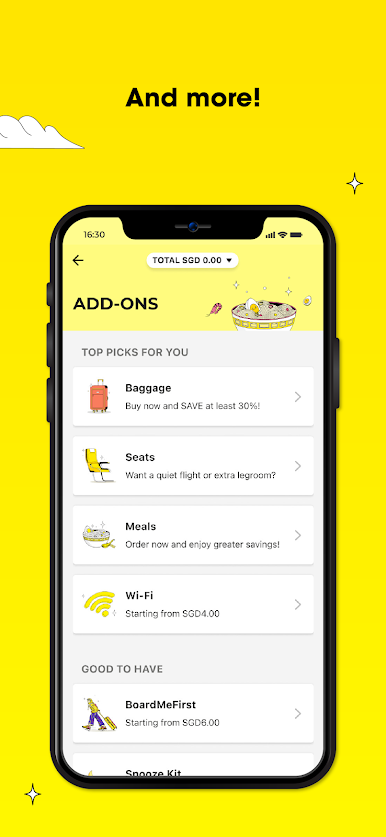
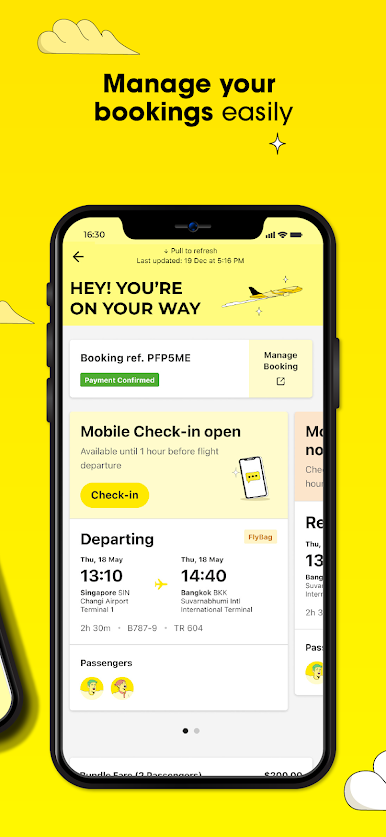
MANAGE YOUR BOOKINGS
• Review your itinerary, select your seats, add baggage, Wi-Fi, and more - all within the app!
• Check in online and save time at the airport.
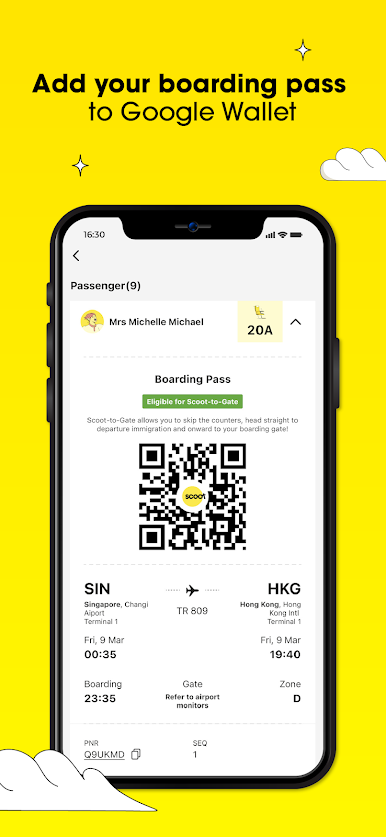
MOBILE BOARDING PASS
• Enjoy a hassle-free travel experience with seamless access to your boarding pass on your mobile phone.
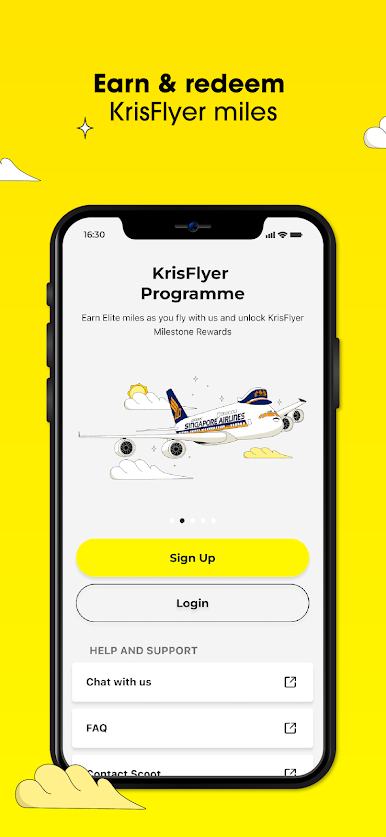
EARN & REDEEM KRISFLYER MILES
• Earn Elite and KrisFlyer Miles with every flight! Redeem your miles for exclusive upgrades, luxurious hotel stays, and more.
Your next vacay is a tap away. Download the Scoot app today!
Jouez à Scoot sur PC. C'est facile de commencer.
-
Téléchargez et installez BlueStacks sur votre PC
-
Connectez-vous à Google pour accéder au Play Store ou faites-le plus tard
-
Recherchez Scoot dans la barre de recherche dans le coin supérieur droit
-
Cliquez pour installer Scoot à partir des résultats de la recherche
-
Connectez-vous à Google (si vous avez ignoré l'étape 2) pour installer Scoot
-
Cliquez sur l'icône Scoot sur l'écran d'accueil pour commencer à jouer

