


AntiSocial: phone addiction
เล่นบน PC ผ่าน BlueStacks - Android Gaming Platform ที่ได้รับความไว้วางใจจากเกมเมอร์ 500 ล้านคนทั่วโลก

Page Modified on: Oct 31, 2020
Run AntiSocial: phone addiction on PC or Mac
Multitask effortlessly on your PC or Mac as you try out AntiSocial: phone addiction, a Productivity app by Bugbean Pty Ltd on BlueStacks.
About the App
Ever wondered just how much time you’re actually glued to your phone? AntiSocial: phone addiction helps you figure that out without making things complicated. Whether you’re just curious or feel like it’s time to set a few boundaries with your device, this productivity app from Bugbean Pty Ltd gives you a down-to-earth look at your usage habits. What’s cool? It’s all about putting the power in your hands, not locking you out of your apps unless you want it.
App Features
-
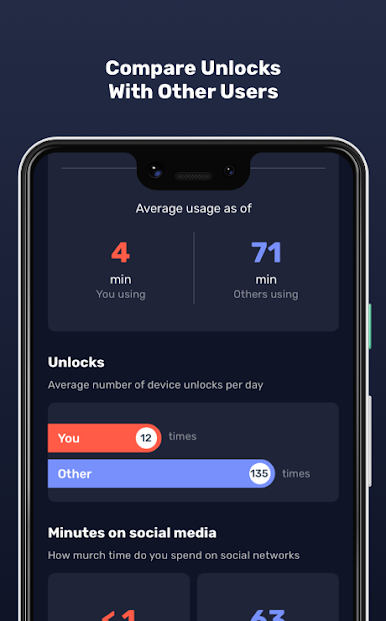
Usage Benchmarks:
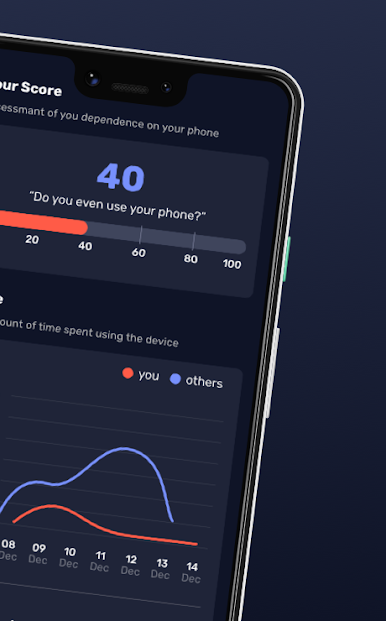
See how your phone habits stack up against people everywhere. You’ll find out if your screen time is above, below, or right on par with what’s considered usual. -
Effortless Tracking:
No need to unlock your phone or keep the screen on—AntiSocial quietly keeps tabs in the background so you don’t have to think about it. -
Battery & Data Friendly:
You won’t notice your battery draining or your data usage spiking. It’s designed to be as light as possible. -
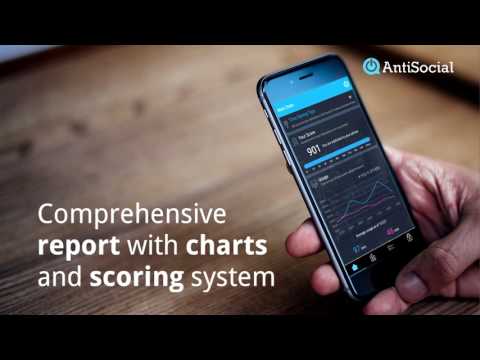
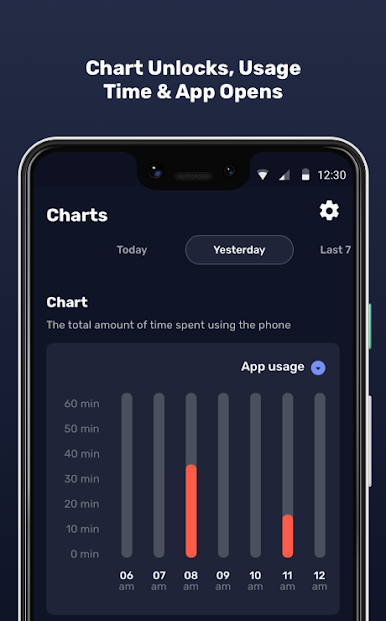
Simple Reports:
Regular updates show you exactly where your time goes—social media, messaging, streaming, and more. The reports are clear, no confusing extras. -
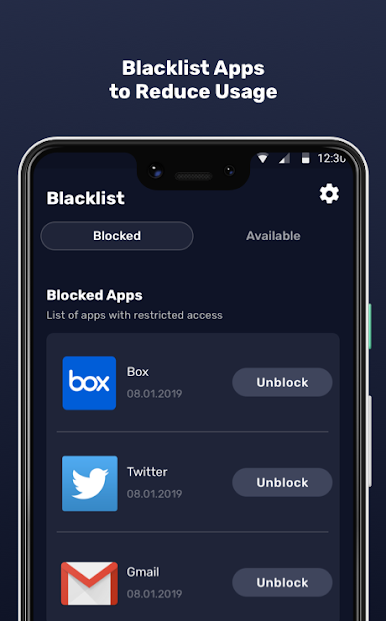
App Blocking & Restriction:
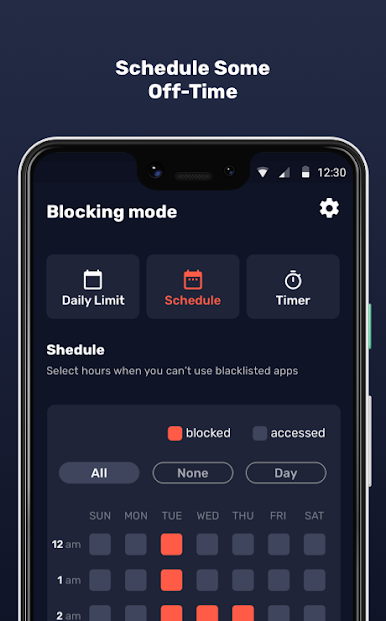
If you find you’re spending a bit too much time on certain apps, set up blocks or restrictions with just a couple of taps. It’s totally up to you. -
Ad-Free Experience:
No popups, no sneaky banners. You get a clean and uninterrupted experience, every time. -
User-Friendly Design:
The whole setup is straightforward, so you’ll never feel lost poking through endless menus. -
Global Comparison:
Curious how your phone time lines up with users all over the world? Now you’ll know. -
In-Depth Scoring:
Check out detailed scores to see patterns and find tips for dialing back on addictive habits. -
Privacy Respect:
Rest easy—AntiSocial never reads your messages, peeks into app content, or tracks your location. -
Runs Great on BlueStacks:
Wanna keep tabs on your phone habits while using BlueStacks on your computer? No problem—the app works seamlessly. -
Comprehensive Support:
If you hit a snag, there’s always help available, so you’re not left figuring things out alone.
Take a step back, explore your phone habits, and decide what works for you—all with AntiSocial: phone addiction.
Switch to BlueStacks and make the most of your apps on your PC or Mac.



เล่น AntiSocial: phone addiction บน PC ได้ง่ายกว่า
-
ดาวน์โหลดและติดตั้ง BlueStacks บน PC ของคุณ
-
ลงชื่อเข้าใช้แอคเคาท์ Google เพื่อเข้าสู่ Play Store หรือทำในภายหลัง
-
ค้นหา AntiSocial: phone addiction ในช่องค้นหาด้านขวาบนของโปรแกรม
-
คลิกเพื่อติดตั้ง AntiSocial: phone addiction จากผลการค้นหา
-
ลงชื่อเข้าใช้บัญชี Google Account (หากยังไม่ได้ทำในขั้นที่ 2) เพื่อติดตั้ง AntiSocial: phone addiction
-
คลิกที่ไอคอน AntiSocial: phone addiction ในหน้าจอเพื่อเริ่มเล่น

