

Sorcière & Sorcier: Match-3
Jouez sur PC avec BlueStacks - la plate-forme de jeu Android, approuvée par + 500M de joueurs.

Page Modifiée le: Oct 17, 2025
Play SoM2 - Witches and Wizards on PC or Mac
Join millions to experience SoM2 – Witches and Wizards, an exciting Puzzle game from Green Sauce Games. With BlueStacks App Player, you are always a step ahead of your opponent, ready to outplay them with faster gameplay and better control with the mouse and keyboard on your PC or Mac.
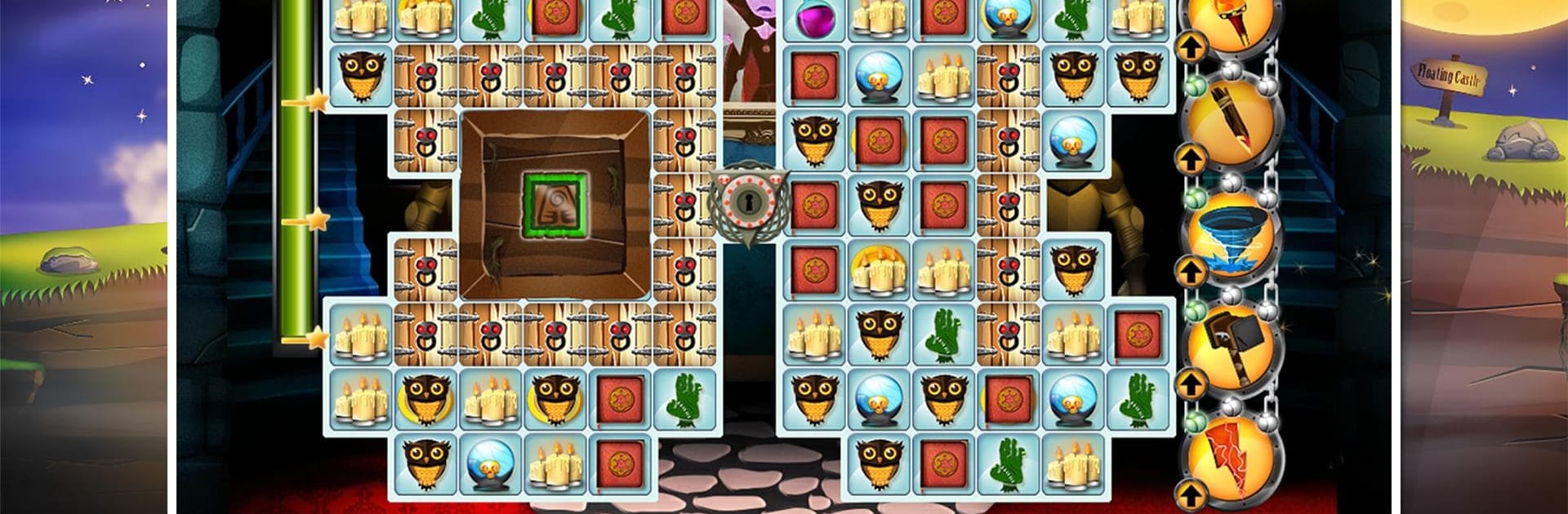
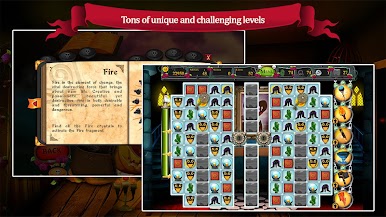
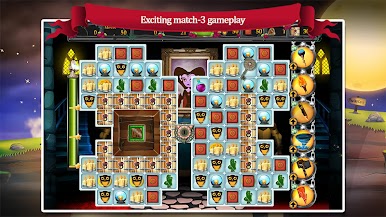
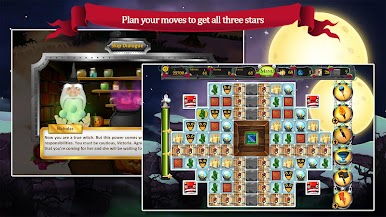
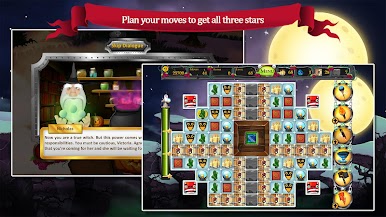
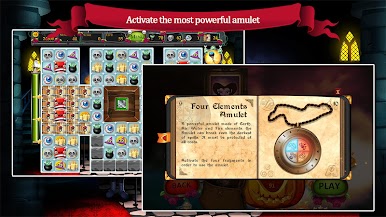
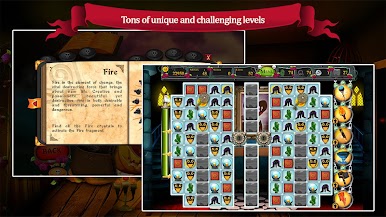
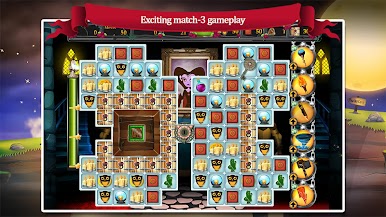
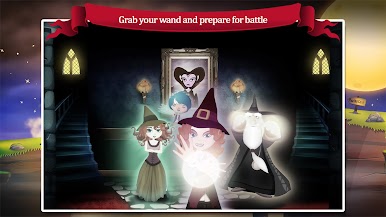
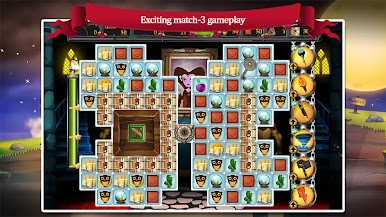
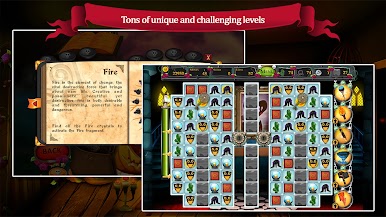
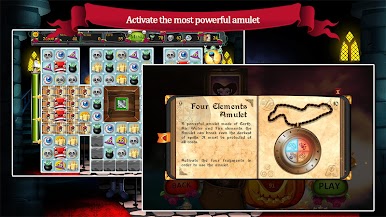
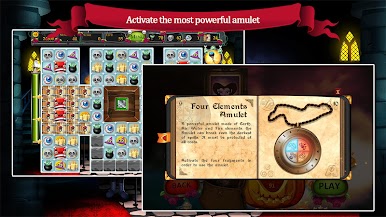
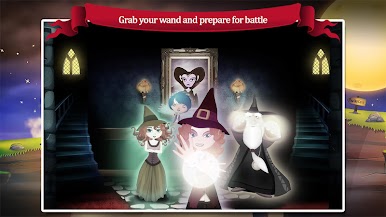
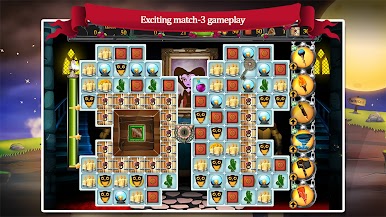
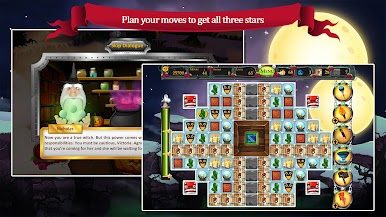
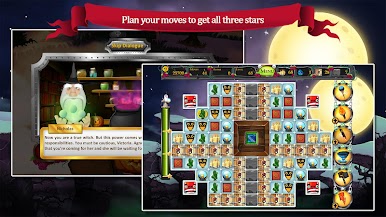
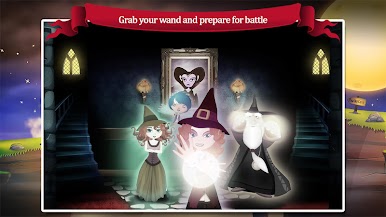
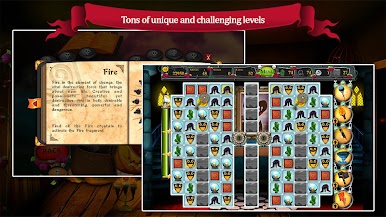
SoM2 – Witches and Wizards is a cozy match-3 with a light story wrapped around it. Victoria has learned real magic and is chasing Agnes to free her parents, so there is a clear good vs evil thread pulling things forward. Between bits of dialogue, it is all about swapping tiles, setting off chain reactions, and using spells to blast stubborn pieces. Boards ramp from simple to head scratching, the kind that look easy until one last piece refuses to move, and then a big cascade lands out of nowhere and clears everything. It is colorful, a bit sparkly, and it scratches that quick puzzle itch without needing twitch reflex.
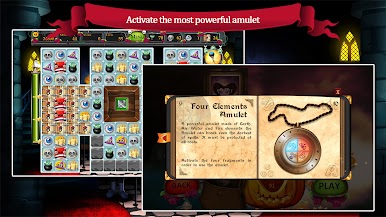
There are a lot of stages to chew through, and the game lets players pick how tough they want it to feel. Relaxed and casual modes keep things low pressure, while challenge and expert crank up the demands. Coins earned in levels feed into power ups, so tricky layouts feel fair once a few boosts are unlocked. It plays nicely on PC with BlueStacks, since a mouse makes drag-and-swap super clean and the bigger screen makes spotting matches easier. Anyone who enjoys steady match-3 progression with a gentle fantasy theme, witches and wizards teaming up and all that, will find it easy to settle into for one more board, then another, then oops, another.
Slay your opponents with your epic moves. Play it your way on BlueStacks and dominate the battlefield.

Jouez à Sorcière & Sorcier: Match-3 sur PC. C'est facile de commencer.
-
Téléchargez et installez BlueStacks sur votre PC
-
Connectez-vous à Google pour accéder au Play Store ou faites-le plus tard
-
Recherchez Sorcière & Sorcier: Match-3 dans la barre de recherche dans le coin supérieur droit
-
Cliquez pour installer Sorcière & Sorcier: Match-3 à partir des résultats de la recherche
-
Connectez-vous à Google (si vous avez ignoré l'étape 2) pour installer Sorcière & Sorcier: Match-3
-
Cliquez sur l'icône Sorcière & Sorcier: Match-3 sur l'écran d'accueil pour commencer à jouer

