


Gymaholic: Fitness & Nutrition
Jouez sur PC avec BlueStacks - la plate-forme de jeu Android, approuvée par + 500M de joueurs.

Page Modifiée le: Nov 7, 2025
Play Gymaholic: Fitness & Nutrition on PC
Track calories, meals, and workouts in one app.
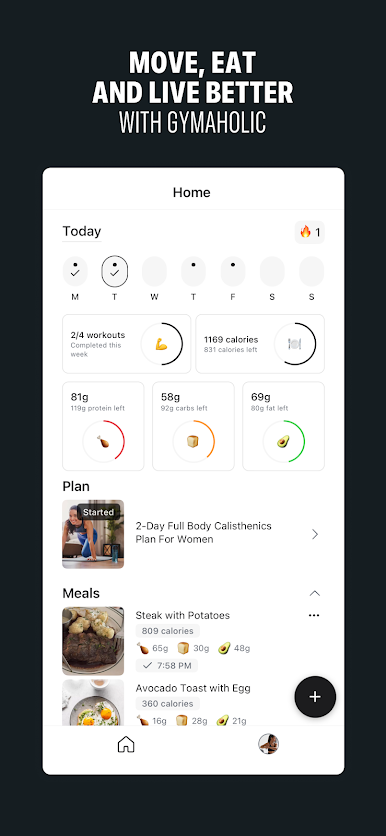
🥗 Nutrition
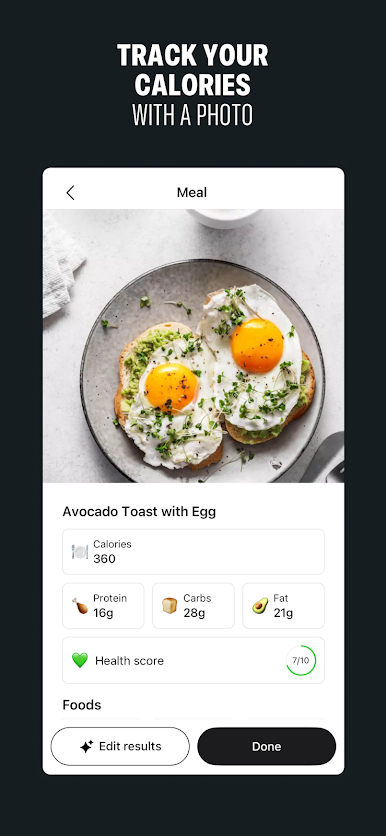
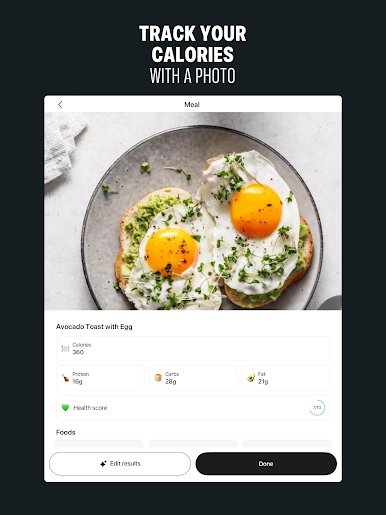
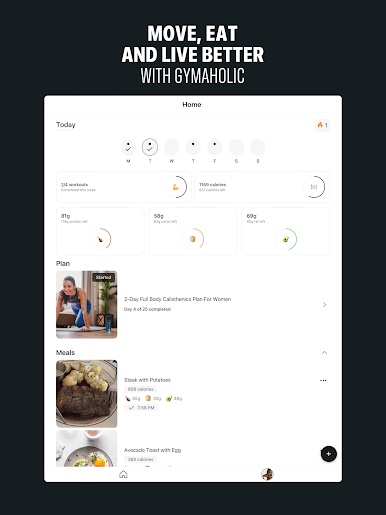
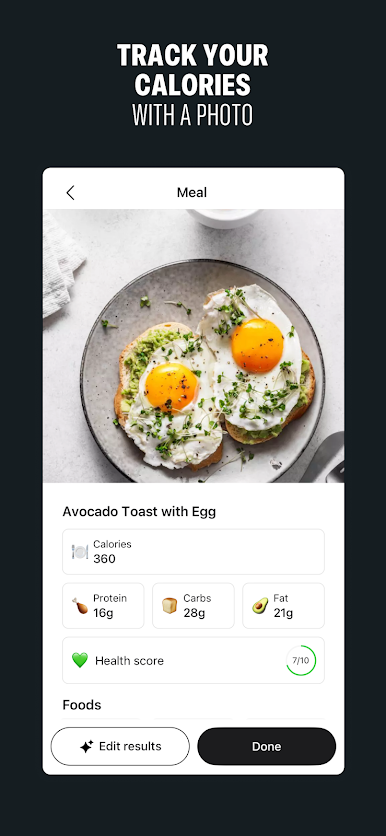
• Track calories using a photo, your voice, a barcode, or by typing it in
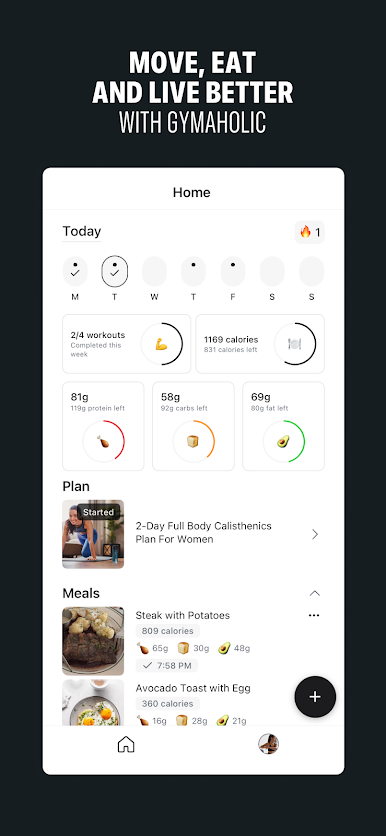
• See your daily protein, carbs, and fat intake
• View remaining macros throughout the day
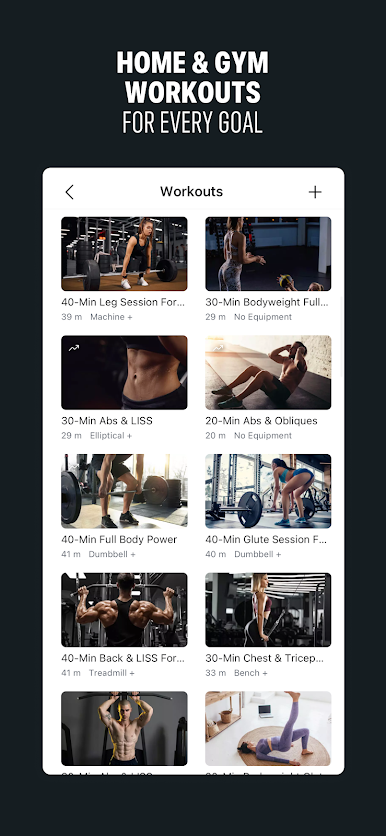
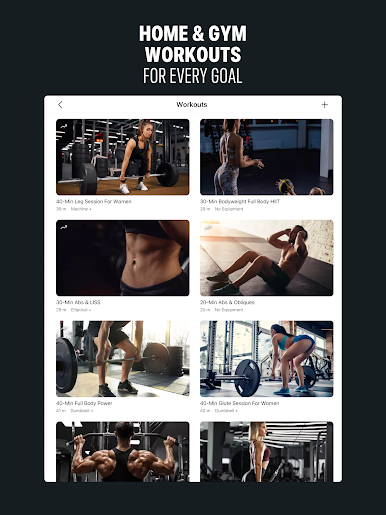
🏋️ Workouts
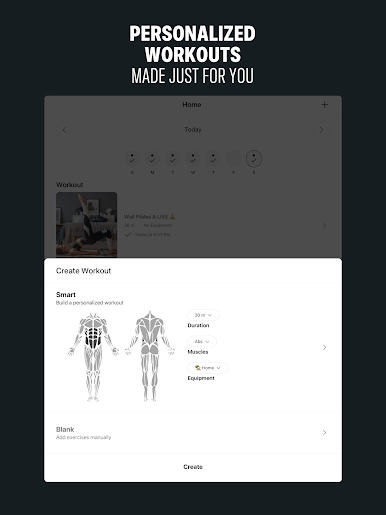
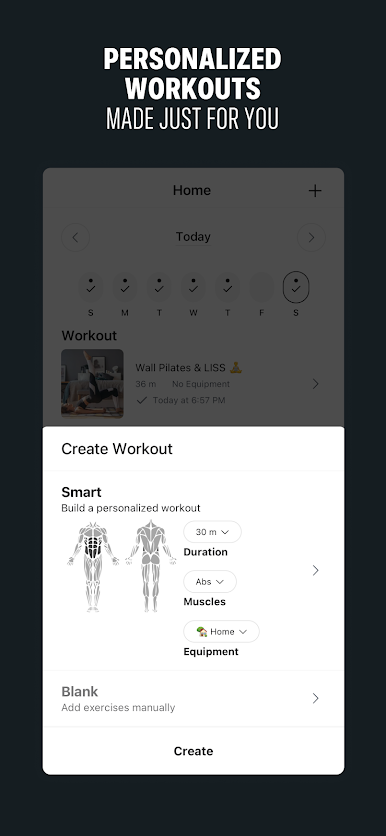
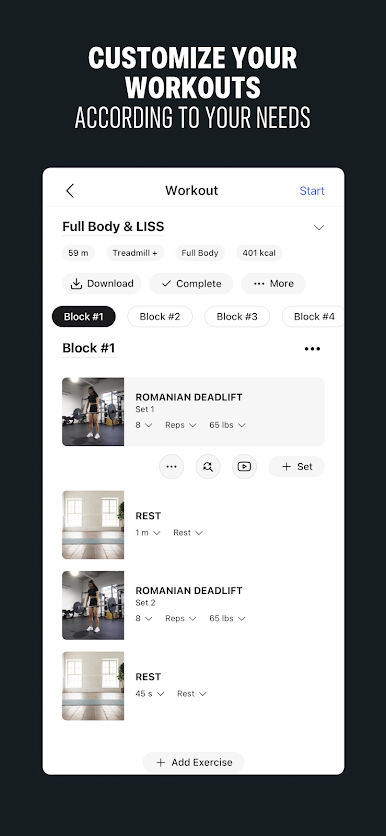
• Create workouts using your voice or by typing it in
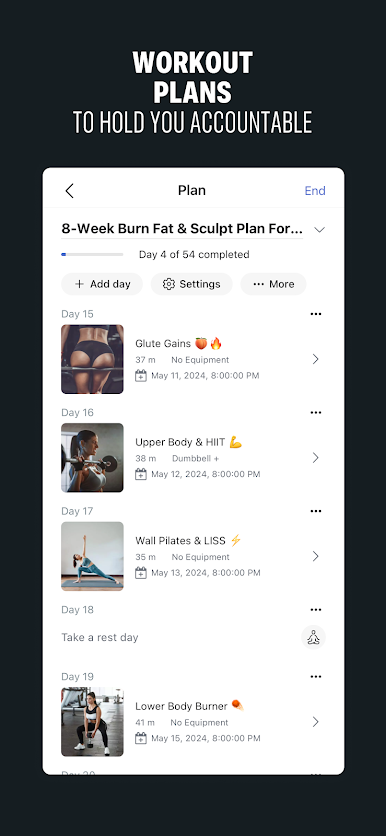
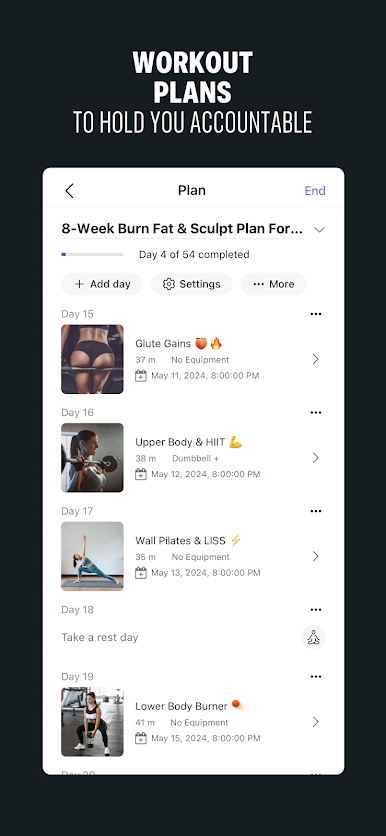
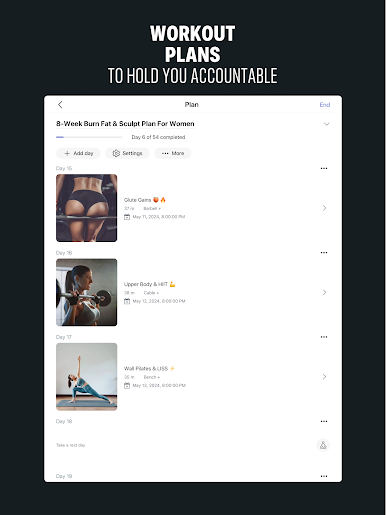
• Personalized plans based on your goals and experience
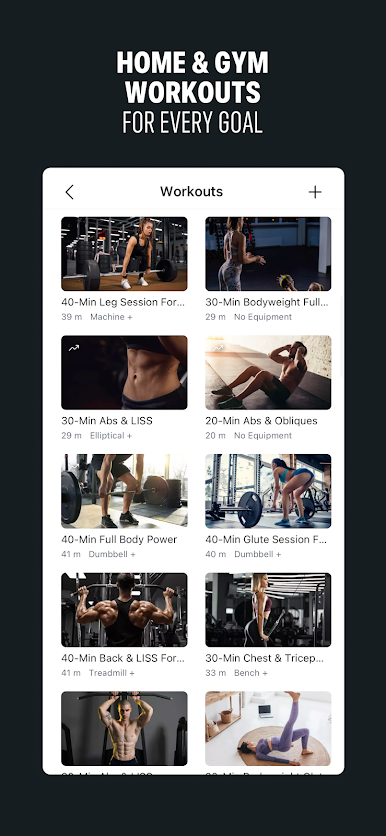
• Recommended workouts when you want variety
• Workout reminders to stay consistent
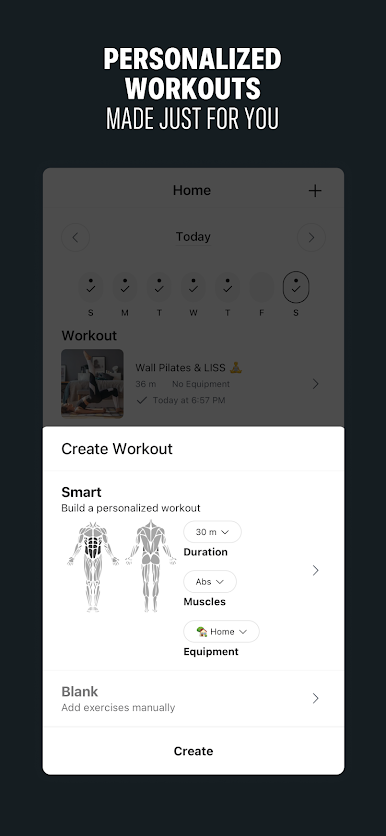
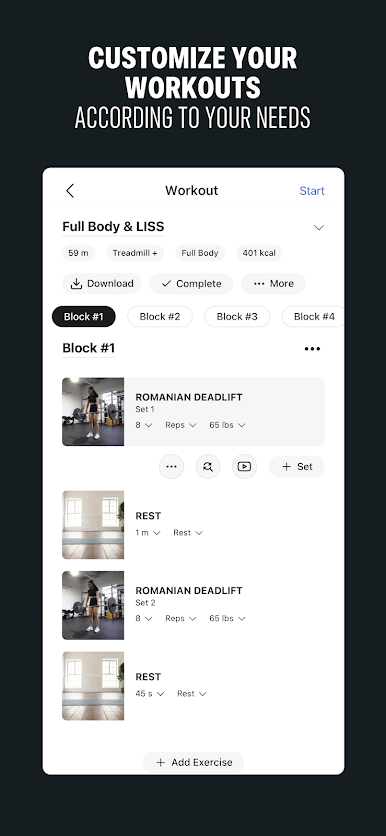
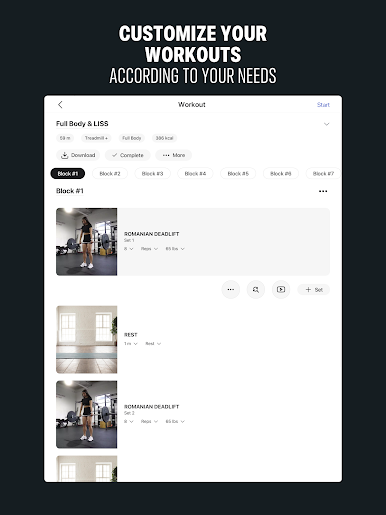
• Smart builder to create your own routine
• Easily replace exercises
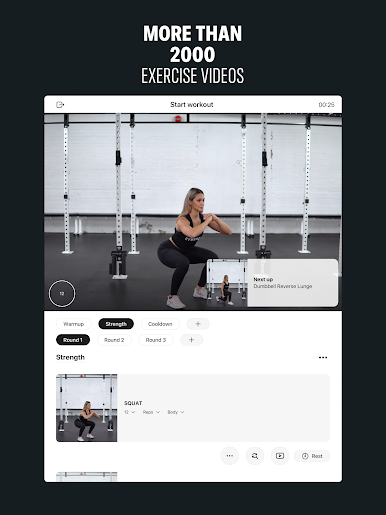
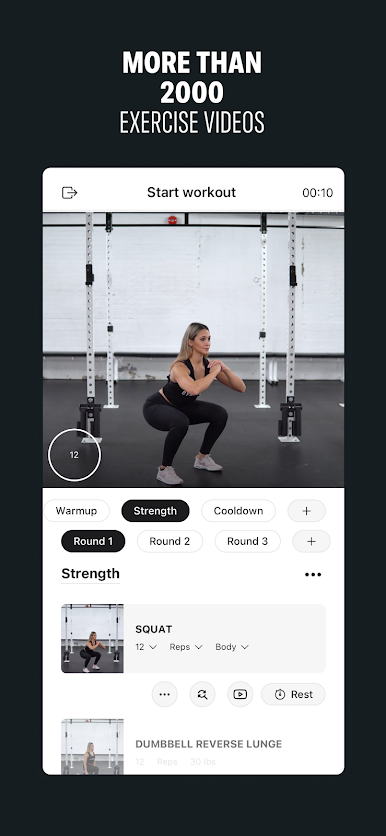
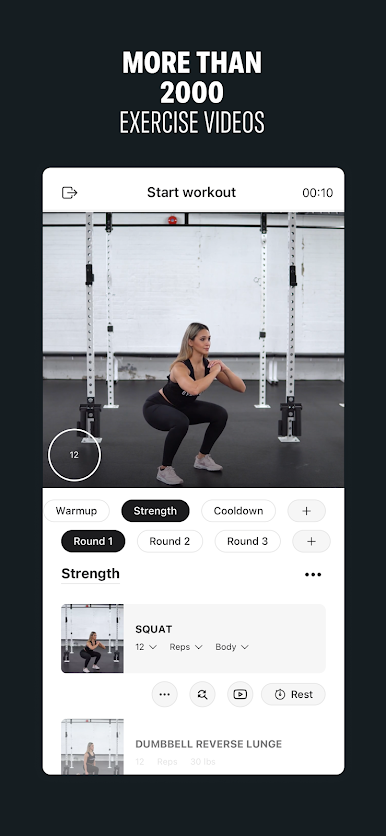
• 1500+ HD exercise videos
• Track sets, reps, and weight easily
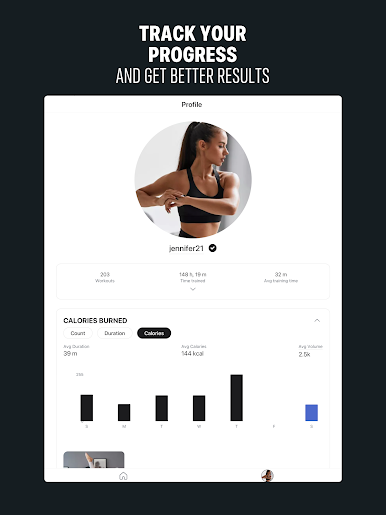
📈 Progress
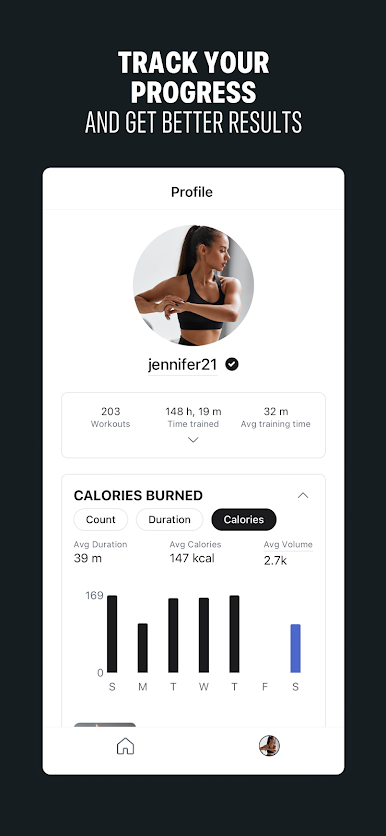
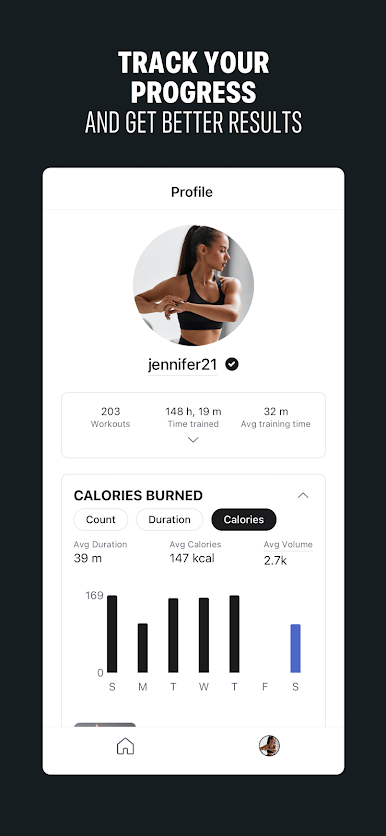
• Track your strength and let the app push you further regularly
• Take progress pictures to stay motivated
• Monitor your weight on a daily basis
🧰 Everything You Need
• At-home or gym workouts
• HIIT timer and custom routines
• Create your own exercises if needed
• Flexible editing including supersets, drop-sets, and circuits
💬 Need help?
We’re always here. Contact us at contact@gymaholic.co
Move, eat and live better. #gymaholic
Jouez à Gymaholic: Fitness & Nutrition sur PC. C'est facile de commencer.
-
Téléchargez et installez BlueStacks sur votre PC
-
Connectez-vous à Google pour accéder au Play Store ou faites-le plus tard
-
Recherchez Gymaholic: Fitness & Nutrition dans la barre de recherche dans le coin supérieur droit
-
Cliquez pour installer Gymaholic: Fitness & Nutrition à partir des résultats de la recherche
-
Connectez-vous à Google (si vous avez ignoré l'étape 2) pour installer Gymaholic: Fitness & Nutrition
-
Cliquez sur l'icône Gymaholic: Fitness & Nutrition sur l'écran d'accueil pour commencer à jouer

