


TimeBlocks -Calendar/Todo/Note
เล่นบน PC ผ่าน BlueStacks - Android Gaming Platform ที่ได้รับความไว้วางใจจากเกมเมอร์ 500 ล้านคนทั่วโลก

Page Modified on: Dec 2, 2025
Run TimeBlocks -Calendar/Todo/Note on PC or Mac
Why limit yourself to your small screen on the phone? Run TimeBlocks -Calendar/Todo/Note, an app by TimeBlocks, inc., best experienced on your PC or Mac with BlueStacks, the world’s #1 Android emulator.
About the App
Juggling appointments, to-dos, and the occasional last-minute thought? TimeBlocks -Calendar/Todo/Note has your back. This isn’t just any planner—it’s a place where you can map out your days, keep track of habits, jot down notes on the fly, and even remember grandma’s birthday, all in one spot. Whether you need a more colorful calendar or want to sync everything from your phone while using BlueStacks, TimeBlocks, inc. makes it pretty simple to stay organized your way.
App Features
-
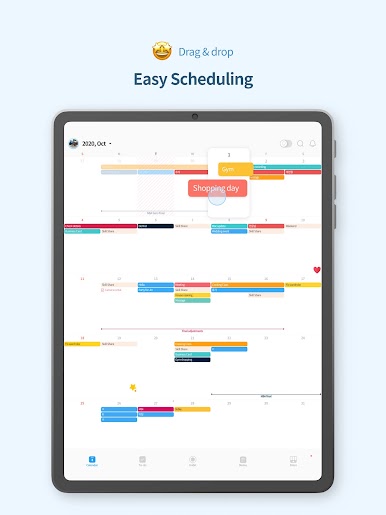
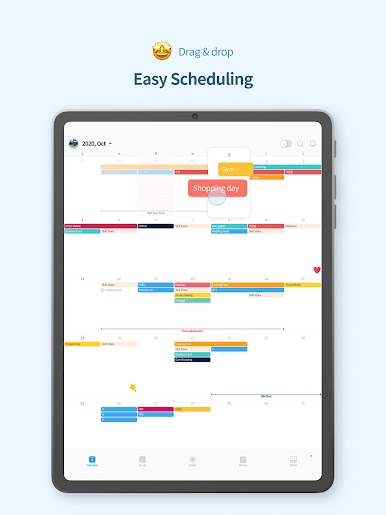
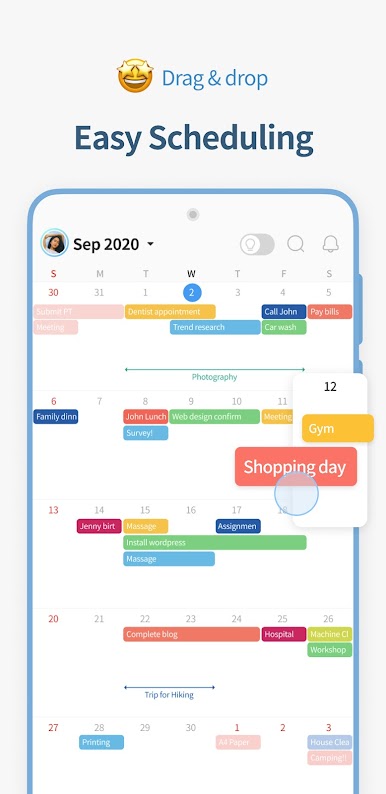
Easy, Drag-and-Drop Calendar:
Shift events around just like moving sticky notes on a desk. The calendar stretches and shrinks, revealing your day, week, or month without jumbling your plans. -
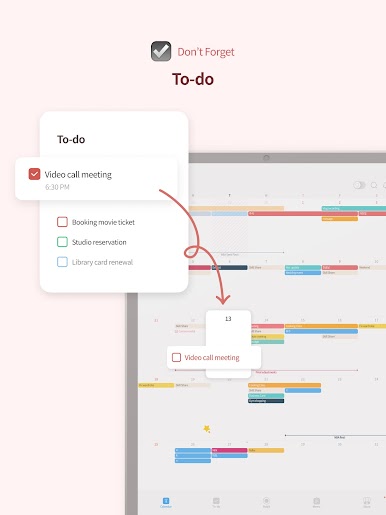
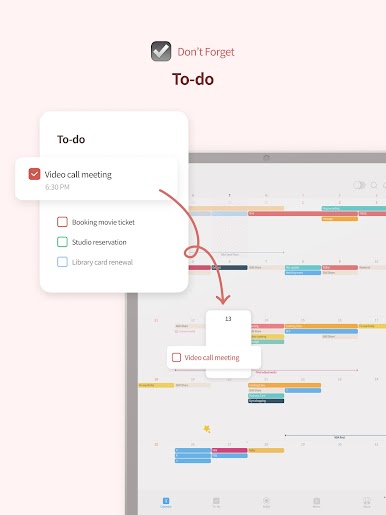
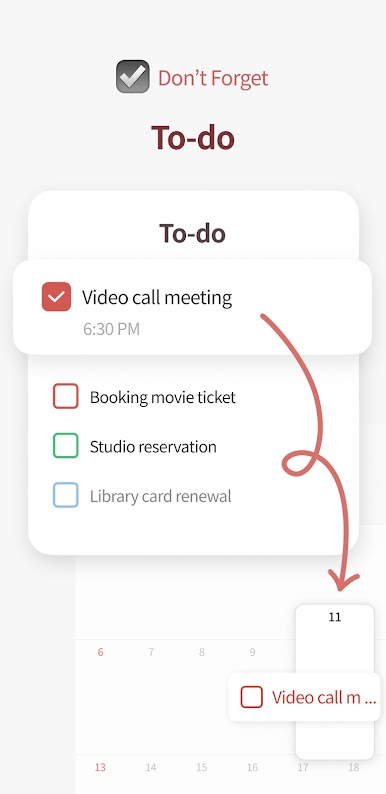
Handy To-Do Lists:
Got a million things running through your mind? Add your tasks and see them clearly. Didn’t finish today? They’ll show up tomorrow, so things don’t slip through the cracks. -
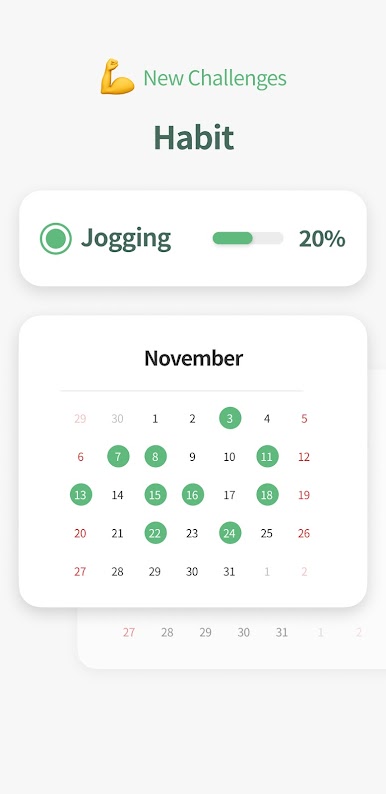
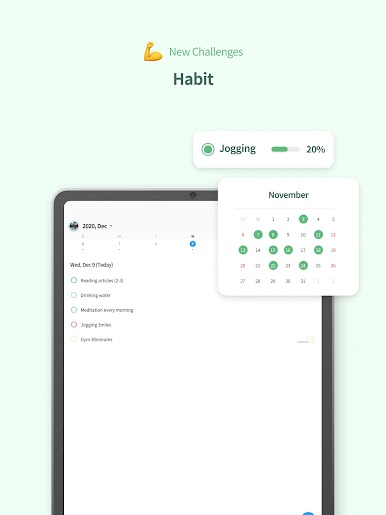
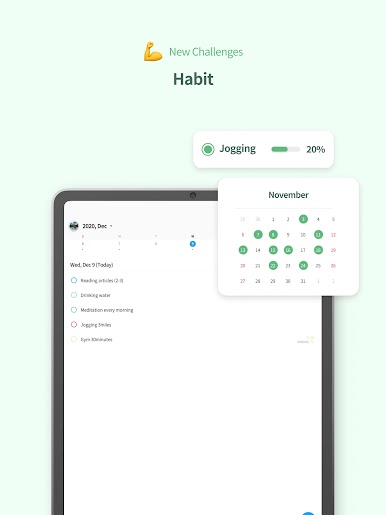
Habit Tracking Made Simple:
Want to drink more water or take daily walks? Pop your new habits into the habit list and see your progress on a mini calendar. It’s satisfying watching those streaks! -
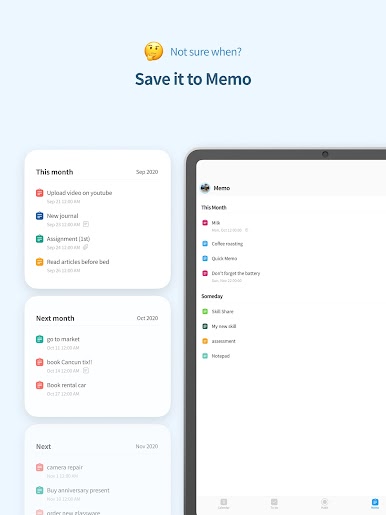
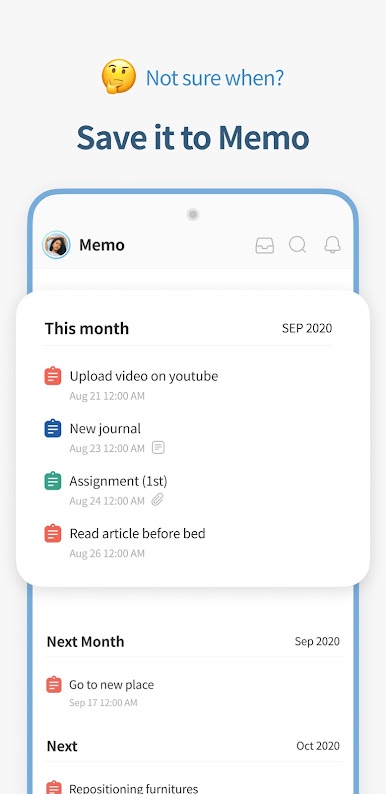
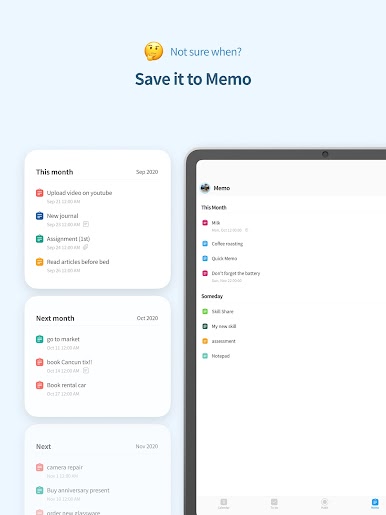
Flexible Notes & Memos:
Not ready to pin down an exact time? Save ideas and plans in the memo section. Organize them by month or keep them as a running brainstorm. -
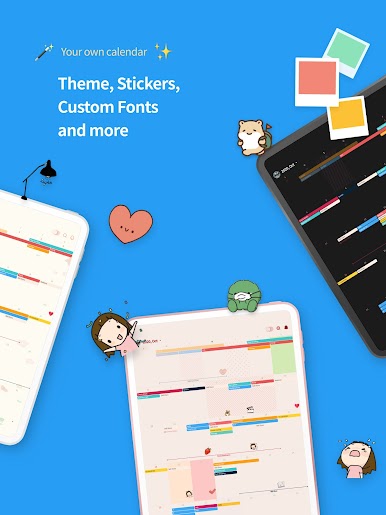
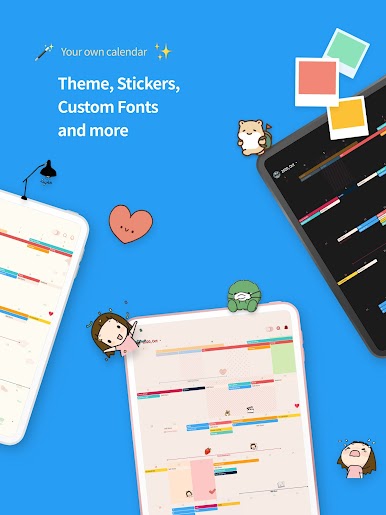
Personalize With Themes & Stickers:
Spruce up your planner using fresh themes, a rainbow of color options, and creative stickers. There’s even exclusive artwork and fun backgrounds designed by partnering artists. -
Events, Holidays, and Birthdays:
Never get caught off guard by anniversaries or holidays. You can keep track of repeating events, whether they’re on the solar or lunar calendar. -
Easily Connect Other Calendars:
Hook up calendars or reminders from Google, Apple, or Naver. If you’re moving from another service, syncing existing plans is quick and hassle-free. -
Widgets Galore:
Stick useful widgets right on your home screen—see your monthly plans, today’s to-dos, or habits at a glance, all with a tap. -
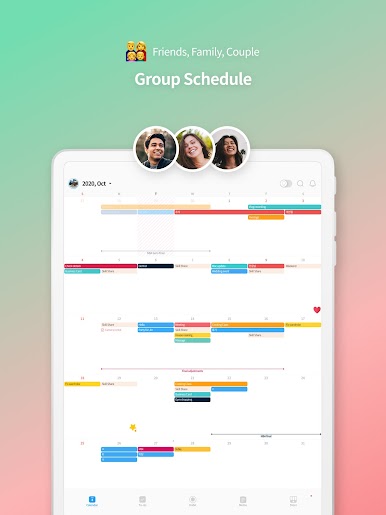
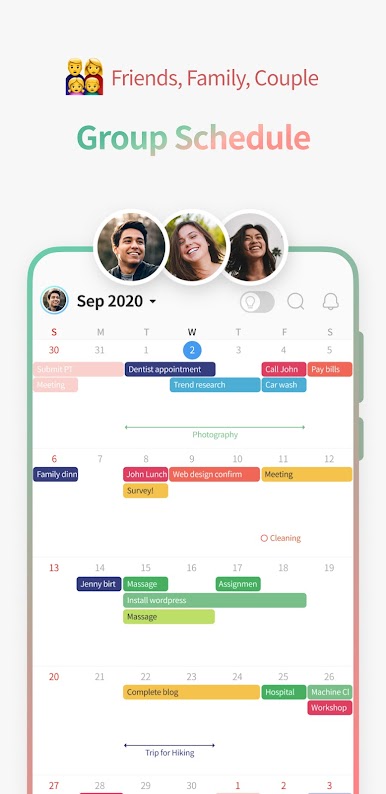
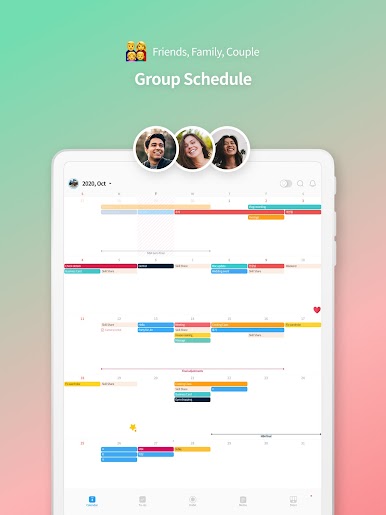
Share & Collaborate:
Need to coordinate with friends, family, or coworkers? Share group schedules and set different access for each person. Instant alerts keep everyone in the loop. -
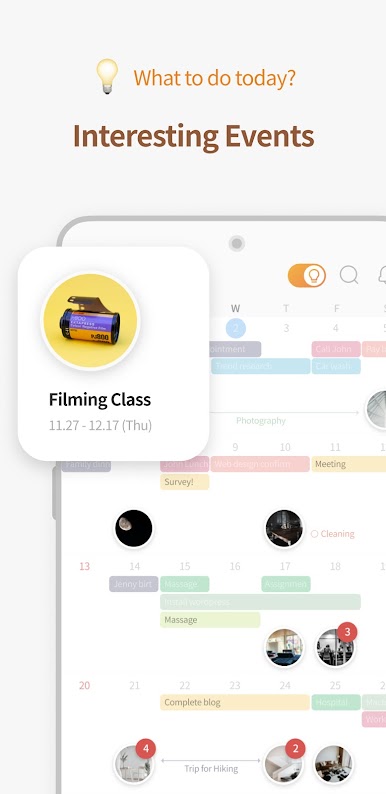
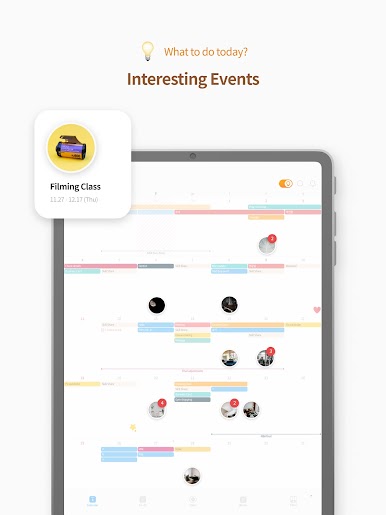
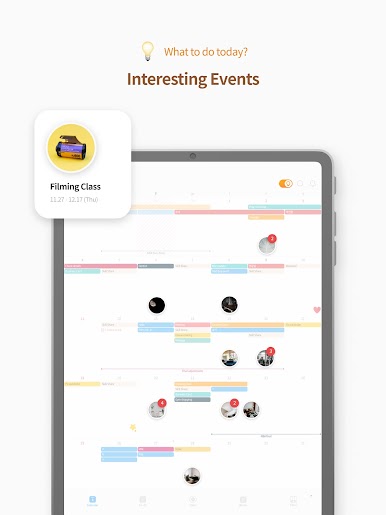
Smart Event Suggestions:
Looking for something cool to do this weekend? TimeBlocks can recommend activities you might enjoy, which you can pop into your calendar or save for later. -
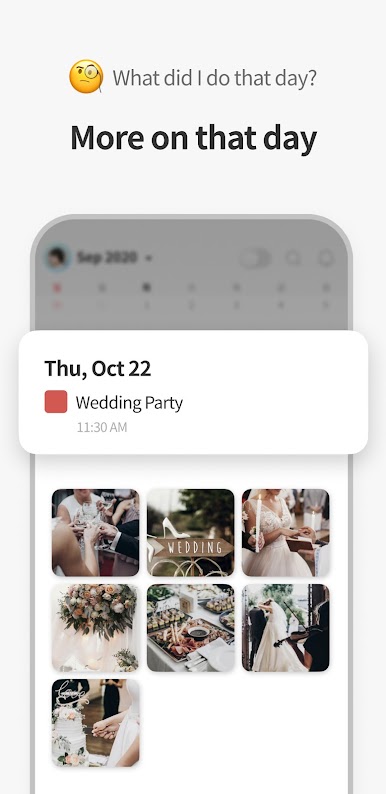
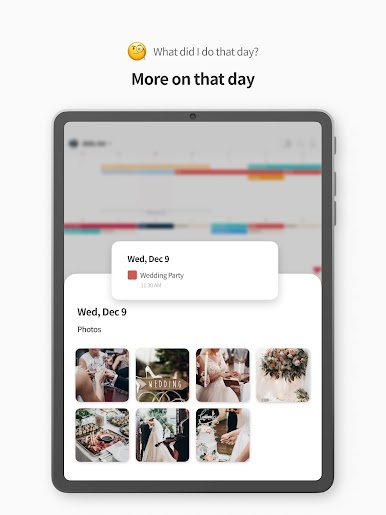
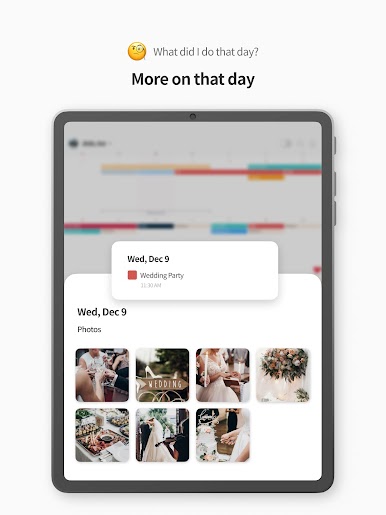
Activity Logs & Photos:
Glance back at previous days to see what you did and any photos you snapped. Your planner becomes part journal, part scrapbook. -
Extra Productivity With Premium:
Upgrade if you want features like countdowns, color labels, attachments, or to-dos mixed with your calendar. There’s also auto-sync, powerful search, and more customization for those who love going all-in. -
Multiple Widgets for Speed:
Tap into all your planning tools from home or during a BlueStacks session without diving deep into menus—access your lists, calendar, and notes in seconds. -
Custom Alerts & Security:
Get timely reminders, keep your info secure with biometric login, and even upload a profile photo if you’re feeling fancy.
TimeBlocks -Calendar/Todo/Note is designed so your scheduling feels more like an extension of yourself, not just another app.
BlueStacks gives you the much-needed freedom to experience your favorite apps on a bigger screen. Get it now.


เล่น TimeBlocks -Calendar/Todo/Note บน PC ได้ง่ายกว่า
-
ดาวน์โหลดและติดตั้ง BlueStacks บน PC ของคุณ
-
ลงชื่อเข้าใช้แอคเคาท์ Google เพื่อเข้าสู่ Play Store หรือทำในภายหลัง
-
ค้นหา TimeBlocks -Calendar/Todo/Note ในช่องค้นหาด้านขวาบนของโปรแกรม
-
คลิกเพื่อติดตั้ง TimeBlocks -Calendar/Todo/Note จากผลการค้นหา
-
ลงชื่อเข้าใช้บัญชี Google Account (หากยังไม่ได้ทำในขั้นที่ 2) เพื่อติดตั้ง TimeBlocks -Calendar/Todo/Note
-
คลิกที่ไอคอน TimeBlocks -Calendar/Todo/Note ในหน้าจอเพื่อเริ่มเล่น

