

Guns'n'Glory Heroes
เล่นบน PC ผ่าน BlueStacks - Android Gaming Platform ที่ได้รับความไว้วางใจจากเกมเมอร์ 500 ล้านคนทั่วโลก

Page Modified on: Mar 5, 2025
Play Guns'n'Glory Heroes on PC or Mac
Guns’n’Glory Heroes brings the Strategy genre to life, and throws up exciting challenges for gamers. Developed by HandyGames, this Android game is best experienced on BlueStacks, the World’s #1 app player for PC and Mac users.
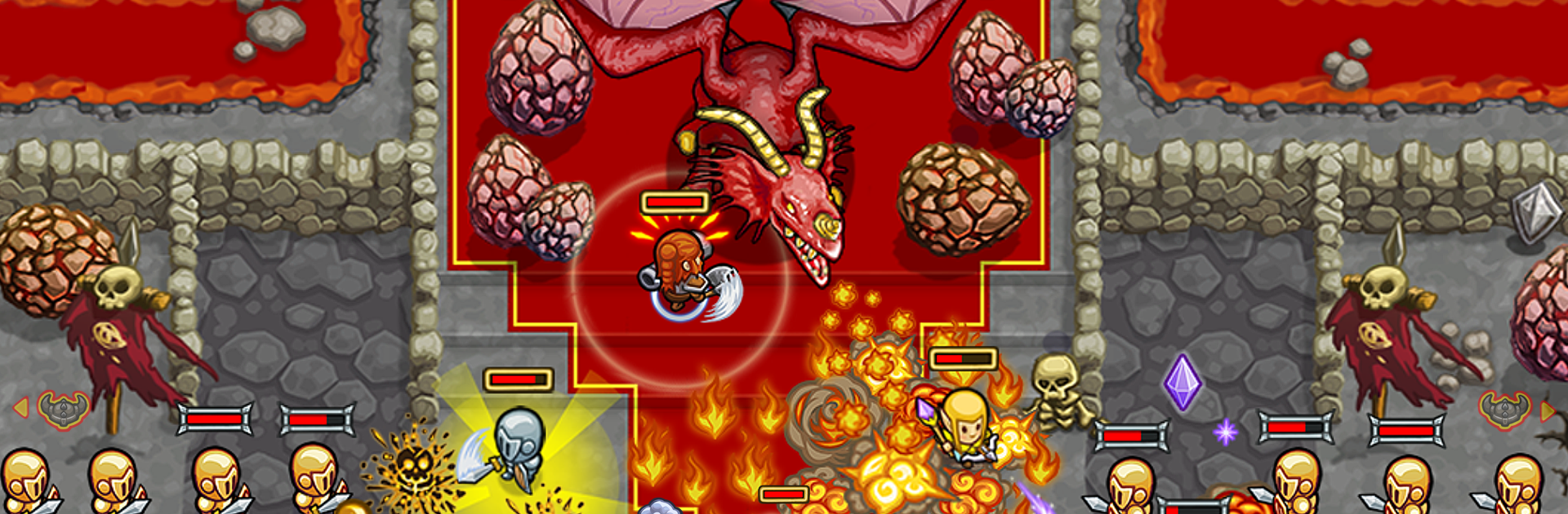
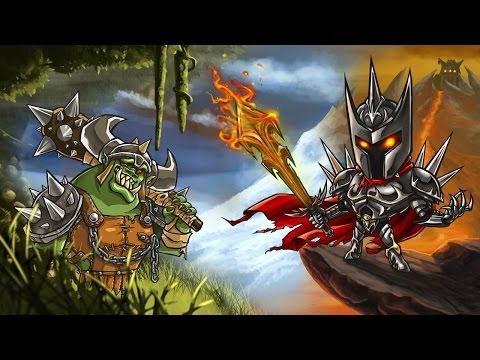
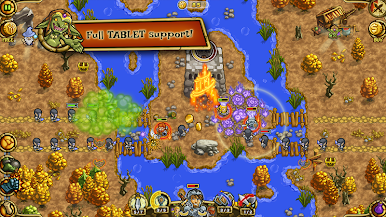
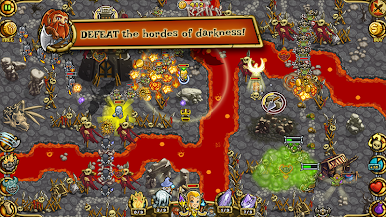
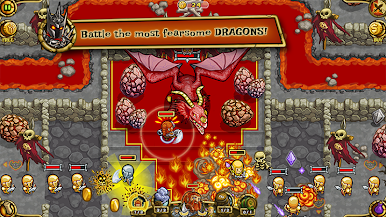
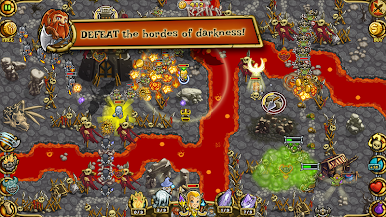
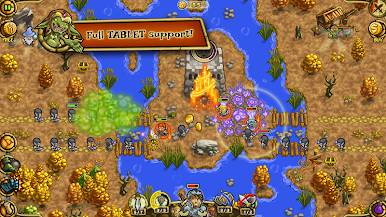
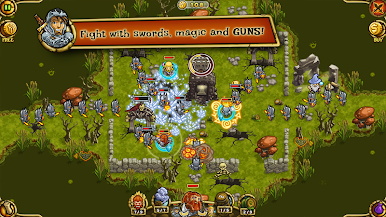
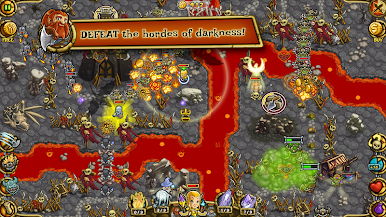
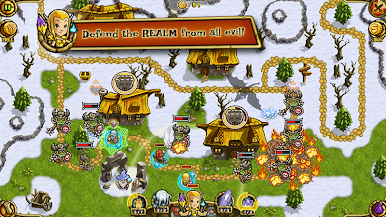
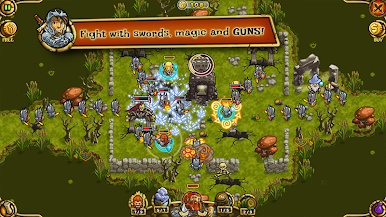
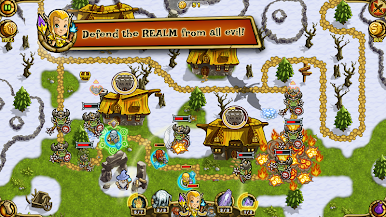
Guns’n’Glory Heroes is a hands-on defense game with a fantasy twist. Instead of planting towers and waiting, the player moves a small party of heroes around in real time and babysits their skills. Arlon the knight anchors choke points and keeps enemies busy, Smirl the dwarf lobs damage into clusters, and Eloa the elf drops spells for crowd control or big bursts. Waves of orcs and other creatures push along winding paths through forests, swamps, and snowy routes toward a castle, and the map sprinkles in traps that reward good timing. It stays lively, with quick cooldowns and those moments where two lanes flare up and the squad has to scramble.
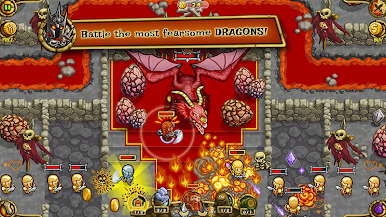
What stands out is how upgrades and gear tweaks nudge the team forward. After a stage, abilities can be improved and equipment gets better, so tougher maps start to feel like puzzles about positioning and timing rather than pure stats. Stages are short and easy to retry, and there are achievements and scores to chase if that is appealing. On PC with BlueStacks, dragging heroes with a mouse feels clean, and setting simple keymaps for skills makes juggling cooldowns smoother than pecking at a screen. The art is bright and a bit cartoony, so even dragon fights look fun instead of grim. It is free to play with optional purchases, and spending feels optional rather than required. Anyone who enjoys active defense with a small party to manage will likely enjoy the loop here.
Start your journey now. Download the game on BlueStacks, invite your friends, and march on a new adventure.
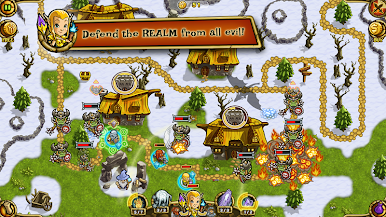
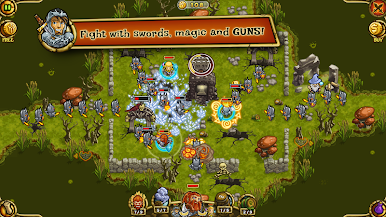
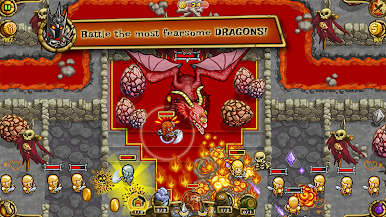
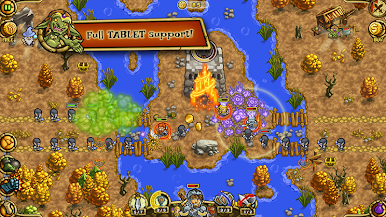
เล่น Guns'n'Glory Heroes บน PC ได้ง่ายกว่า
-
ดาวน์โหลดและติดตั้ง BlueStacks บน PC ของคุณ
-
ลงชื่อเข้าใช้แอคเคาท์ Google เพื่อเข้าสู่ Play Store หรือทำในภายหลัง
-
ค้นหา Guns'n'Glory Heroes ในช่องค้นหาด้านขวาบนของโปรแกรม
-
คลิกเพื่อติดตั้ง Guns'n'Glory Heroes จากผลการค้นหา
-
ลงชื่อเข้าใช้บัญชี Google Account (หากยังไม่ได้ทำในขั้นที่ 2) เพื่อติดตั้ง Guns'n'Glory Heroes
-
คลิกที่ไอคอน Guns'n'Glory Heroes ในหน้าจอเพื่อเริ่มเล่น

