


Notepad Notes
เล่นบน PC ผ่าน BlueStacks - Android Gaming Platform ที่ได้รับความไว้วางใจจากเกมเมอร์ 500 ล้านคนทั่วโลก

Page Modified on: Nov 9, 2025
Play Notepad Notes on PC
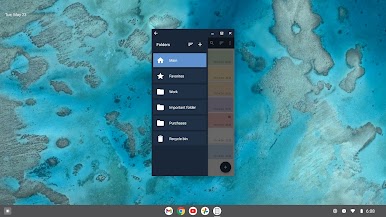
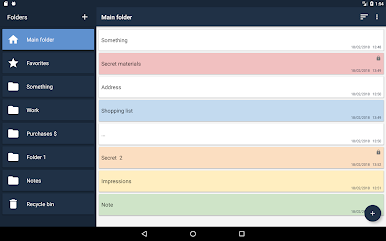
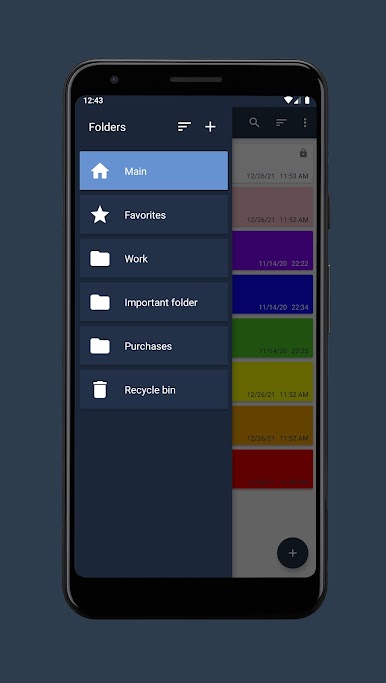
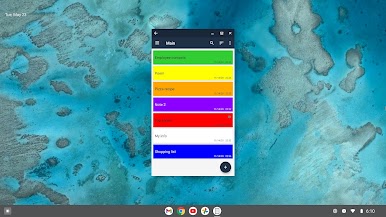
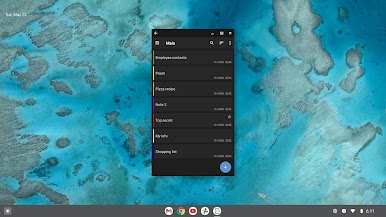
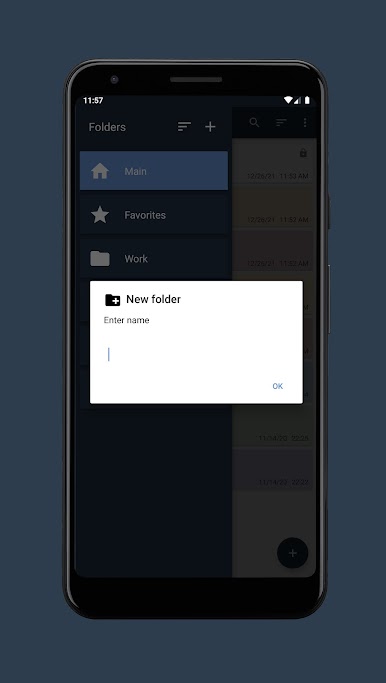
• Create folders.
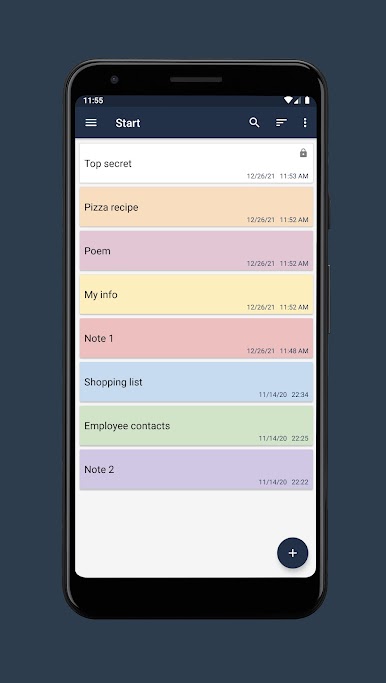
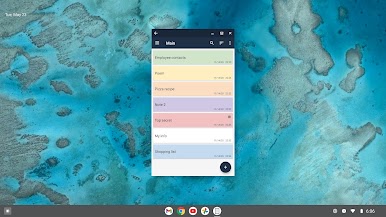
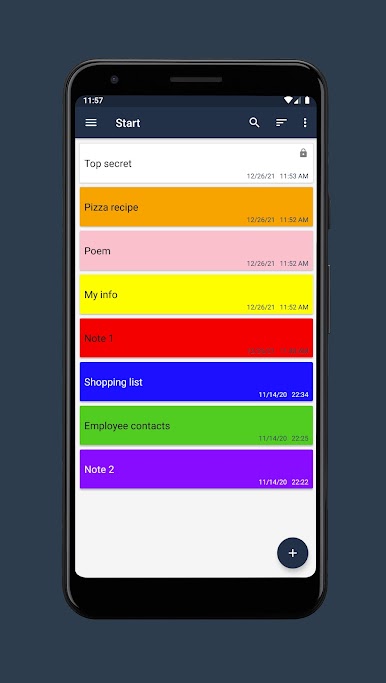
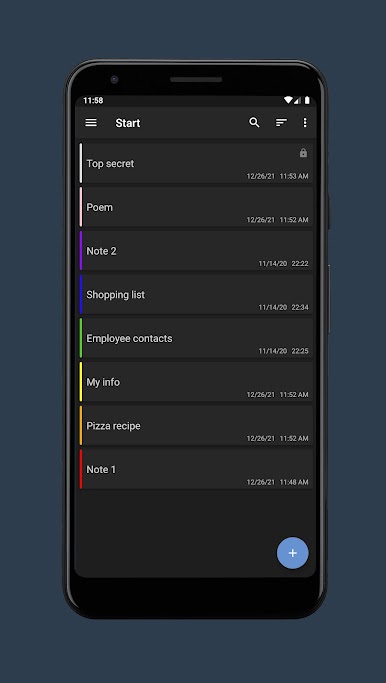
• Create notes in folders.
• Search for notes in notepad.
• Sort the list of notes.
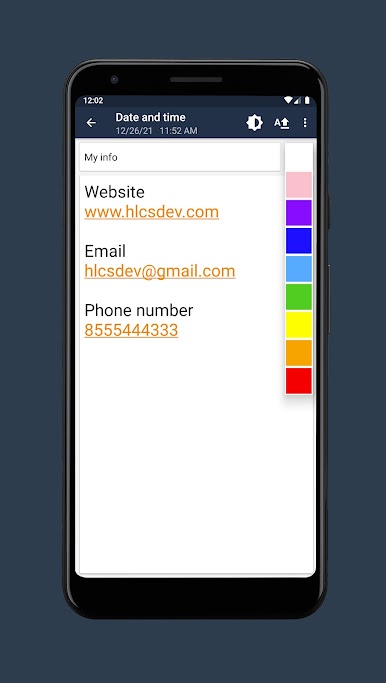
• Highlighting notes in color.
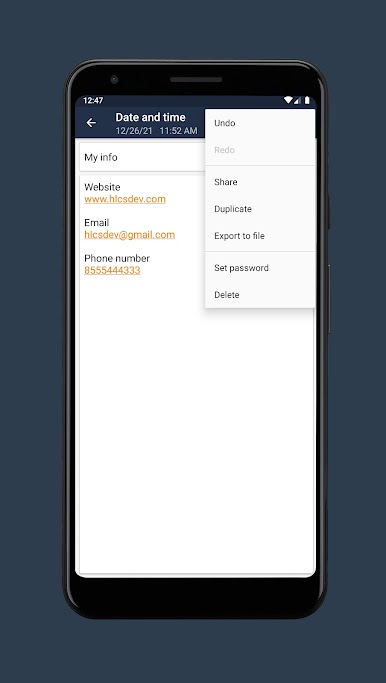
• Setting a password for individual notes.
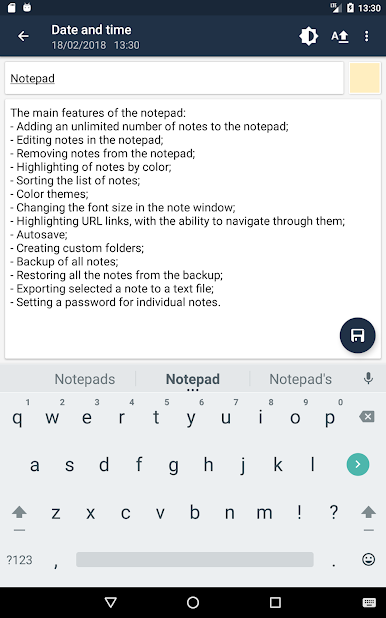
• Change the font size in the note window.
• Export notes to file (txt, pdf).
• Ability to share a note from a notepad.
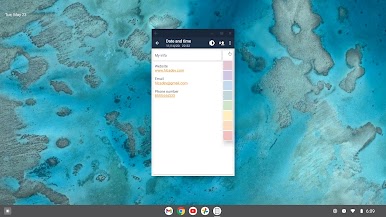
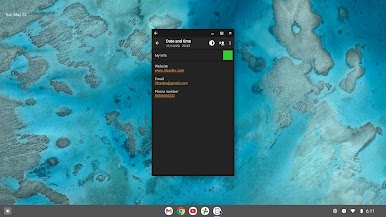
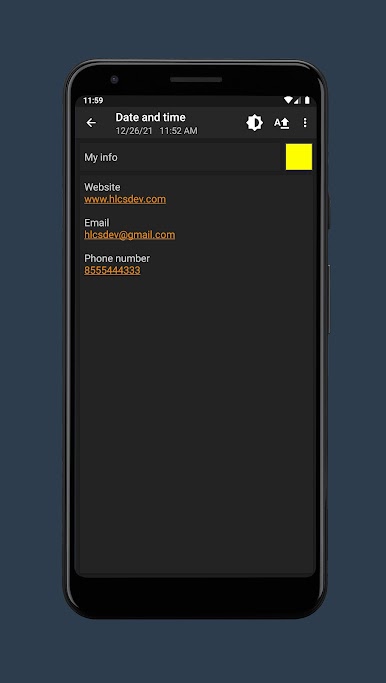
• Highlighting URL links, email addresses and phone numbers with the ability to navigate through them.
• Dark theme.
• Autosave.
• Create a backup copy of your notepad.
• Restoring a notepad from a backup.
เล่น Notepad Notes บน PC ได้ง่ายกว่า
-
ดาวน์โหลดและติดตั้ง BlueStacks บน PC ของคุณ
-
ลงชื่อเข้าใช้แอคเคาท์ Google เพื่อเข้าสู่ Play Store หรือทำในภายหลัง
-
ค้นหา Notepad Notes ในช่องค้นหาด้านขวาบนของโปรแกรม
-
คลิกเพื่อติดตั้ง Notepad Notes จากผลการค้นหา
-
ลงชื่อเข้าใช้บัญชี Google Account (หากยังไม่ได้ทำในขั้นที่ 2) เพื่อติดตั้ง Notepad Notes
-
คลิกที่ไอคอน Notepad Notes ในหน้าจอเพื่อเริ่มเล่น

