


iRISCO
เล่นบน PC ผ่าน BlueStacks - Android Gaming Platform ที่ได้รับความไว้วางใจจากเกมเมอร์ 500 ล้านคนทั่วโลก

Page Modified on: Dec 13, 2025
Run iRISCO on PC or Mac
Why limit yourself to your small screen on the phone? Run iRISCO, an app by RISCO GROUP, best experienced on your PC or Mac with BlueStacks, the world’s #1 Android emulator.
About the App
Want to keep an eye on your home or office from just about anywhere? With iRISCO, you’re always in the loop. This handy app from RISCO GROUP puts the power of your security system right in your pocket—or on your favorite big screen with BlueStacks. Whether you’re at work, out grabbing coffee, or just relaxing on the couch, iRISCO makes it simple to stay connected, alerted, and in control.
App Features
-
Remote Arm & Disarm
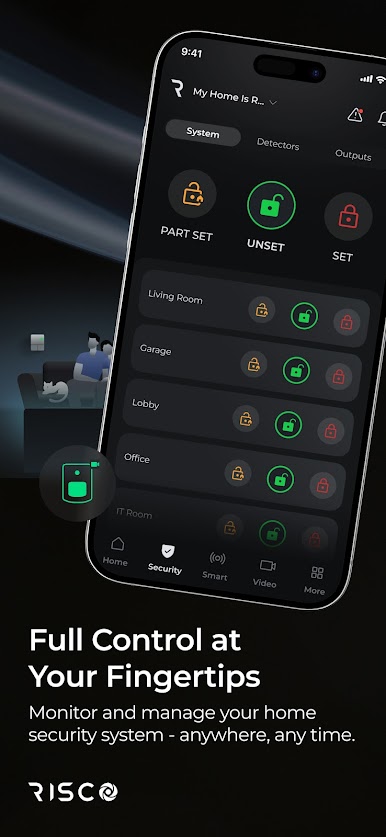
Skip the frantic dash back home—iRISCO lets you arm or disarm your security setup straight from your phone or tablet, no matter where you are. -
Real-Time Alarm Notifications
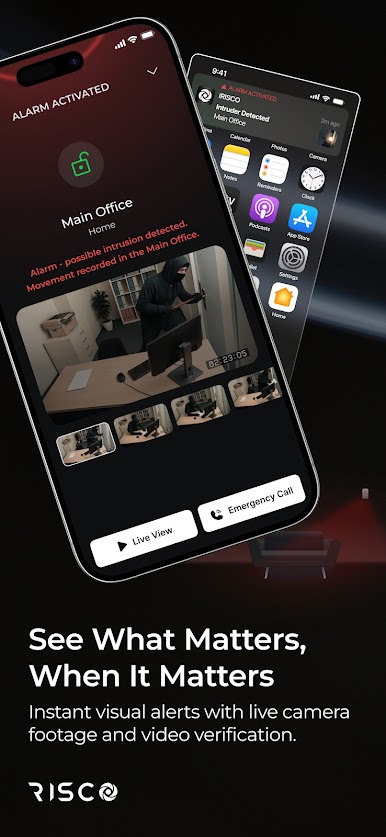
Get instant alerts if your system detects something unusual. You’ll see notifications pop up, so you’re always the first to know if anything’s up. -
Visual Alarm Verification
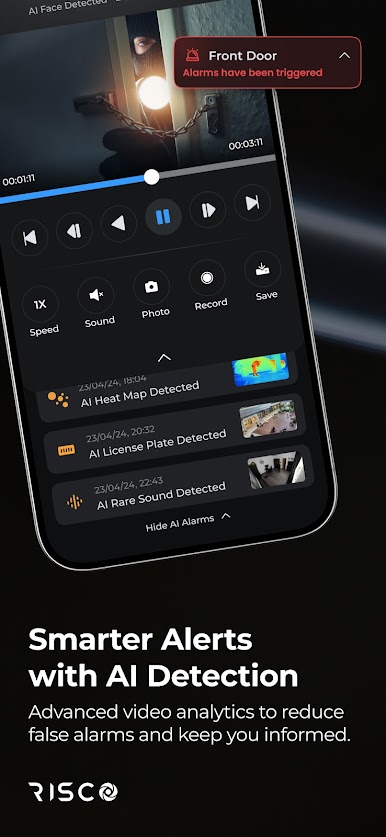
Not sure if that notification’s for real? You can check out live images of events as they happen—see for yourself what caused an alarm without rushing home. -
Live Camera Access
Need a quick look around? Just open the app and grab live images from your security cameras anytime. -
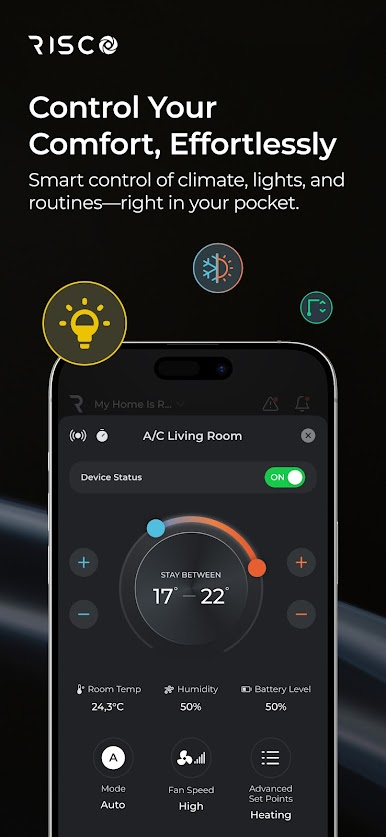
Home Automation Controls
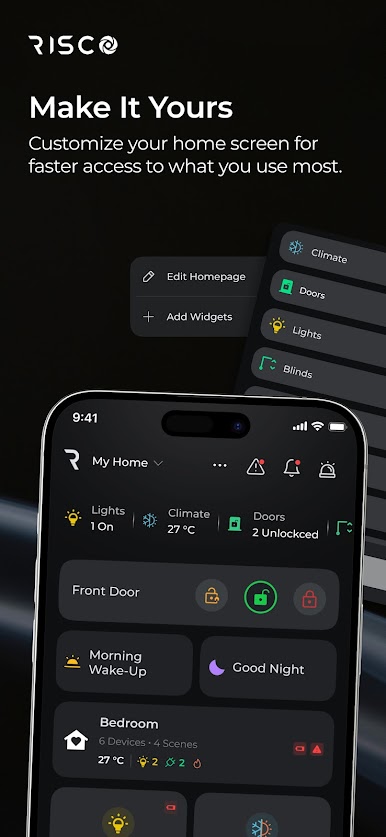
Turn on lights or activate devices with a couple of taps. iRISCO puts some smart-home magic at your fingertips. -
Account Security
Your system’s only accessible once you’re logged in with your RISCO Group service. That means you—and only you—can manage the controls. -
Works Across Devices
Whether you prefer your phone, tablet, or running it through BlueStacks on a computer, iRISCO fits right in with your gadgets.
If you already have a LightSYS 2 or Agility 3 system set up, connecting everything through iRISCO is a breeze. Just log in, and you’re ready to go.
BlueStacks gives you the much-needed freedom to experience your favorite apps on a bigger screen. Get it now.
เล่น iRISCO บน PC ได้ง่ายกว่า
-
ดาวน์โหลดและติดตั้ง BlueStacks บน PC ของคุณ
-
ลงชื่อเข้าใช้แอคเคาท์ Google เพื่อเข้าสู่ Play Store หรือทำในภายหลัง
-
ค้นหา iRISCO ในช่องค้นหาด้านขวาบนของโปรแกรม
-
คลิกเพื่อติดตั้ง iRISCO จากผลการค้นหา
-
ลงชื่อเข้าใช้บัญชี Google Account (หากยังไม่ได้ทำในขั้นที่ 2) เพื่อติดตั้ง iRISCO
-
คลิกที่ไอคอน iRISCO ในหน้าจอเพื่อเริ่มเล่น

