


PowerView
Jouez sur PC avec BlueStacks - la plate-forme de jeu Android, approuvée par + 500M de joueurs.

Page Modifiée le: Jun 5, 2026
Jouez PowerView sur PC
Fonctionnalités :
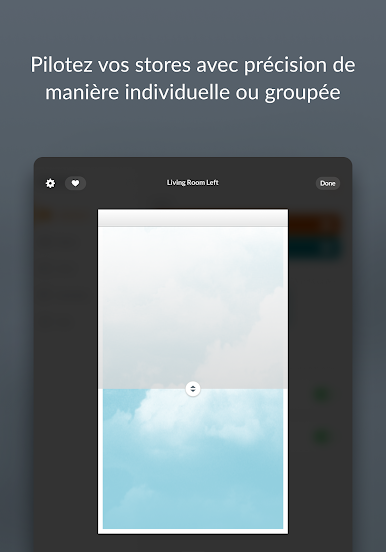
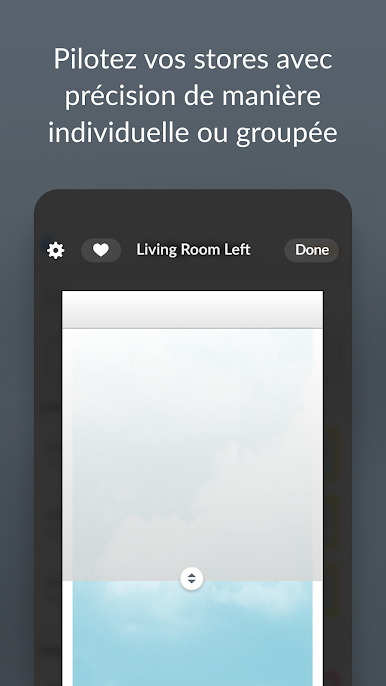
• Contrôlez les stores motorisés Hunter Douglas individuellement ou en groupe, dans toute votre maison.
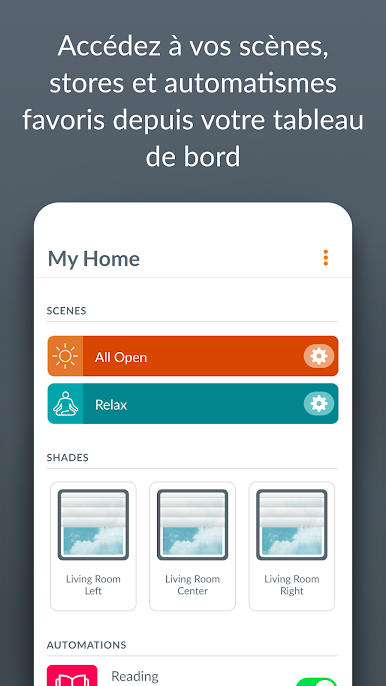
• Passez rapidement d'une fonction de l'app à une autre avec les onglets : Tableau de bord, Pièces, Scènes et horaires.
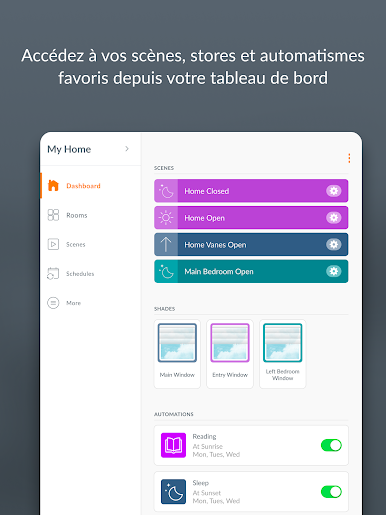
• Ajoutez vos scènes, stores et automatismes favoris au Tableau de bord pour qu'ils apparaissent à l'ouverture de l'app.
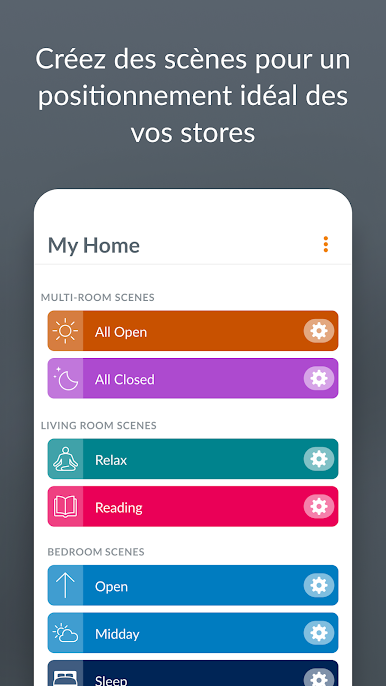
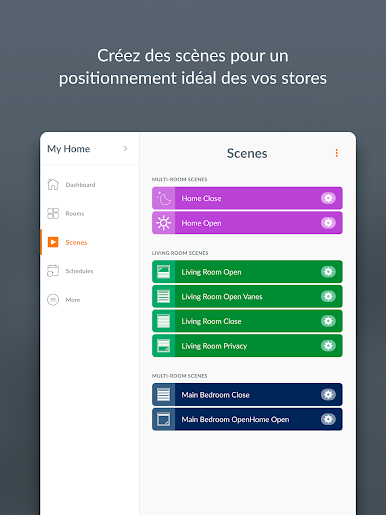
• Créez des scènes : des réglages personnalisés de position de store qui vous facilitent la vie et vous permettent de gérer les entrées de lumière naturelle dans votre maison ou votre intimité tout au long de la journée.
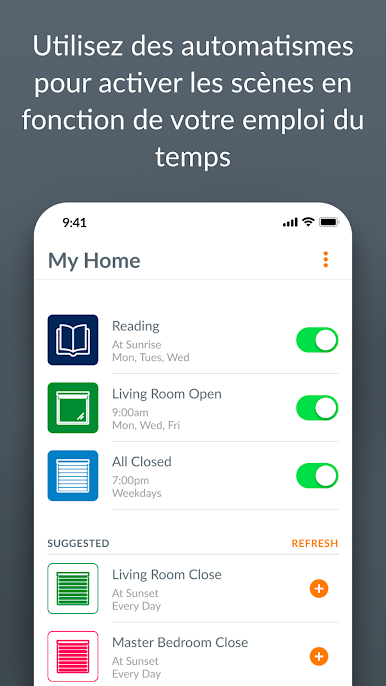
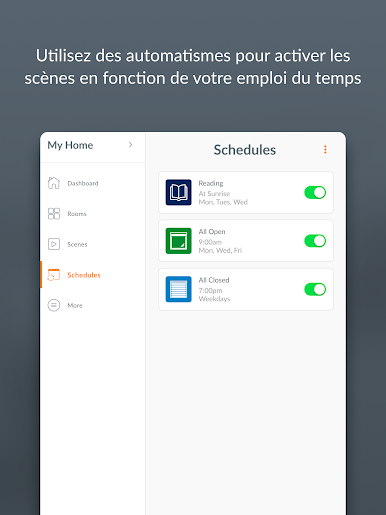
• Mettez vos scènes en mouvement à l’aide des programmes. Programmez facilement vos scènes pour qu'elles s'activent automatiquement à différents moments de la journée afin d'offrir le look et le confort que vous souhaitez, sans que vous ayez à appuyer sur un bouton. Configurez les programmes pour qu'ils se produisent à une heure spécifique ou en fonction des heures uniques de lever et de coucher du soleil dans votre emplacement spécifique.
• Activez et désactivez les automatismes facilement, pour que vos stores prennent du repos au même moment que vous.
• Gérez votre maison où que vous soyez avec RemoteConnect™. Cela nécessite une PowerView® Gateway, une connexion Internet et une configuration initiale à domicile.
Si vous avez besoin d'aide ou souhaitez nous poser une question, écrivez-nous à l'adresse PowerView@hunterdouglas.com ou appelez le 1-844-PWR-VIEW (États-Unis) ou le 1-800-265-8000 (Canada).
Jouez à PowerView sur PC. C'est facile de commencer.
-
Téléchargez et installez BlueStacks sur votre PC
-
Connectez-vous à Google pour accéder au Play Store ou faites-le plus tard
-
Recherchez PowerView dans la barre de recherche dans le coin supérieur droit
-
Cliquez pour installer PowerView à partir des résultats de la recherche
-
Connectez-vous à Google (si vous avez ignoré l'étape 2) pour installer PowerView
-
Cliquez sur l'icône PowerView sur l'écran d'accueil pour commencer à jouer

