


การบันทึกโทรศัพท์
เล่นบน PC ผ่าน BlueStacks - Android Gaming Platform ที่ได้รับความไว้วางใจจากเกมเมอร์ 500 ล้านคนทั่วโลก

Page Modified on: Feb 19, 2024
Play Call Recorder on PC
Idea Call Recorder, the world's best call recording tool.
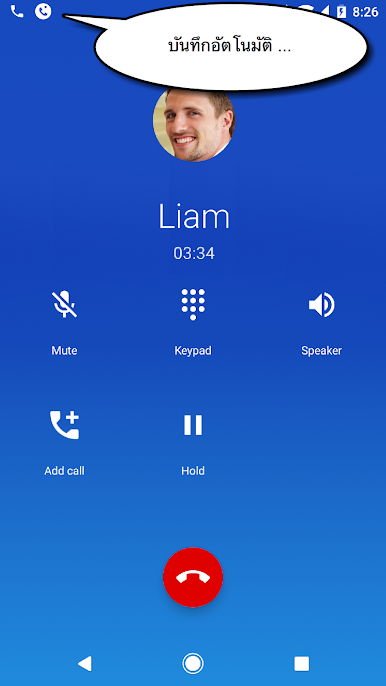
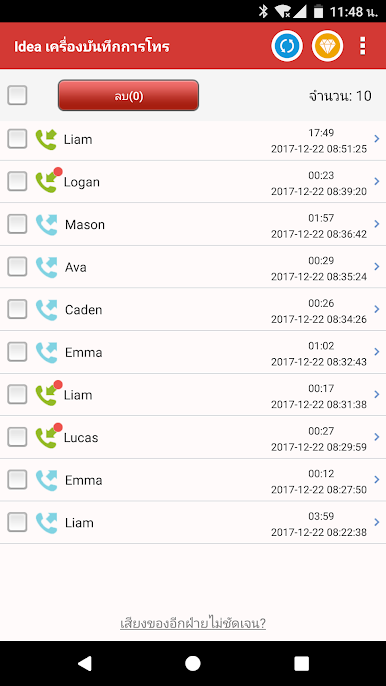
- Automatically record all incoming & outgoing calls, whenever and wherever
- High quality of audio effect: Proprietary voice engine
- Easy to use
- The most compatible tool with nearly all devices
- Better support Galaxy S7 (Edge, Note7) \ Galaxy S8 (S8+, Note8) \ Newer version
【Main features】
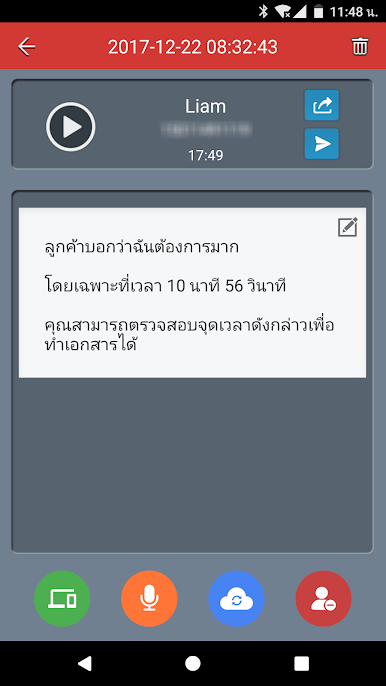
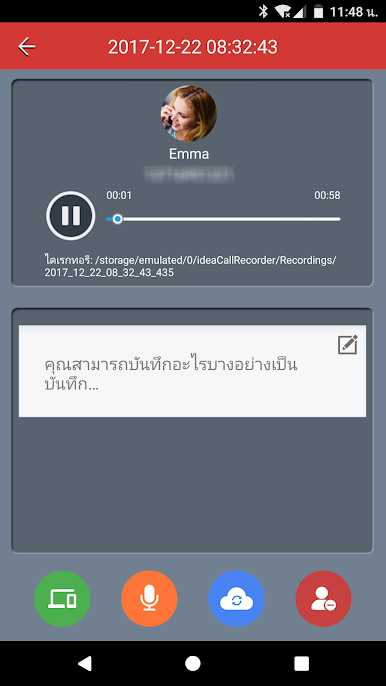
► Call Recorder
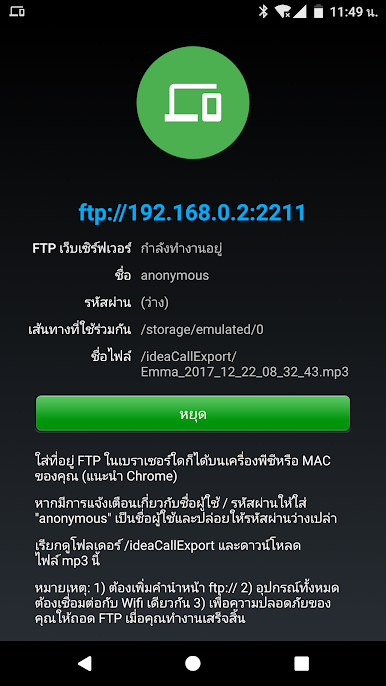
Automatically record calls to mp3 audio file format.
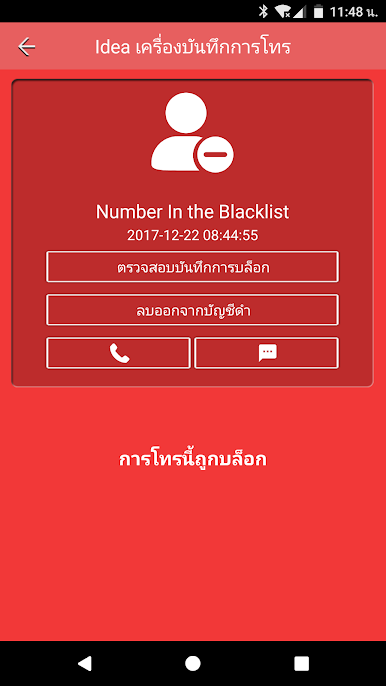
► Call Blocker
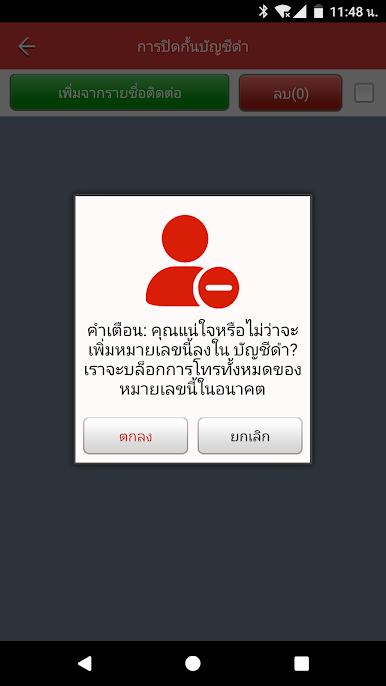
Block annoying calls using calls blacklist: telemarketing, spam and robocalls.
Requires READ_CALL_LOG permission to get the phone number, then determine whether to block the call based on the number.
► Voice Notes
Speak a voice memo and have it automatically transcribed.
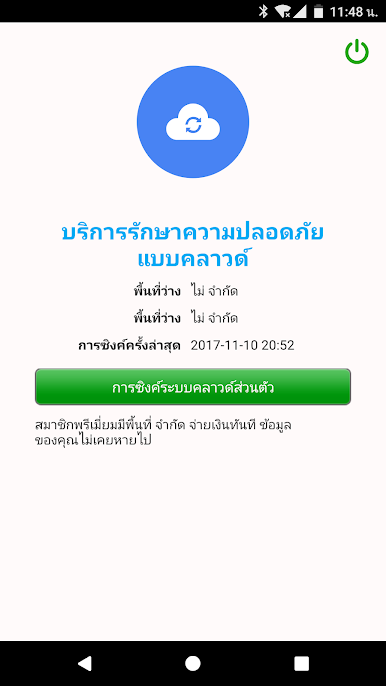
Important: If you have made subscription, uninstalling the app will not automatically stop your subscription.
==How to cancel a subscription==
1 On your Android phone or tablet, open the Google Play Store.
2 Check if you’re signed in to the correct Google Account.
3 Tap Menu -> Subscriptions.
4 Select the subscription you want to cancel.
5 Tap Cancel subscription.
6 Follow the instructions.
If you have a subscription with an app and the app gets removed from Google Play, your future subscription will be canceled. Your past subscriptions will not be refunded.
If you have any questions, please contact us via email
callrecorder@mobileideastudio.com
เล่น การบันทึกโทรศัพท์ บน PC ได้ง่ายกว่า
-
ดาวน์โหลดและติดตั้ง BlueStacks บน PC ของคุณ
-
ลงชื่อเข้าใช้แอคเคาท์ Google เพื่อเข้าสู่ Play Store หรือทำในภายหลัง
-
ค้นหา การบันทึกโทรศัพท์ ในช่องค้นหาด้านขวาบนของโปรแกรม
-
คลิกเพื่อติดตั้ง การบันทึกโทรศัพท์ จากผลการค้นหา
-
ลงชื่อเข้าใช้บัญชี Google Account (หากยังไม่ได้ทำในขั้นที่ 2) เพื่อติดตั้ง การบันทึกโทรศัพท์
-
คลิกที่ไอคอน การบันทึกโทรศัพท์ ในหน้าจอเพื่อเริ่มเล่น

