


Hebrew Calendar
เล่นบน PC ผ่าน BlueStacks - Android Gaming Platform ที่ได้รับความไว้วางใจจากเกมเมอร์ 500 ล้านคนทั่วโลก

Page Modified on: Nov 30, 2025
Play Hebrew Calendar on PC
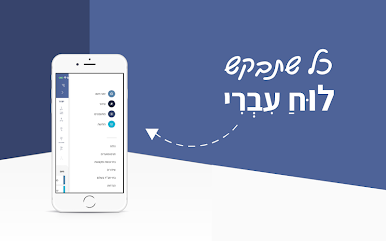
With over 3 million downloads and hundreds of thousands of active users every month, the Hebrew Calendar app is proud to be a pioneer in Jewish information and lifestyle content.
Main Features:
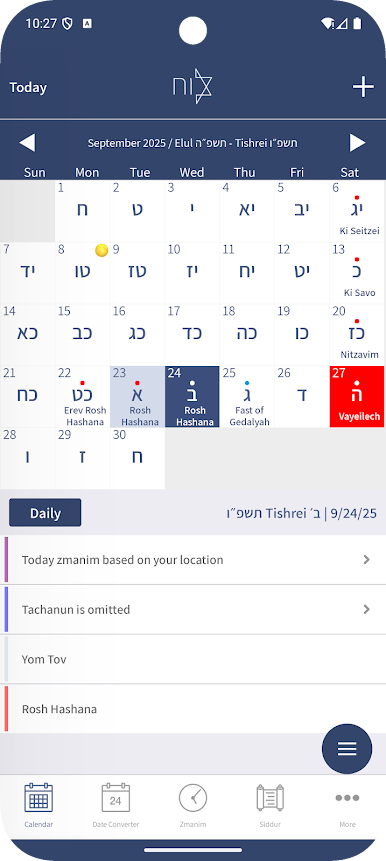
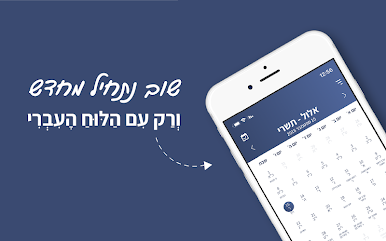
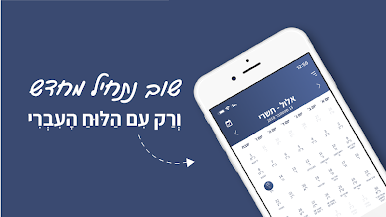
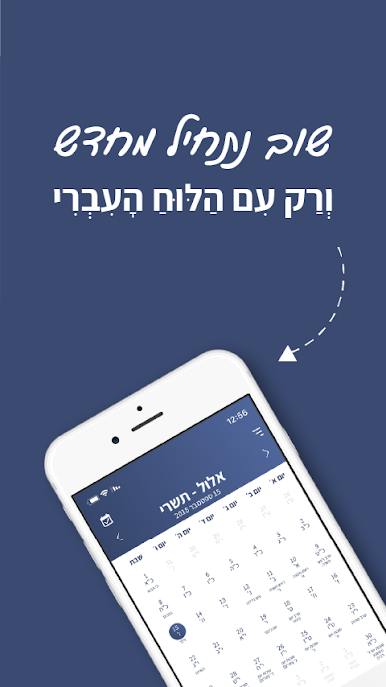
• Full Jewish calendar synced with your local calendar
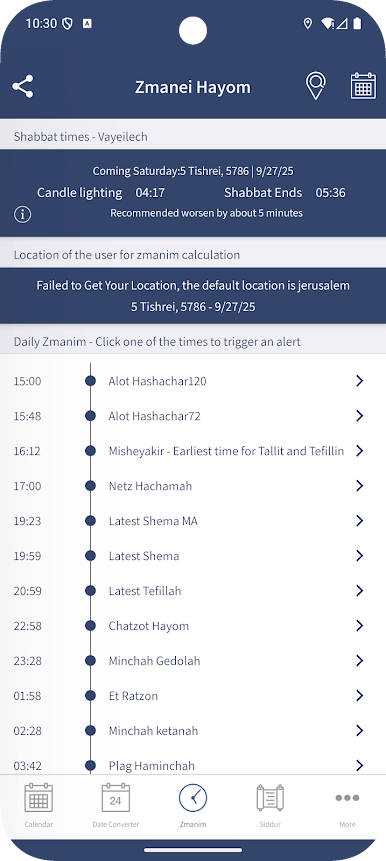
• Accurate candle lighting and Havdalah times based on your device’s GPS or manual location selection
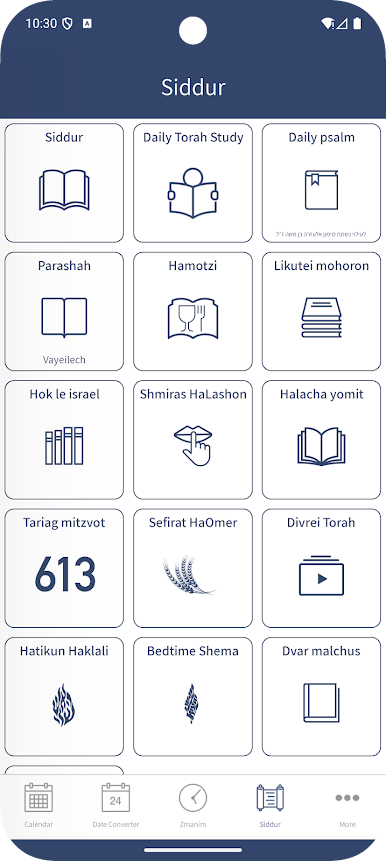
• Full Siddur, available offline
• Tikun Chatzot, Bedtime Shema
• Daily learning: Daily Rambam (1 and 3 chapters), Daf a Week, and more
• Daily Tehillim, Parashat Hashavua, Tikkun HaKlali
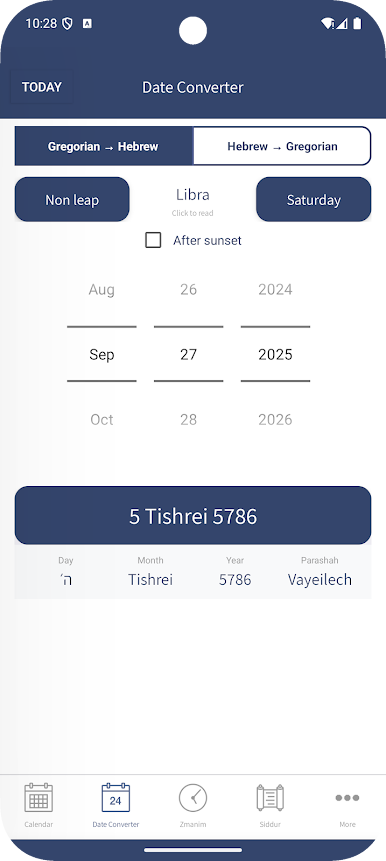
• Hebrew and standard date conversion
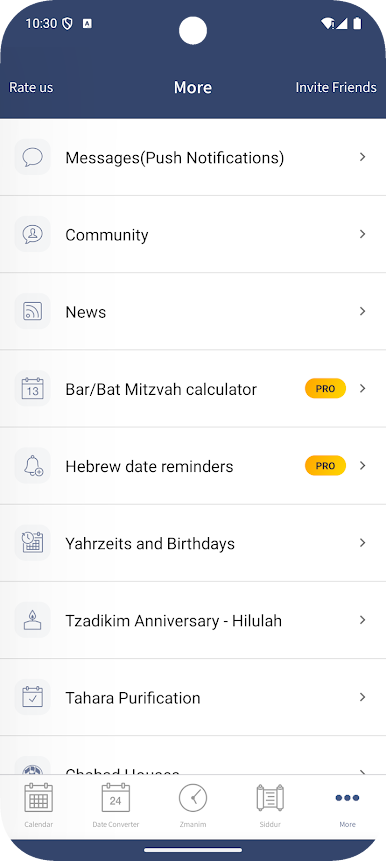
• Date reminders by Hebrew date (Yahrzeit, Birthday, etc.)
• Zmanim notifications and reminders
• Calculators: Bar Mitzvah, Tahara purification, Numerology, Gematria
• Directory of synagogues, mikvehs, and Chabad houses
• Compass for prayer direction
• Jewish holidays and event listings
• Live stream from the Western Wall
• Inspiring Torah lecture videos
• WhatsApp sticker packs
Gold Membership Subscription:
You can subscribe to a Gold membership for an ad-free experience and full access to all app features.
• Auto-renewable subscription
• $1.49 monthly
• Your subscription will be charged to your Google Play account at confirmation of purchase
• It will automatically renew unless auto-renew is turned off at least 24 hours before the end of the current period
• The current subscription cannot be canceled during the active subscription period
• You can manage your subscription and turn off auto-renewal in your Google Play Account Settings after purchase
Privacy Policy: https://hebrewcalendar.co.il/privacy/privacypolicy.htm
Terms and Conditions: https://hebrewcalendar.co.il/privacy/termsandconditions.html
If you enjoy the app, please share it with others and leave a review.
เล่น Hebrew Calendar บน PC ได้ง่ายกว่า
-
ดาวน์โหลดและติดตั้ง BlueStacks บน PC ของคุณ
-
ลงชื่อเข้าใช้แอคเคาท์ Google เพื่อเข้าสู่ Play Store หรือทำในภายหลัง
-
ค้นหา Hebrew Calendar ในช่องค้นหาด้านขวาบนของโปรแกรม
-
คลิกเพื่อติดตั้ง Hebrew Calendar จากผลการค้นหา
-
ลงชื่อเข้าใช้บัญชี Google Account (หากยังไม่ได้ทำในขั้นที่ 2) เพื่อติดตั้ง Hebrew Calendar
-
คลิกที่ไอคอน Hebrew Calendar ในหน้าจอเพื่อเริ่มเล่น

