

Score Keeper BACON
เล่นบน PC ผ่าน BlueStacks - Android Gaming Platform ที่ได้รับความไว้วางใจจากเกมเมอร์ 500 ล้านคนทั่วโลก

Page Modified on: Sep 19, 2025
Run Score Keeper BACON on PC or Mac
Why limit yourself to your small screen on the phone? Run Score Keeper BACON, an app by Imagenuity, best experienced on your PC or Mac with BlueStacks, the world’s #1 Android emulator.
About the App
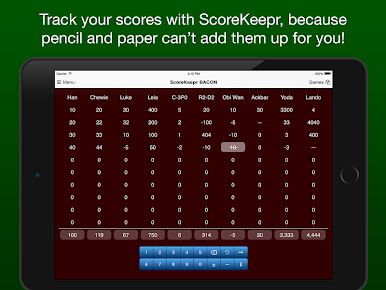
Score Keeper BACON makes keeping track of scores in your favorite games way easier. Whether you’re having a low-key night playing cards with friends, keeping up with a long dominoes marathon, or even scoring a round of golf, this simple score tracker keeps everyone’s points organized for you. Designed by Imagenuity, this Entertainment app keeps things smooth so you can focus on the fun, not the math.
App Features
-
Big Group Support
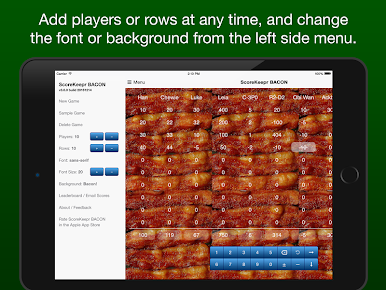
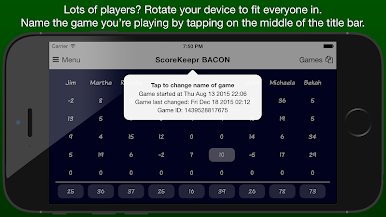
Want to play with a big crew? No problem. Score Keeper BACON can handle up to 99 players and 99 rounds—bring on the chaos! -
Flexible Score Input
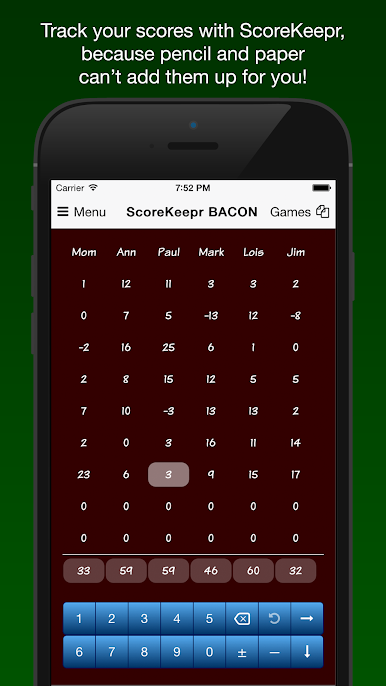
Score entry is quick and easy. Type in numbers using a calculator-style pad, or just tap +1, +5, or +10 if you’re in a hurry. Fast-moving games? Switch to the next player or round with a single tap. -
Auto-Save and Game History
No need to worry about losing track—games save automatically. Wanna revisit an old battle? Just load up previous games straight from the menu and pick up where you left off. -
Undo and Special Moves
Entering the wrong score happens. Just tap undo. There are also handy buttons for trick-taking games, canceling scores, or showing when someone’s finished a round. Little details, but super handy. -
Customizable Look
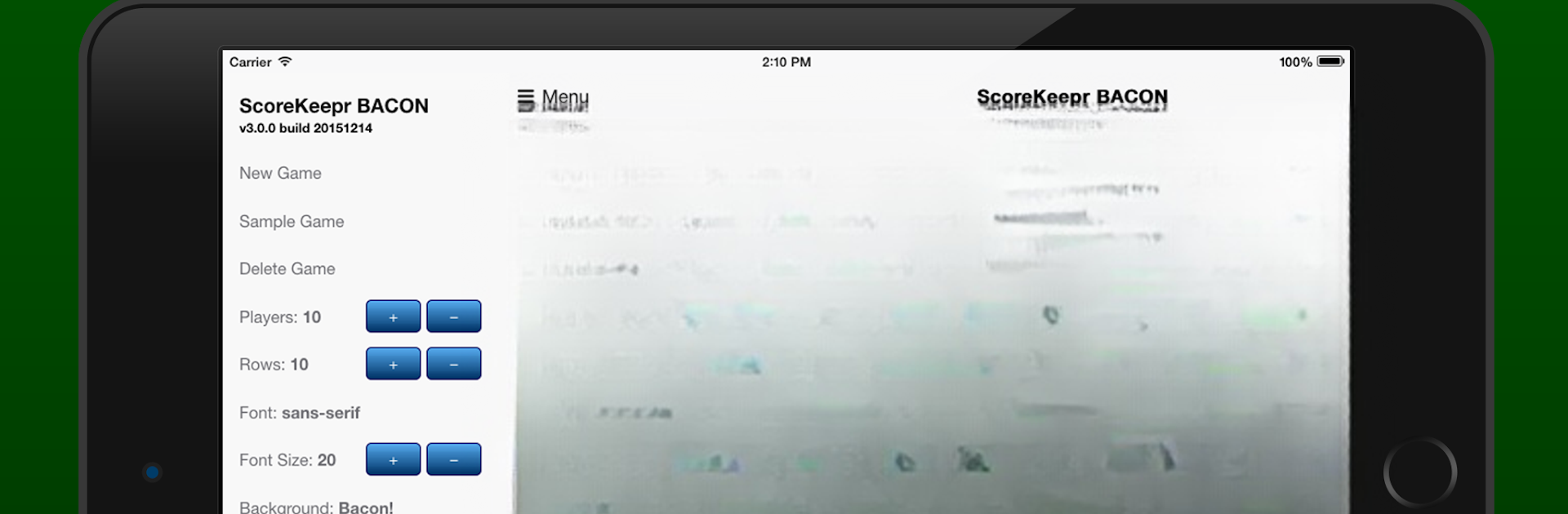
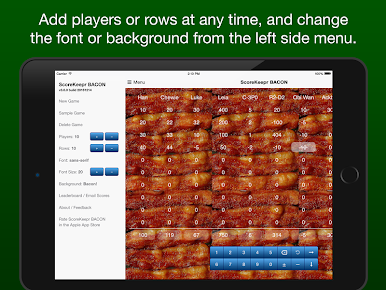
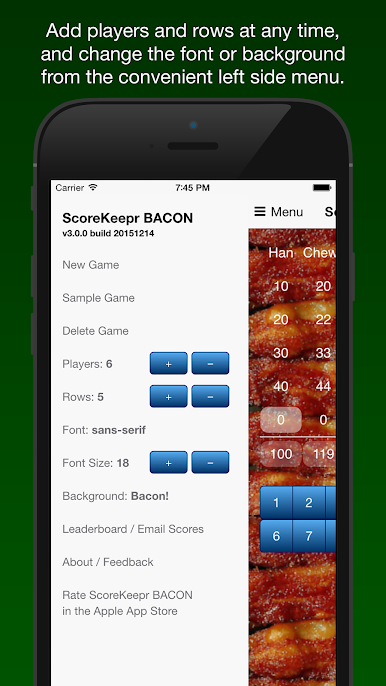
Make things easier on your eyes by changing fonts and text size. Or switch up the background to fit your mood—never underestimate a splash of personality. -
Sort and Share Results
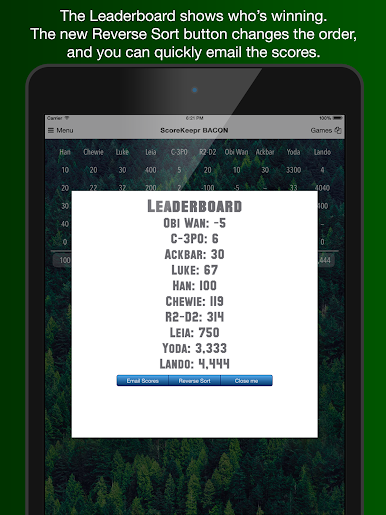
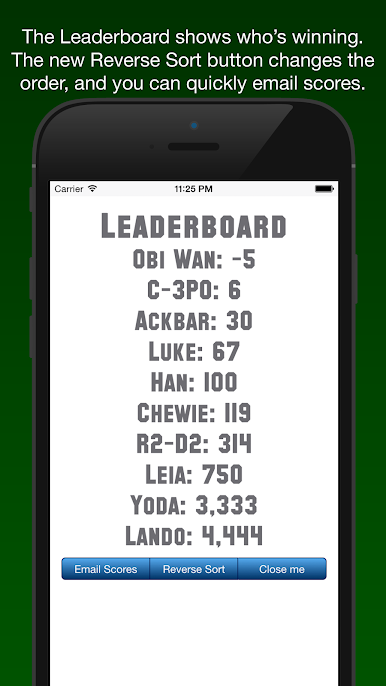
Score Keeper BACON sorts your LeaderBoard for you, either by highest or lowest score, depending how you want to see the action. Email game results to friends straight from the app. -
Direct Feedback Channel
If you ever have ideas or run into a hiccup, the app lets you send feedback right from the menu. Easy. -
Works Great on Bigger Screens
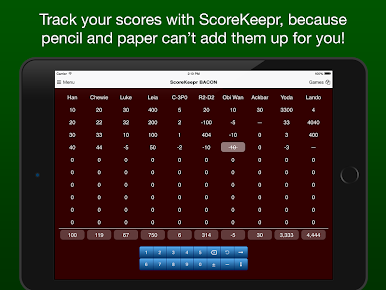
Using BlueStacks? Scoring’s super straightforward on your laptop or desktop—no squinting or tiny tapping.
Score Keeper BACON is all about making game night (or any day) a little less complicated, so you can focus on the good stuff: actually playing.
BlueStacks gives you the much-needed freedom to experience your favorite apps on a bigger screen. Get it now.
เล่น Score Keeper BACON บน PC ได้ง่ายกว่า
-
ดาวน์โหลดและติดตั้ง BlueStacks บน PC ของคุณ
-
ลงชื่อเข้าใช้แอคเคาท์ Google เพื่อเข้าสู่ Play Store หรือทำในภายหลัง
-
ค้นหา Score Keeper BACON ในช่องค้นหาด้านขวาบนของโปรแกรม
-
คลิกเพื่อติดตั้ง Score Keeper BACON จากผลการค้นหา
-
ลงชื่อเข้าใช้บัญชี Google Account (หากยังไม่ได้ทำในขั้นที่ 2) เพื่อติดตั้ง Score Keeper BACON
-
คลิกที่ไอคอน Score Keeper BACON ในหน้าจอเพื่อเริ่มเล่น

