

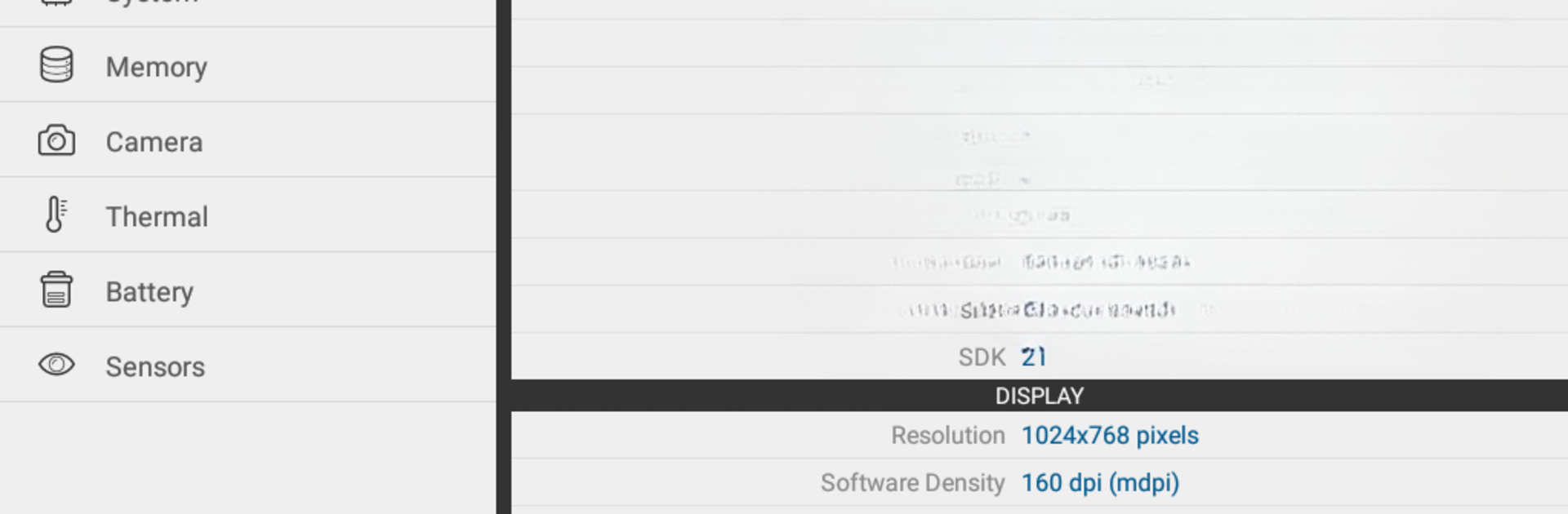
Droid Hardware Info
Jouez sur PC avec BlueStacks - la plate-forme de jeu Android, approuvée par + 500M de joueurs.

Page Modifiée le: Mar 2, 2020
Run Droid Hardware Info on PC or Mac
Why limit yourself to your small screen on the phone? Run Droid Hardware Info, an app by InkWired, best experienced on your PC or Mac with BlueStacks, the world’s #1 Android emulator.
About the App
Ever wondered what’s really going on inside your Android phone or tablet? Droid Hardware Info—brought to you by InkWired—gives you a front-row seat to everything happening under the hood. It’s a straightforward way to peek at all the nitty-gritty technical details of your device, laid out in a way that actually makes sense. If you like knowing exactly what hardware you’re working with—or you just want to impress a friend with some fun facts—this is the app for you.
App Features
-
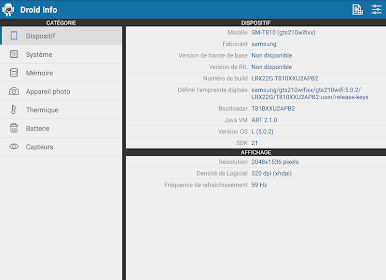
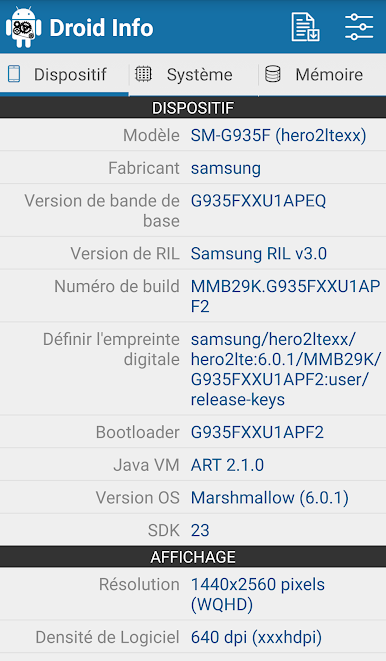
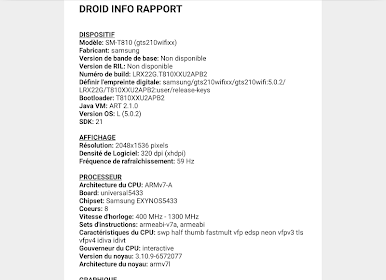
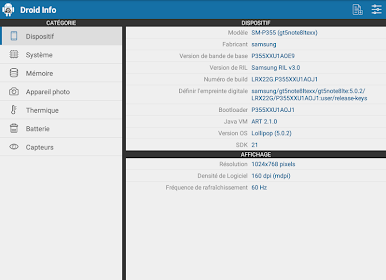
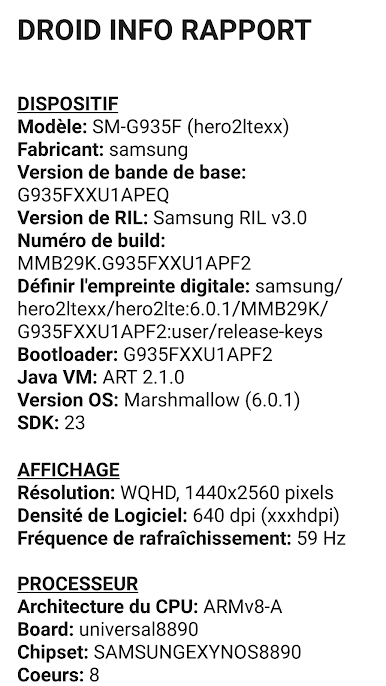
Device Breakdown
Get a quick rundown of your phone’s make, model, chipset, build number, and Android version. All the basic facts, easy to find in one spot. -
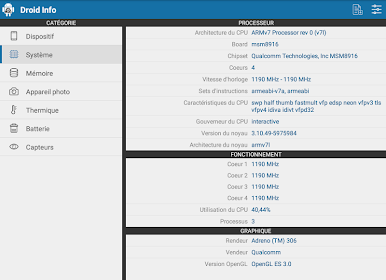
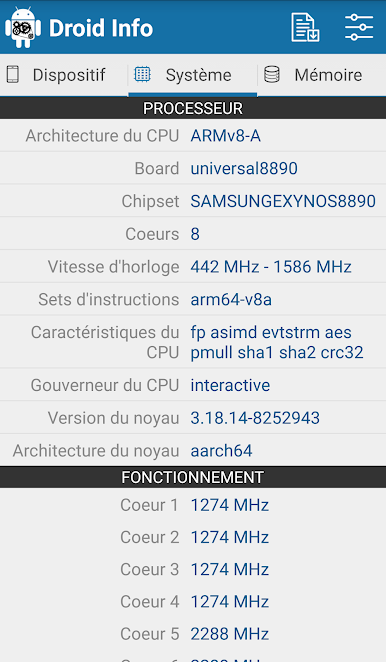
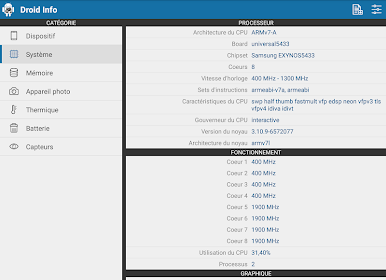
In-Depth System Info
Dive into CPU details like architecture, number of cores, speeds, and which cores are doing the heavy lifting right now. Check kernel info and get a peek at running processes if you’re feeling extra geeky. -
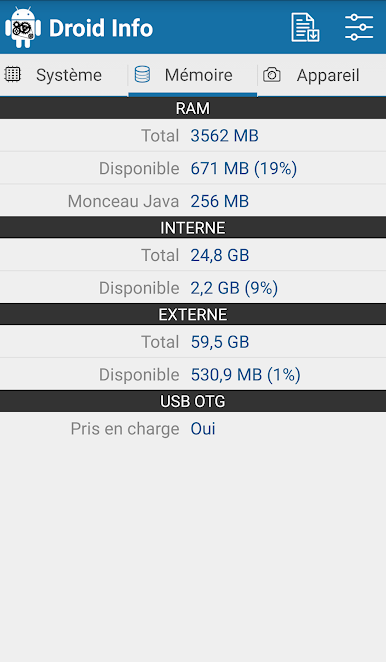
Memory & Storage
Want to know how much RAM you have left or how much space is still available? Droid Hardware Info spells it all out, so you never wonder why your phone’s lagging. -
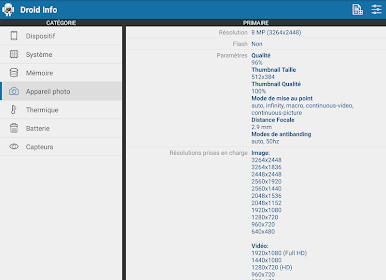
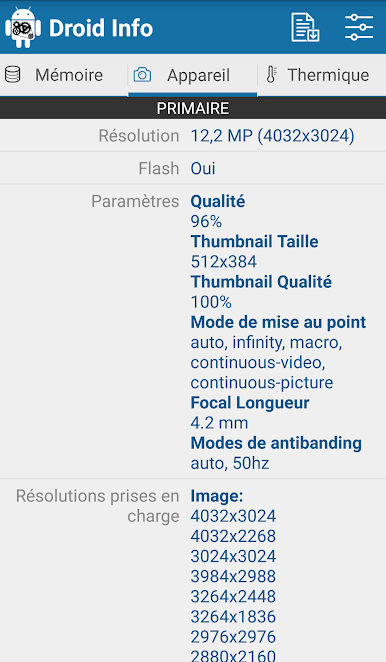
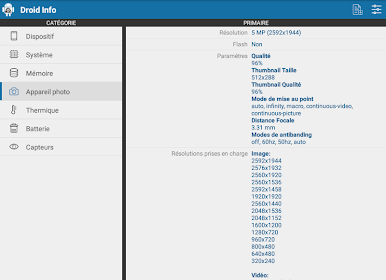
Camera Specs
See everything about your phone’s cameras—megapixels, supported modes, what kind of focus tricks they can pull off, and even which anti-banding settings are around. Handy for both curious casual users and mobile photographers. -
Features Snapshot
Bluetooth, Bluetooth LE, NFC, GPS, WiFi Direct—all those connectivity options, spelled out in one neat list. -
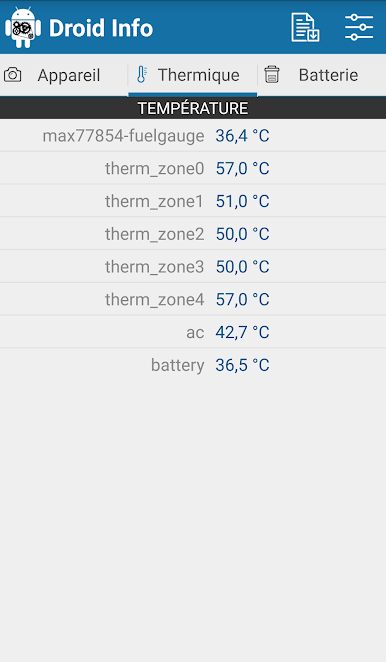
Thermal Monitoring
Check your phone’s internal temps. Good to know if you’re running demanding games or apps for a while (or if your phone just feels way too hot). -
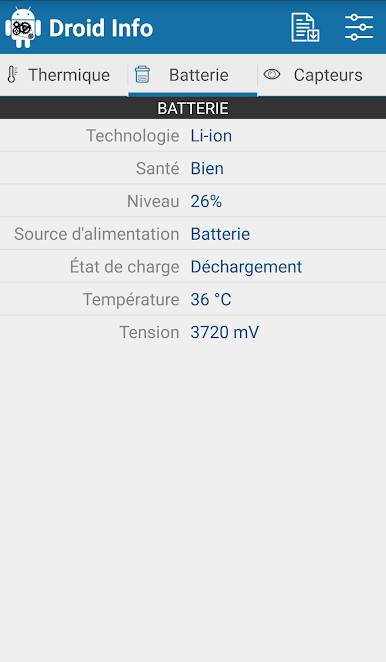
Battery Details
Keep tabs on battery health, temperature, voltage, and current charge level. Super helpful when you’re trying to figure out if your battery is still in good shape. -
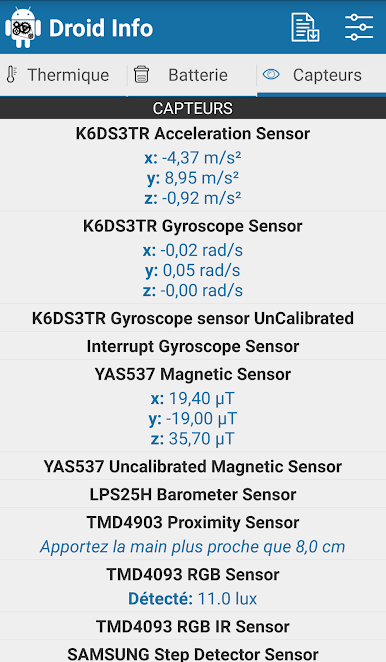
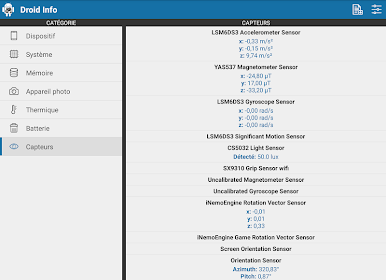
Sensor List & Testing
See every sensor your device has, and even run quick real-time tests. Ever wondered if your gyroscope is actually working? Now it’s easy to find out. -
Export Full Reports
Got lots of info to share, or just like having a backup? You can export detailed hardware reports whenever you need them.
You can even enjoy checking out all this data in comfort on a bigger screen with BlueStacks, which can be pretty handy if you want to geek out comfortably.
BlueStacks brings your apps to life on a bigger screen—seamless and straightforward.
Jouez à Droid Hardware Info sur PC. C'est facile de commencer.
-
Téléchargez et installez BlueStacks sur votre PC
-
Connectez-vous à Google pour accéder au Play Store ou faites-le plus tard
-
Recherchez Droid Hardware Info dans la barre de recherche dans le coin supérieur droit
-
Cliquez pour installer Droid Hardware Info à partir des résultats de la recherche
-
Connectez-vous à Google (si vous avez ignoré l'étape 2) pour installer Droid Hardware Info
-
Cliquez sur l'icône Droid Hardware Info sur l'écran d'accueil pour commencer à jouer

